
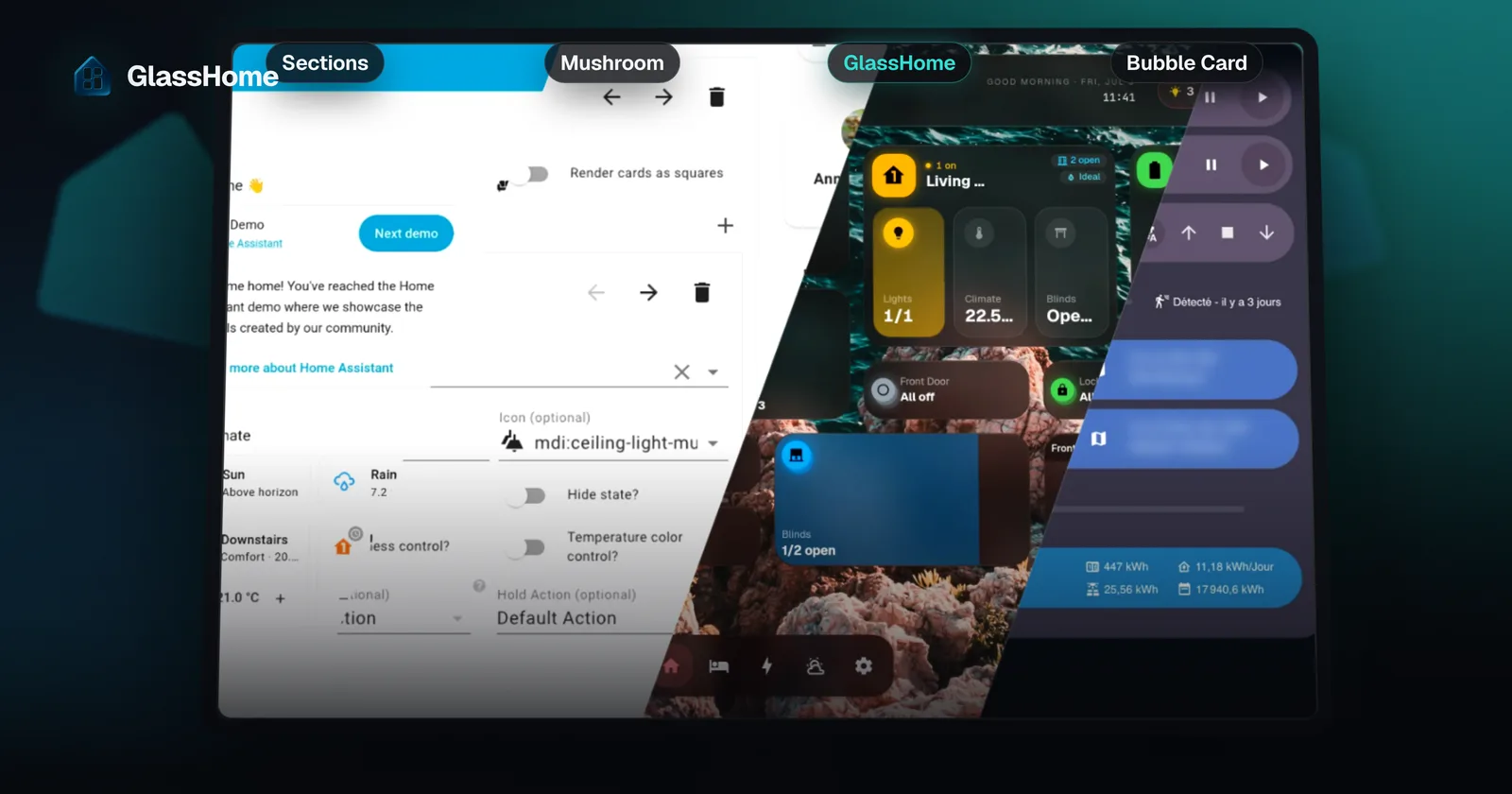
Want a better Home Assistant dashboard in 2026? There are a handful of real options. You can stay on the built-in Sections view, build your own look with Mushroom or Bubble Card from HACS, or install an app that replaces the dashboard entirely: GlassHome, or the self-hosted Magic Frame and Tunet.
Full disclosure: you are on the GlassHome website, written by the person who makes GlassHome. I have tried to give every option a fair hearing, and several of them beat mine for specific cases: Sections if you want to go deep in config, Tunet for energy and EV, Magic Frame for a photo frame. What you pick depends on how much you want to build yourself, who else in the house uses the dashboard, and where it hangs.
At a glance
| Option | Out of the box | Wall / kiosk | Household | Extend | Deep config | Open source | Price |
|---|---|---|---|---|---|---|---|
 Sections Sections |
Partial. Tidy and capable as shipped, but a designed look still means finding, installing, and theming HACS cards yourself. |
Partial. Runs fine on a tablet, but locking it to the dashboard (no header, no sidebar, no accidental edits) takes the kiosk-mode HACS add-on and browser workarounds. |
No | Yes | Yes | Yes | Free |
 Mushroom Mushroom |
Partial. The cards are beautiful, but they are parts. You still build the layout and theme the dashboard around them. |
No | No | Yes | Yes | Yes | Free |
 Bubble Card Bubble Card |
Partial. Polished pop-ups and buttons, but an interaction style you drop into a dashboard you still design yourself. |
No | No | Yes | Yes | Yes | Free |
 GlassHome GlassHome |
Yes | Yes | Yes | Yes | No | Partial. The dashboard app itself is closed-source. The widget SDK, CLI, UI library, and widgets are open source. |
Free; PRO $39.99 |
 Magic Frame Magic Frame |
Yes | Yes | No | No | No | Partial. Source is public under Polyform Noncommercial: free at home, but not an OSI open-source license, and selling or embedding it needs a separate license. |
Free at home |
 Tunet Tunet |
Yes | Partial. Settings lock behind a PIN and profiles sync across screens, which covers most of a wall panel, but there is no kiosk pairing or locked full-screen mode. |
Partial. Layouts and settings are stored per Home Assistant user, so each person gets their own, but there is no guest access. |
No | No | Yes | Free |
What the columns mean (a dash is “partly”, tap it for the reason):
- Out of the box: looks designed the moment you install it, no theming or CSS. Partial means it is tidy as shipped, but the look is yours to build.
- Wall / kiosk: built for a mounted tablet: locks to the dashboard, hides the chrome, pairs the screen. Partial means it works on a tablet but locking it down takes add-ons or workarounds.
- Household: per-person views or themes, and guest access, not one dashboard for everyone.
- Extend: third-party cards or widgets, via HACS, a store, or an SDK.
- Deep config: YAML, templates, custom CSS, conditional cards, the long tail of “make it do exactly this”. The ready-made apps trade that away on purpose; if you live in YAML, Sections and the HACS cards win this column outright.
- Open source: the whole app under an open-source license. Partial means the app is closed or source-available only.
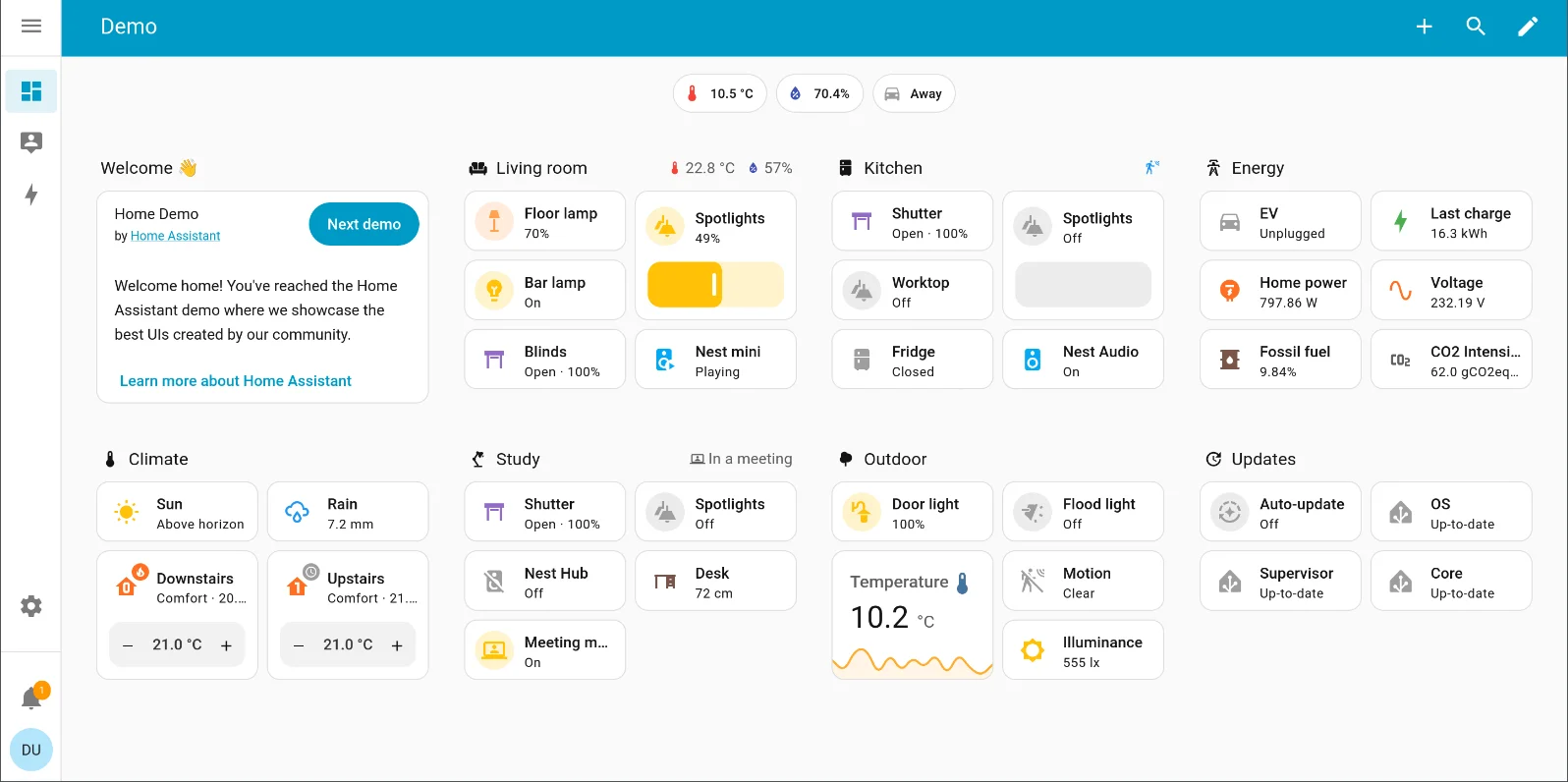
Home Assistant Sections the built-in default
Free Built in Open source Since 2024.3
Since 2024.3, the Sections view gives you a real drag-and-drop grid with a visual editor. The Areas dashboard can even build a clean starting layout from your rooms. No YAML needed.
Strengths
- Built in, free, and open-source: nothing extra to install
- Goes as deep as you want in config
- Works with everything in Home Assistant
- Enormous community
Trade-offs
- Leans functional over polished
- A designed look still means finding, installing, and theming HACS cards
- Wall tablets, kiosks, per-user views, and guests take extra add-ons and workarounds
Learn more: Home Assistant Sections docs.
Mushroom HACS card collection
Free HACS Apache-2.0 Card set
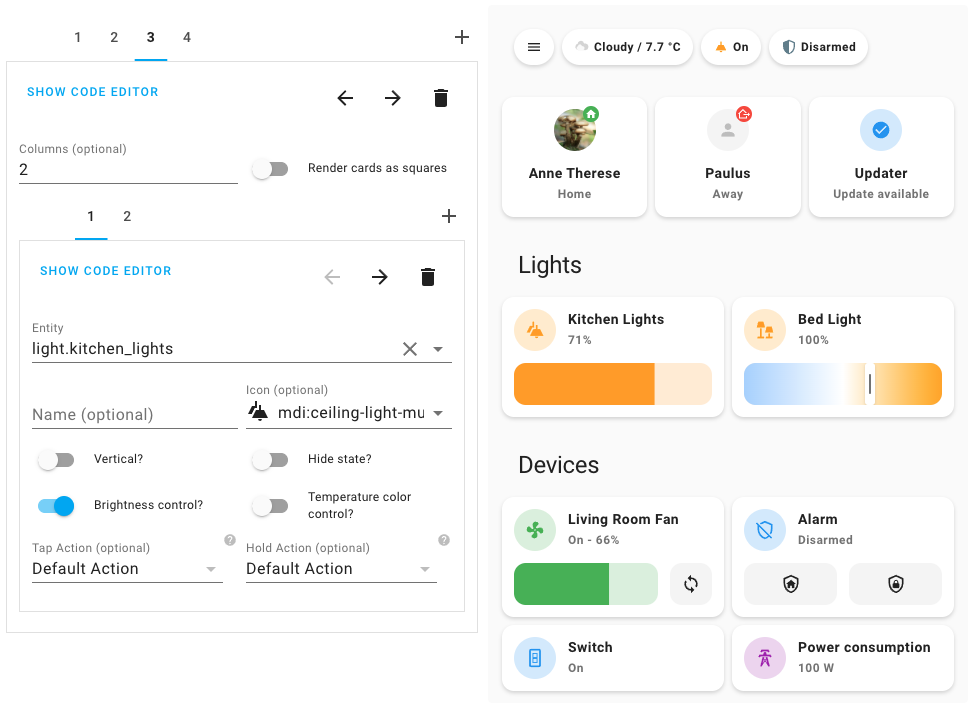
Mushroom is one of the most popular ways to upgrade the look of Lovelace. It is a free, well-kept set of clean, minimal cards for lights, climate, media, people, and more, and it is lovely work.
Strengths
- Genuinely beautiful cards
- Kept up to date
- Themeable to taste
- Plenty of users, so help when you get stuck
Trade-offs
- A card set, not a whole dashboard
- You still place the cards, build the layout, and theme it
- No wall, kiosk, or household mode
Bubble Card HACS card collection
Free HACS MIT Phone-first
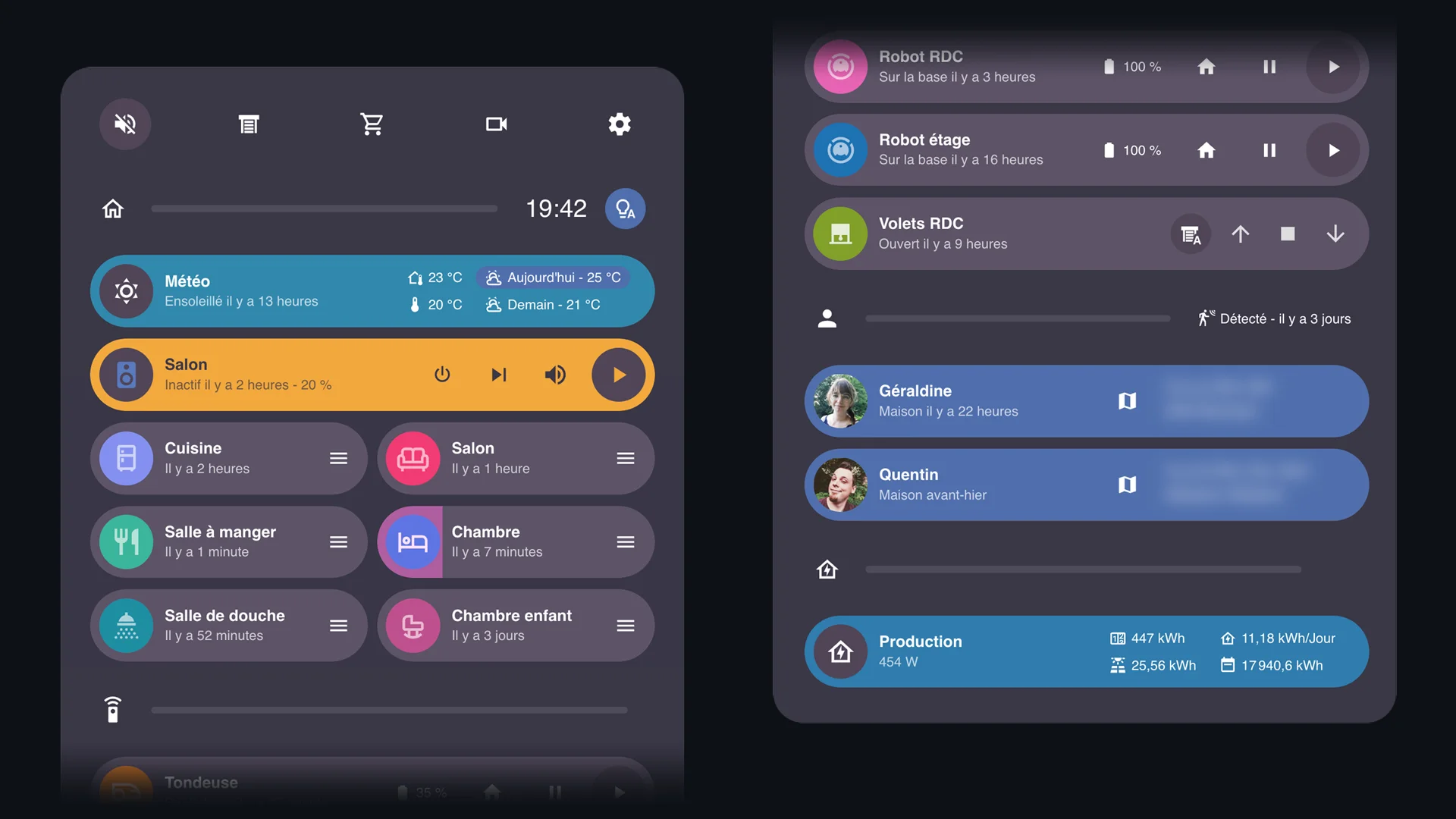
Bubble Card adds sleek pop-up and header cards with expandable buttons. It shines on phones.
Strengths
- Polished controls, built for phones first
- Clean look
- Big following
Trade-offs
- Same do-it-yourself model as Mushroom
- Narrower in purpose
- An interaction style, not a whole dashboard
GlassHome dedicated dashboard app
Free tier PRO one-time Add-on / Docker Widget store + SDK Local only
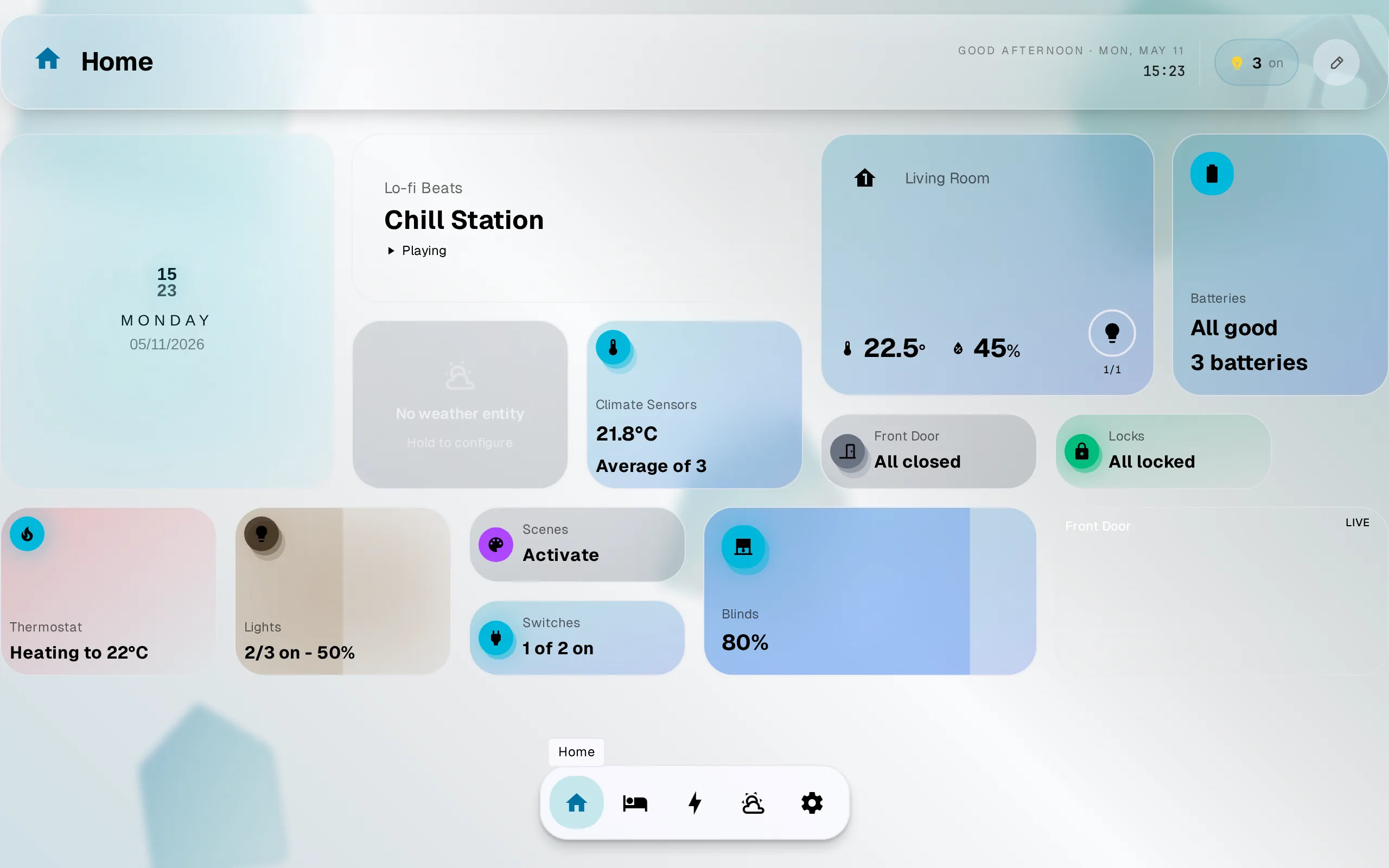
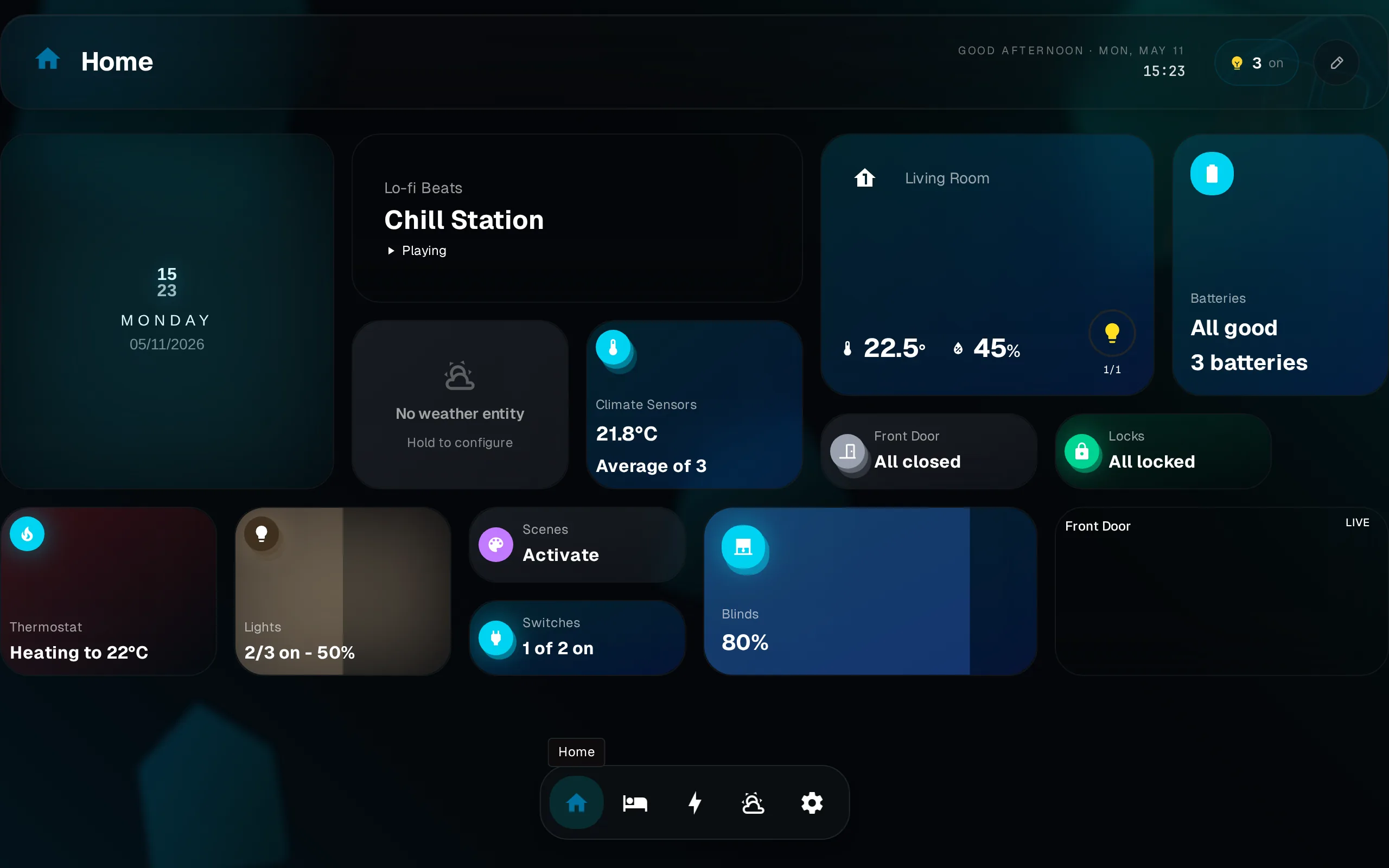
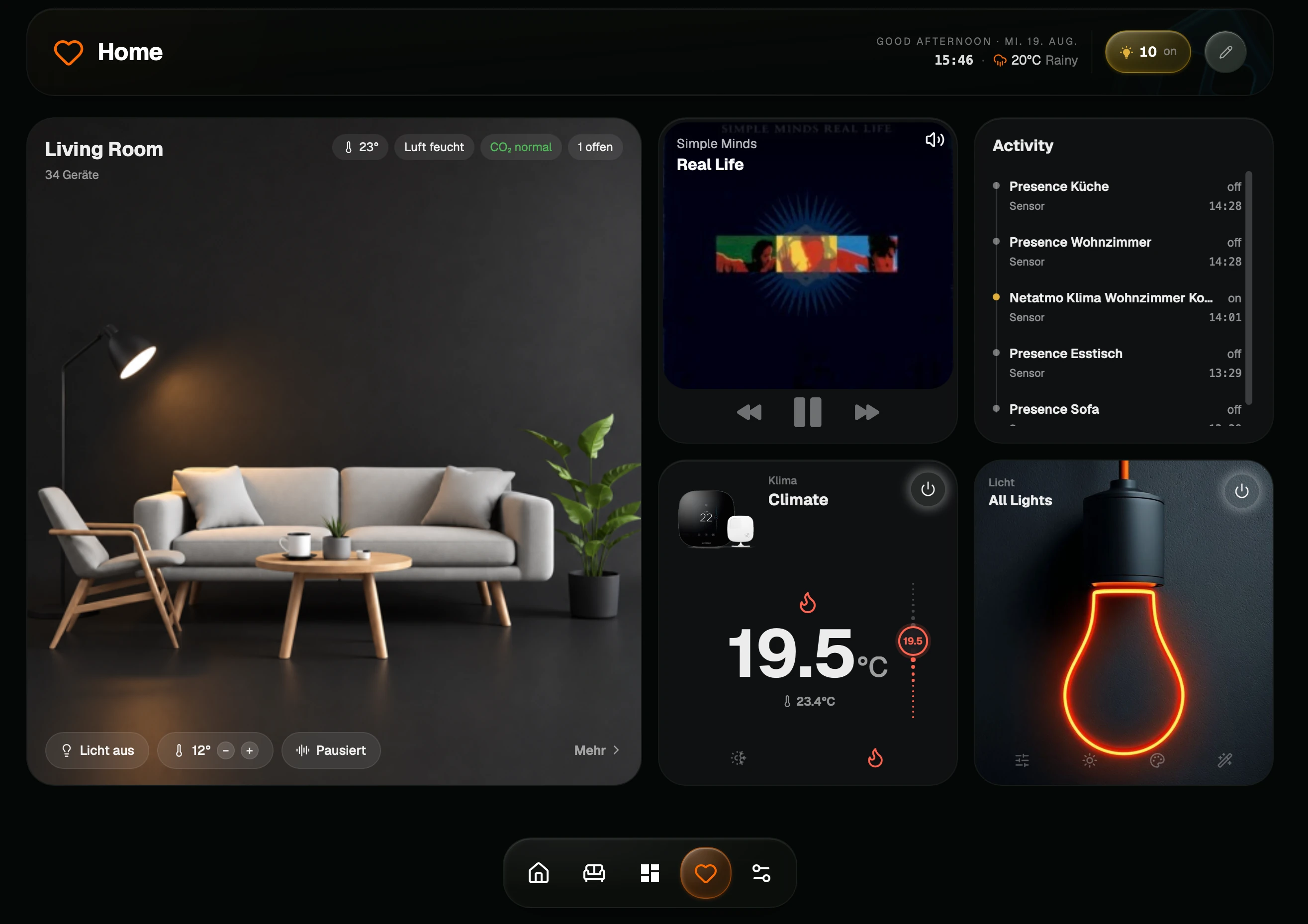
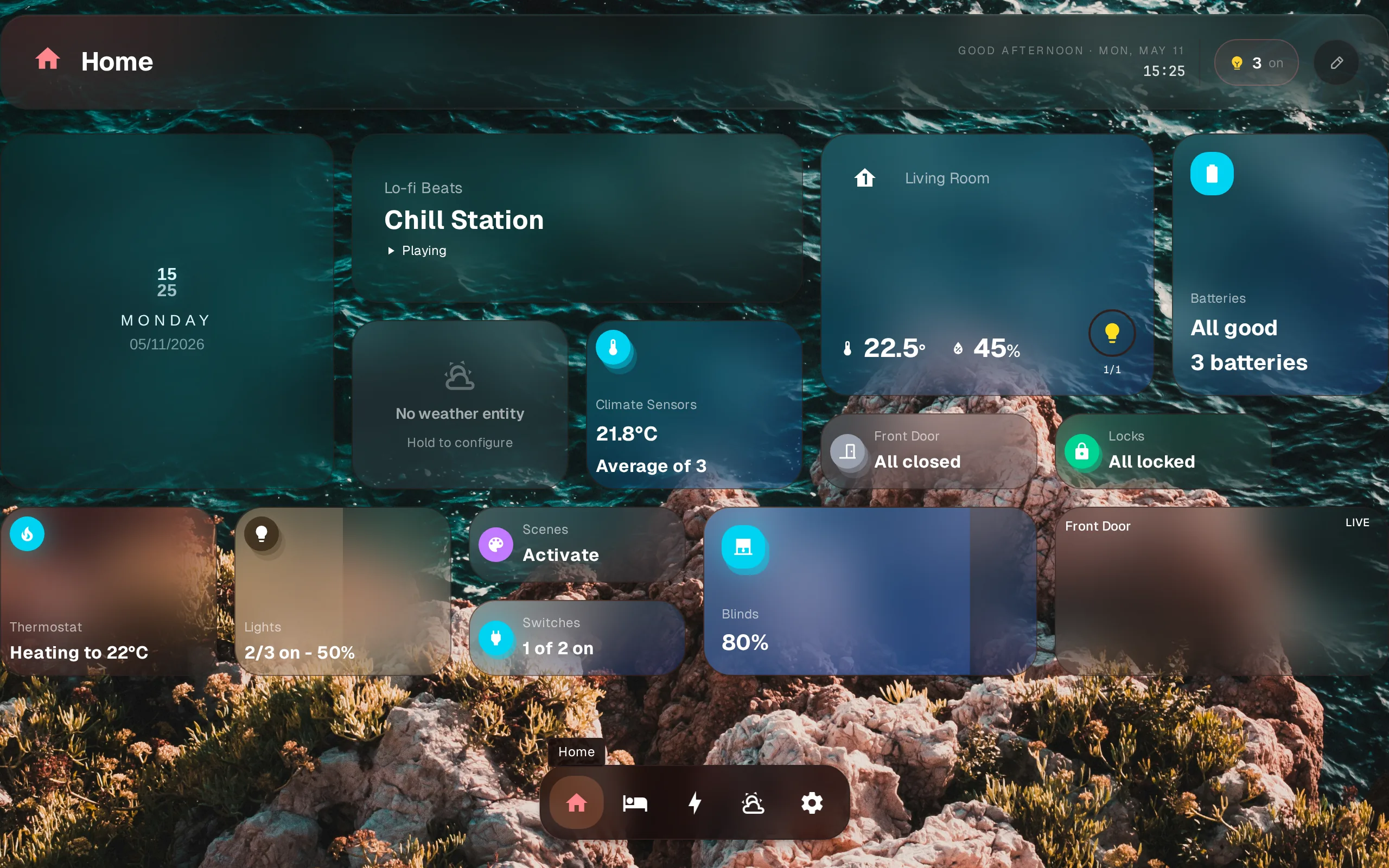
GlassHome is a separate app that connects to Home Assistant. Instead of assembling cards, you install something ready-made: one visual style, drag-and-drop layouts, room-by-room navigation. It also does kiosk pairing for wall tablets, per-user themes, and guest access. Widgets come from a store, and there is an SDK and CLI if you want to build your own. Everything runs on your network.
The flip side of “ready-made” is that you get GlassHome’s look, not yours. There is no YAML, no templating, no custom CSS. If your current dashboard is a carefully tuned set of conditional cards and Jinja templates, GlassHome will feel like a step down in control, and that is by design.
Strengths
- Looks designed without theming
- Kiosk pairing, per-user themes, and guest access built in
- Widgets from a store, with an SDK if you want to write one
- Quick setup, everything stays on your network
Trade-offs
- A separate app to install and keep updated
- No YAML, templates, or custom CSS: one visual style, take it or leave it
- The widget catalog is far smaller than HACS
- The dashboard itself is closed-source (SDK, CLI, UI library, and widgets are open)
- Small community, and one person building it (me)
- PRO features cost money; the rest of this list is free
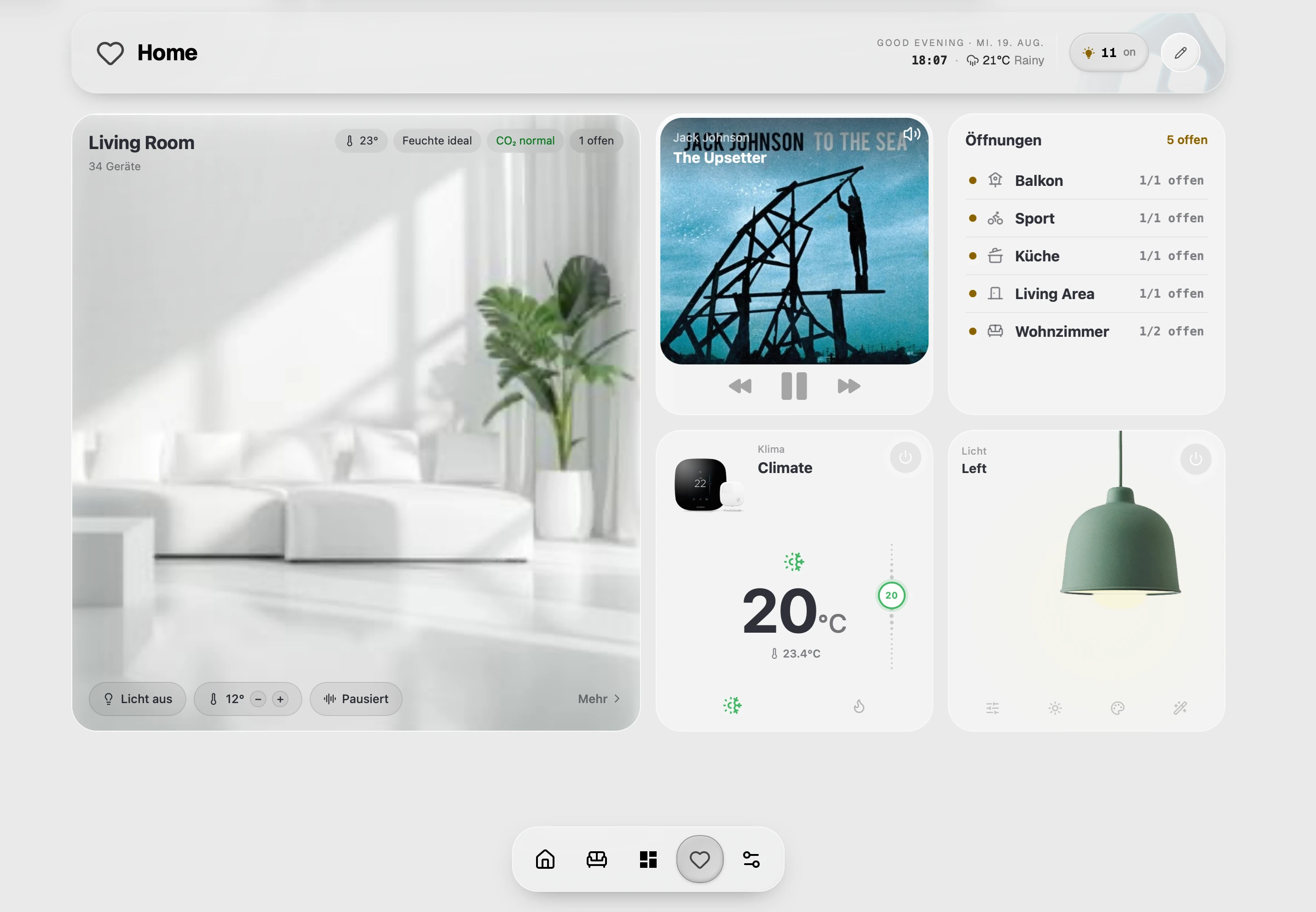
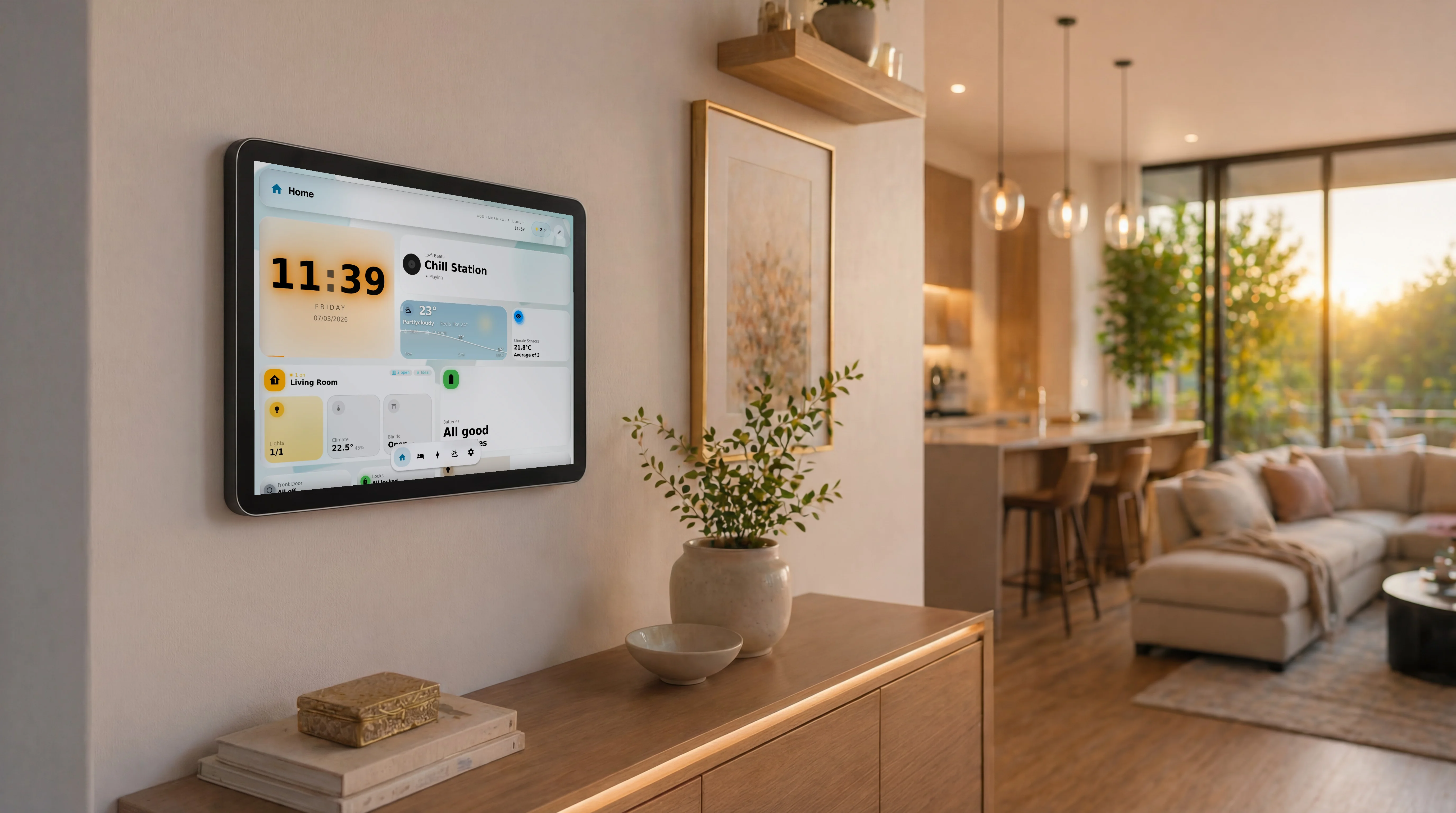
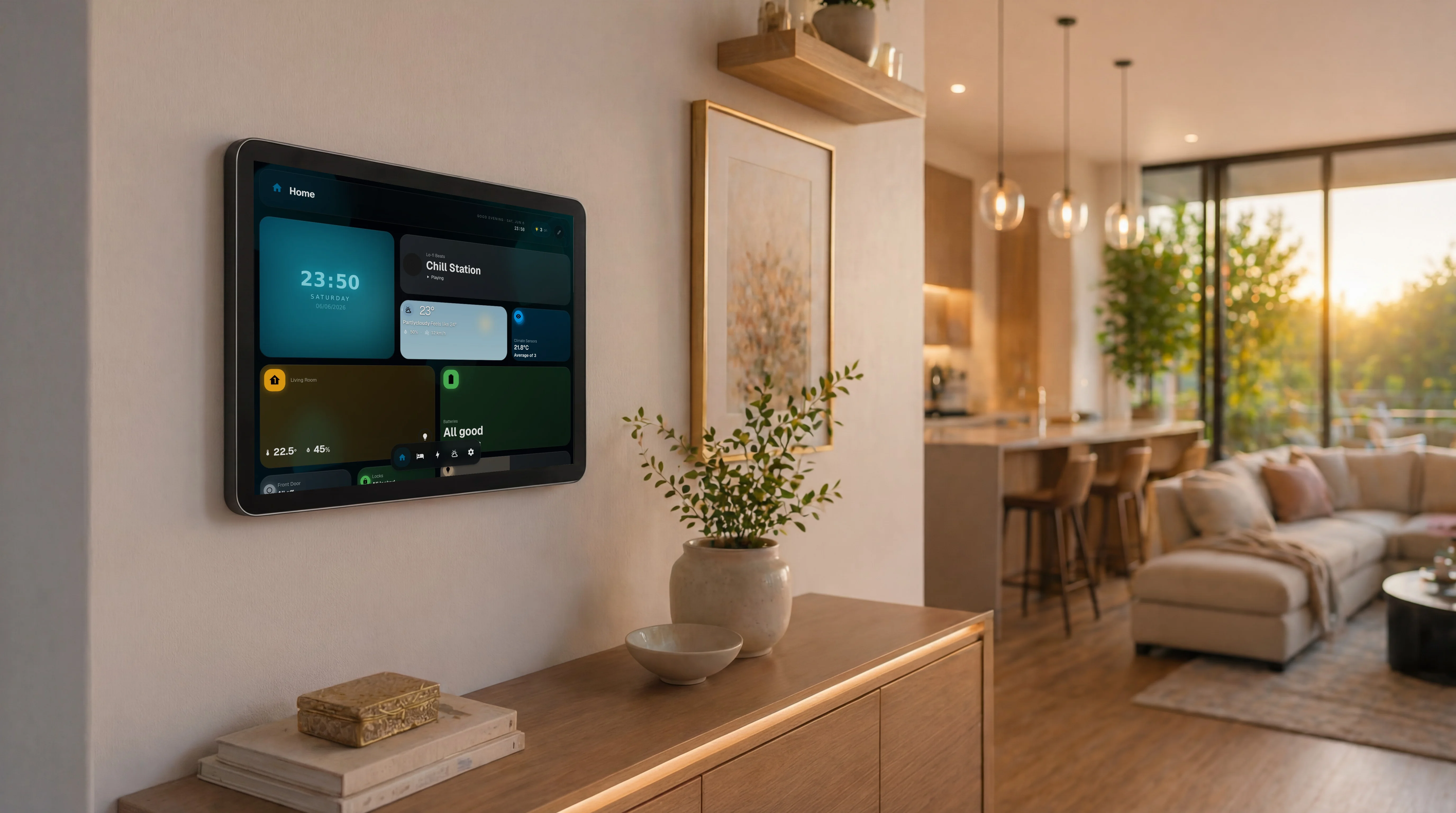
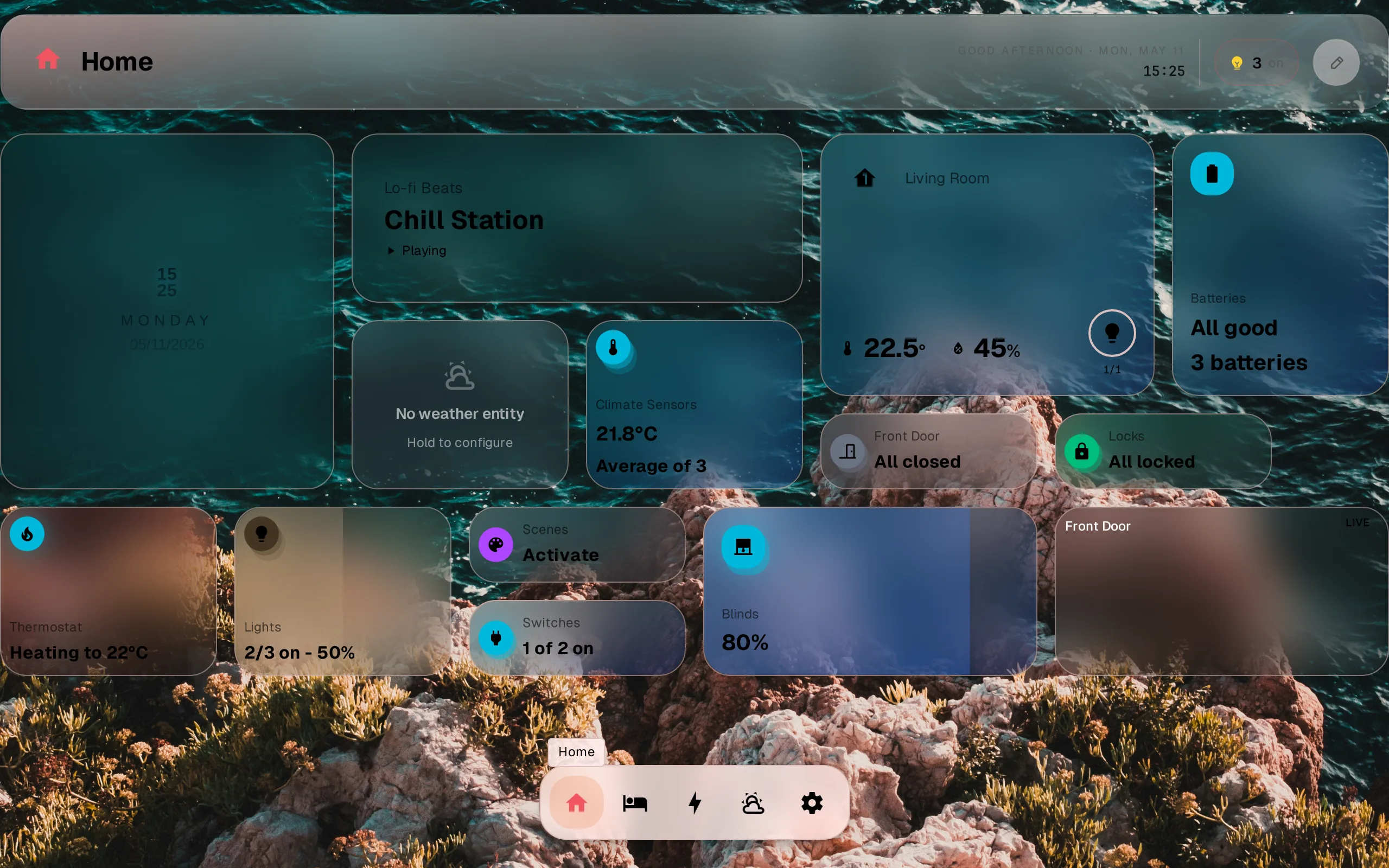
Learn more: How GlassHome connects, Pricing, Live demo.
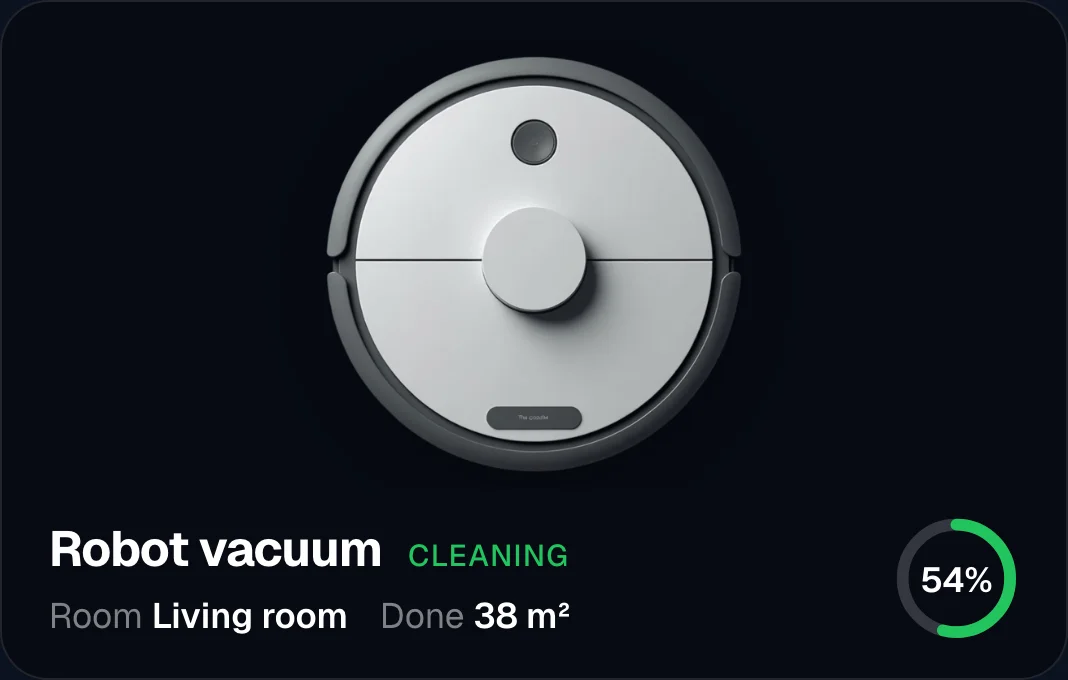
Magic Frame source-available dashboard app
Free at home Polyform NC Self-host Photo frame iOS beta
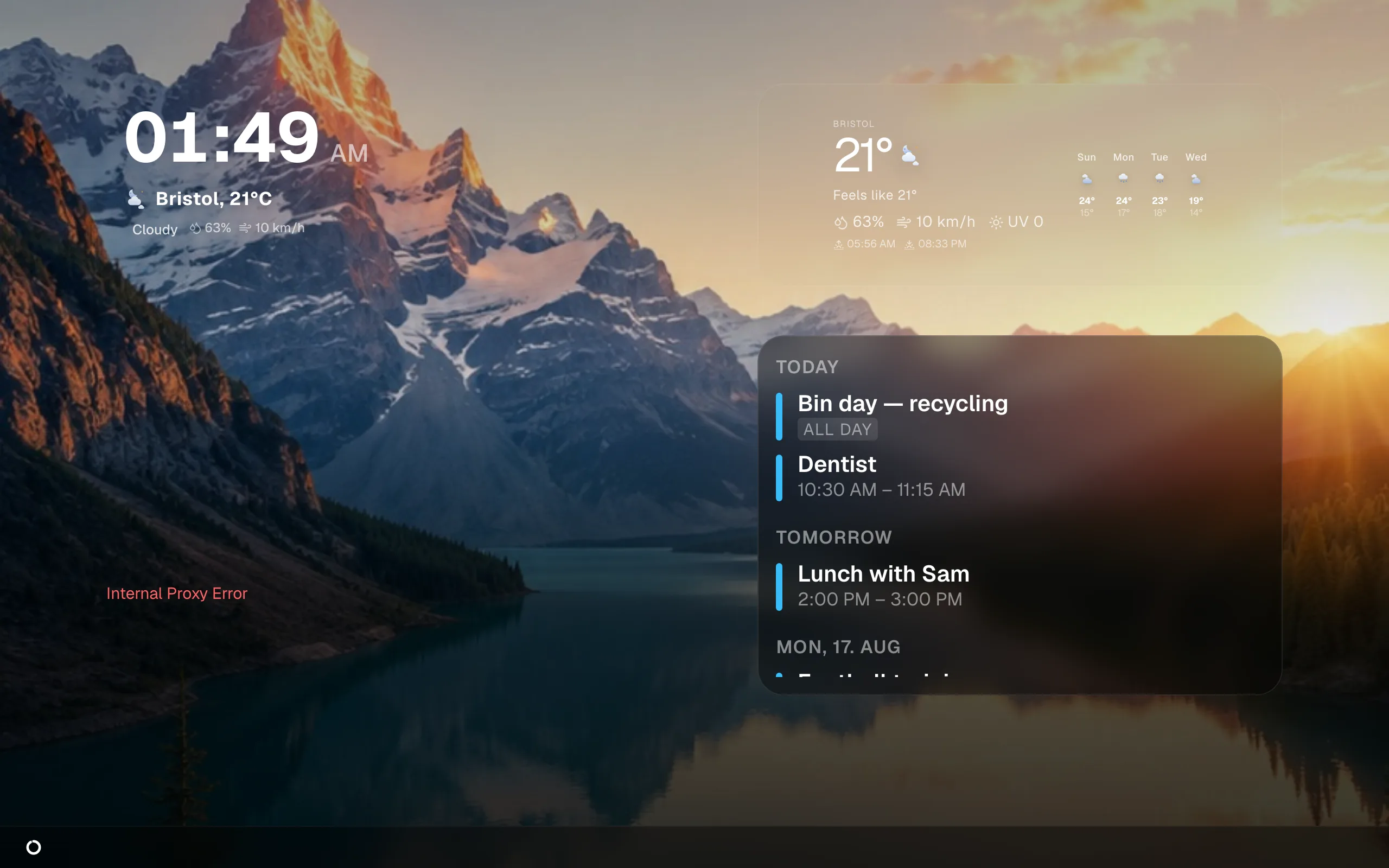
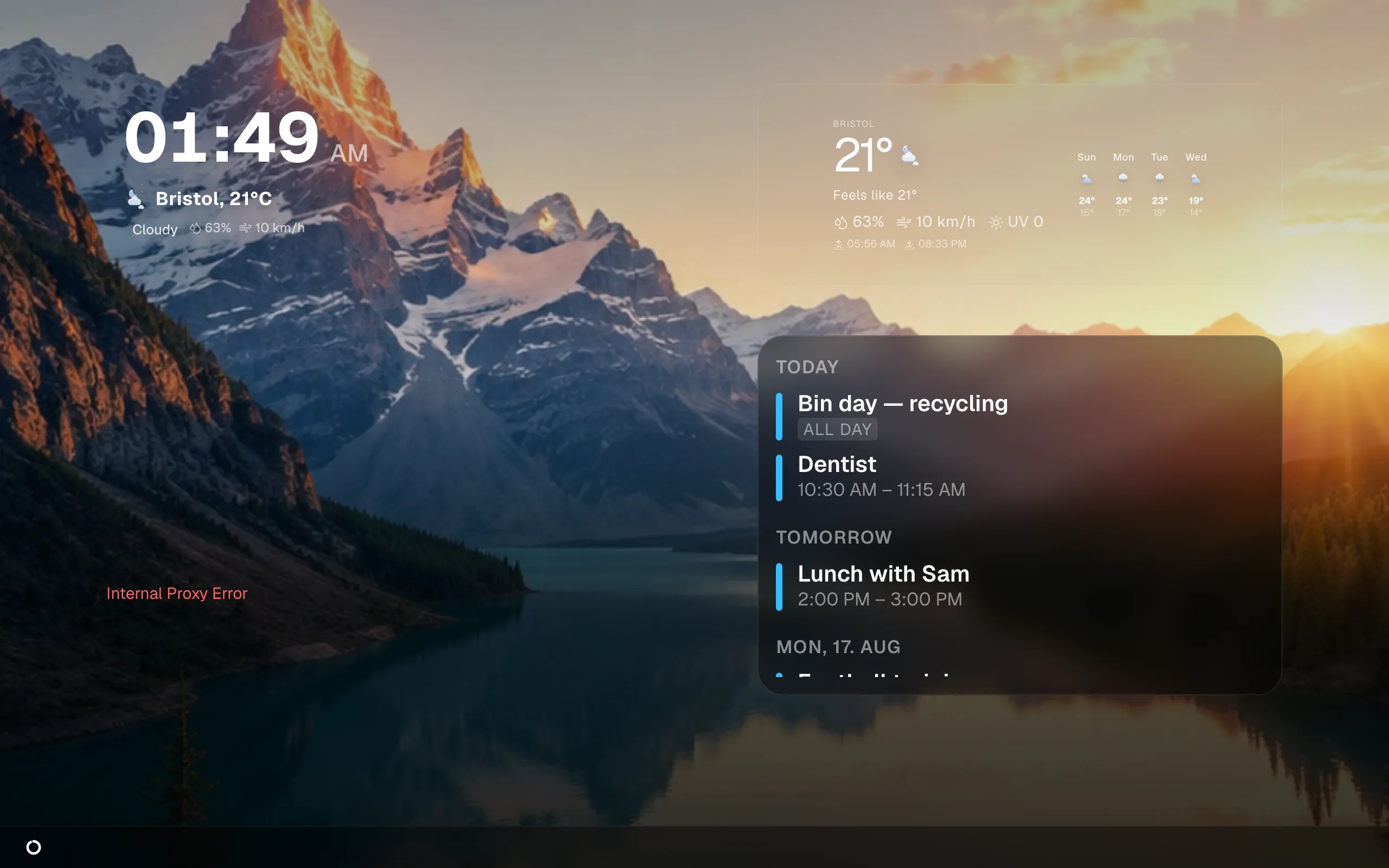
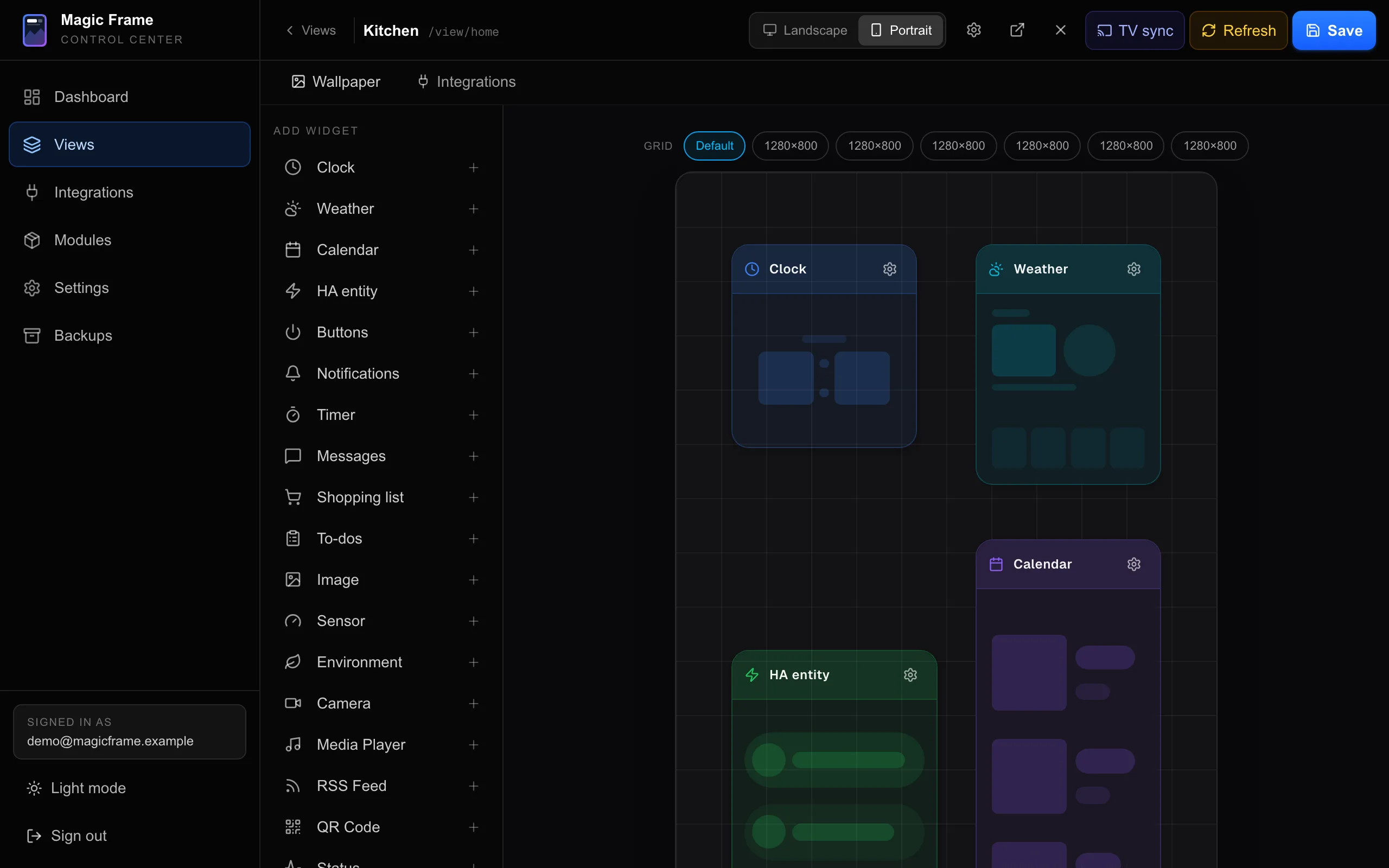
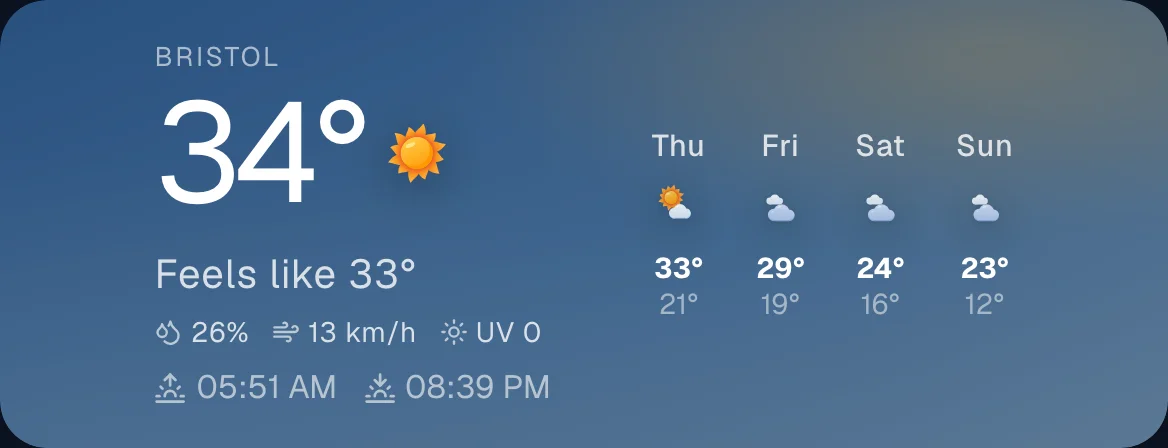
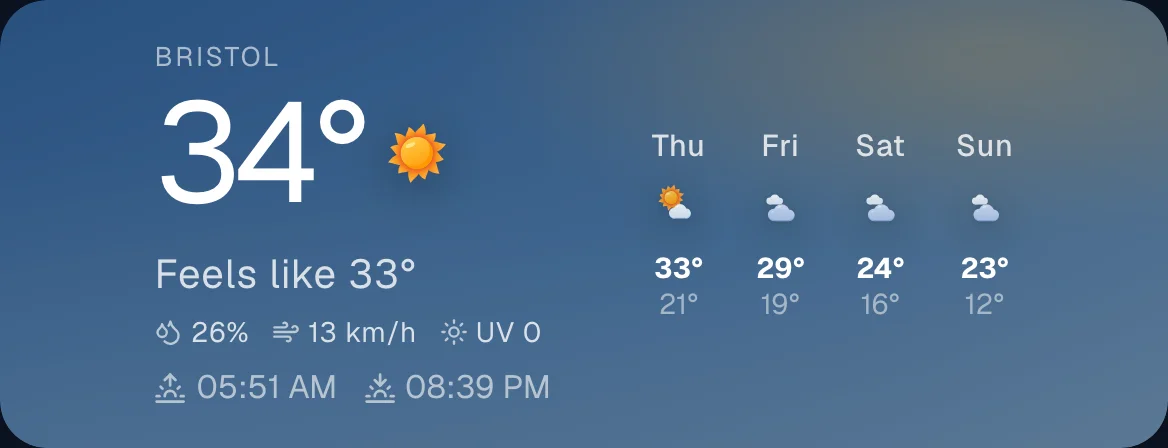
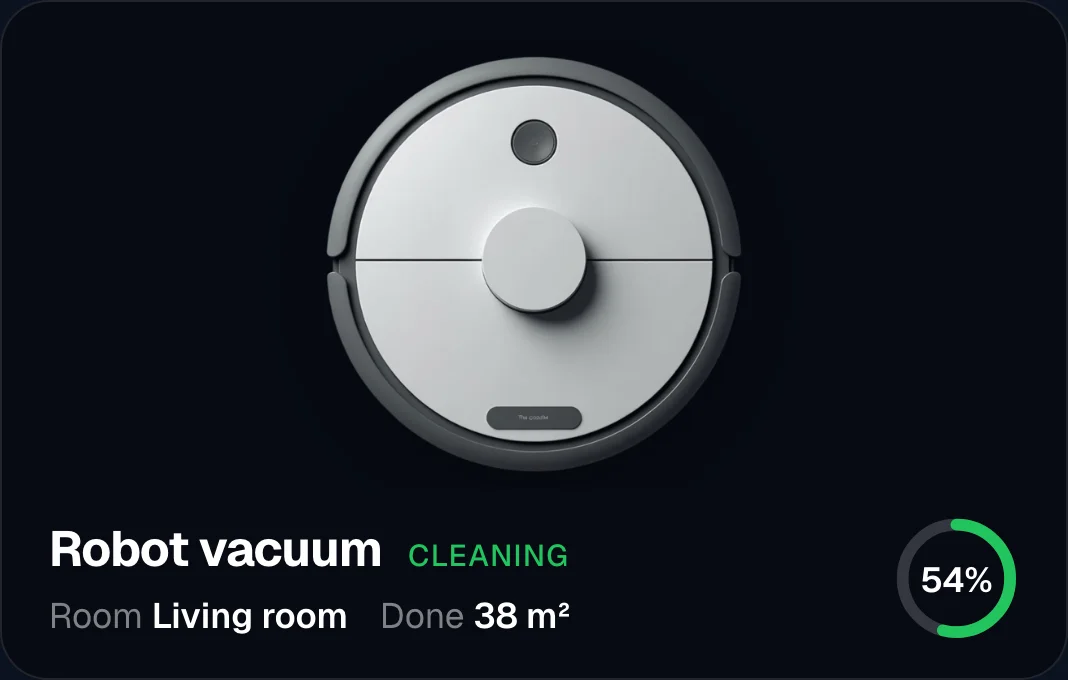
Magic Frame is a newer self-hosted app, in the same class as GlassHome. It is built for tablets, wall monitors, and picture frames, and it talks to Home Assistant directly. You lay it out by dragging widgets around, and every screen updates live. It also works as a photo frame: point it at a local Immich library and it cycles your own wallpapers. One tap turns the tablet from art into a control panel. Everything runs locally, with no cloud or account.
Strengths
- Source available and free at home
- Photo frame and dashboard in one app, your own Immich wallpapers behind it
- Screens stay in sync, no YAML anywhere
- Reads Google and Microsoft calendars and Todoist
- Ships an MCP server, so an AI assistant can read your views and widget catalog
Trade-offs
- Polyform Noncommercial: free at home, separate license to sell or embed
- Young, small community
- iOS app still in beta
- No widget store or SDK yet
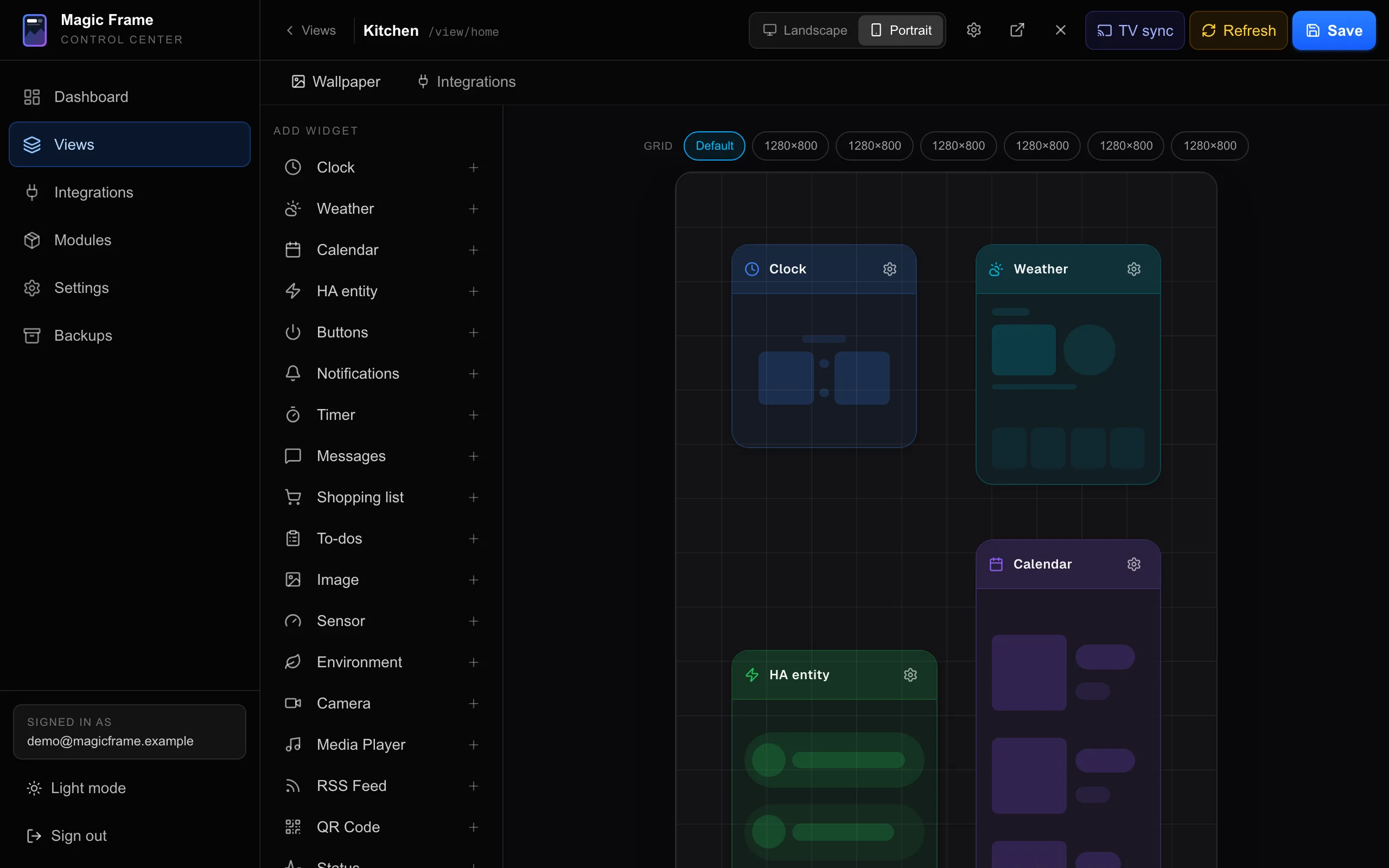
Learn more: Magic Frame, Magic Frame on GitHub.
Tunet open-source dashboard app
Free GPL-3.0 Add-on / Docker Energy + EV cards PIN-locked settings
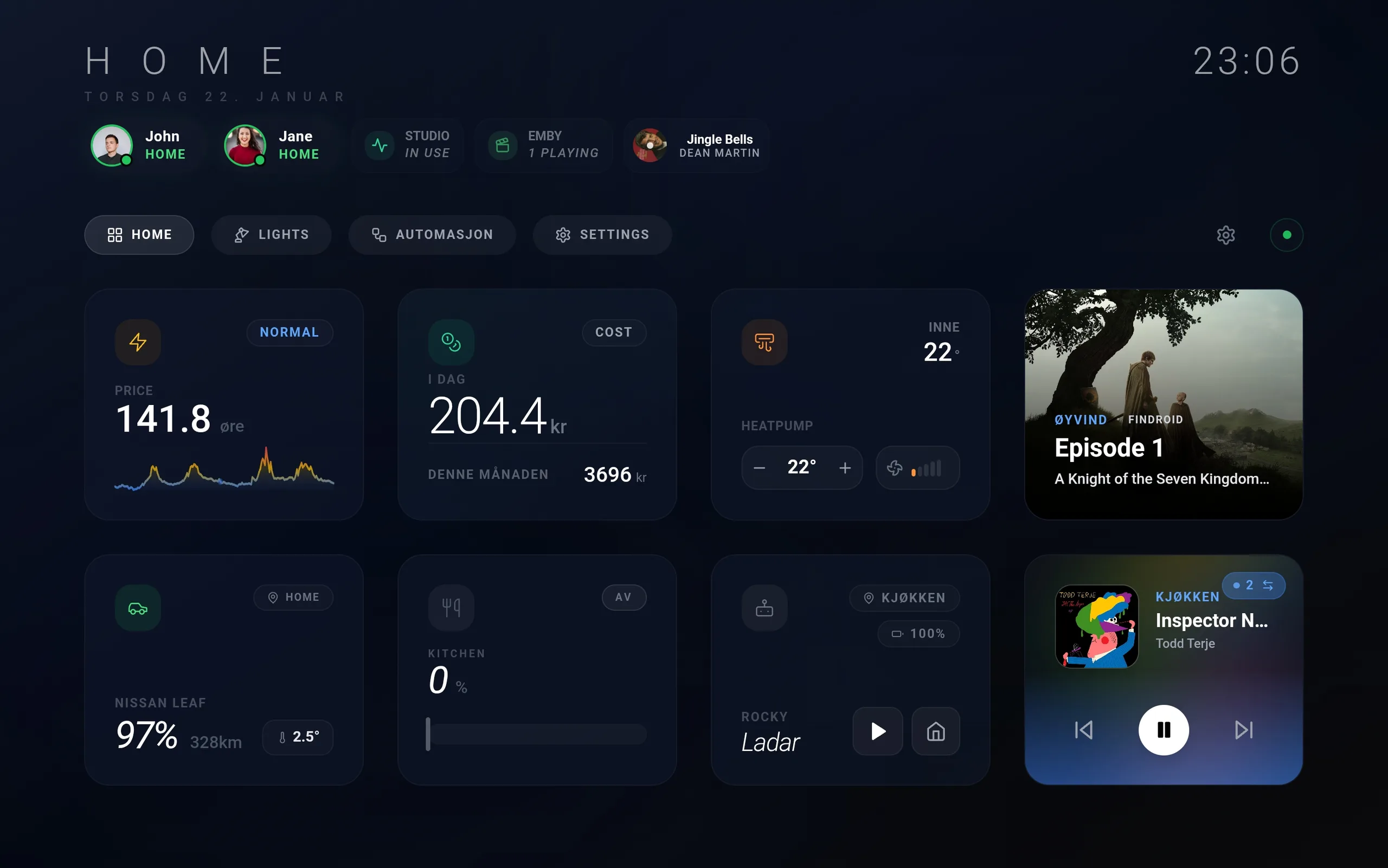
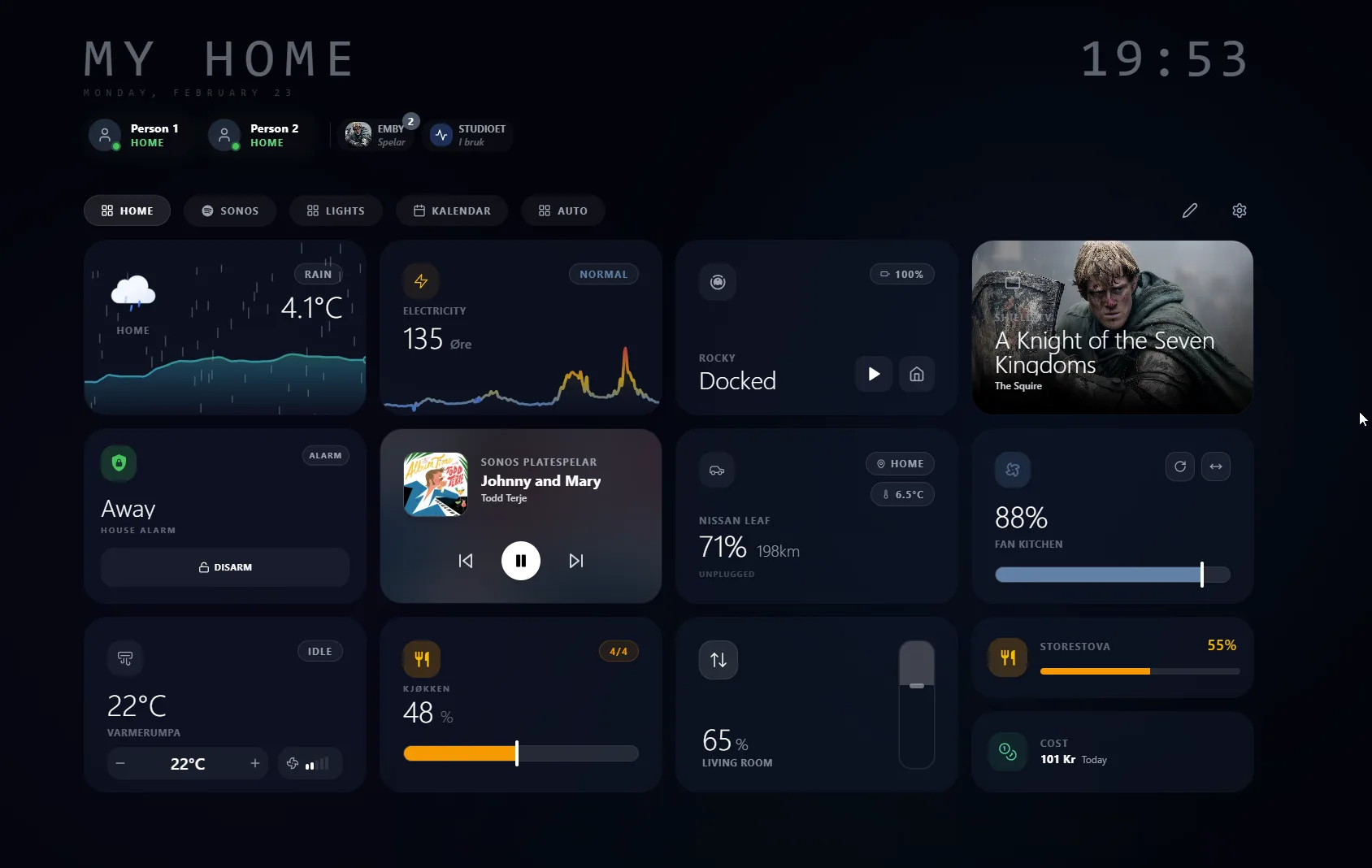
Tunet is a free, open-source dashboard for Home Assistant. You install it as an add-on or run it with Docker, then arrange cards on a drag-and-drop grid. It arrives dark and glassy, and the cards cover a lot of what the native dashboard leaves you to build: hourly electricity prices, EV charge and range, Sonos and Android TV media, alarm, climate, calendar. Layouts are saved on the server as profiles, keyed to your Home Assistant user, so each person’s layout follows them from screen to screen. Settings sit behind a PIN, so a wall panel does not get rearranged by whoever walks past it.
Strengths
- Free and open-source under GPL-3.0
- Installs as an add-on, looks designed without theming
- Energy cards that are genuinely good: Nord Pool prices, EV charge and range
- Profiles follow you across devices
- Translated: German, Norwegian, Swedish, Chinese
Trade-offs
- Built-in cards only (23 of them), no plugin system
- Started early 2026, mostly one person’s work
- No kiosk pairing or locked full-screen mode, and no guest access
Learn more: Tunet on GitHub.
Also worth knowing
Dwains Dashboard (HACS) builds a full themed dashboard from your areas and entities. It is one of the closest community options to a ready-made product. The trade-off: you fit into its layout instead of designing your own.
Button Card (HACS) is an endlessly customizable card for YAML and JavaScript fans. If you love templating, it is for you. It is the opposite of no-config.
Tileboard and the other JSON-based wall panels still work, but they are aging and driven by config files, and most kiosk builders have moved on.
Learn more: Dwains Dashboard, Button Card, HACS.
How to choose
Two questions decide it: how much control you want to keep, and who else uses the thing. Walk the tree. Every leaf says what you give up, because every one of these costs you something:
Do you want to keep YAML, templates, and CSS control?
- Yes
Build it yourself, or let something generate it from your areas?
- Build
Want nicer parts than the stock cards?
- GenerateDwainsyour own layout, you live in its structure
- Build
- No, zero assembly
Who uses it?
- Mostly meTunetplugins, it is built-in cards only
- The house
Photo frame too, and having the source matters most?
- Mostly me
You can also combine them. GlassHome, Tunet, and Magic Frame run next to the native dashboard, not instead of it, so an existing Sections or Mushroom dashboard keeps working.
Your dashboard could be beautiful tonight.
- Always free
- No account required
- Stays on your network