Free, runs on your network, no account needed.
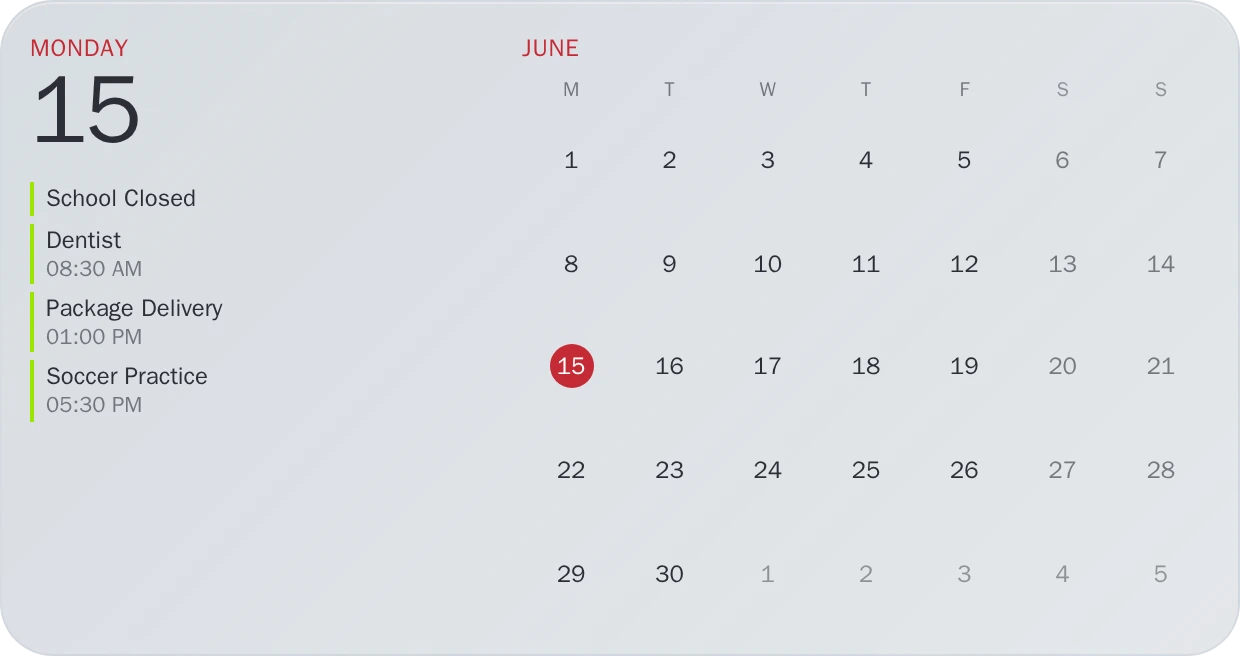
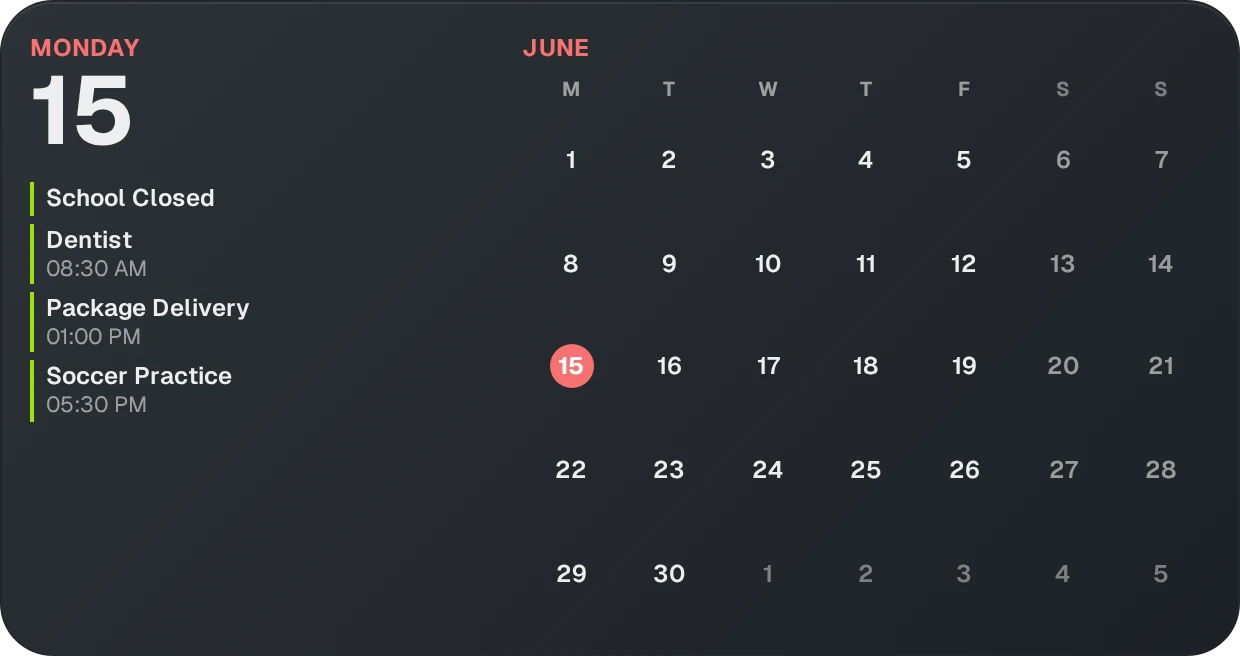
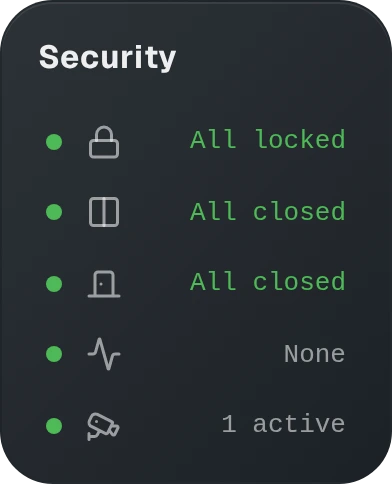
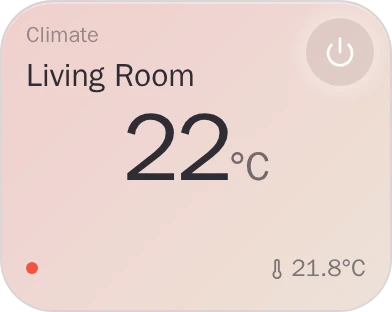
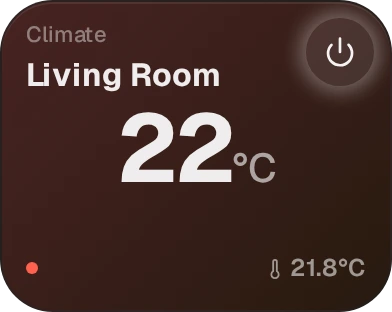
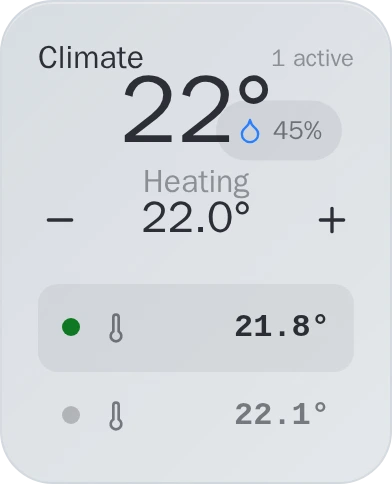
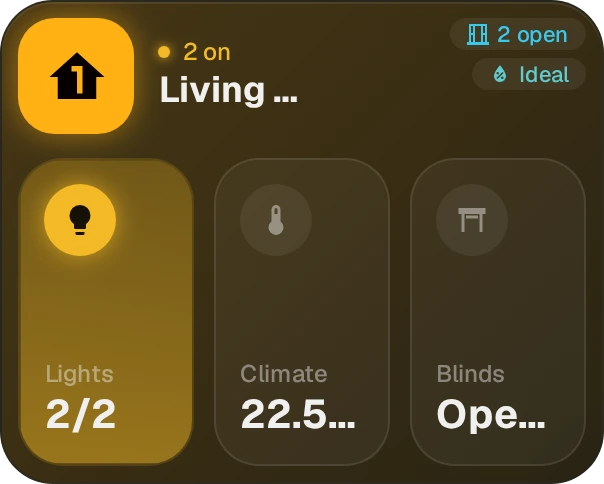
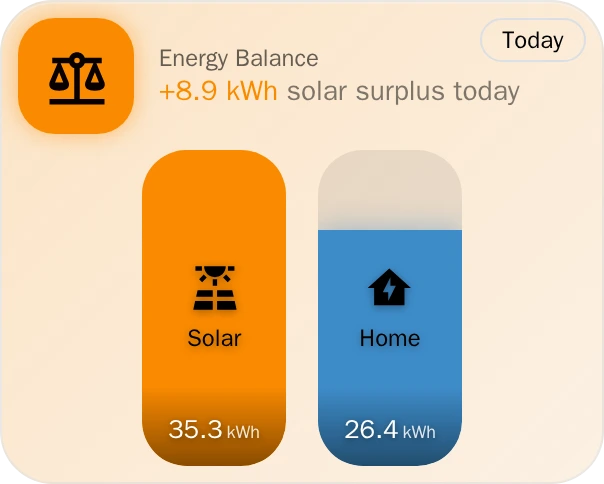
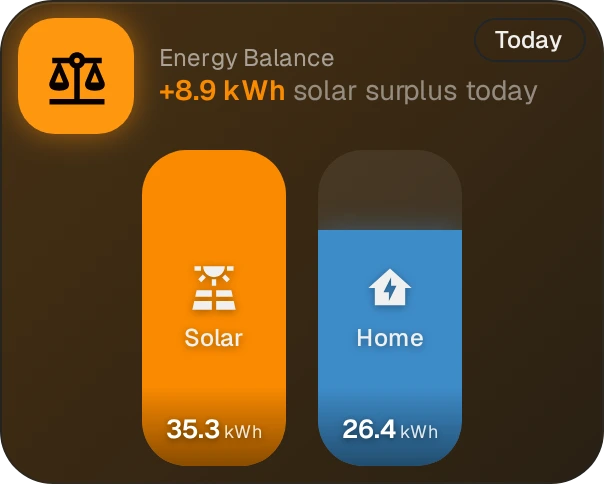
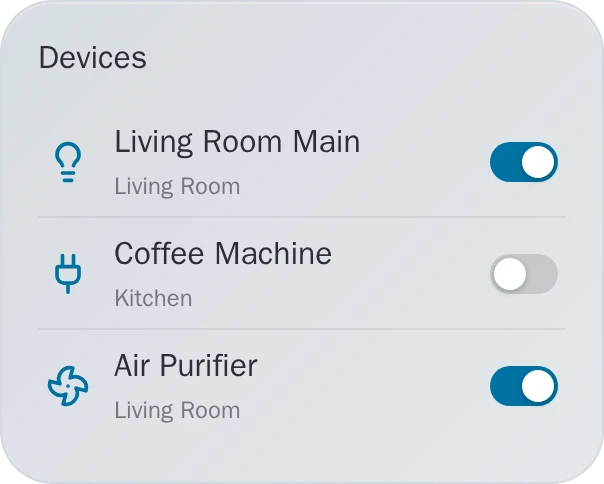
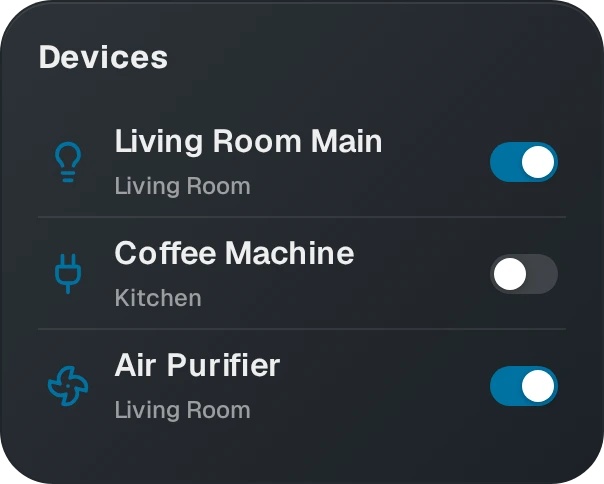
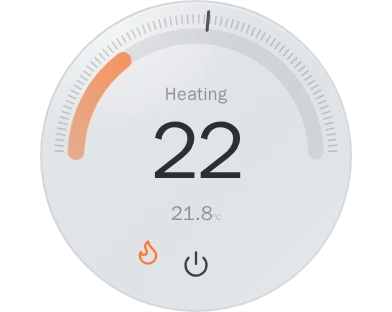
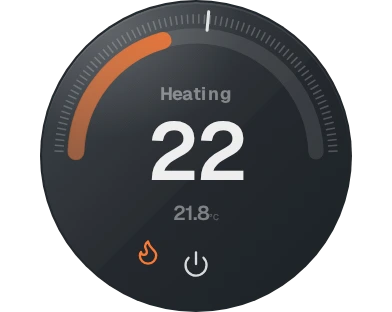
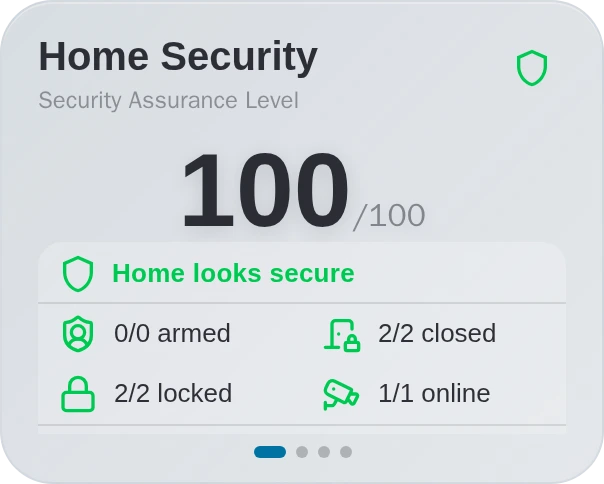
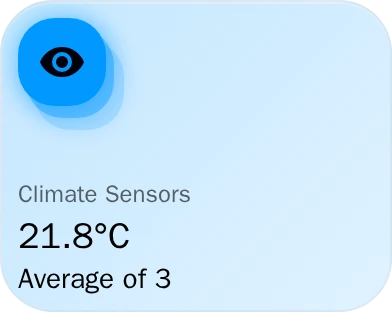
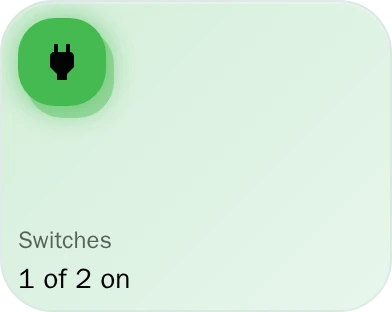
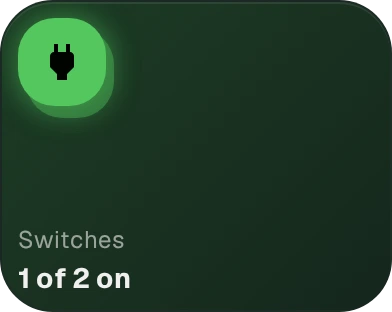
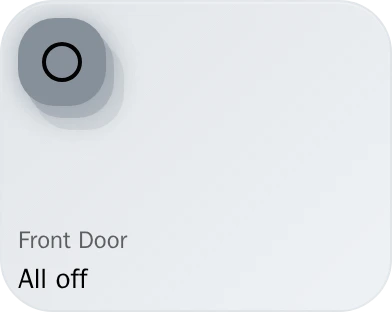
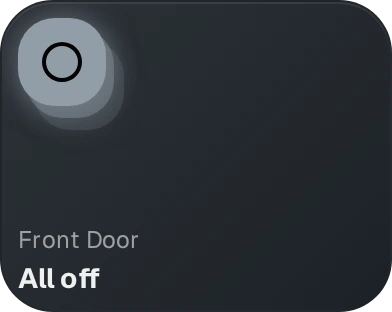
Looks finished the moment you open it, no card-stitching, no theme-hunting. Built for wall tablets, phones, and the family. Runs on your network.
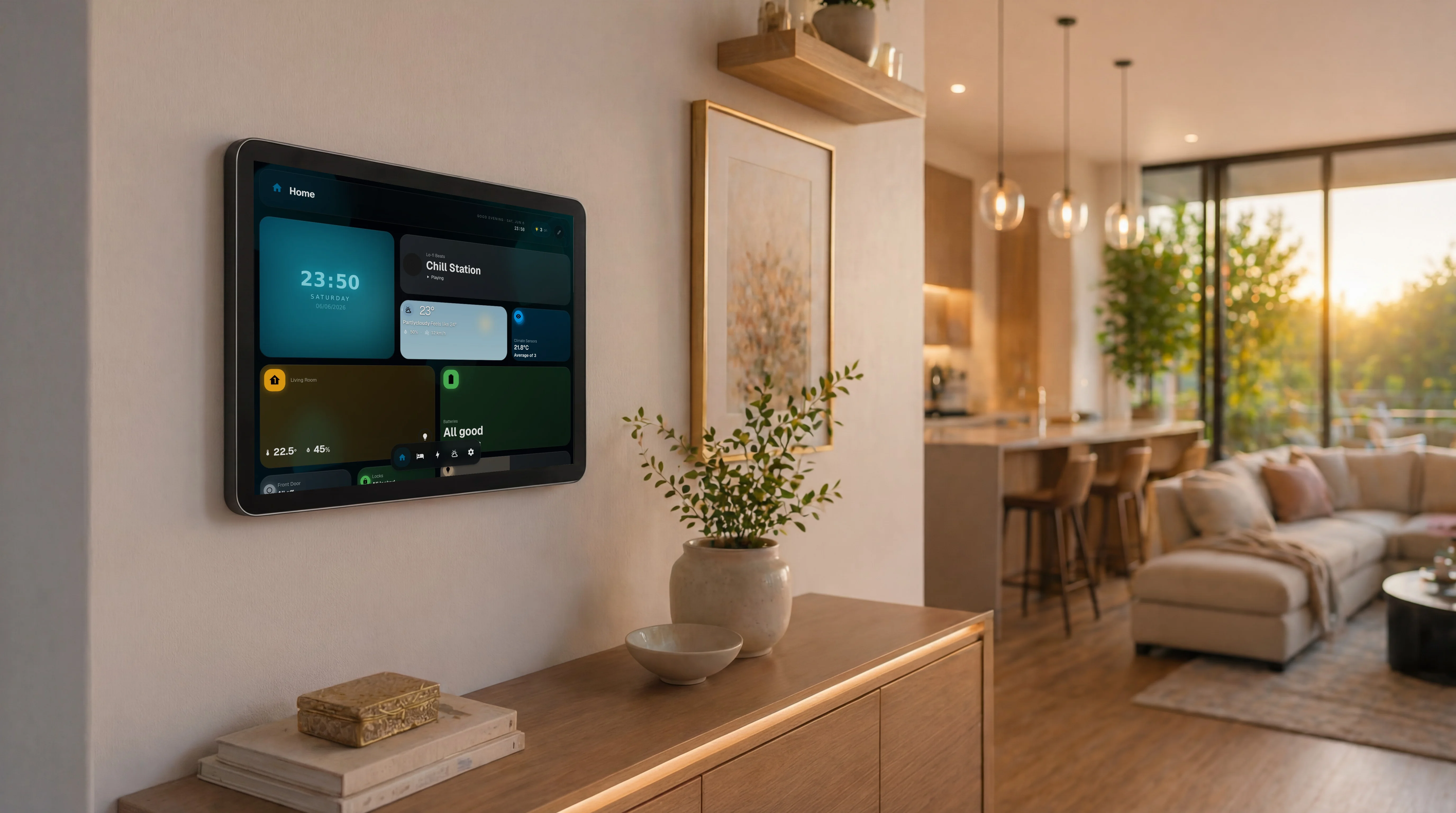
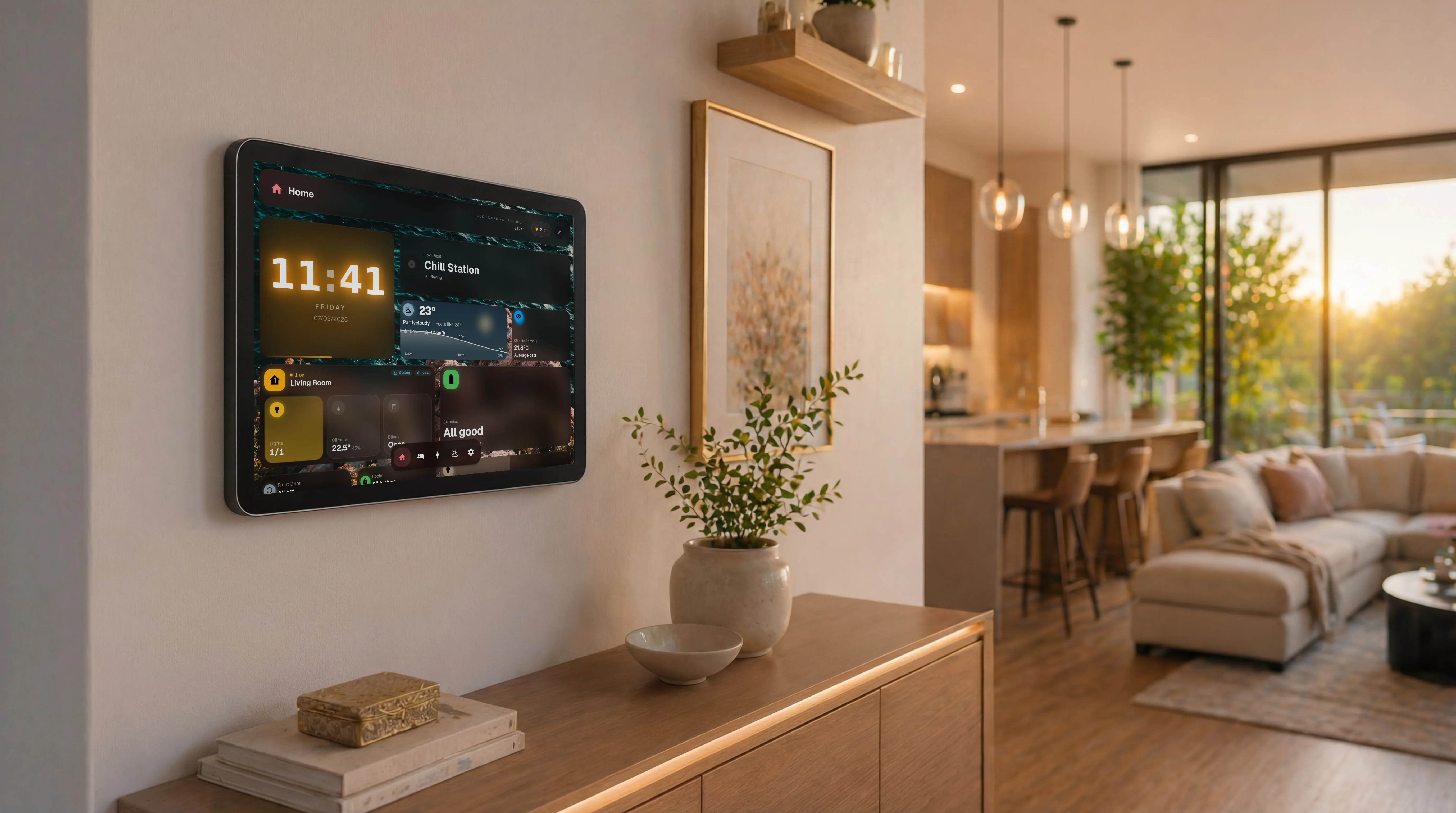
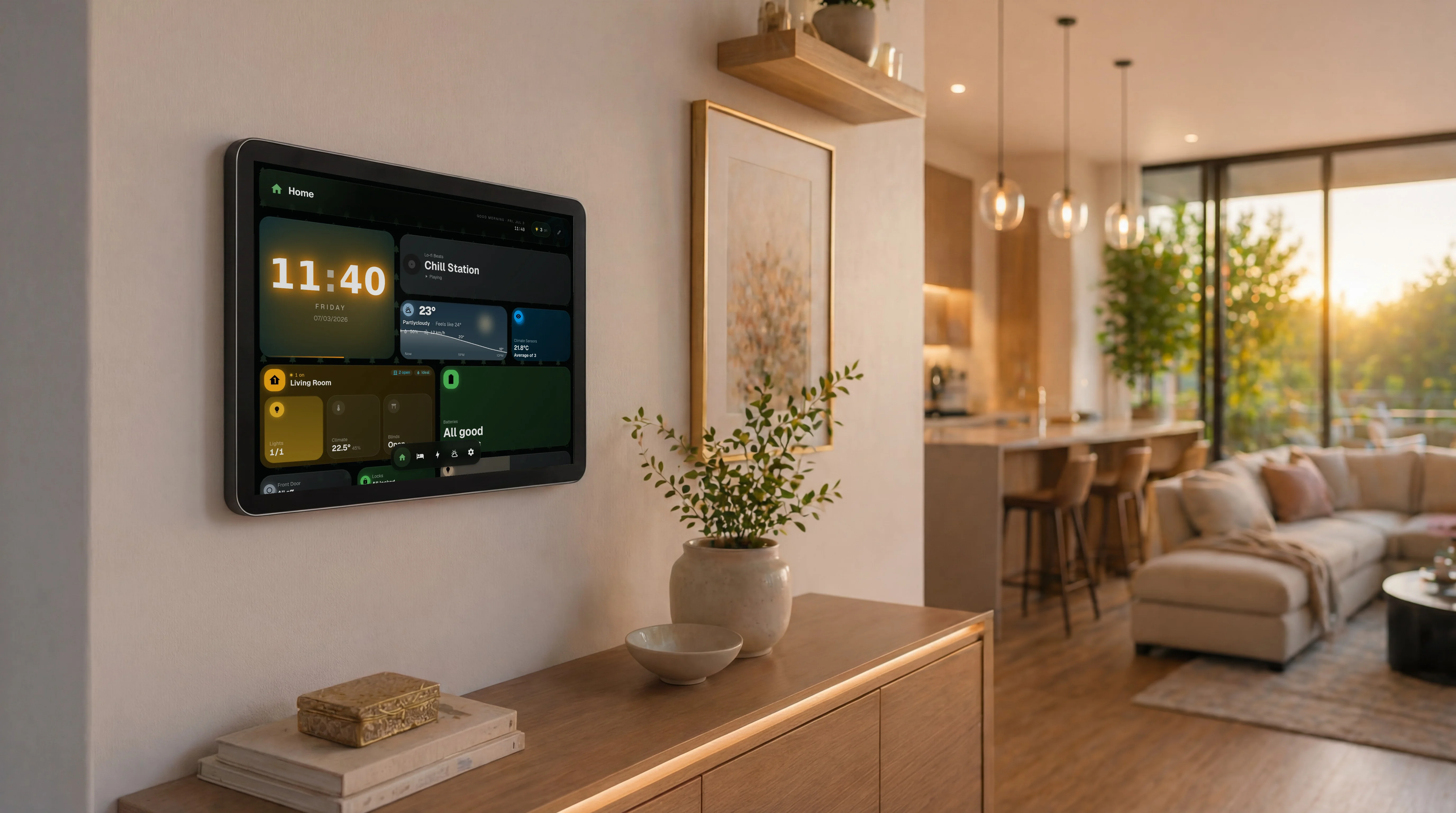
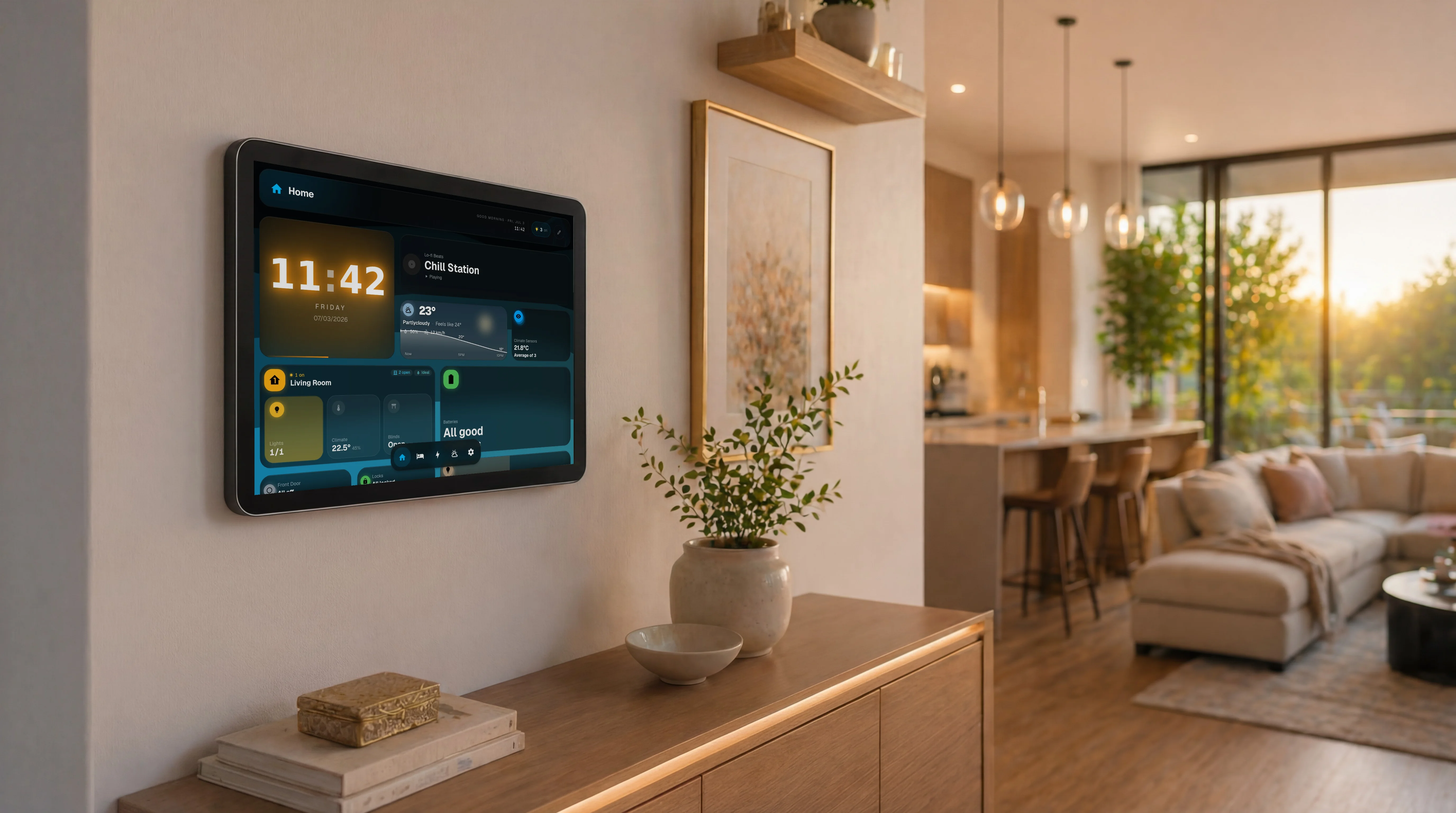
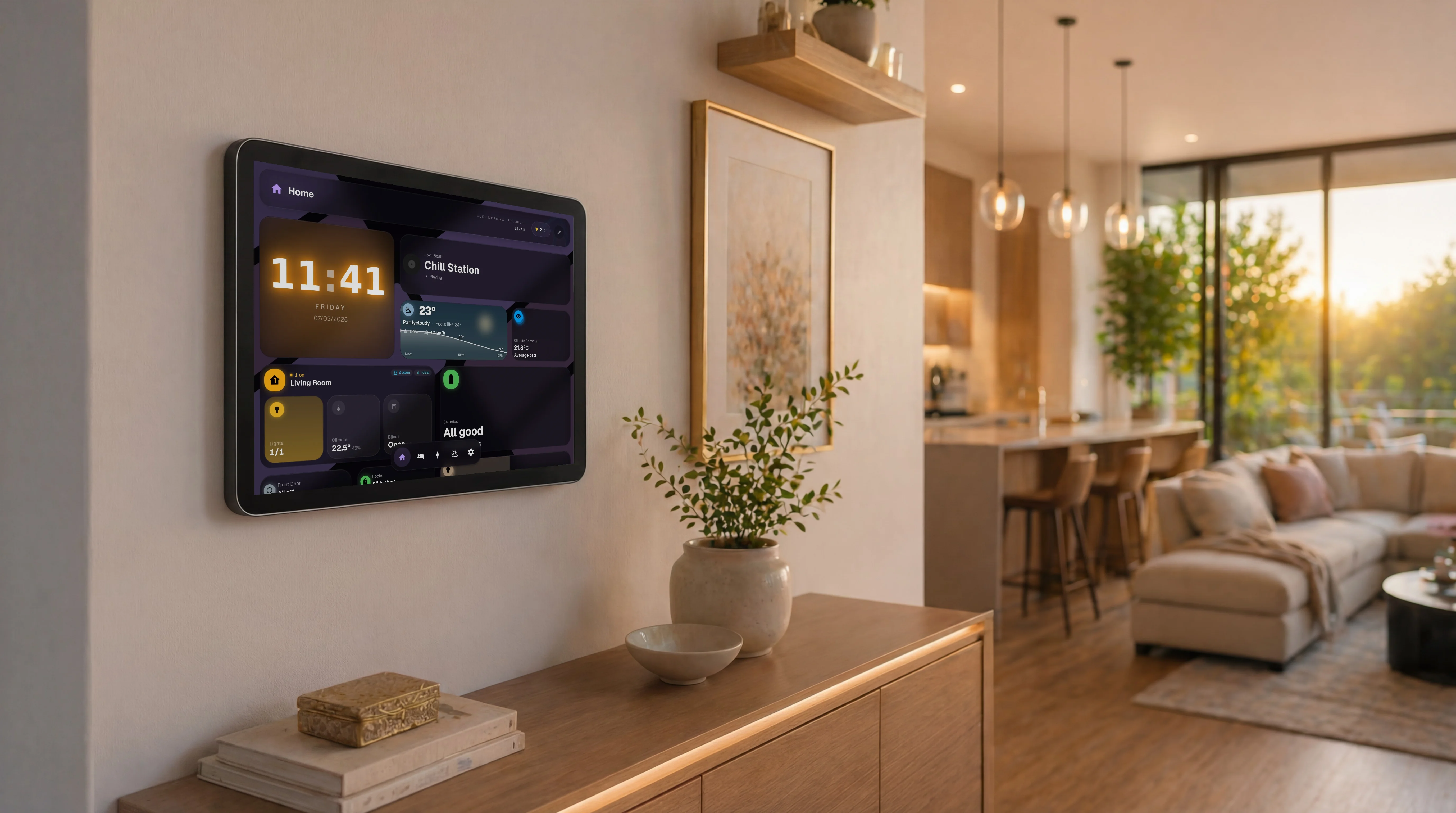
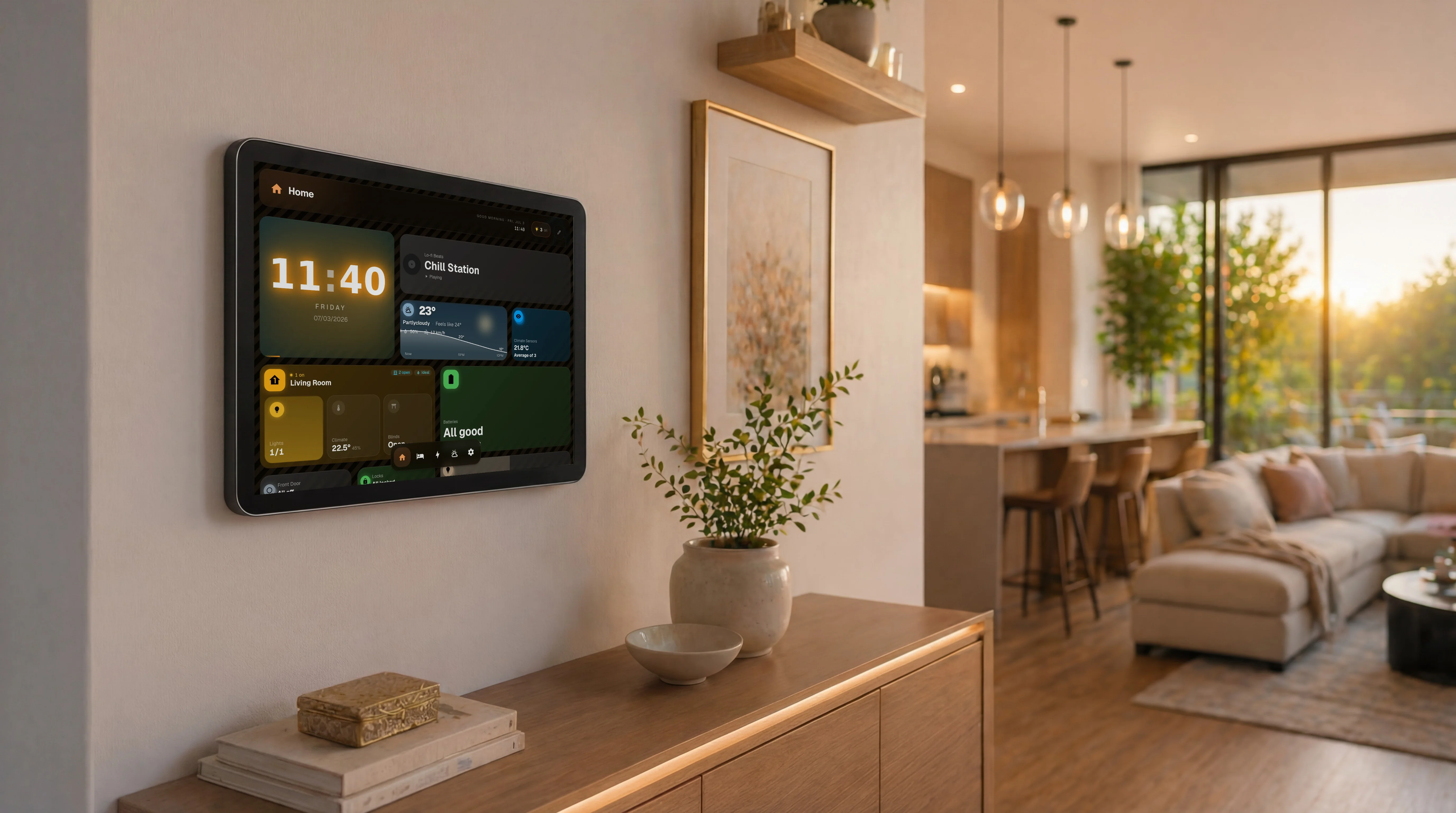
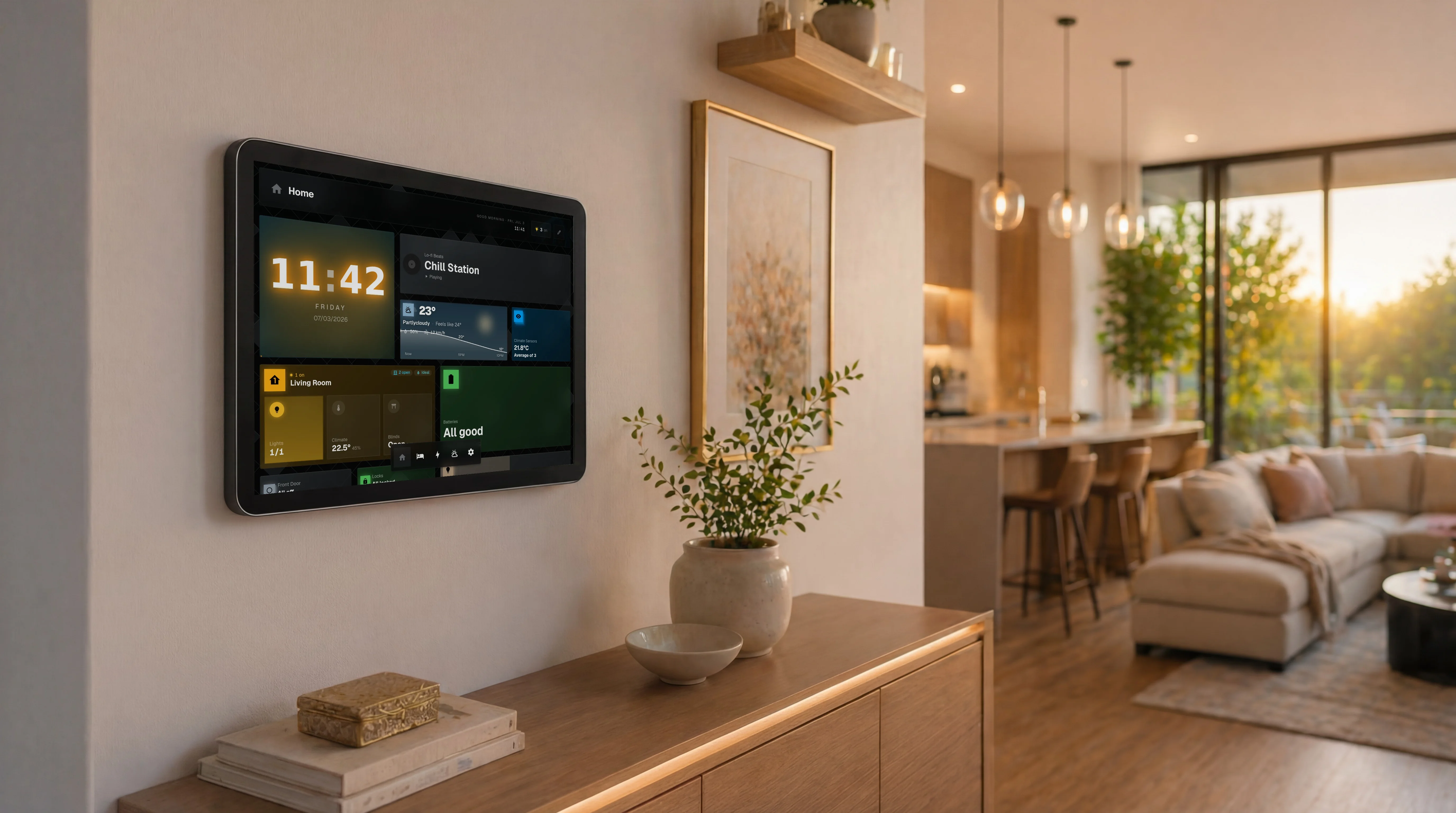
This is the vision. A dashboard that blends in with your home and doesn't compromise on features. Crazy, right?
Build a dashboard per room, mode, or moment. One tap on the bottom nav, whole layout swaps. Bedroom, kitchen, energy, yours to design.
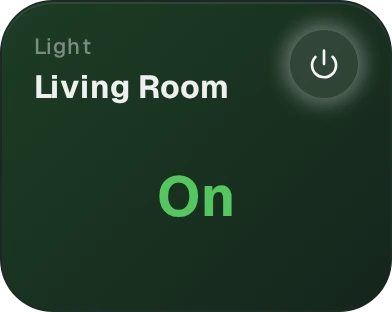
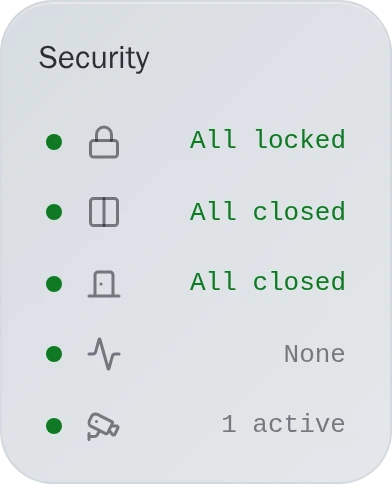
Drag widgets where you want them. Pick what matters to you. No config files, no learning curve, just your home, your way.
Resize any widget on the fly. Bigger for what you check often, smaller for the rest. Your layout, your priorities.
Every widget, every fix, every roadmap call gets hashed out in the server first. These messages are real, unedited, one click away from the source.
@Ihsen Just wanted to let you know that, whilst I've been bug hunting I've realised that I really think Glasshome is beautiful. I'm really loving it. Plus I've just turned off dark mode and I love light mode 😍. You should be proud! 🙂 Just wanted to give that bit of feedback to you as motivation for bug squashing 😆
 1❤️1🥹1
you have all our support, you doing amazing work!
greetings. first post here 🙂 this looks f..... amazing ❤️
1i only found out about Glass Hone when i was tyena find prebuilt ha dashboards and this was the top suggestion at first i was thinking it was some sorta tile card theme but looking into it and it being its own frontend dash i was like this is pretty cool and i like it and ever sice then ive fallen in love with the simplicity of it and elegance although id need to run it off a better display than some low end smart tablet iother than that its a beautiful and amzing app to use
1❤️2The killer app that Home Assistant has so needed: GlassHome. A perfect, modern dashboard app that beautifully shows off your HA instance. Dead simple to set up yet easy to customize. And... extremely high wife acceptance factor!
1Hi, firstly thanks for such a great and easy to use product. I have a touchscreen display in my kitchen which helps my wife, who has ADHD, get organised without the distraction of the rest of her phone. I had been running Dakboard but I found it terrible to use, Glasshome has literally been exactly what ive been looking for to get the functionality ive been after. I ran the SDK through Chatgpt Work and within a day Ive created 2 beautiful full screen widgets to replace the limited dakboard displays. Thankyou! I have published them if anyone else is in need of something similar
1❤️14.8k
Widget Downloads
15
Published Widgets
850
Discord Members
58
Releases Shipped
∞
Lines of YAML Replaced
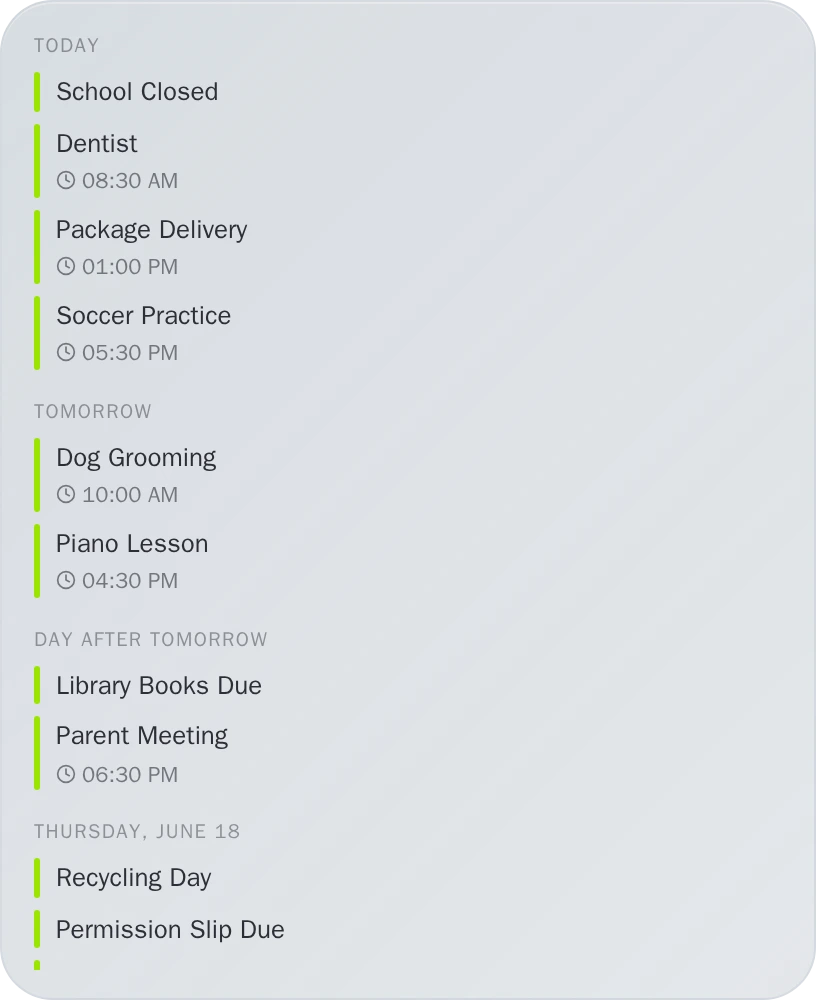
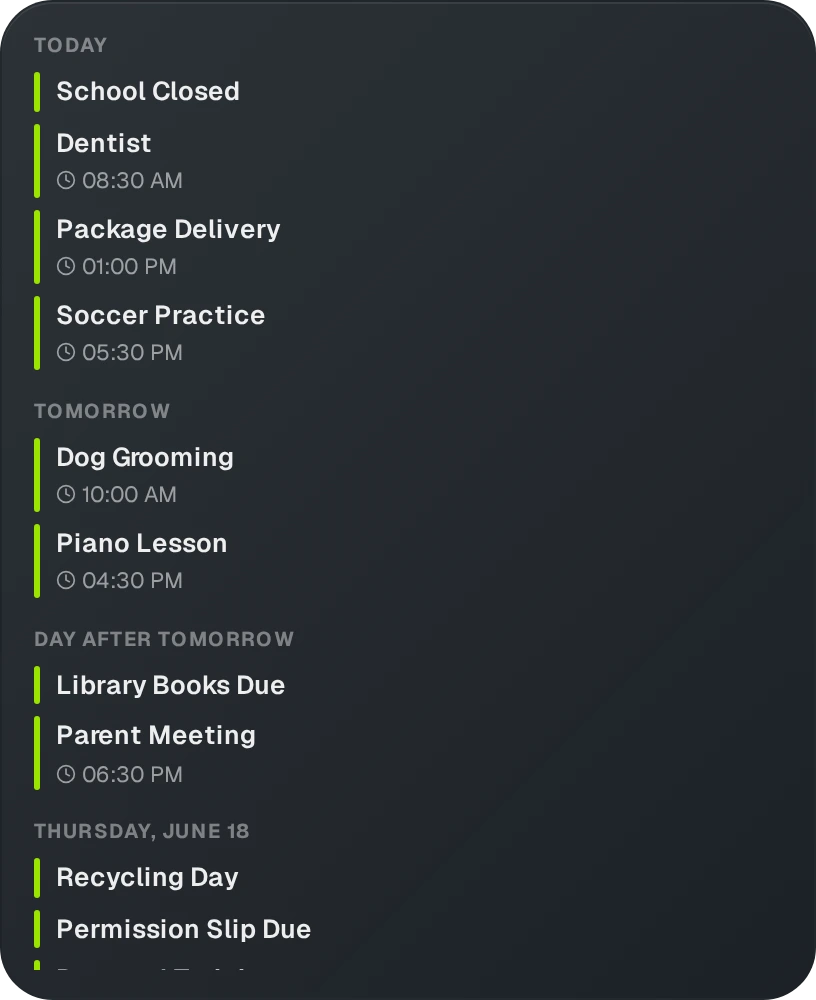
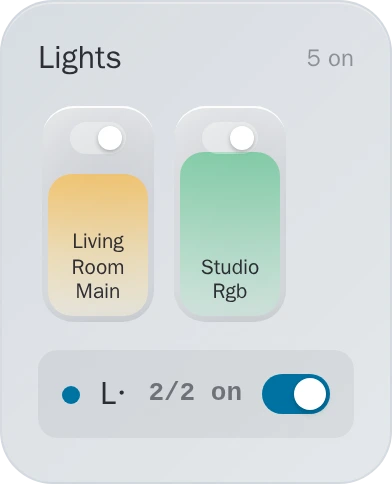
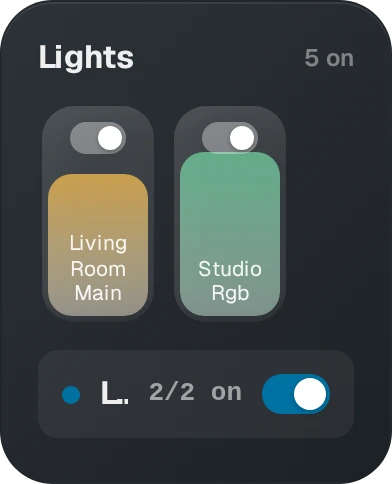
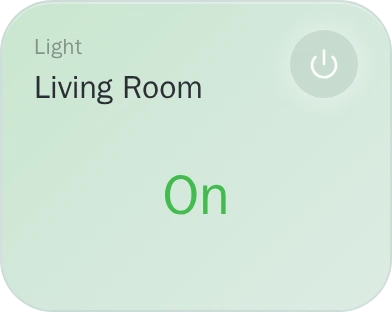
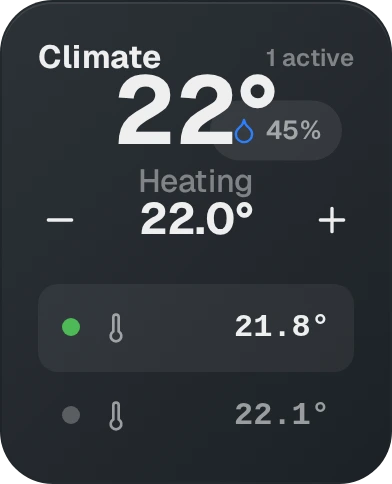




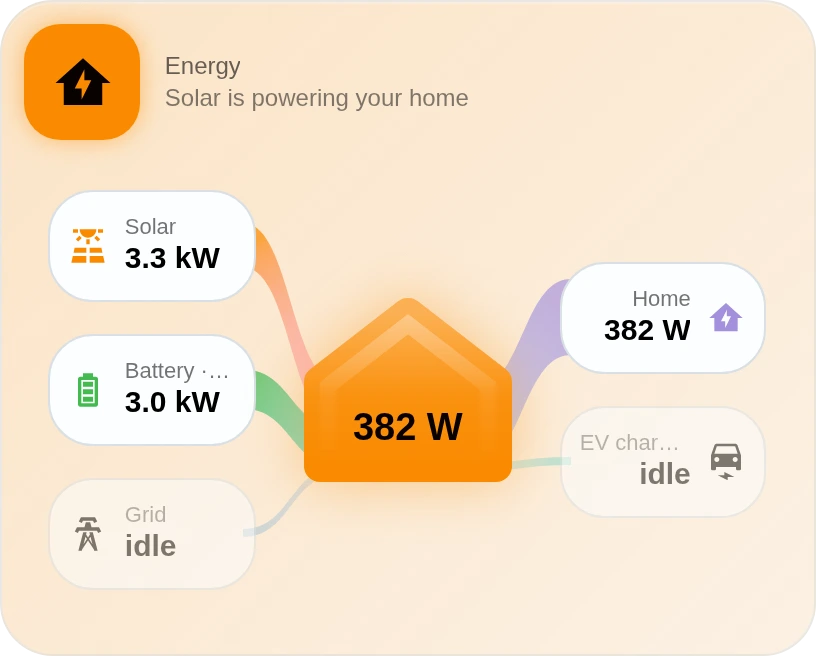
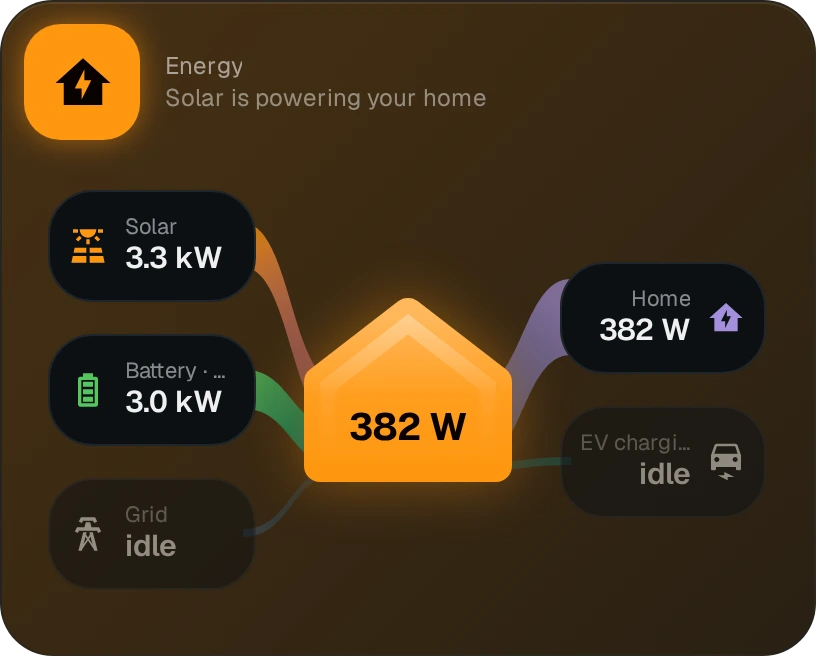
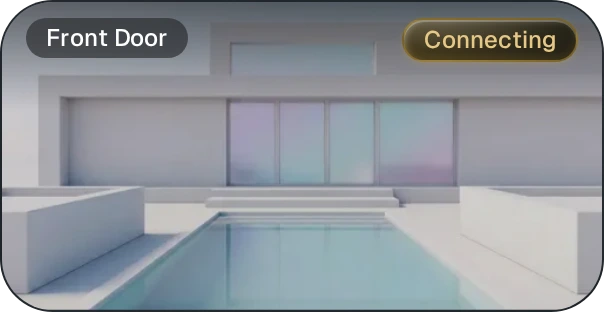
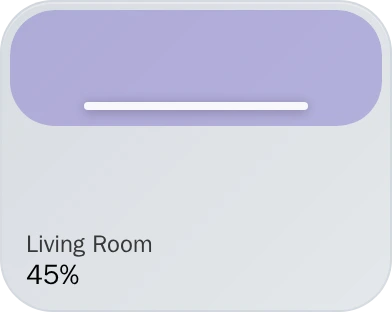
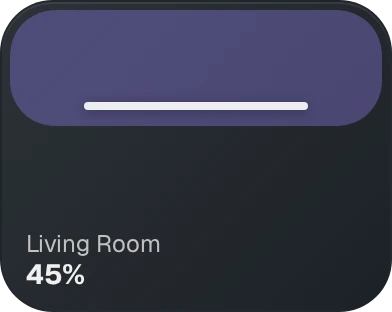
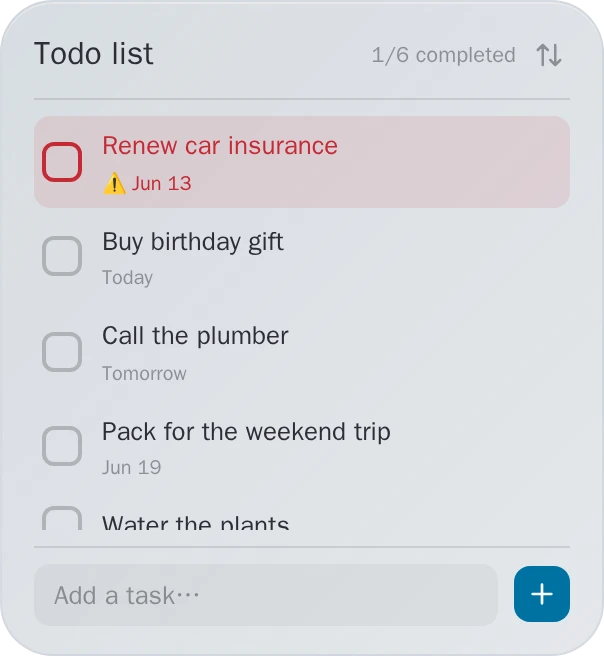
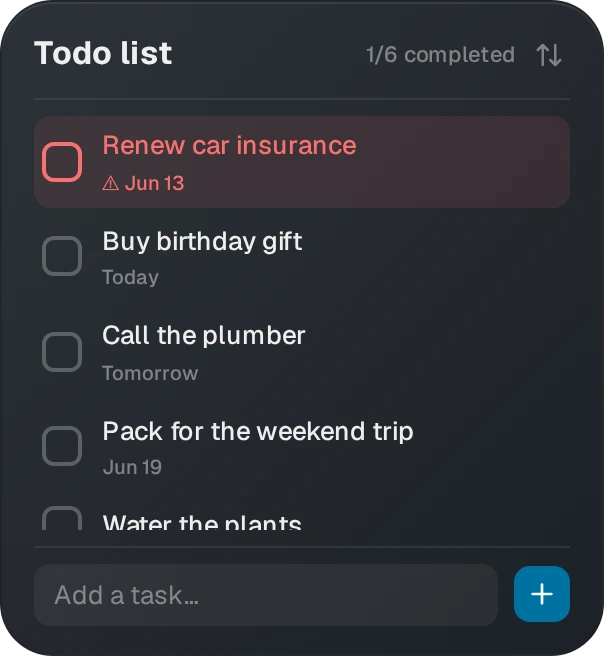
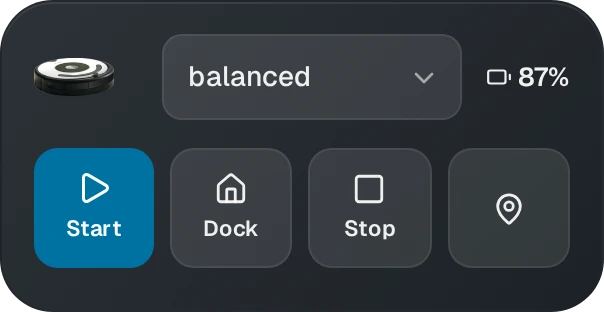
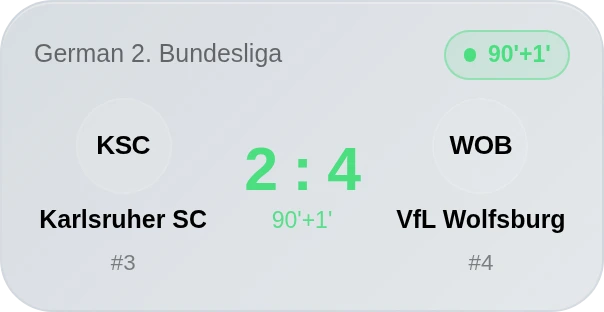
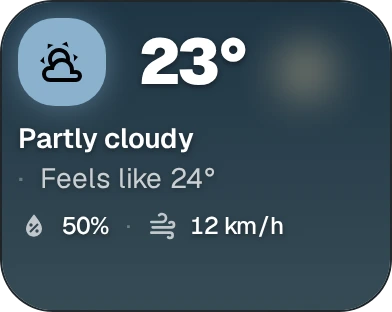
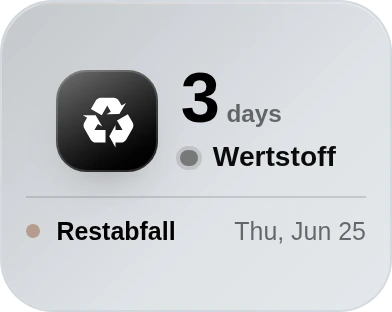







Two minutes. No account. Updates arrive on their own.
Installs from your Add-on Store. Updates arrive there too.
Add to Home AssistantDocker, Umbrel and the rest: installation guide
Installs from your Add-on Store. Updates arrive there too.
Add to Home AssistantDocker, Umbrel and the rest: installation guide
Every path ends at the same dashboard, on your own network.
PRO is a one-time purchase, not a subscription
The full dashboard, yours for nothing. No account. No catch.
Pay once. Yours forever.
PRO
#XXX
Cardholder
YOUR NAME
Member since
TODAY
Expiry date
NEVER
Every purchase mints this card in your name. It expires never.
Everything around the app is open source. The app itself is the one closed piece, and even that comes with a promise.

The dashboard itself. Closed source, so the project stays sustainable.
If I ever stop, this code goes publicWhere this is going
47 releases since May
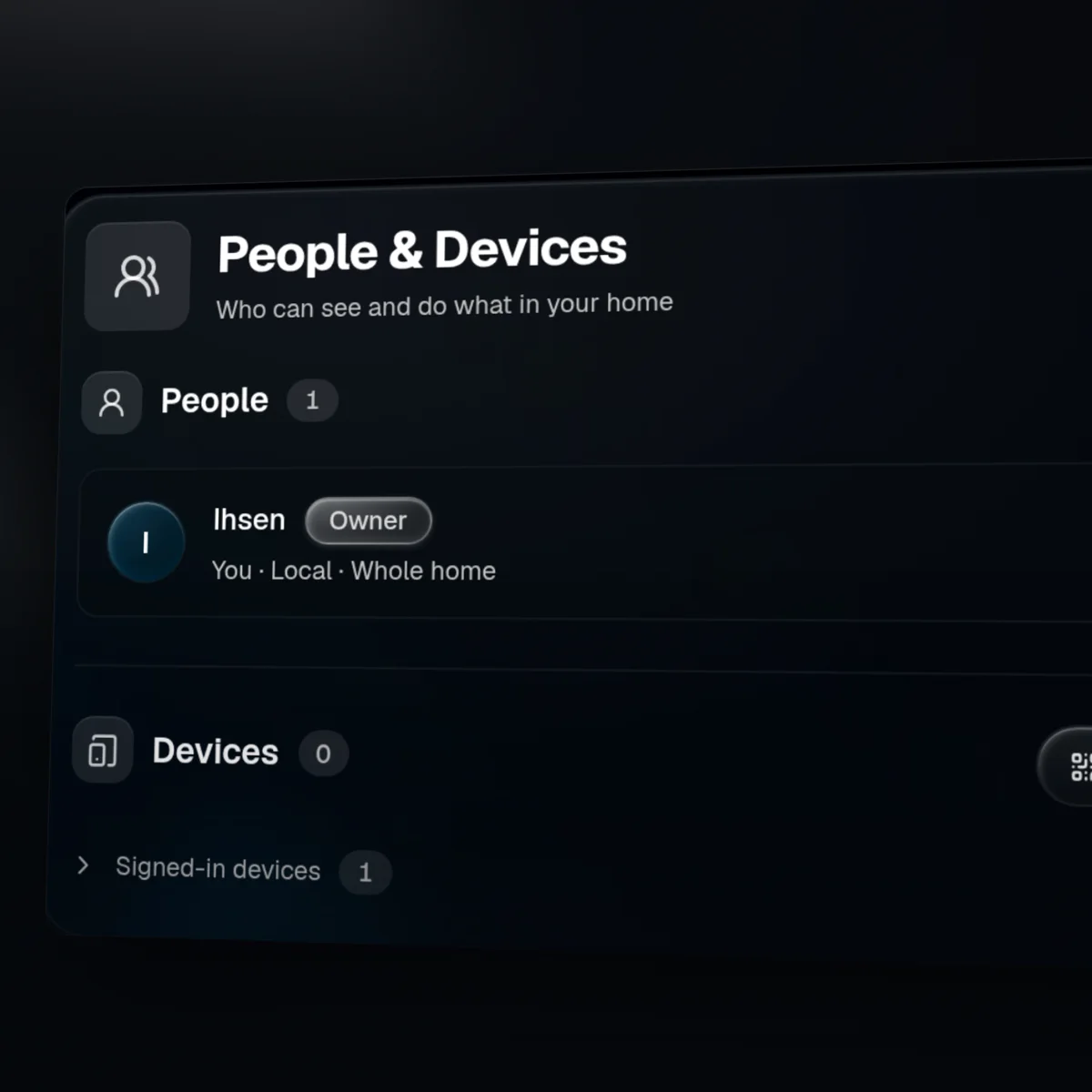
Your people, your rules
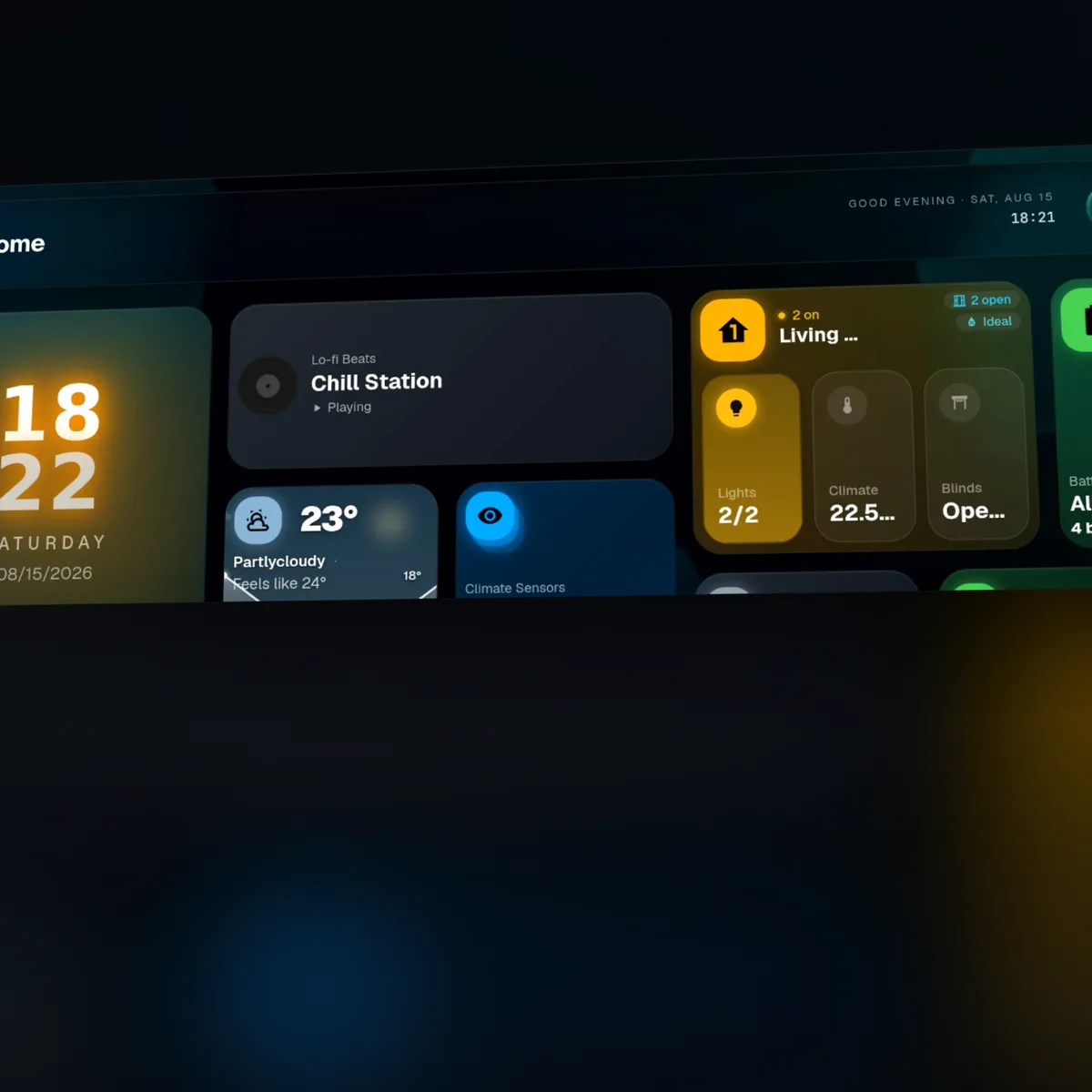
Make the top bar yours
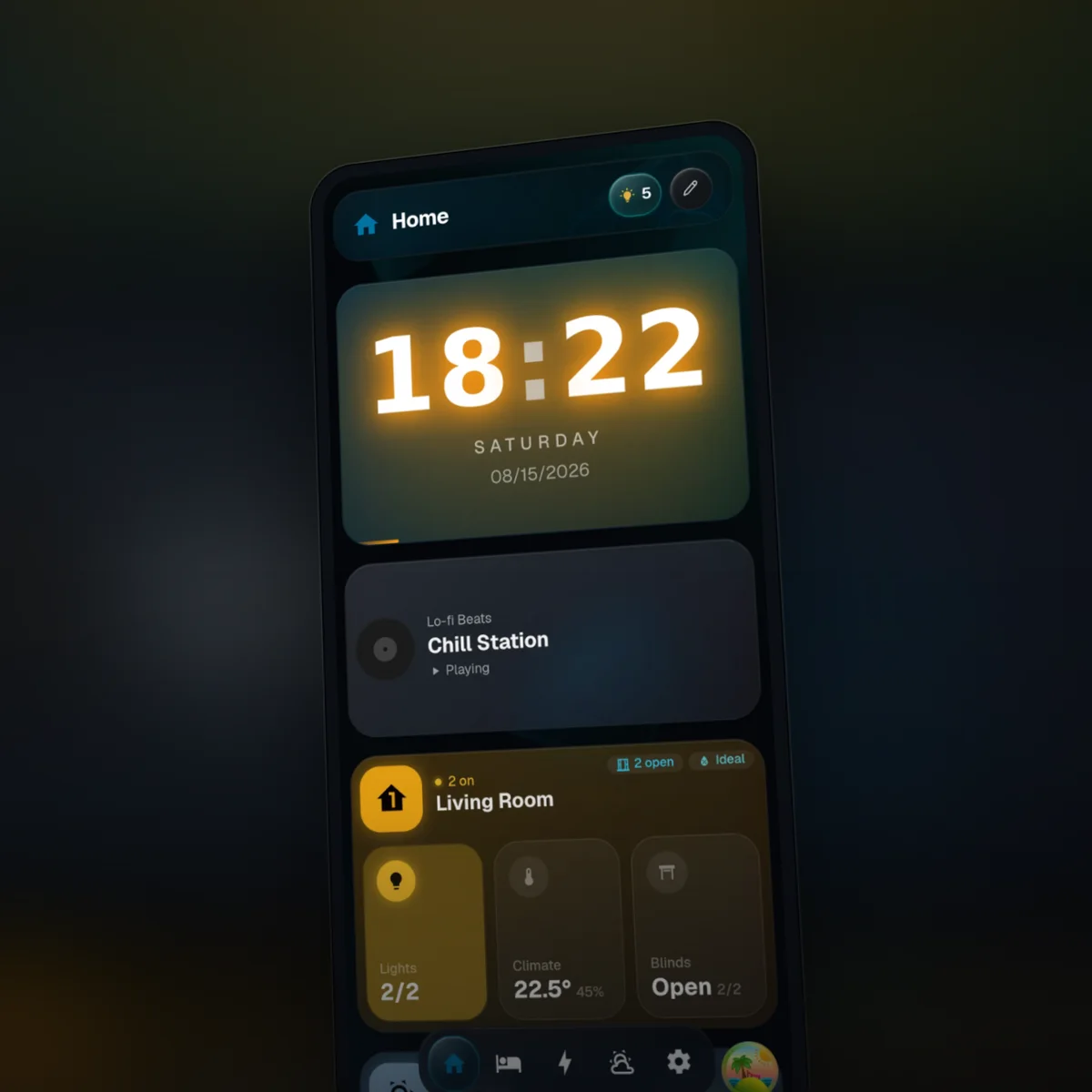
GlassHome in your pocket
Because I actually read the Discord
Both. It's a standalone container that can also be installed as a Home Assistant addon for convenience.
No. HAOS users can install it as an addon, but anyone can run it via docker-compose or the container directly.
Never. HA is the engine, GlassHome is a prettier dashboard on top. You can use both simultaneously.
Yes. GlassHome runs separately on its own port. Use whichever you prefer, or switch between them.
No. GlassHome runs as its own full-screen web app on port 3123, not through HA ingress. After starting the addon, open it at http://<ha-ip>:3123.
Two ways. A VPN (WireGuard, Tailscale) so your device joins the home network and reaches GlassHome like it's local, or your own address behind a reverse proxy or tunnel, declared in Settings. Setup steps for both: glasshome.app/docs/dash/remote-access.
Yes. Docker users swap the image tag from latest to beta; Home Assistant addon users switch to the Edge channel. Both track the same early builds. Beta has rough edges, so keep stable for your daily driver. The Docker docs cover the exact steps.
No. GlassHome connects directly to your HA instance using the official home-assistant-js-websocket library. Everything stays local on your network.
In a local SQLite database inside the GlassHome container volume. They persist across restarts and can be backed up by snapshotting the volume.
The dashboard app is proprietary, but the ecosystem around it is open source: the widget SDK, CLI, UI library, and the official widget collection. I'm transparent about the tech stack and build in the open, shaped by community feedback and feature requests.
Yes, entity filtering, size selection, display options, aggregation modes, and more.
Join the Discord or open a GitHub issue. The community is active and I respond quickly.
Ask in the server. I read everything and usually answer within the day.


