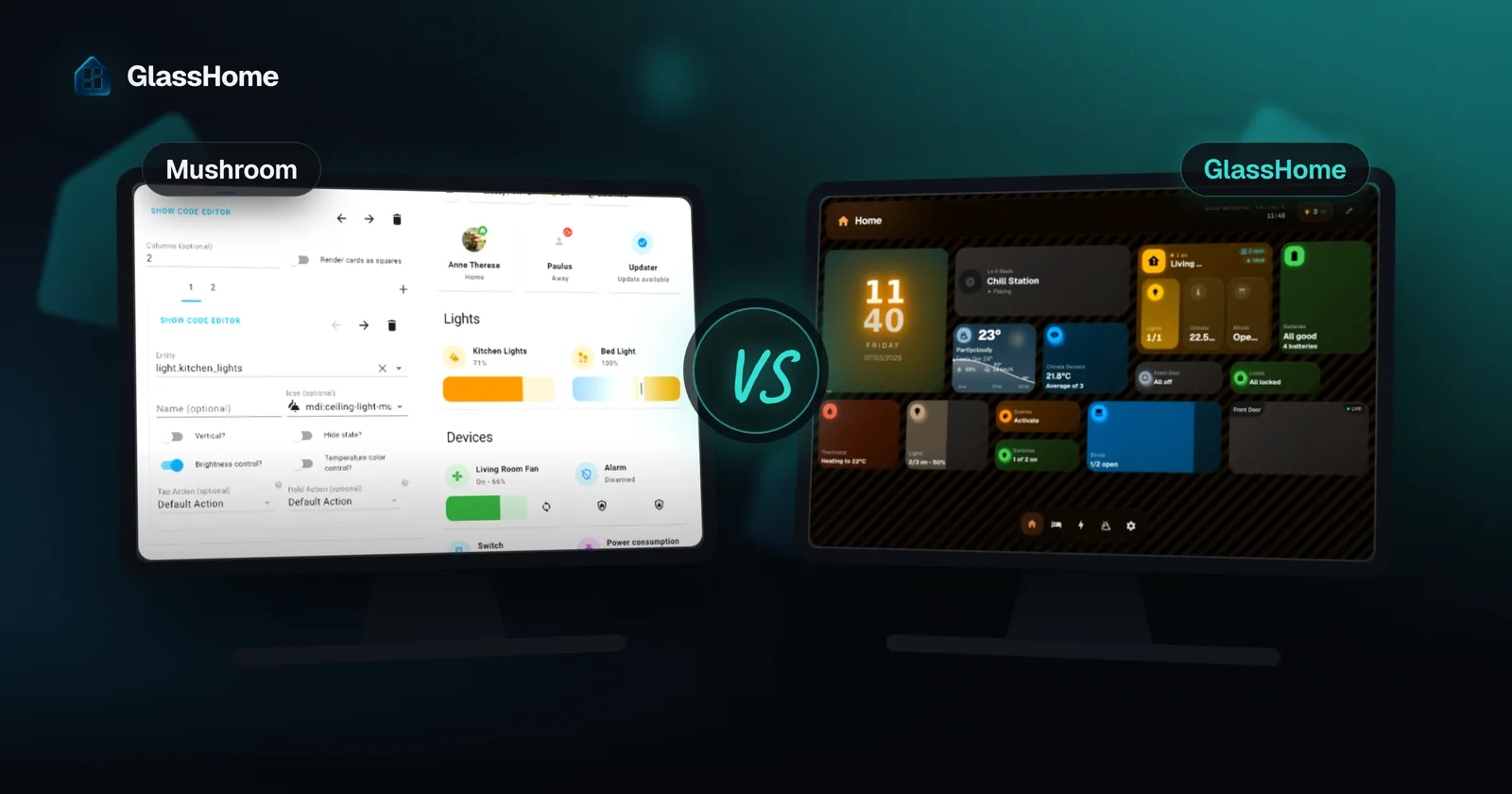
Mushroom is one of the best things in HACS. It is a free, well-kept set of clean, modern Lovelace cards, and it makes a Home Assistant dashboard look a lot better. If you enjoy building your own dashboard, Mushroom plus the Sections view may be all you need.
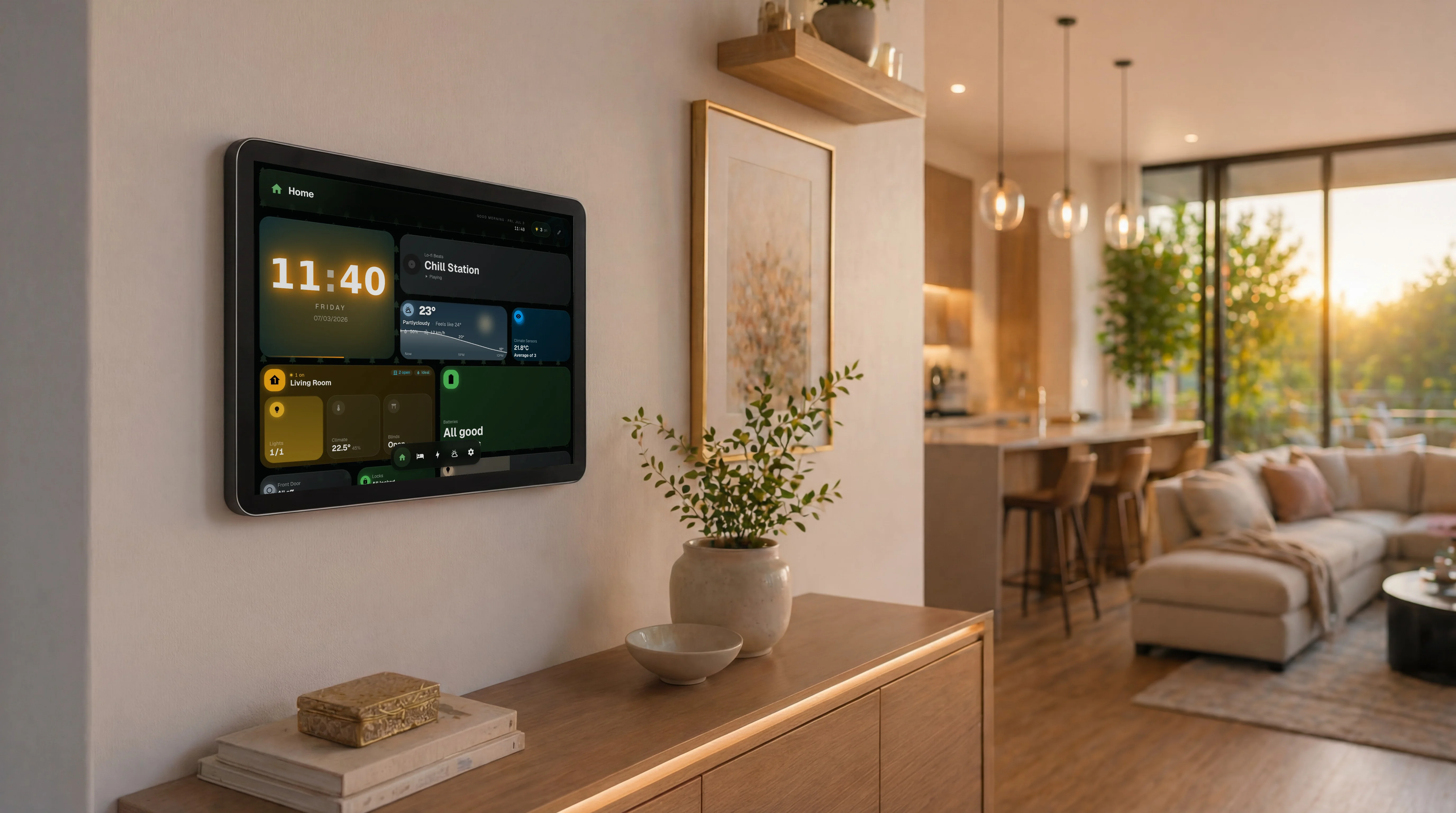
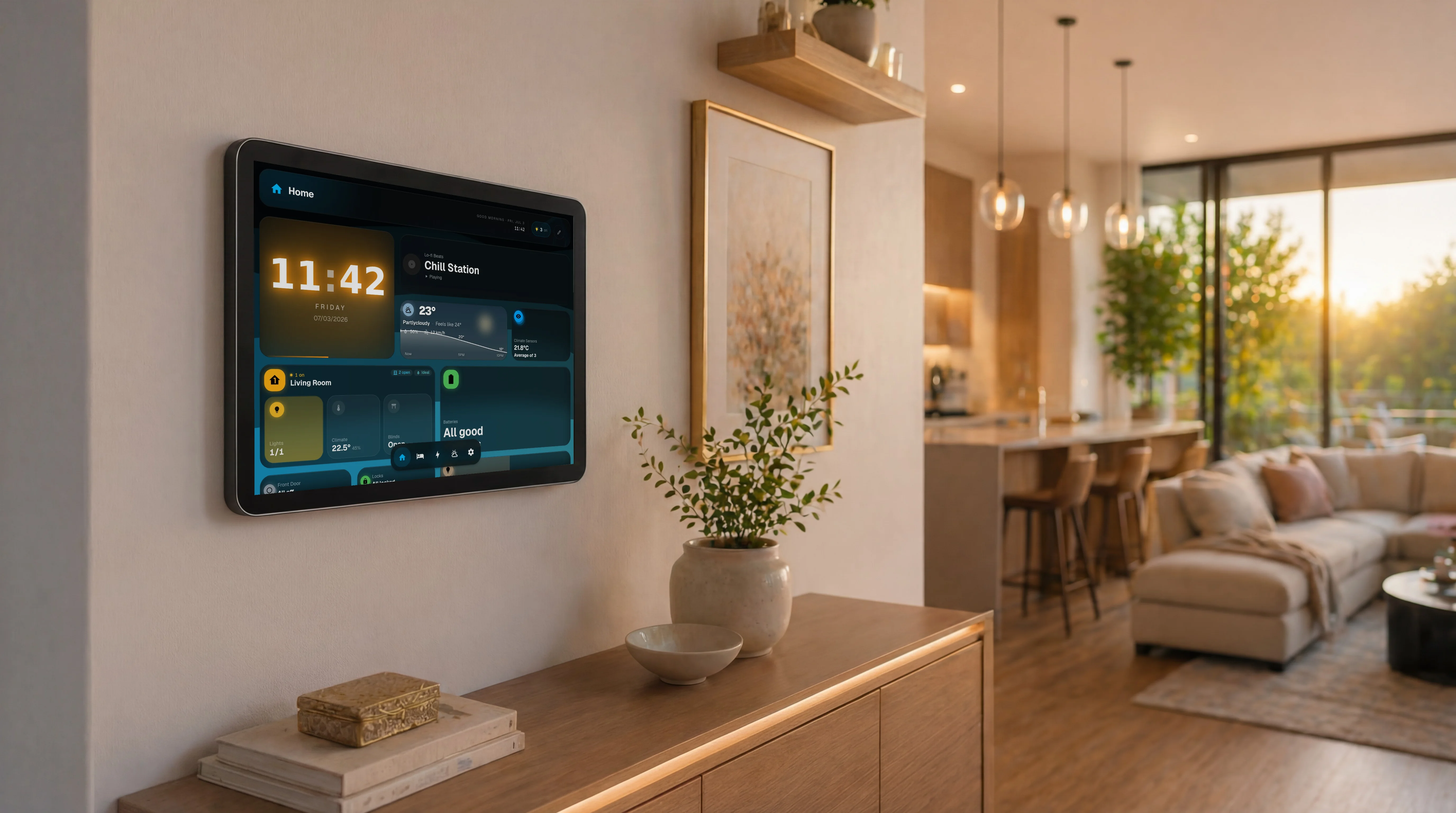
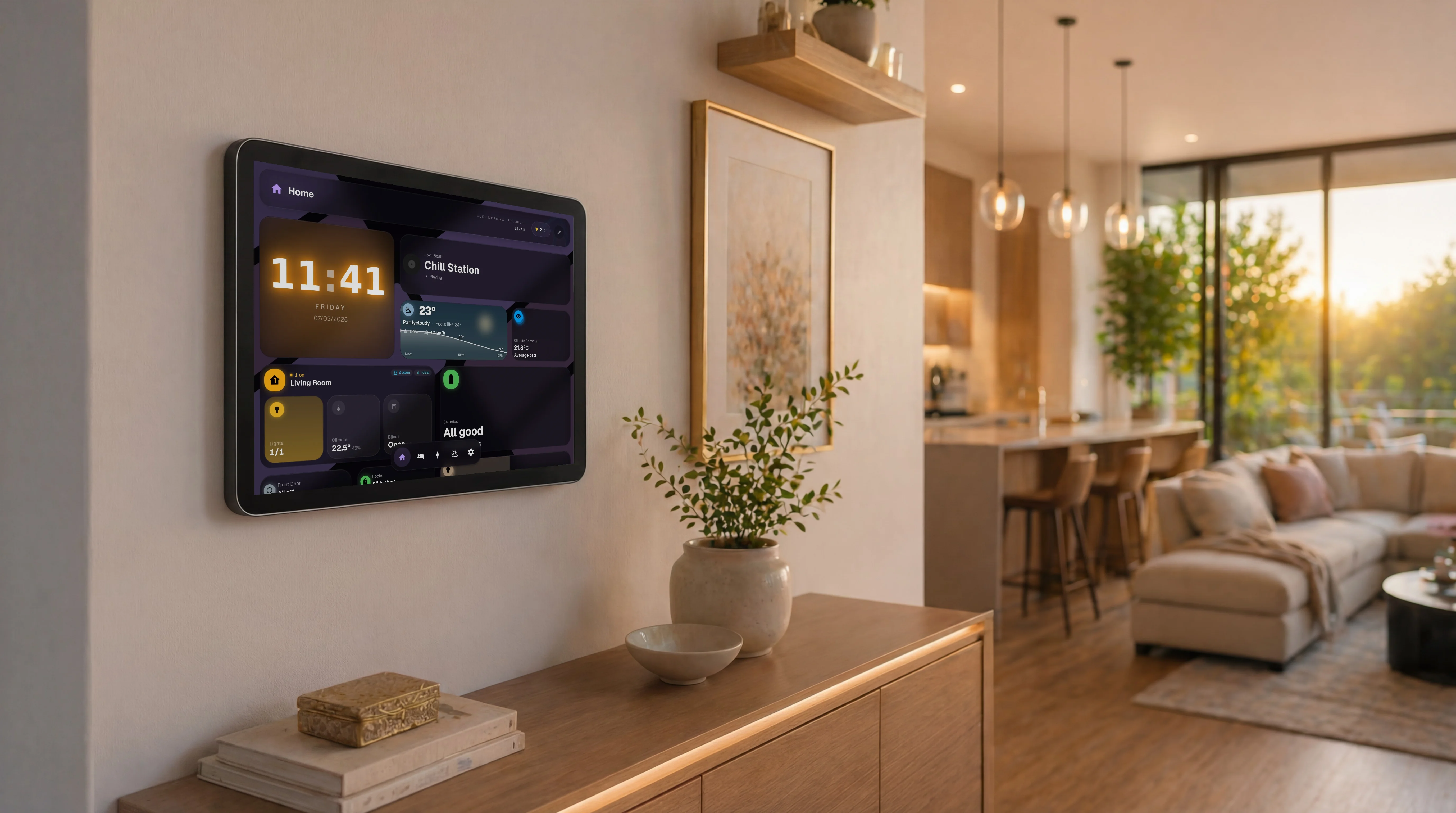
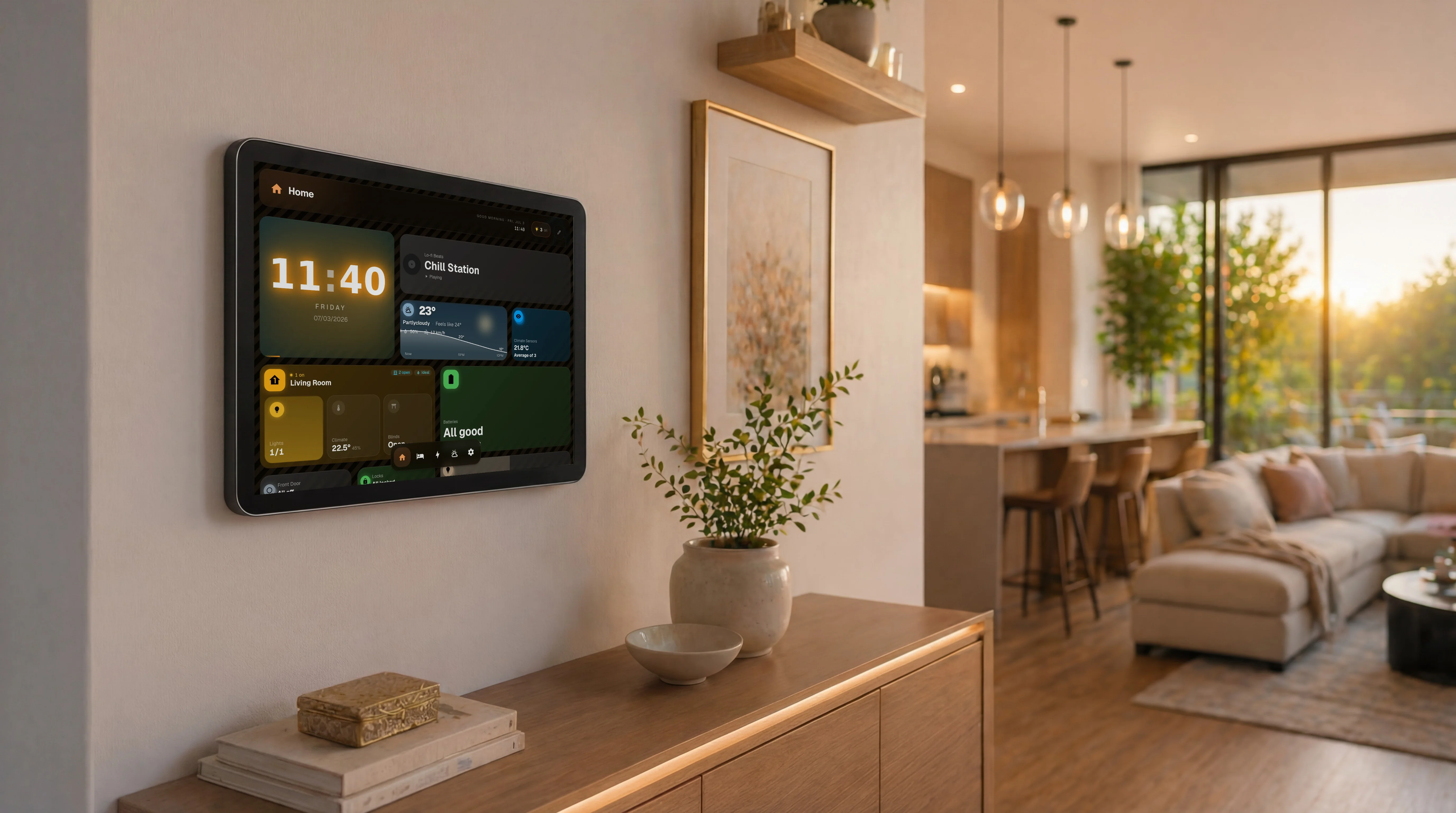
GlassHome plays a different game. It is not a card collection. It is a finished dashboard product: one designed visual style, drag-and-drop layouts, wall-tablet and family features, and a widget registry. Mushroom gives you better parts. GlassHome gives you the assembled product. You can even run both.
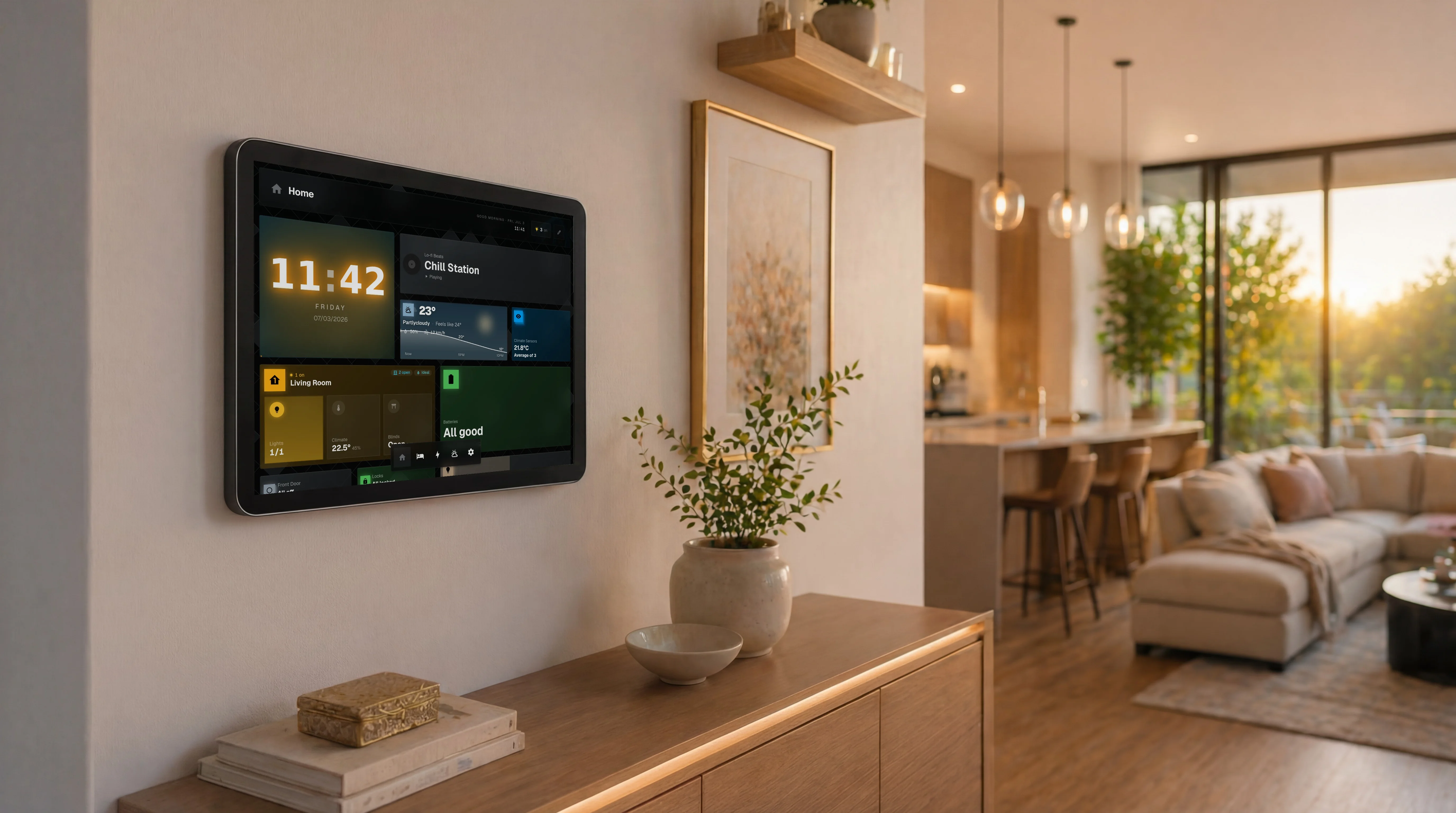
At a glance
| Mushroom | GlassHome | |
|---|---|---|
| What it is | Card collection for Lovelace | Standalone dashboard app |
| Price | Free, open-source (HACS) | Free tier $0; PRO $39.99 one-time |
| Install | HACS, then place and configure each card | Add-on / Docker (about 30 seconds to connect) |
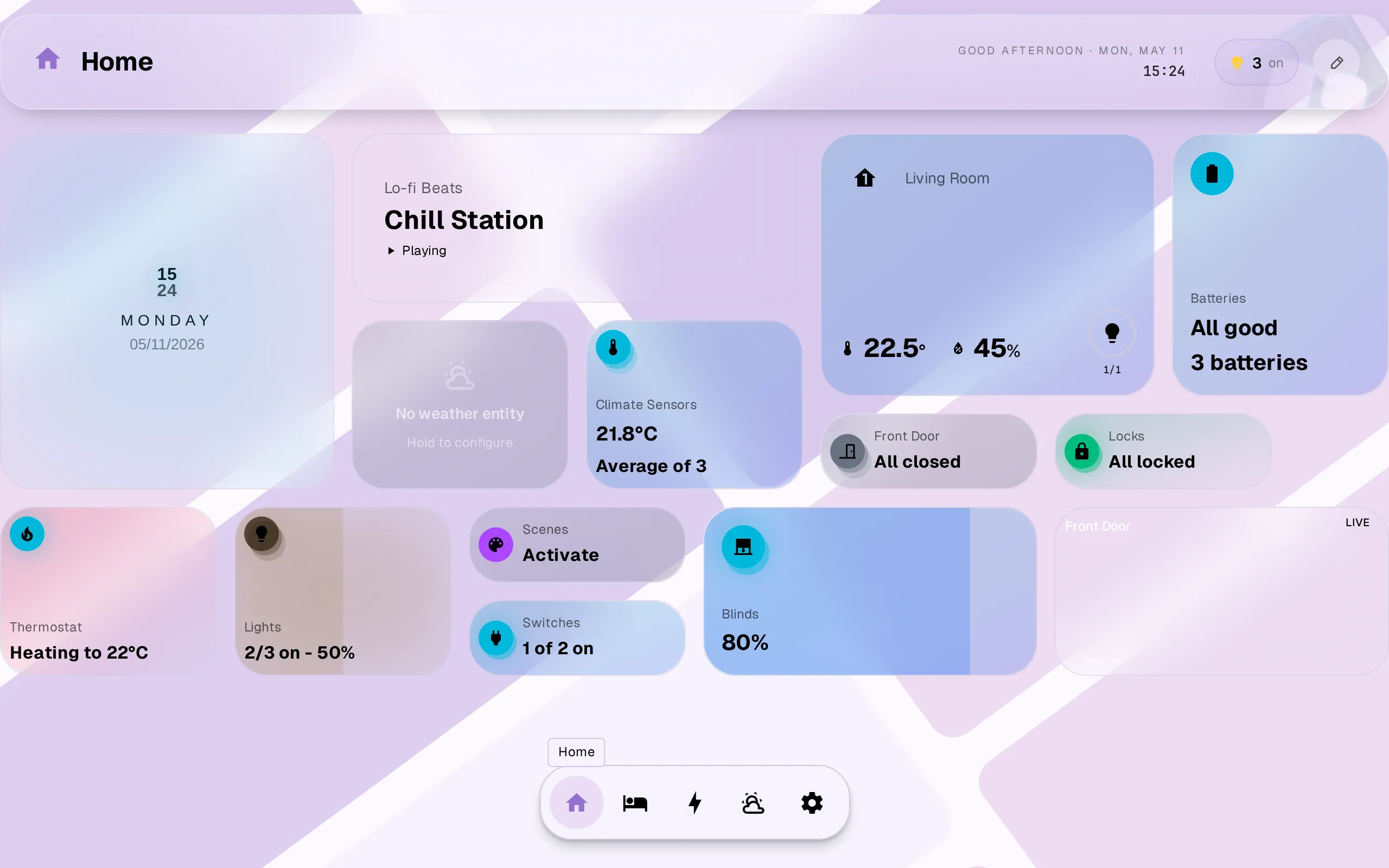
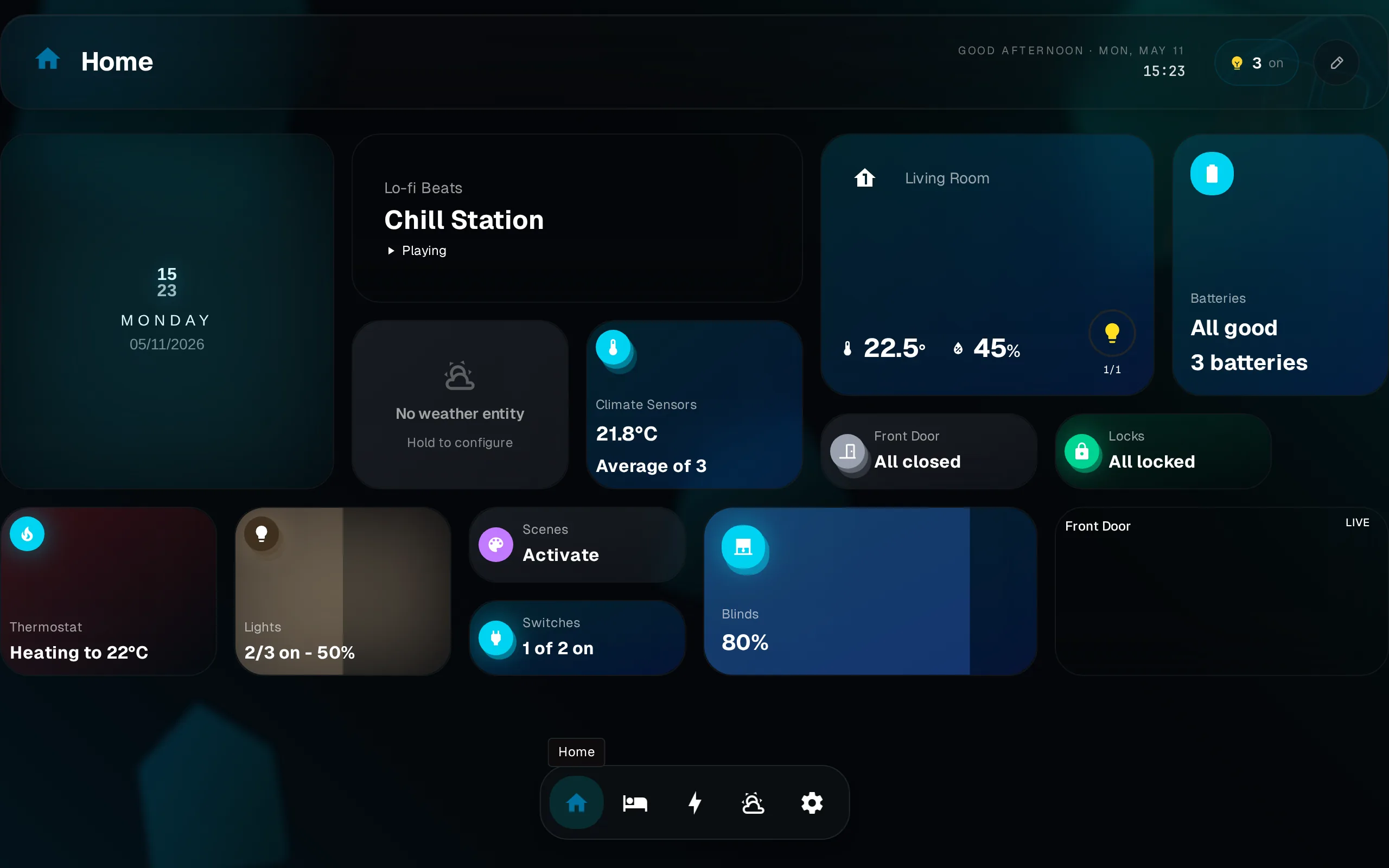
| Look | Beautiful cards; consistency is on you | One designed visual language, dark + light first-class |
| Layout work | You build and theme every view | Drag-and-drop on finished defaults |
| Wall tablet / kiosk | No DIY (kiosk-mode workarounds) | Yes Kiosk pairing, per-device dashboard |
| Households / family | No Shared HA dashboards, manual | Yes Per-user themes, guest scopes, room-by-room nav |
| Ecosystem | HACS repos | Widget registry + SDK/CLI |
| Data path | Yes Local (inside HA) | Yes Local (direct OAuth/WebSocket) |
| Open source | Yes | No Dashboard closed; SDK, CLI, UI, widgets open |
The trade-offs first
Mushroom deserves its popularity. The cards are good-looking, the project is well maintained, and it is free and fully open-source. Thousands of beautiful Home Assistant dashboards are built on it. If you like the craft of dashboard building, you will be happy with Mushroom. I would rather tell you that than oversell.
GlassHome is a separate app you install, and the dashboard itself is closed-source (the widget SDK, CLI, UI library, and widgets are open). Mushroom lives inside the dashboard system you already have. Those are real differences, not footnotes.
Cards are parts. GlassHome is the product.
Mushroom upgrades the pieces of your dashboard, but the dashboard is still yours to design. You pick a theme, lay out every view, and tune the spacing and colors. Then you keep it consistent as HA and your cards update. The result can be stunning. It is also exactly as consistent as your patience.
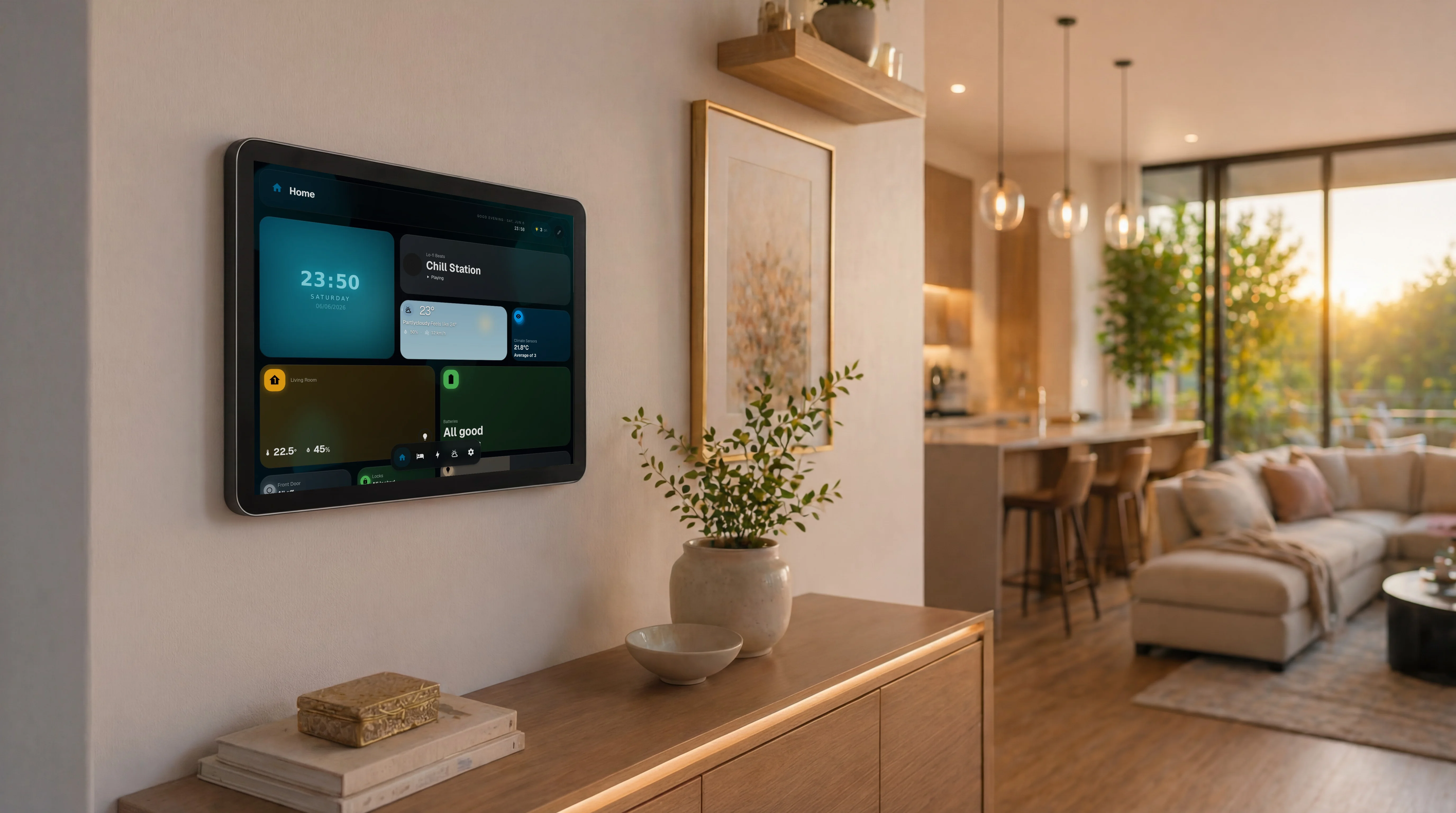
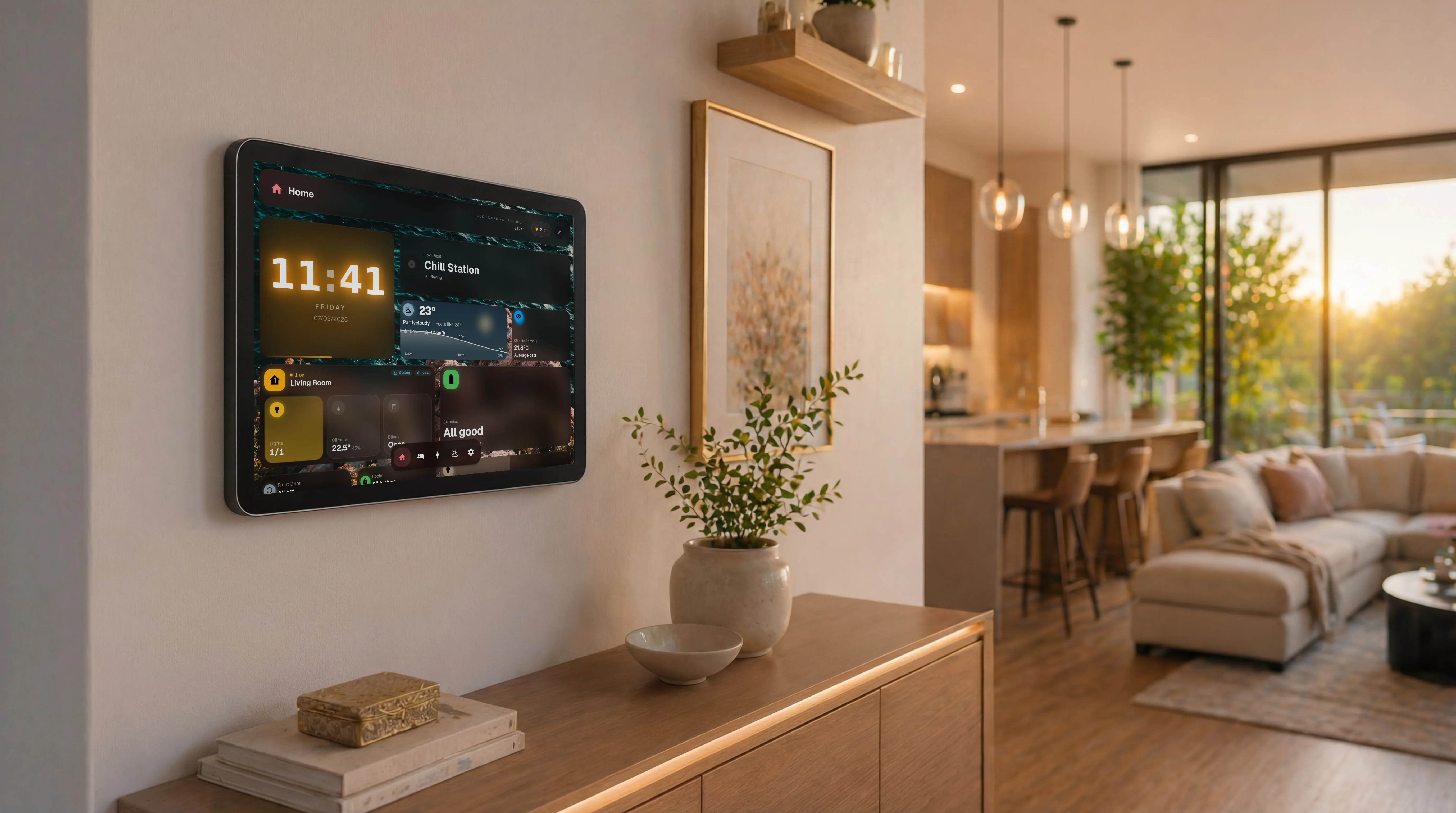
GlassHome ships the finished result: glass surfaces, depth, motion, dark and light both first-class, sensible defaults for every widget. You drag widgets where you want them and you are done. No theme hunting, no cross-card consistency work, no design taste required.
The work Mushroom leaves you with
- Choosing and installing a theme that matches the cards
- Designing and building the layout of every view yourself
- Keeping spacing, colors, and card behavior consistent across views
- Re-checking everything when HA, the theme, or the cards update
- Solving wall-tablet and kiosk needs with separate add-ons and hacks
Built for the wall and the family
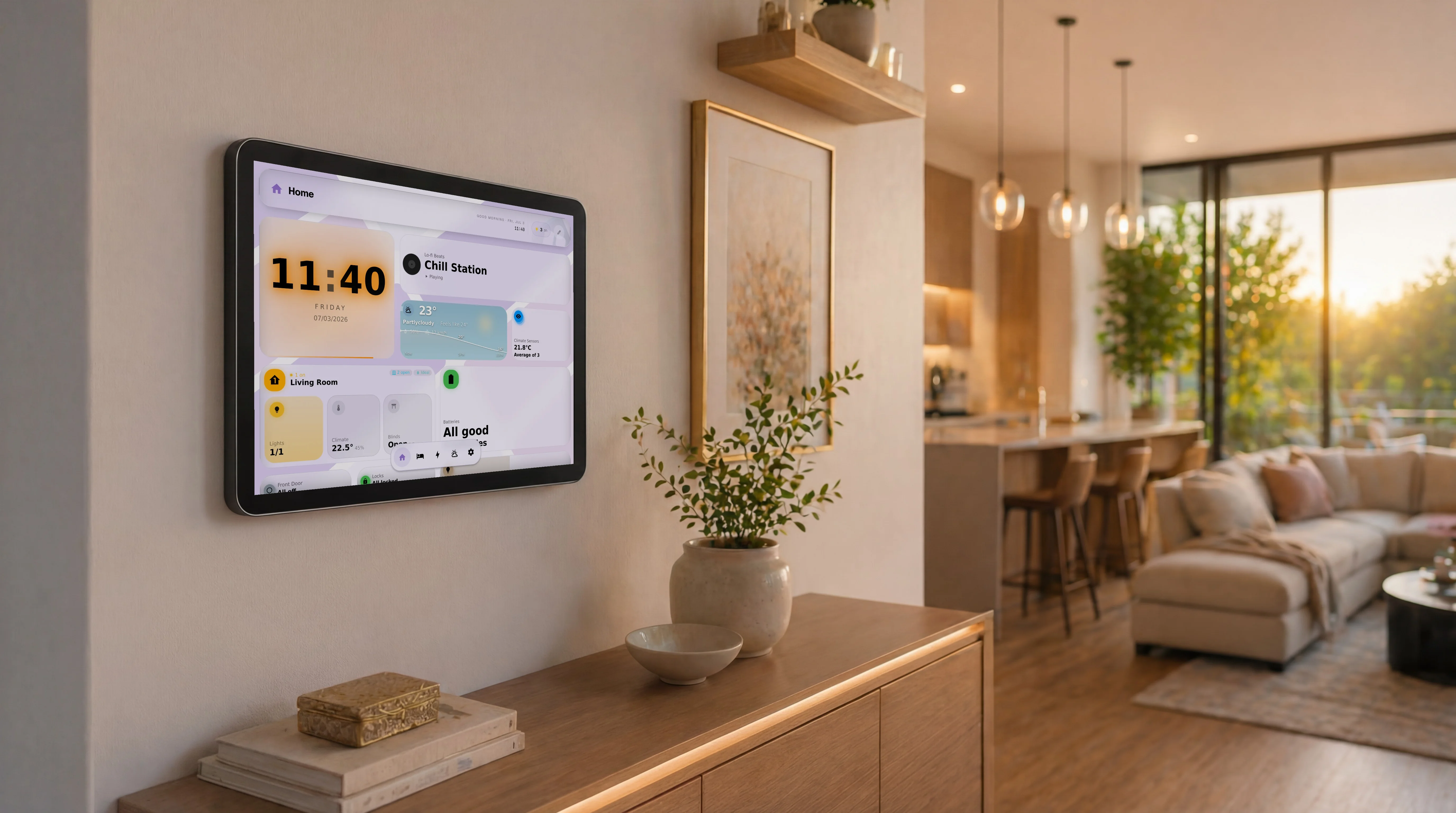
Mushroom has no opinion about wall tablets, guests, or family members. That is not its job, and that is fine. GlassHome is built around the household. Kiosk devices pair with a code and auto-load one dashboard. Family members get their own theme and last-viewed dashboard. Guests can be scoped to one room. Room-by-room navigation swaps the whole layout with one tap.
You can use both
GlassHome runs alongside Home Assistant on its own port, so your Mushroom-based dashboard stays untouched. A common setup: GlassHome on the wall tablet and the family phones, your handcrafted Mushroom dashboard for your own tinkering. Nothing to migrate, nothing to undo.
Pricing
Mushroom is free, forever, full stop. GlassHome has a permanent free tier too. You connect HA, use the official widgets and 7 built-in themes, and skip the account for local use. PRO unlocks community widgets and custom theming for a one-time $39.99. It is a one-time purchase, not a subscription.
Who should use which
Your dashboard could be beautiful tonight.
- Always free
- No account required
- Stays on your network