
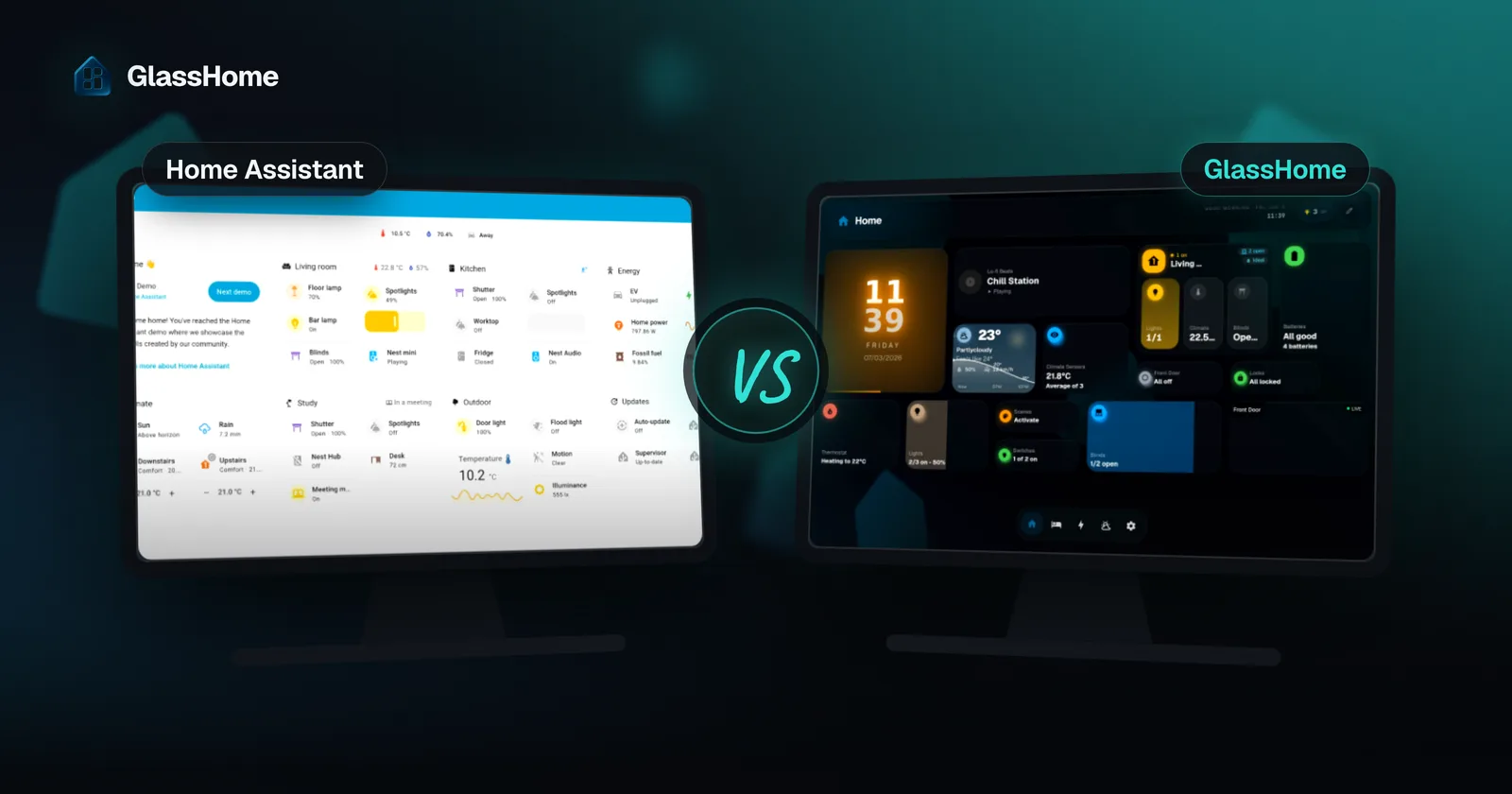
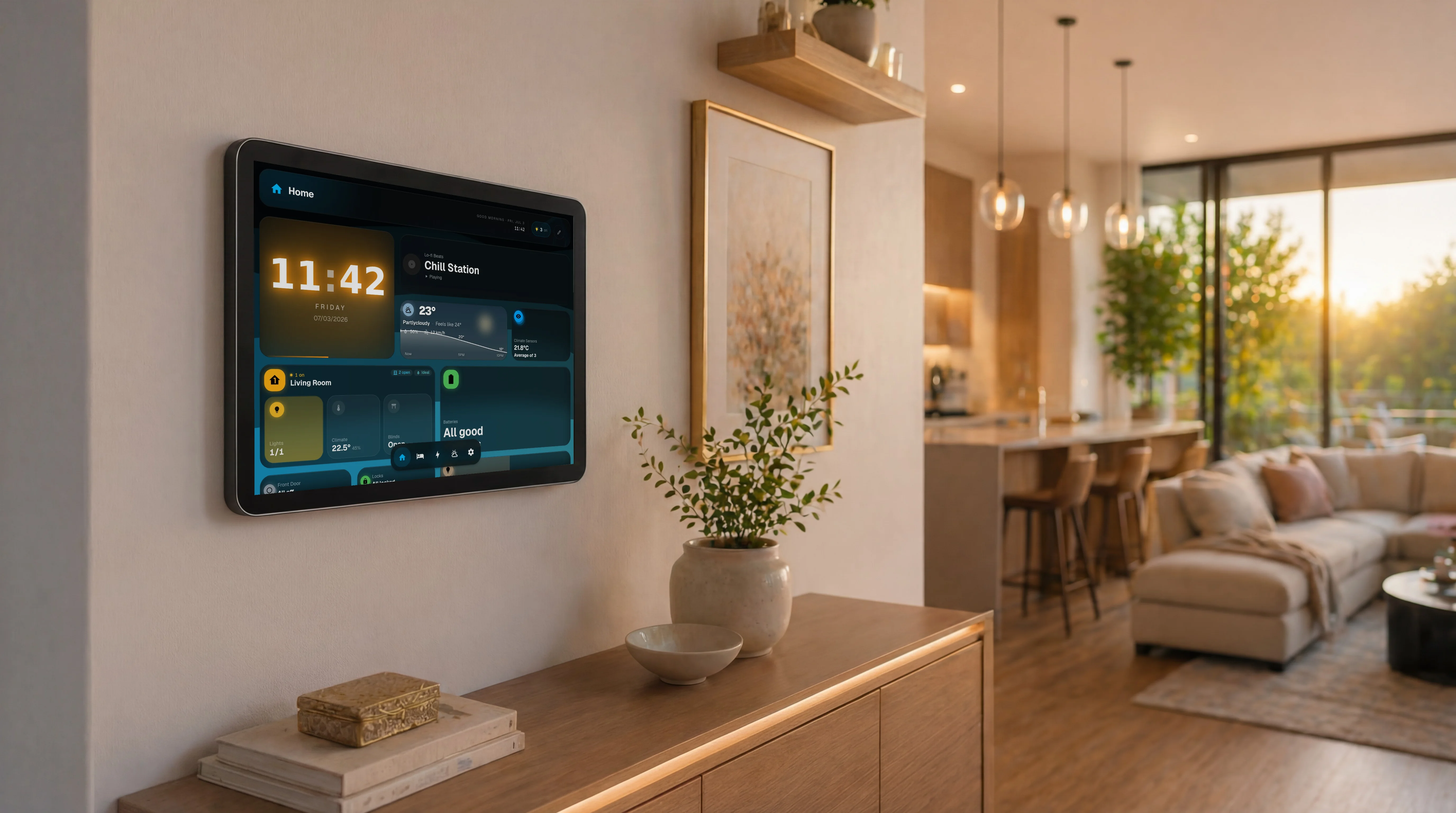
Home Assistant’s built-in dashboard (Sections view) is free, open, and now does drag-and-drop without YAML. GlassHome is a separate app that trades “built-in and free” for a designed, consumer-grade product: it looks finished out of the box, it is built for wall tablets and whole households, and it gives you a widget store instead of a HACS scavenger hunt.
If native Sections already looks the way you want, stay there. If you keep fighting to make HA look good, GlassHome is the shortcut.
At a glance
| Default HA dashboard (Sections) | GlassHome | |
|---|---|---|
| Price | Free, built in | Free tier $0; PRO $39.99 one-time |
| Install | Nothing, it is already there | Add-on / Docker (about 30 seconds to connect) |
| Drag-and-drop, no YAML | Yes Sections | Yes |
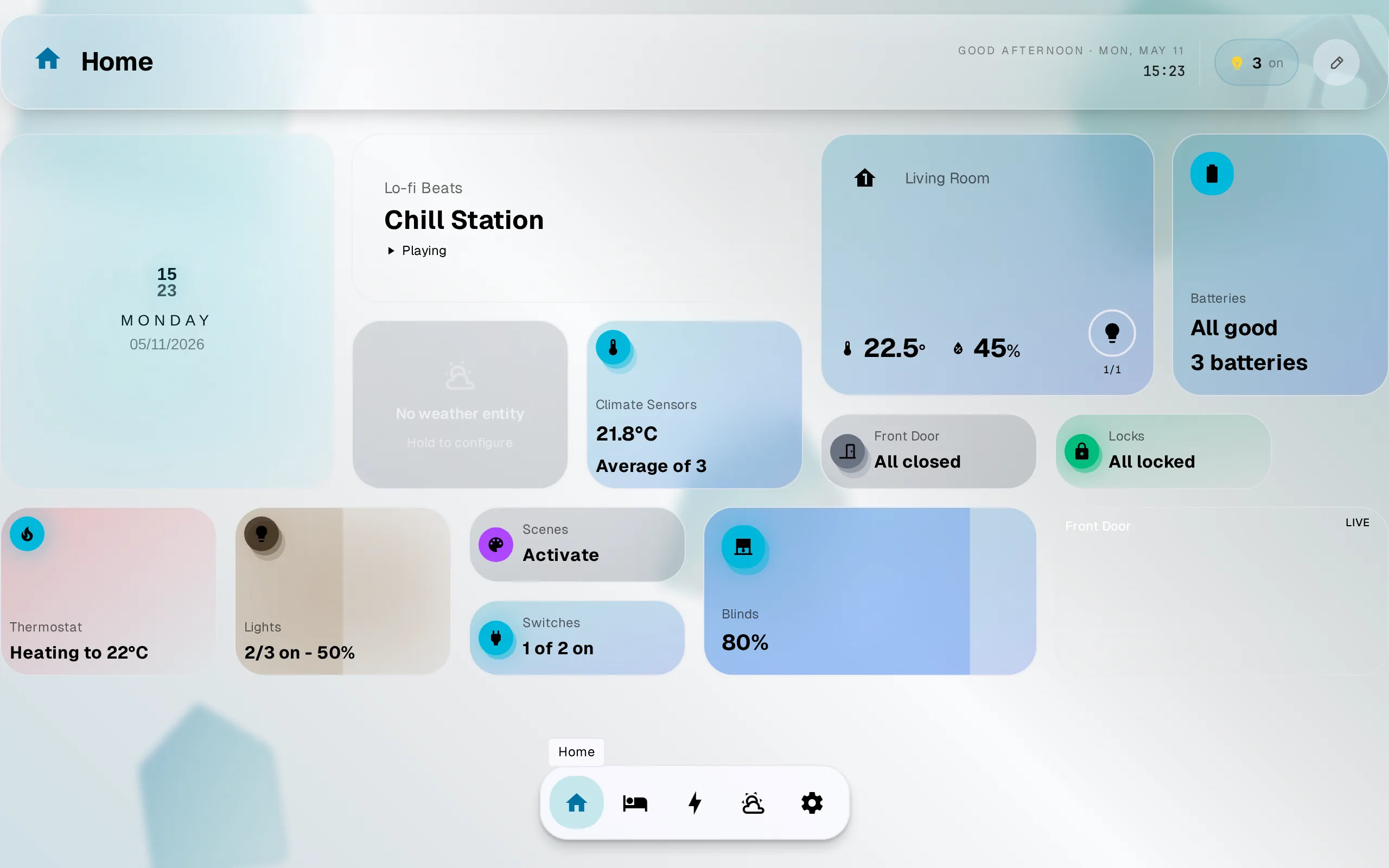
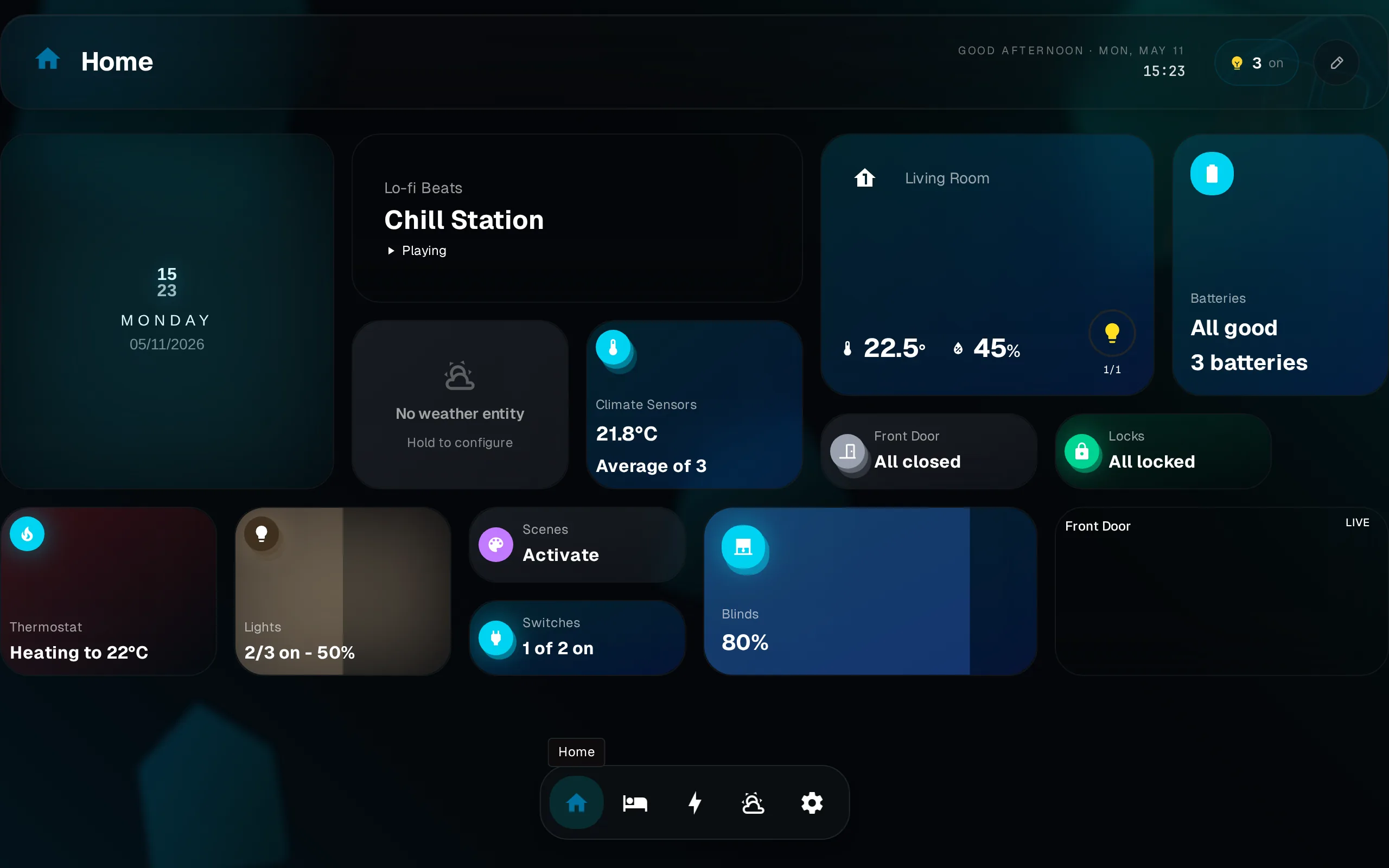
| Looks good with zero effort | Partial Tidy, but functional | Yes Designed product, glassmorphism, both themes |
| Path to “beautiful” | Install + theme HACS cards yourself | Built in, no assembly |
| Wall tablet / kiosk | Partial Possible, not designed for it | Yes Kiosk pairing, per-device dashboard |
| Households / family | No One dashboard set, manual | Yes Per-user themes, guest scopes, room-by-room nav |
| Widgets | Hunt HACS repos | Widget registry + SDK/CLI |
| Data path | Yes Local | Yes Local (direct OAuth/WebSocket, nothing leaves your network) |
| Open source | Yes | No Dashboard closed; SDK, CLI, UI, widgets open |
The trade-offs first
The default Home Assistant dashboard got a lot better. Since 2024.3 the Sections view gives you a real drag-and-drop grid with a visual editor. The Areas dashboard can even build a clean starting layout for you. You no longer need YAML to build a dashboard in HA. If that already gives you what you want, you do not need GlassHome. I would rather tell you that than waste your install.
GlassHome is also a separate app you install, and the dashboard itself is closed-source (the widget SDK, CLI, UI library, and widgets are open). HA’s dashboard is built in, free, and fully open. Those are real reasons to stay on native, and I am not going to pretend otherwise.
Where GlassHome differs
It looks finished, not assembled
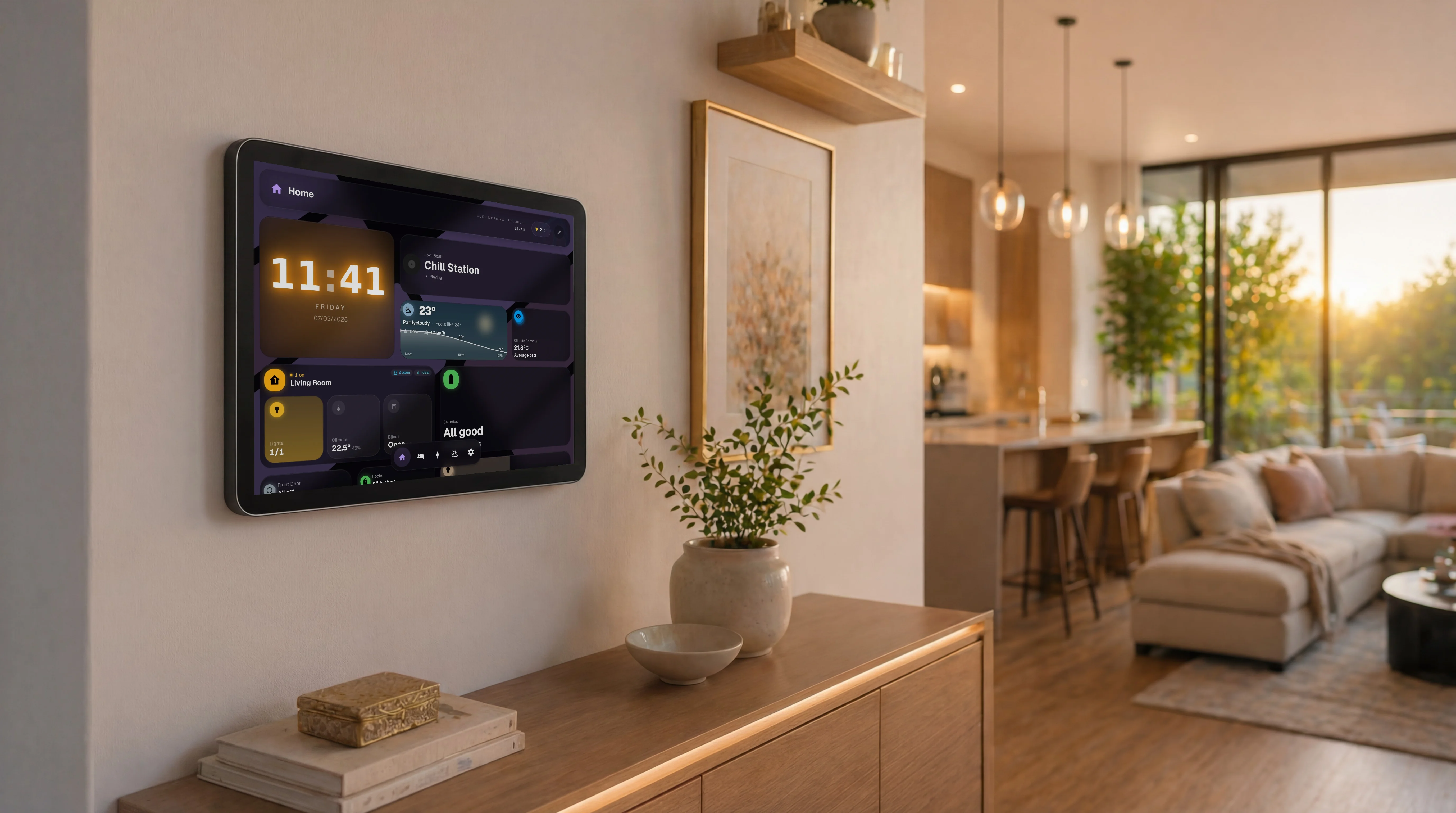
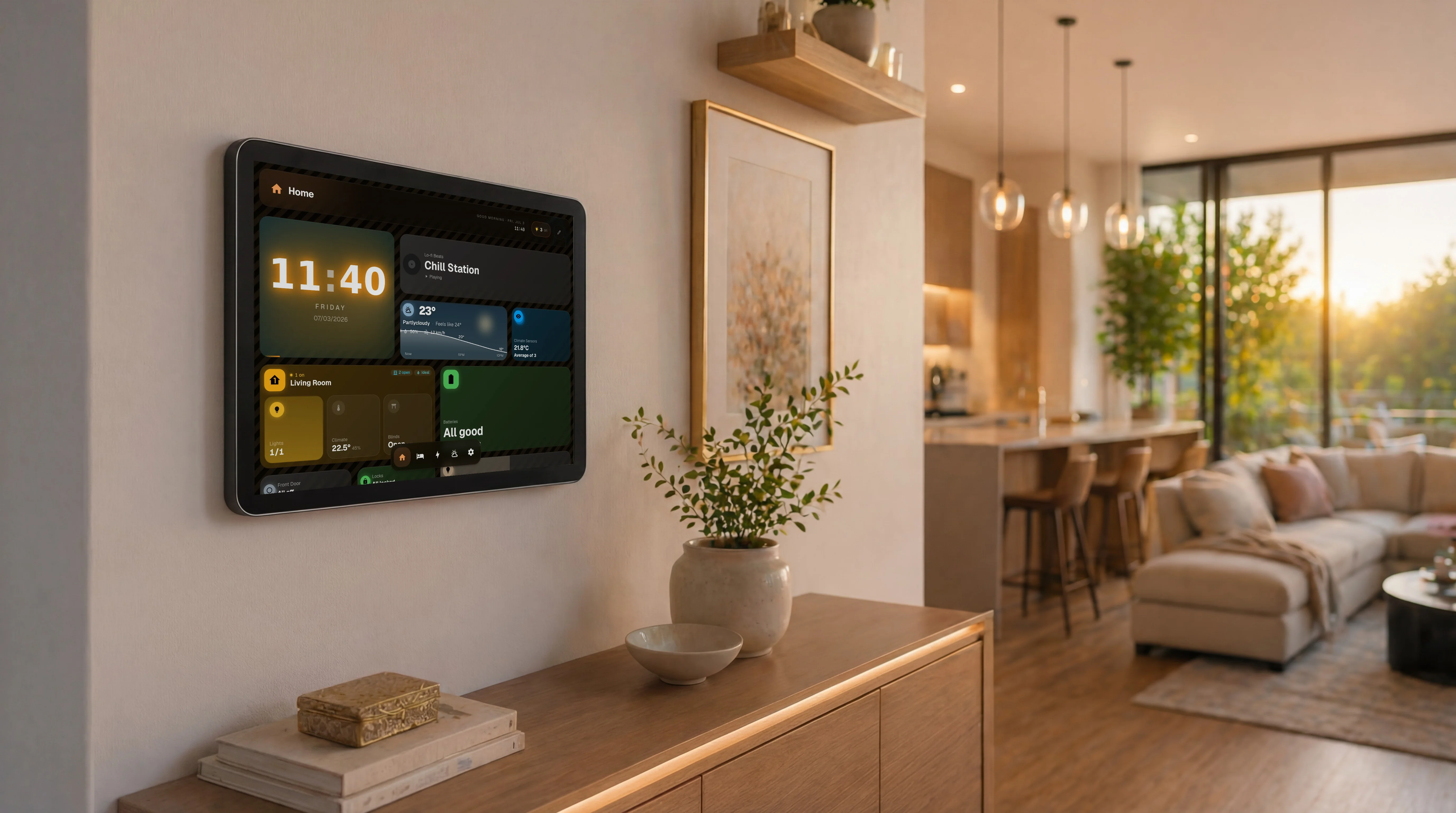
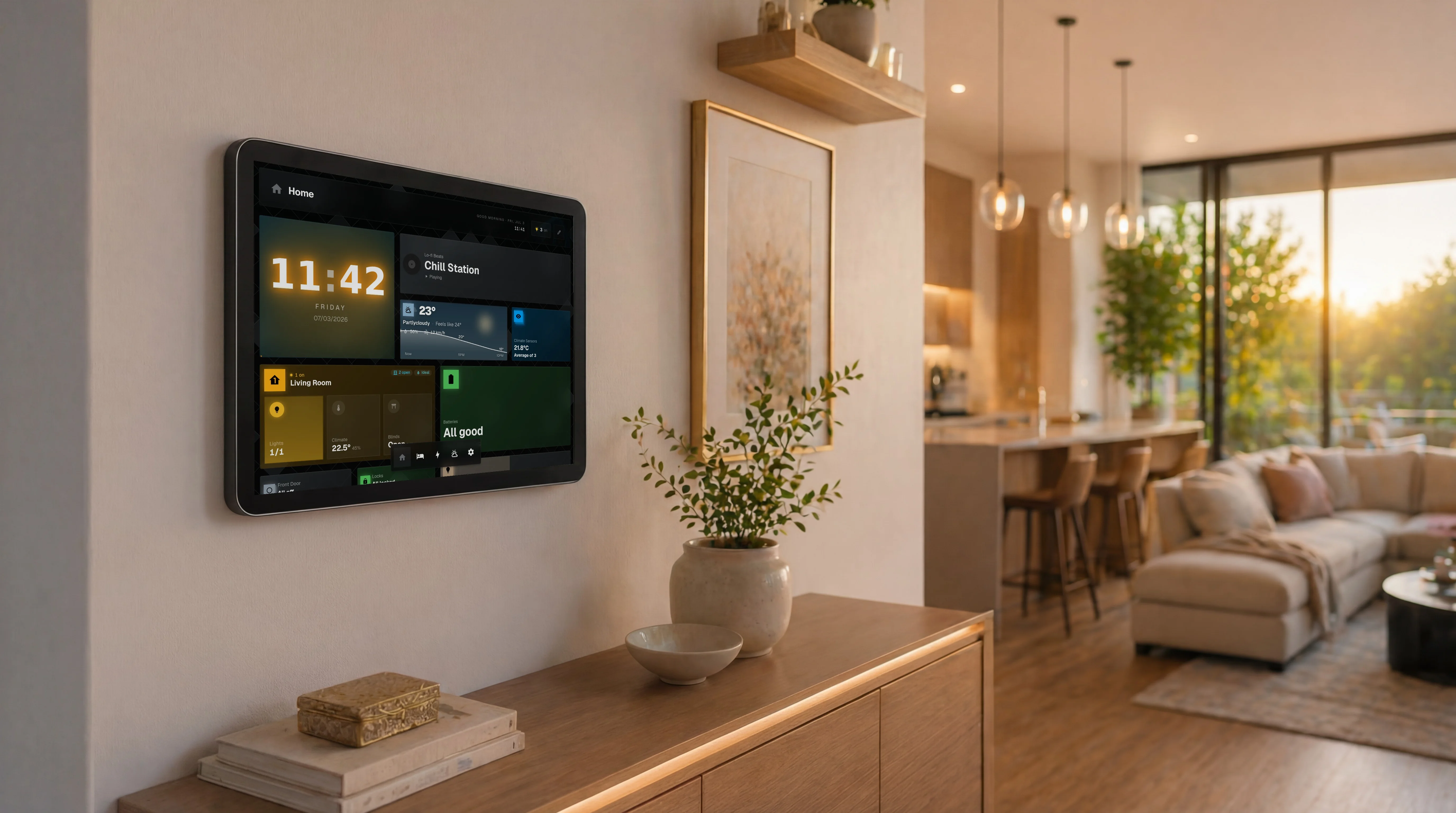
Native HA gives you a tidy grid. Making it beautiful still means picking a theme, installing card sets like Mushroom or Bubble Card from HACS, and tuning spacing and colors until it feels right. That is assembly, and the result is only as consistent as your patience. GlassHome ships as one designed product: a single visual style (glass surfaces, depth, motion), dark and light both first-class, no theme hunting. You get the finished look without the design work.
It is built for the wall and the whole house
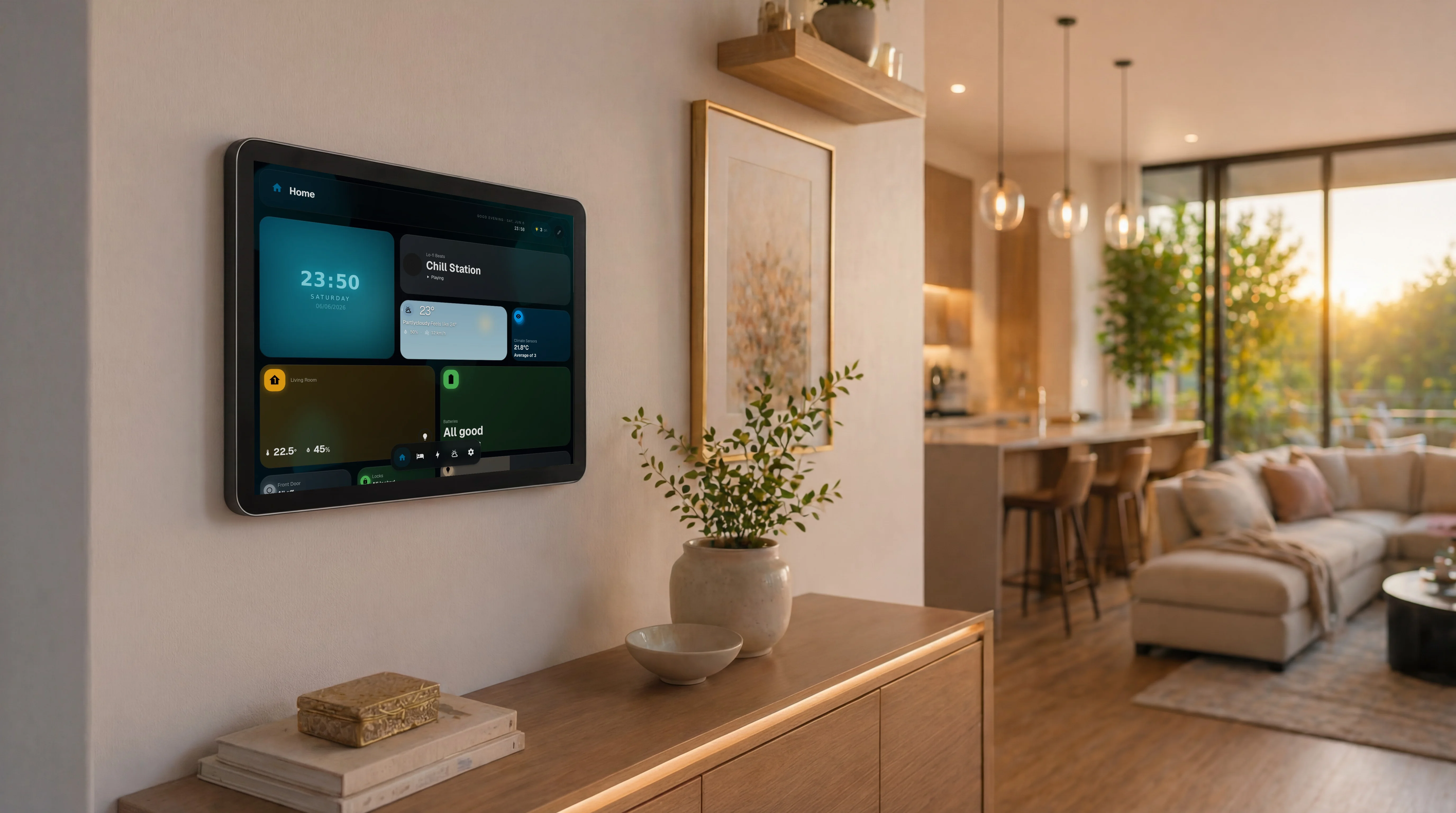
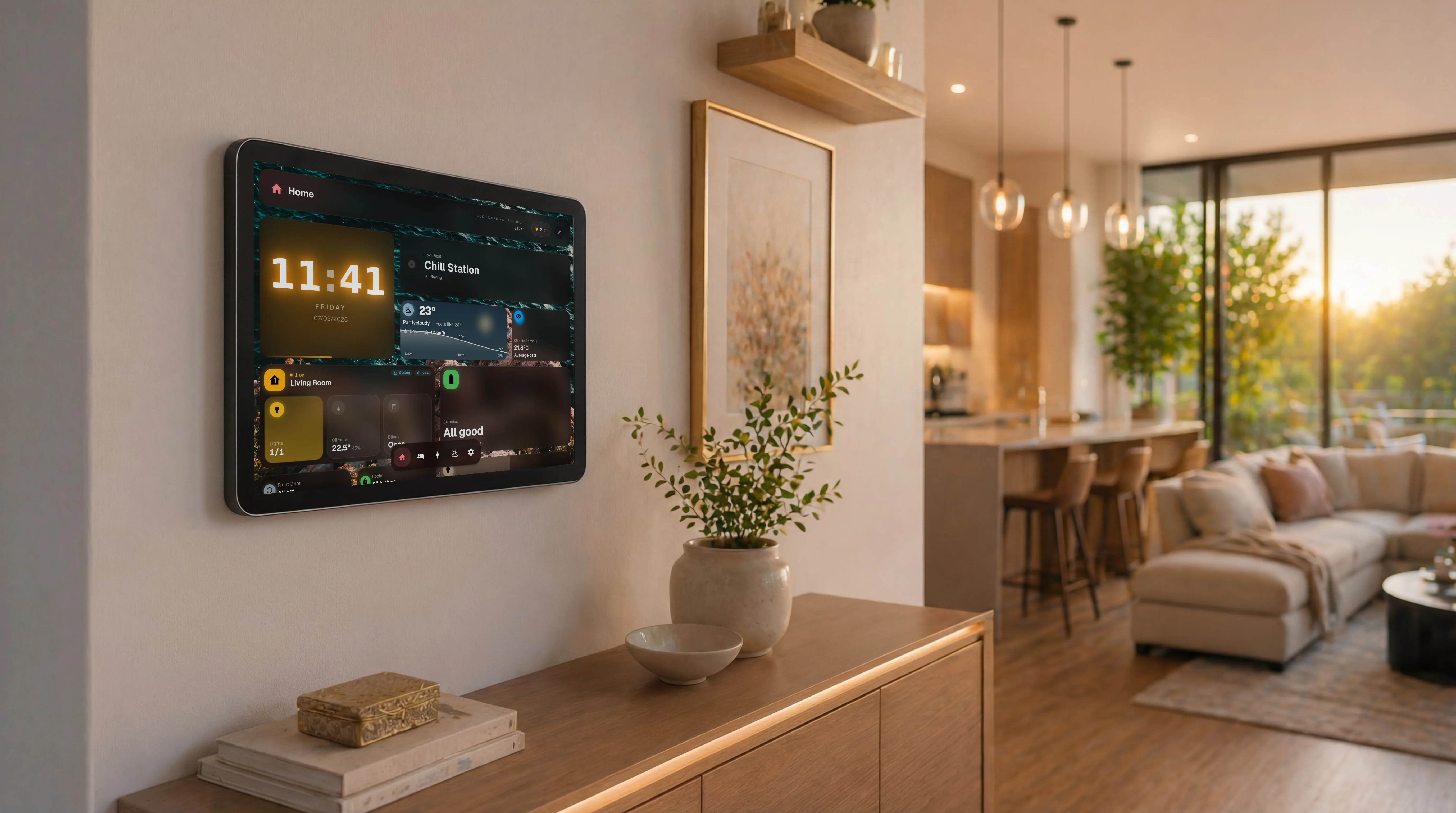
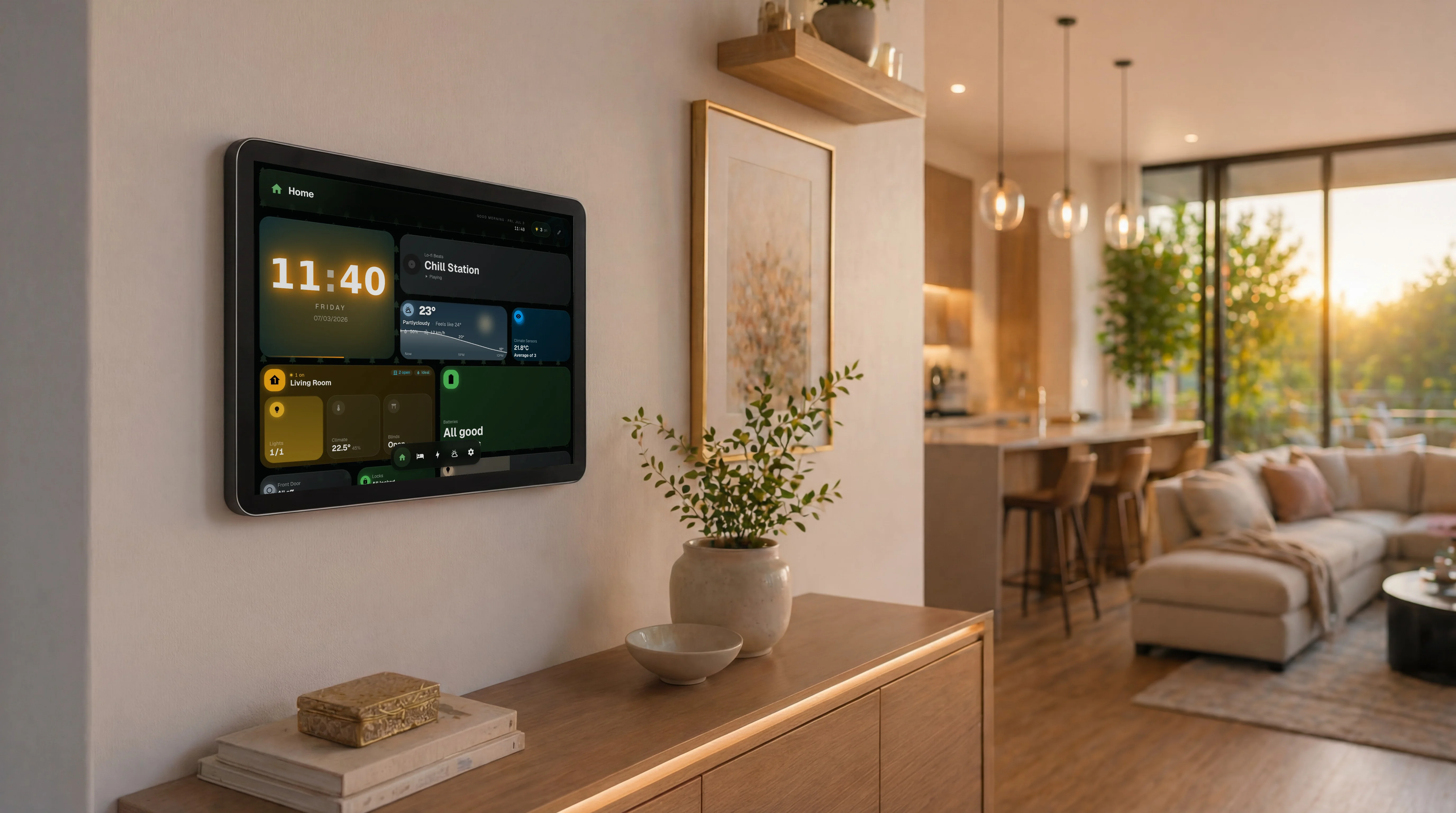
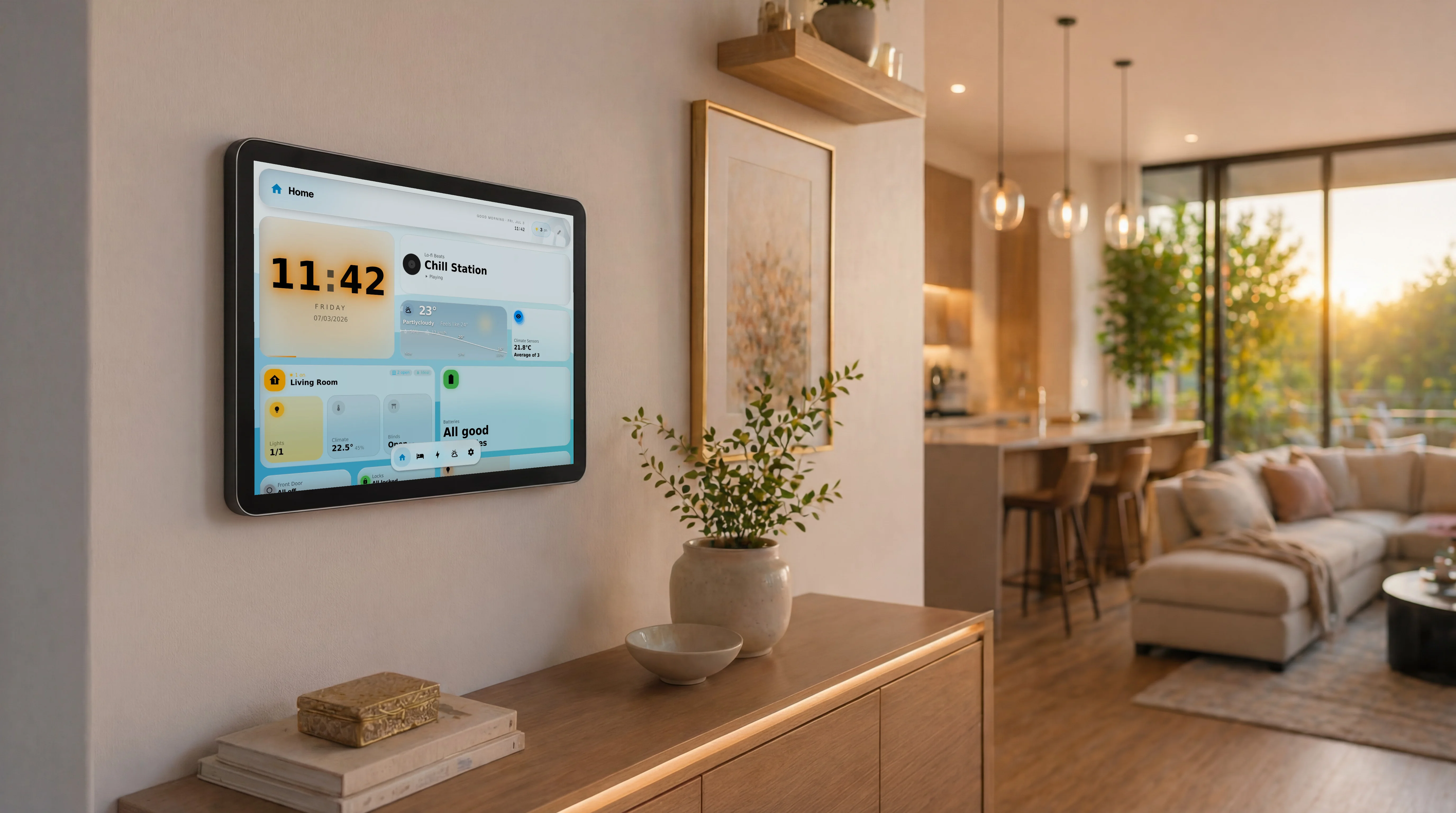
HA’s dashboard is built for the person configuring HA. GlassHome is built for the tablet on the kitchen wall and the people who never open Settings. Kiosk devices pair with a code and auto-load one dashboard with no login screen. Family members get their own theme and last-viewed dashboard. Guests can be scoped to one room. Room-by-room bottom navigation swaps the whole layout with one tap. This is a household product, not a config surface.
Widgets are a store, not a scavenger hunt
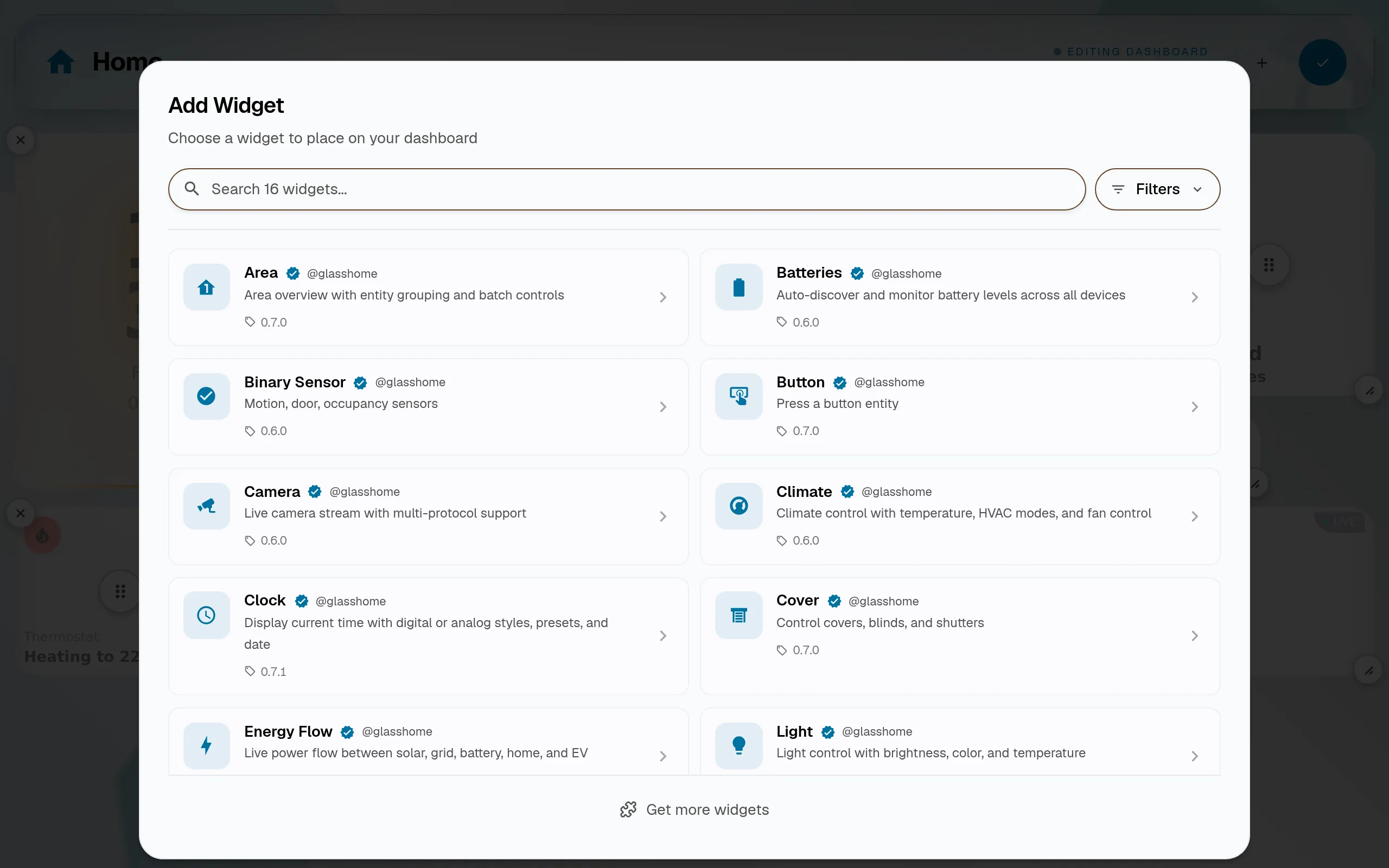
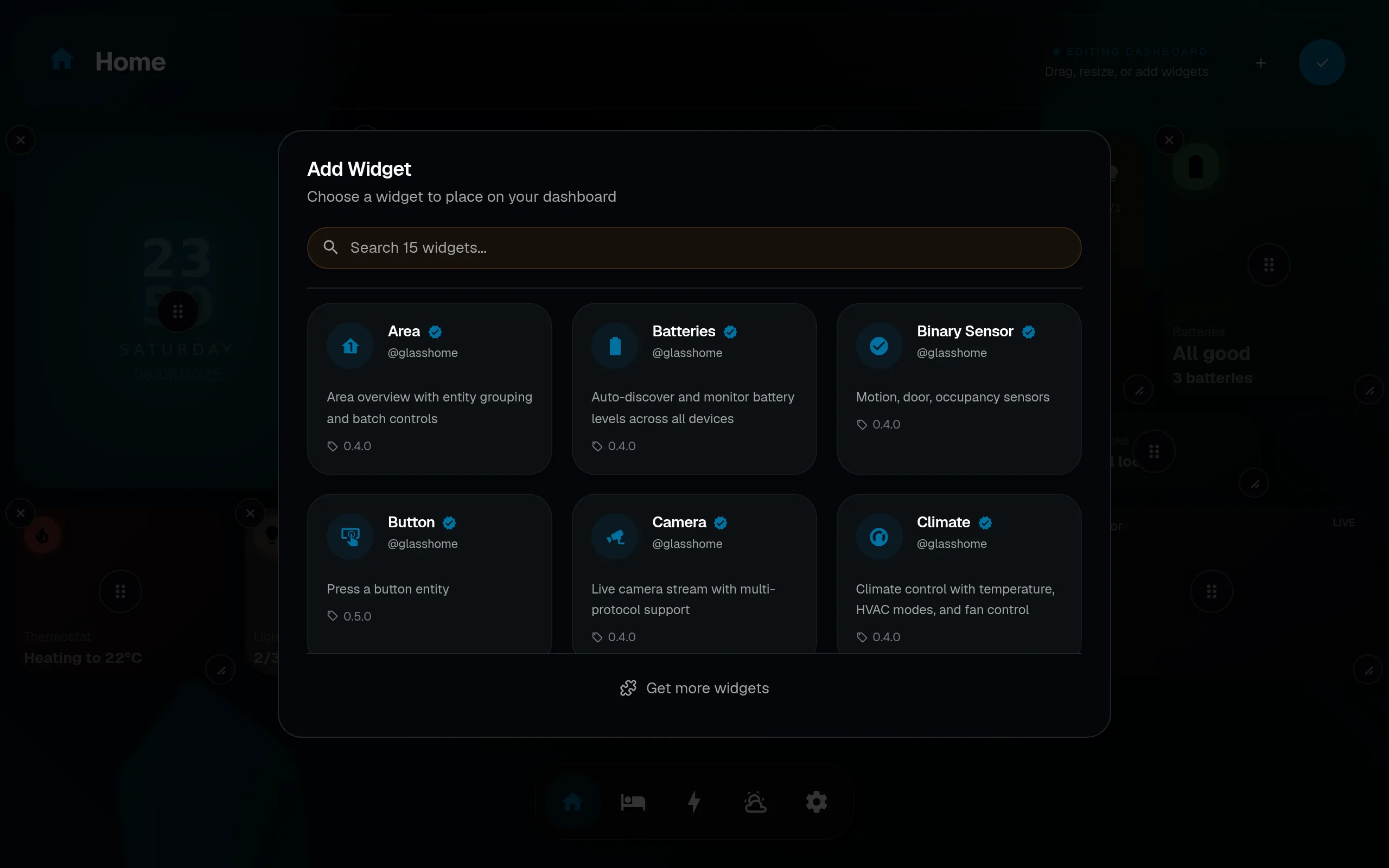
On native HA, adding capability means finding a HACS repository, trusting it, installing it, and wiring it in. GlassHome has a widget registry with an SDK and CLI: browse, install, done. Developers publish to one place; you install from one place.
Setup is a shortcut, not a project
Connect in about 30 seconds: open GlassHome, paste your HA URL, approve via OAuth. Everything stays on your network over a direct OAuth and WebSocket link. You are not learning the Sections grid or reading card docs just to get something that looks good.
Pricing
HA’s dashboard is free. So is GlassHome’s Free tier. You connect HA, use the official widgets and 7 built-in themes, and skip the account for local use. You only pay if you want more. PRO unlocks community widgets and custom theming for a one-time $39.99. It is a one-time purchase, not a subscription.
Who should use which
Migration (it is not a migration)
You do not move anything. GlassHome runs alongside your existing HA dashboard on its own port and connects to the same instance. Your automations, entities, and default dashboard are untouched. Try GlassHome, keep the native dashboard, use whichever you prefer. Nothing to undo.
Your dashboard could be beautiful tonight.
- Always free
- No account required
- Stays on your network