Themes
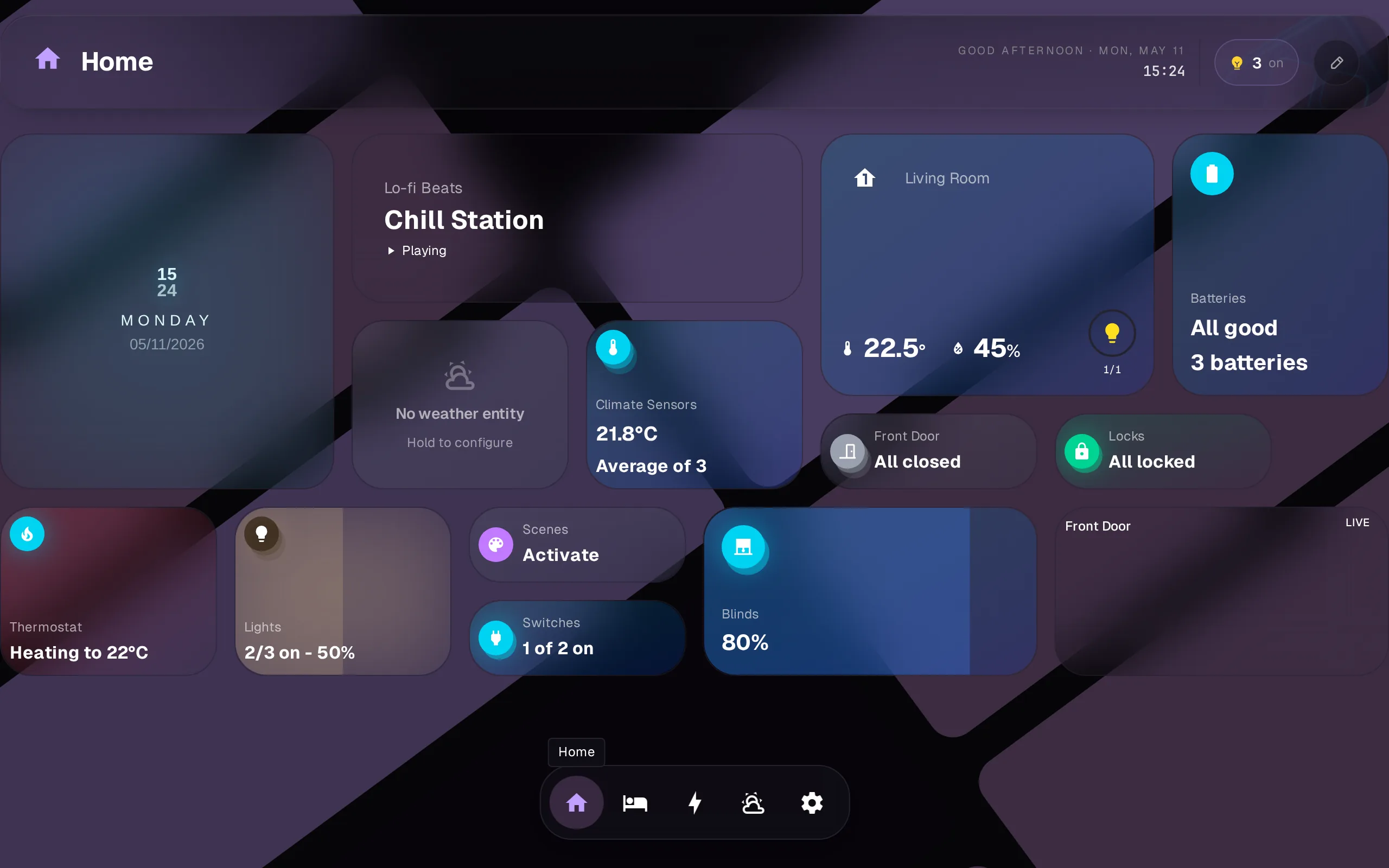
7 built-in presets, each with light and dark variants. Apply a preset in Settings > Theme. Switching is instant.
Free vs Pro
| Free | Pro | |
|---|---|---|
| All 7 presets | Yes | Yes |
| Light / dark mode | Yes | Yes |
| Applying custom themes already on your Dash | Yes | Yes |
| Theming: editor (colors, radius), custom backgrounds, theme upload | Yes |
Presets and switching between themes are free for everyone. Custom themes themselves are free to use: if one is already on your Dash, anyone can apply it, and it keeps working if Pro lapses. Creating or editing one (theming) requires Pro.
Presets
| Preset | Light / Dark |
|---|---|
| Midnight Glass | Dark |
| Sunrise Studio | Light / Dark |
| Forest Zen | Light / Dark |
| Lavender Dreams | Light / Dark |
| Coral Reef | Light / Dark |
| Monochrome Pro | Light / Dark |
| Ocean Breeze | Light / Dark |
Theme editor (Pro)
With Pro, the editor in Settings > Theme unlocks below the preset grid:
- Colors. 6 slots: primary, secondary, accent, border, card, background. Separate light and dark palettes.
- Border radius. Slider from 0 to 2.0. Controls the roundness of cards, buttons, and widgets.
- Backgrounds. Built-in patterns, custom images, overlay opacity, and blur amount.
Start from any preset, tweak it, and save it as a custom theme on your Dash. You can also upload a theme file shared by someone else. Custom themes follow the same structure as built-in presets.