
MEGA Rooms · Smart Room Overview
@mega/mega-room-overview · v0.4.12
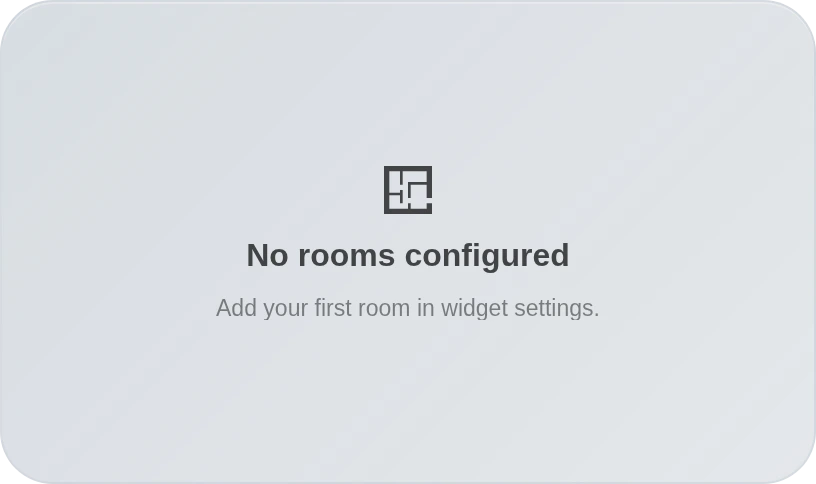
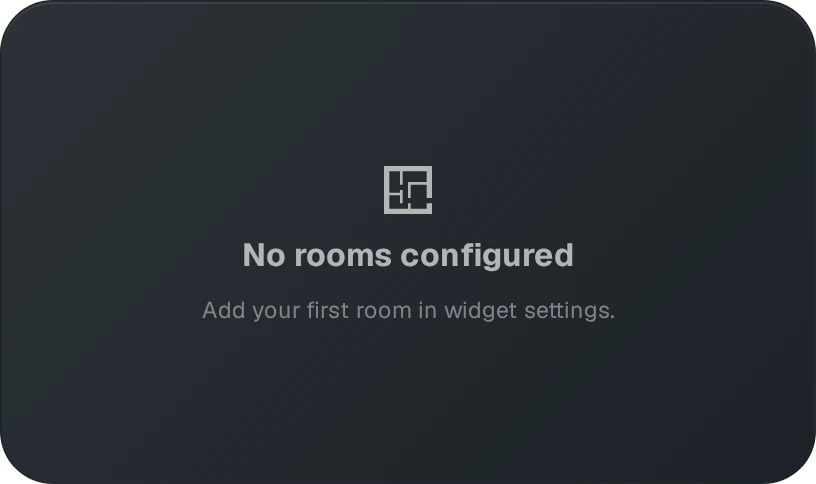
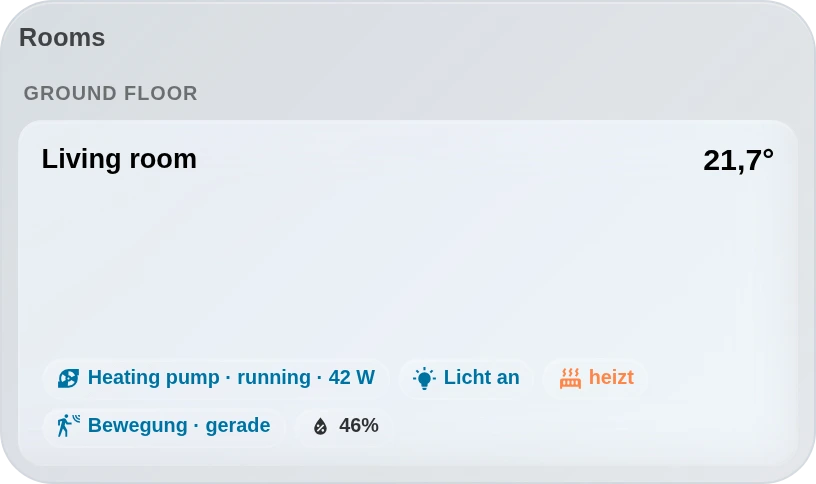
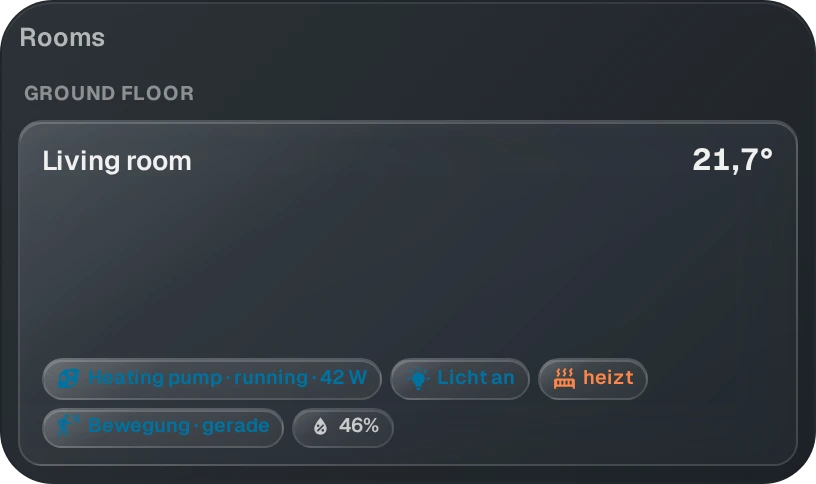
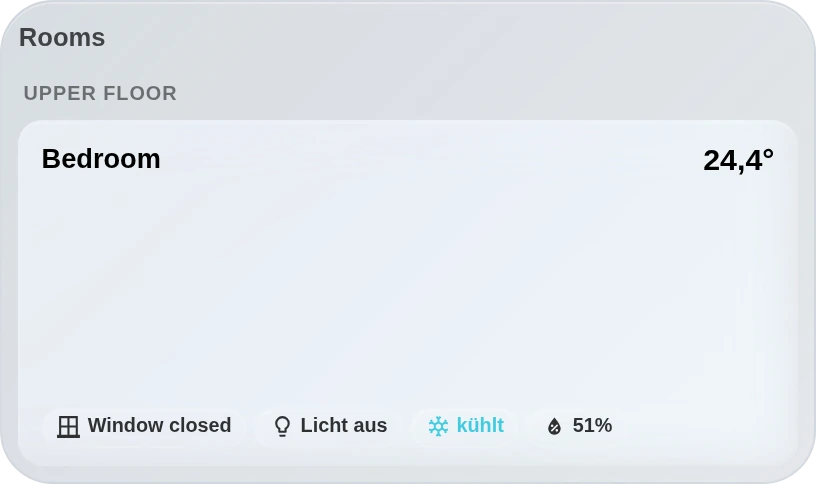
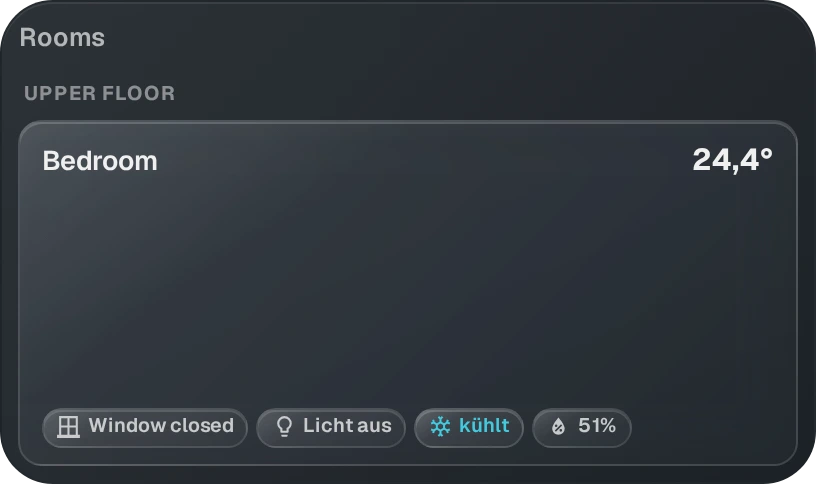
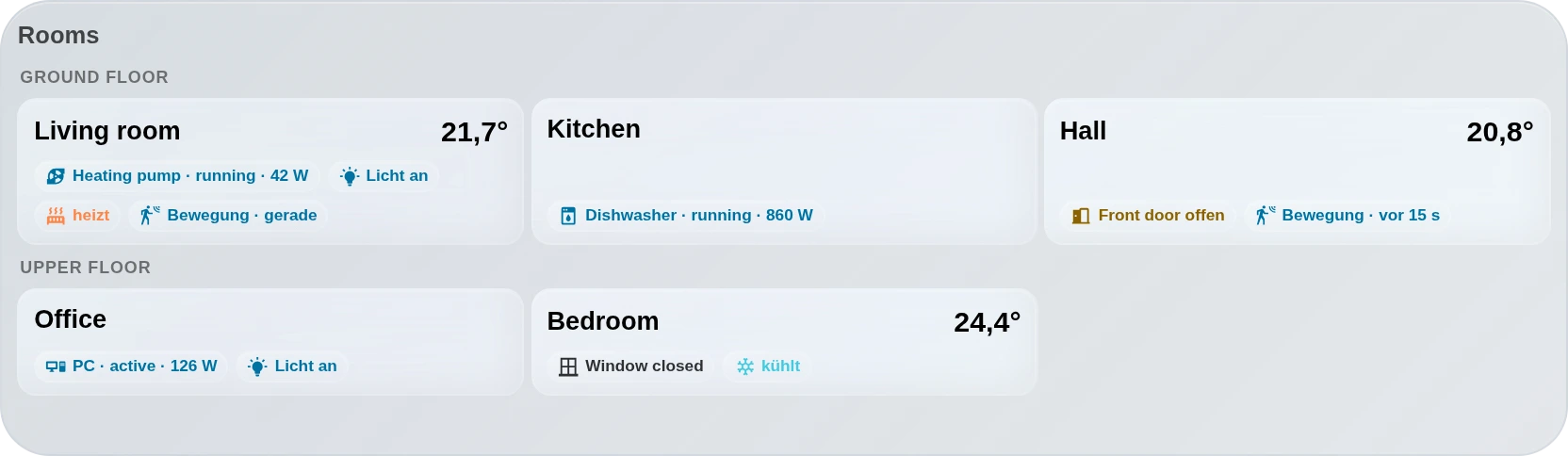
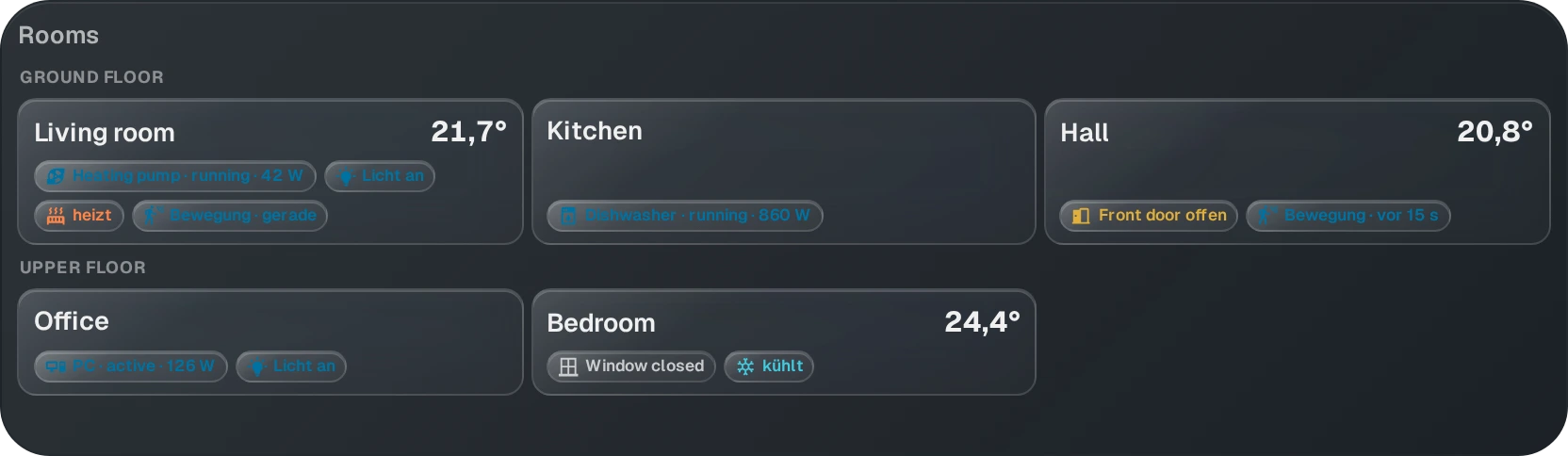
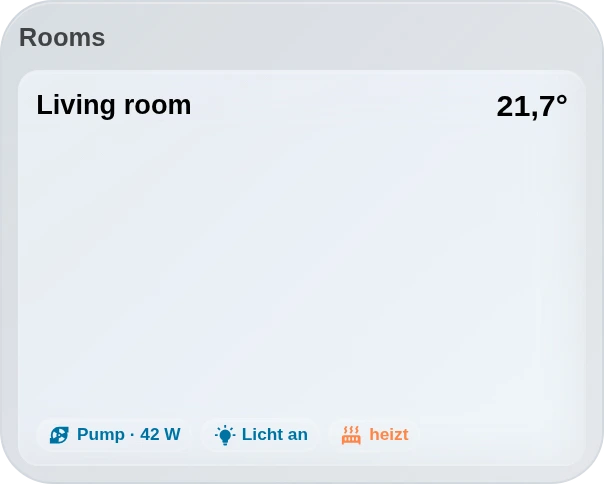
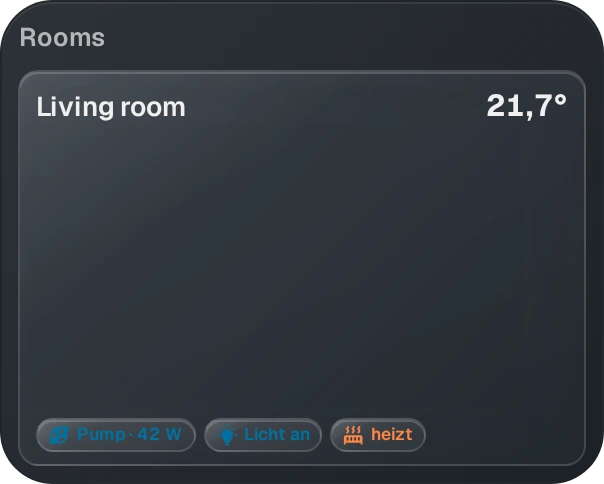
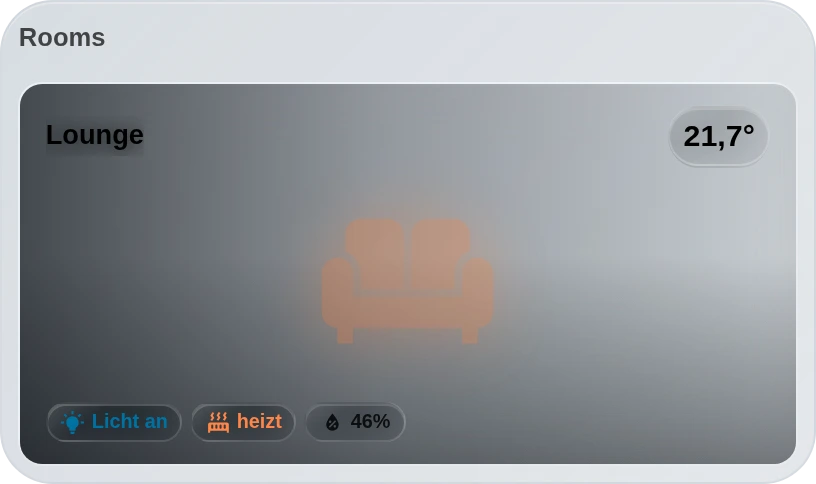
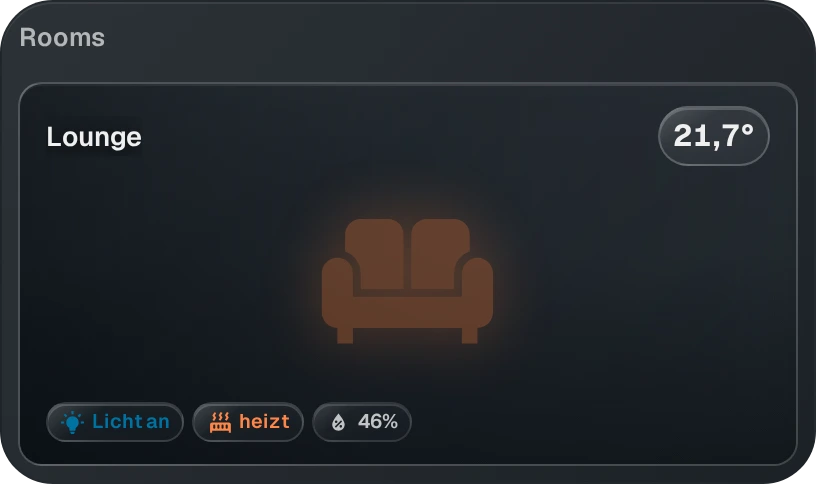
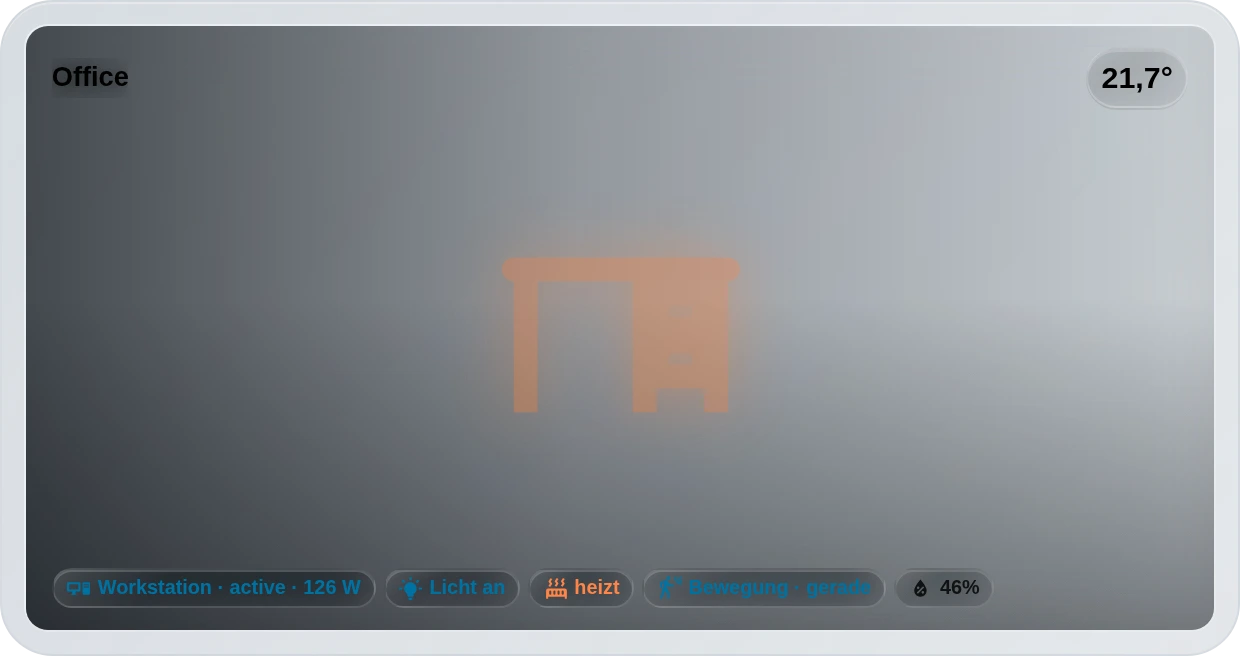
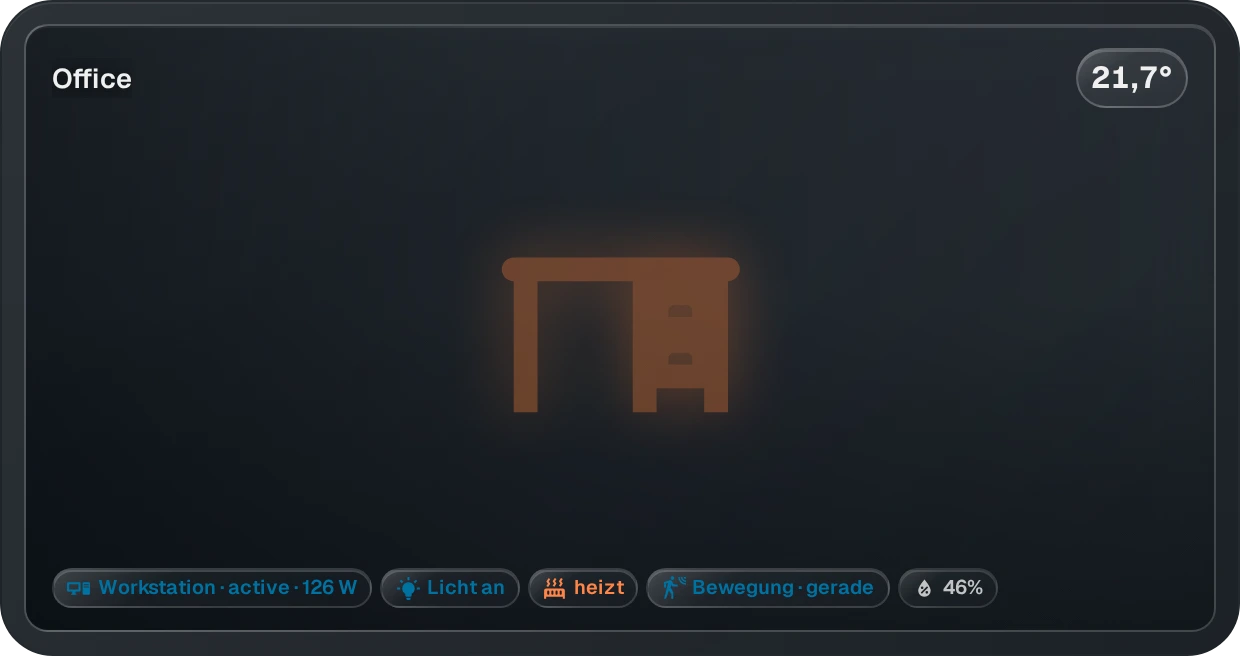
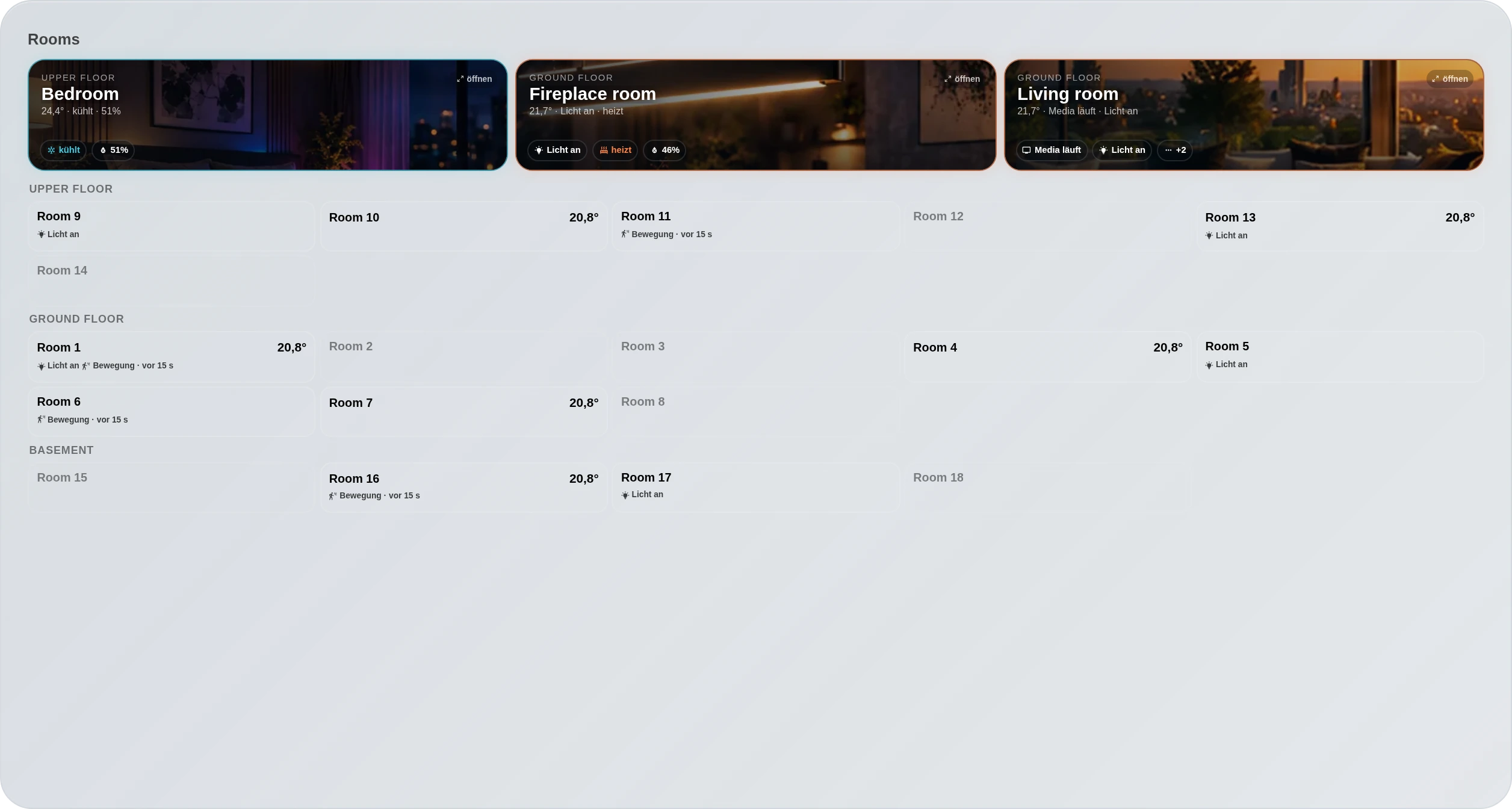
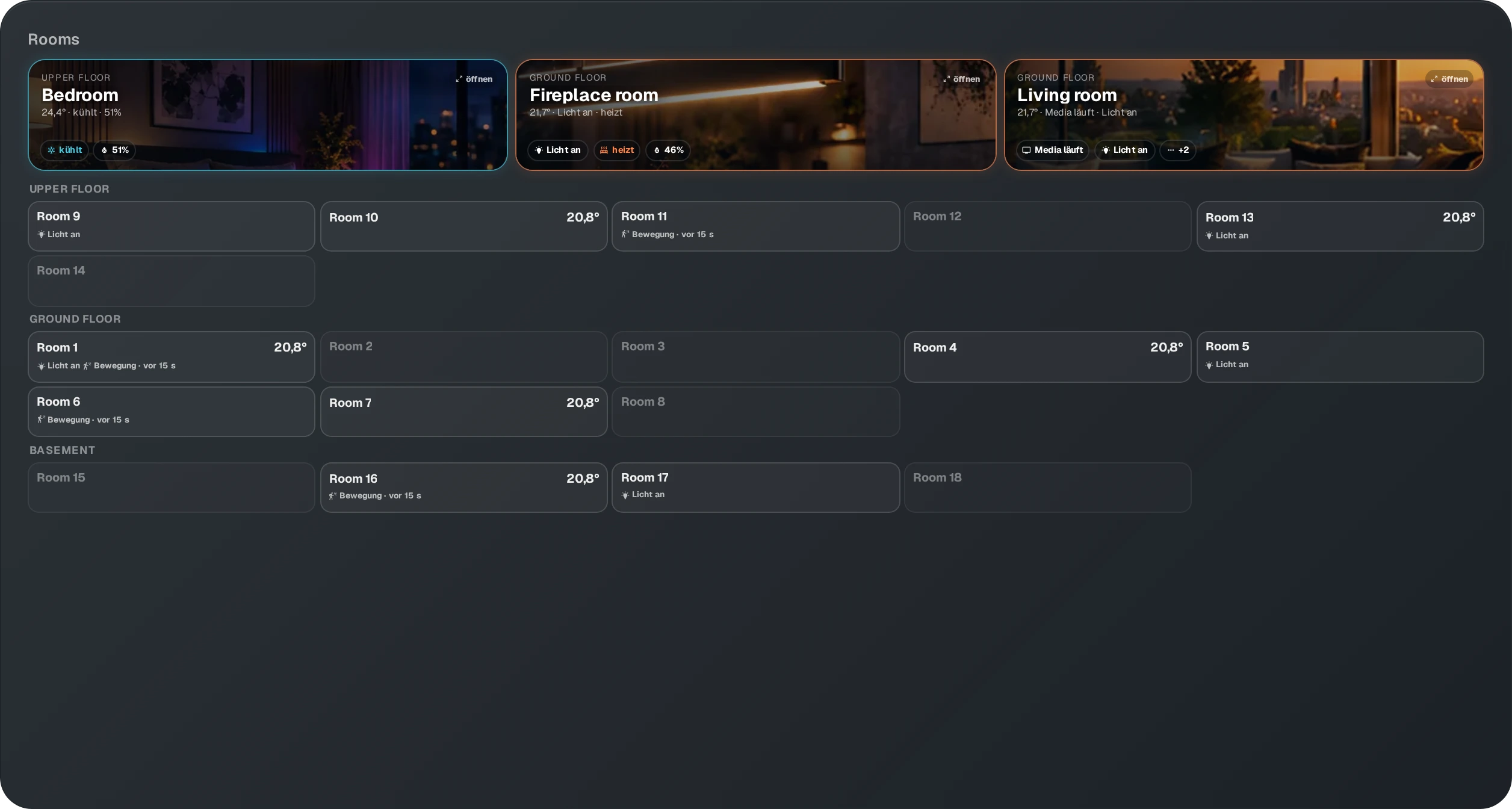
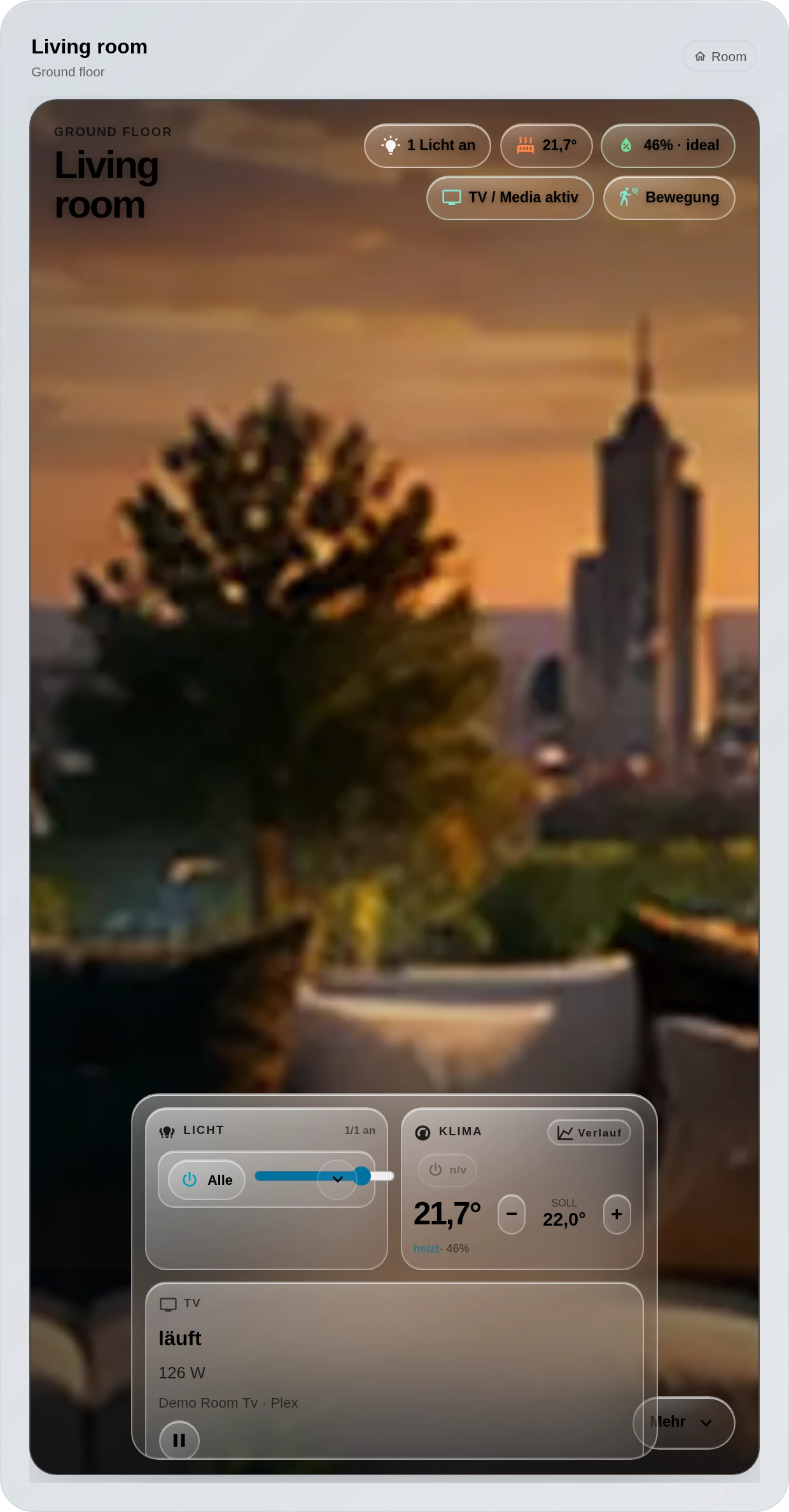
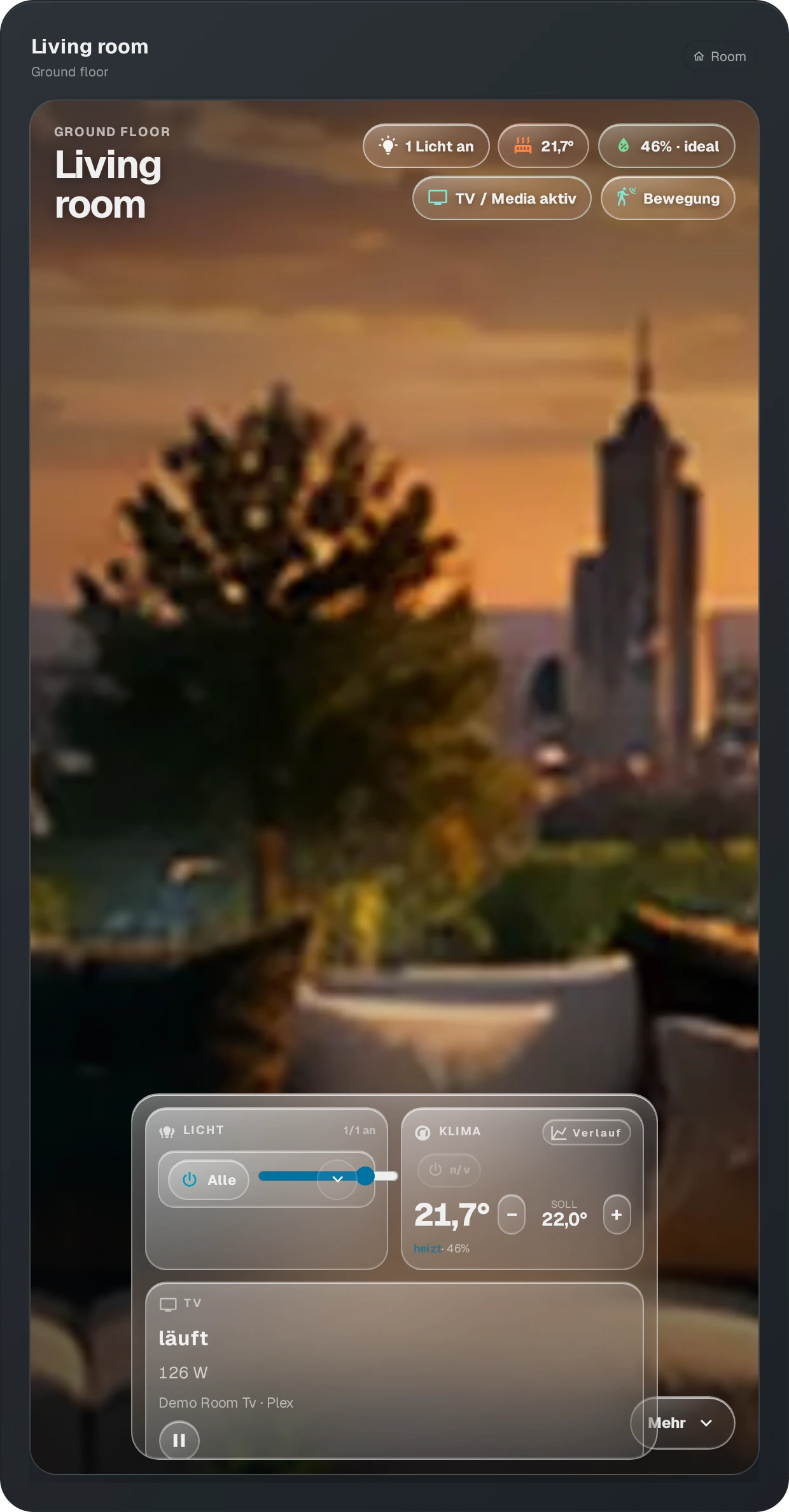
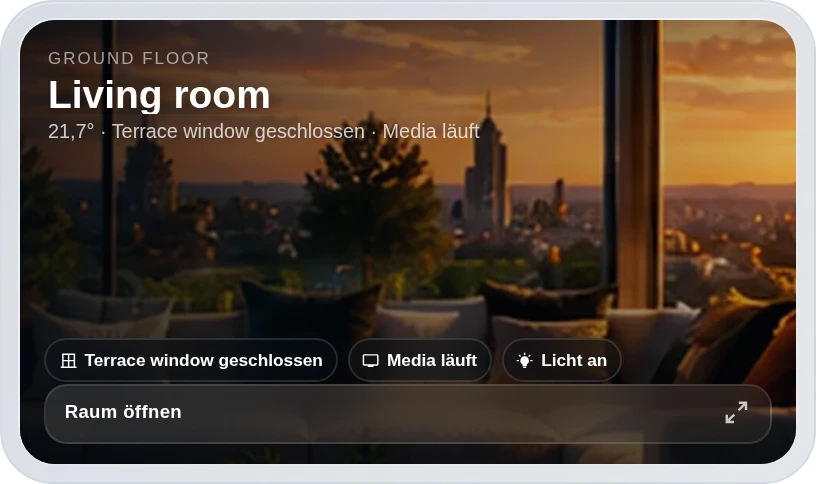
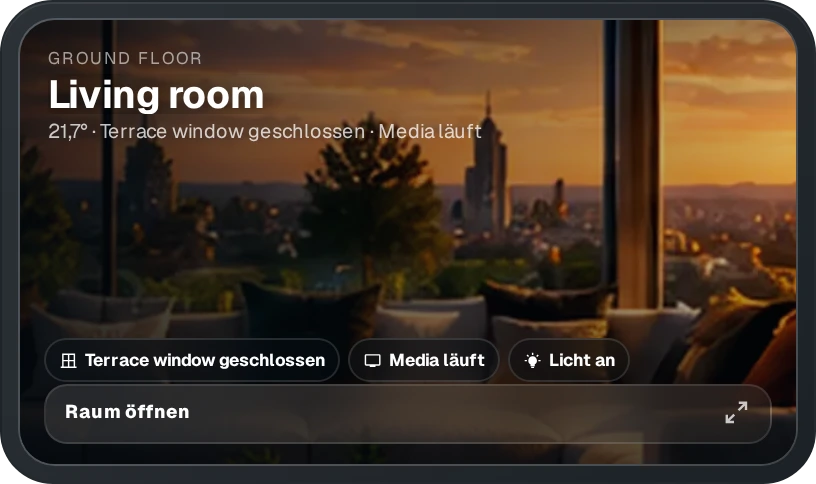
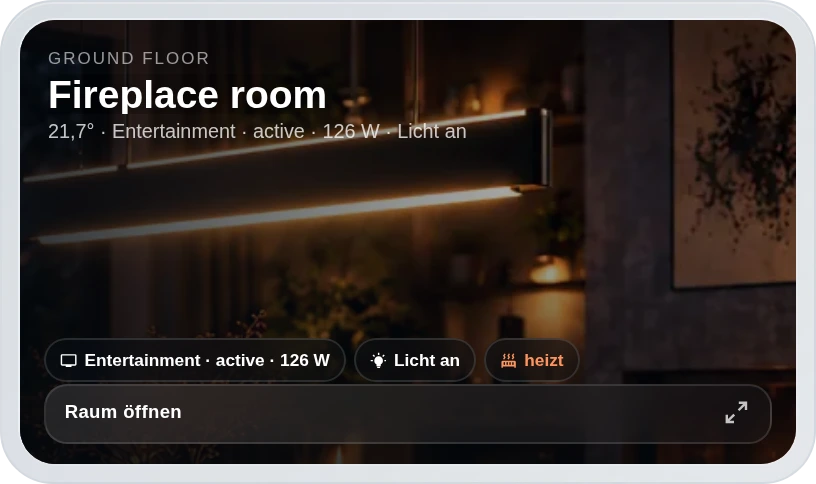
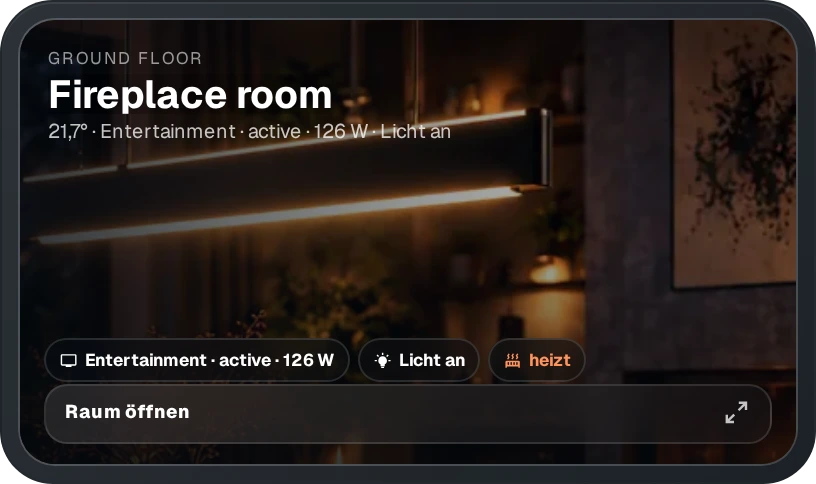
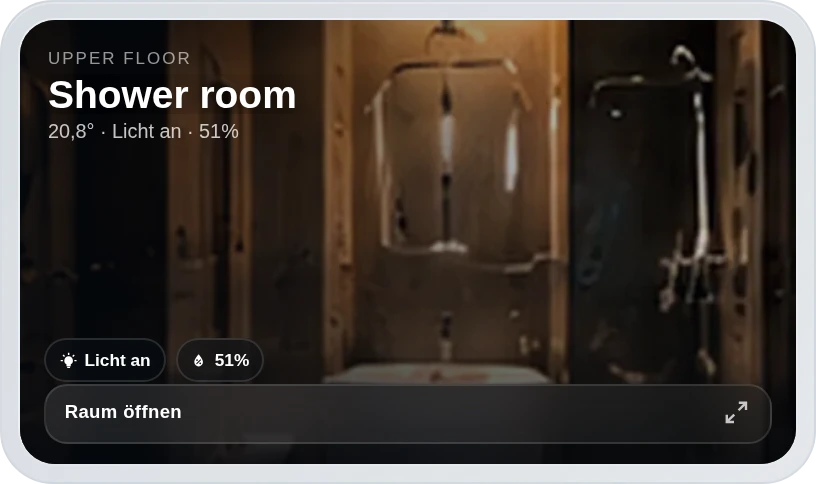
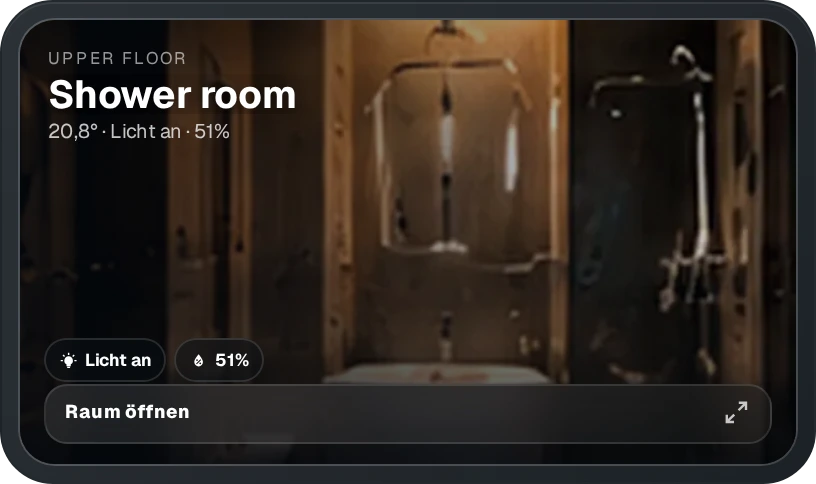
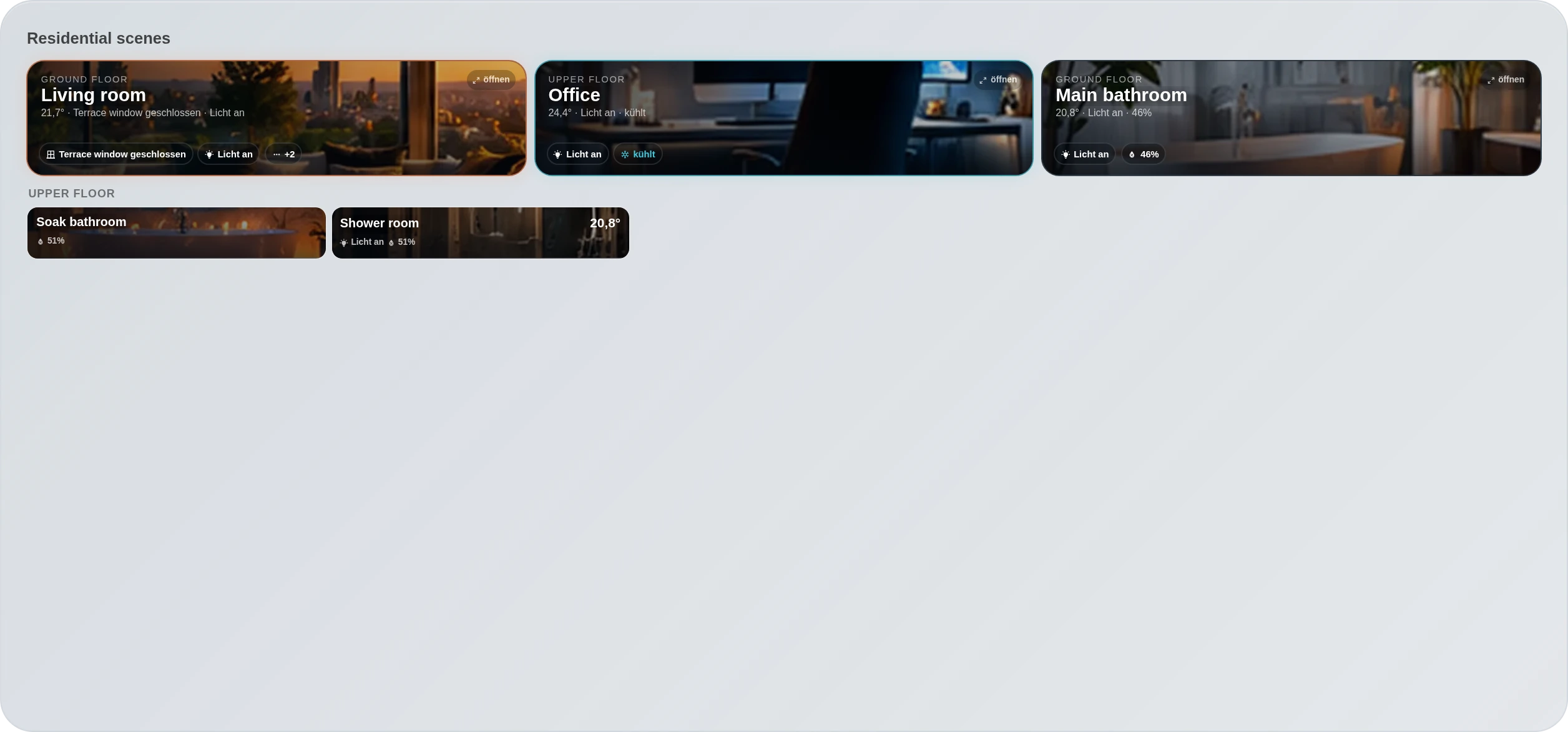
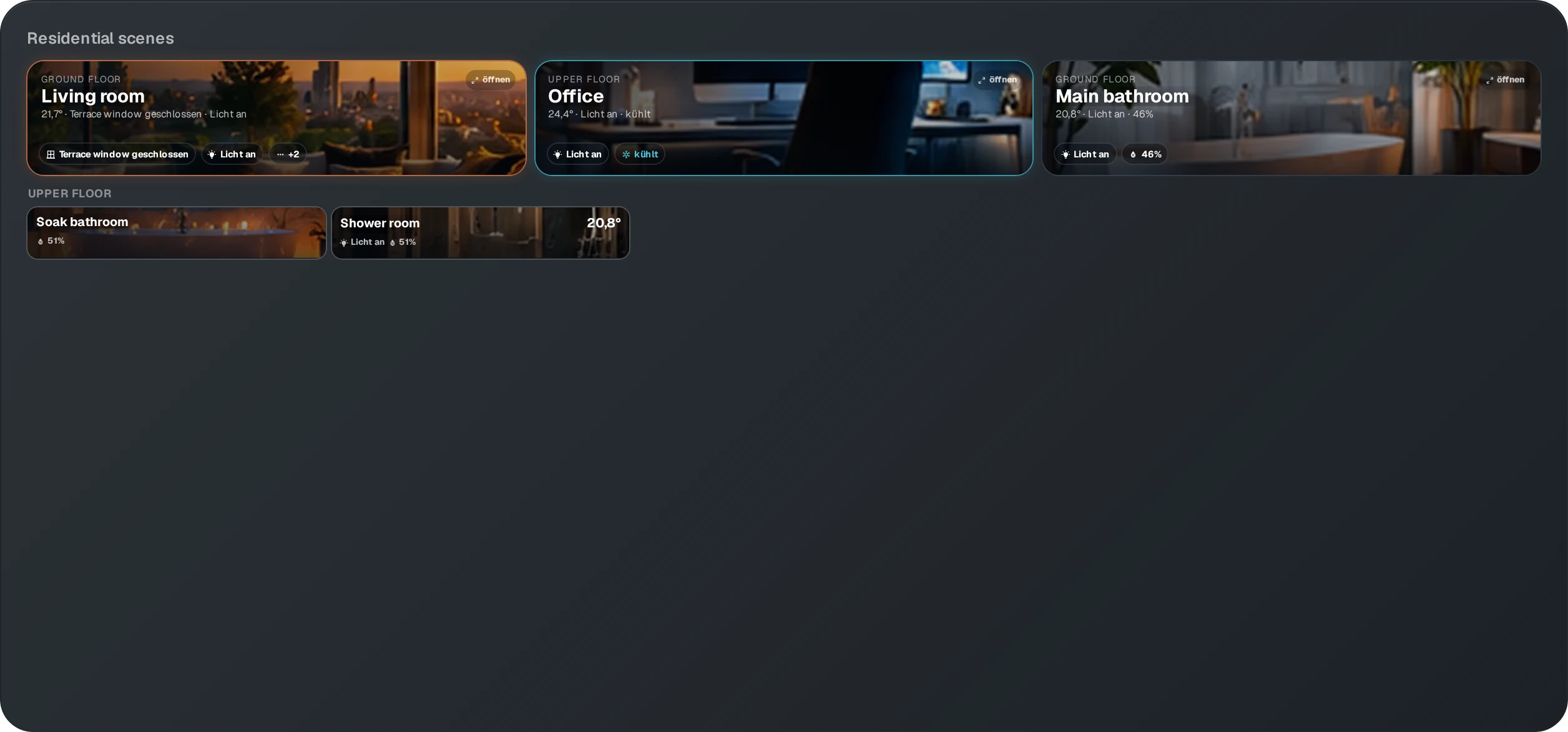
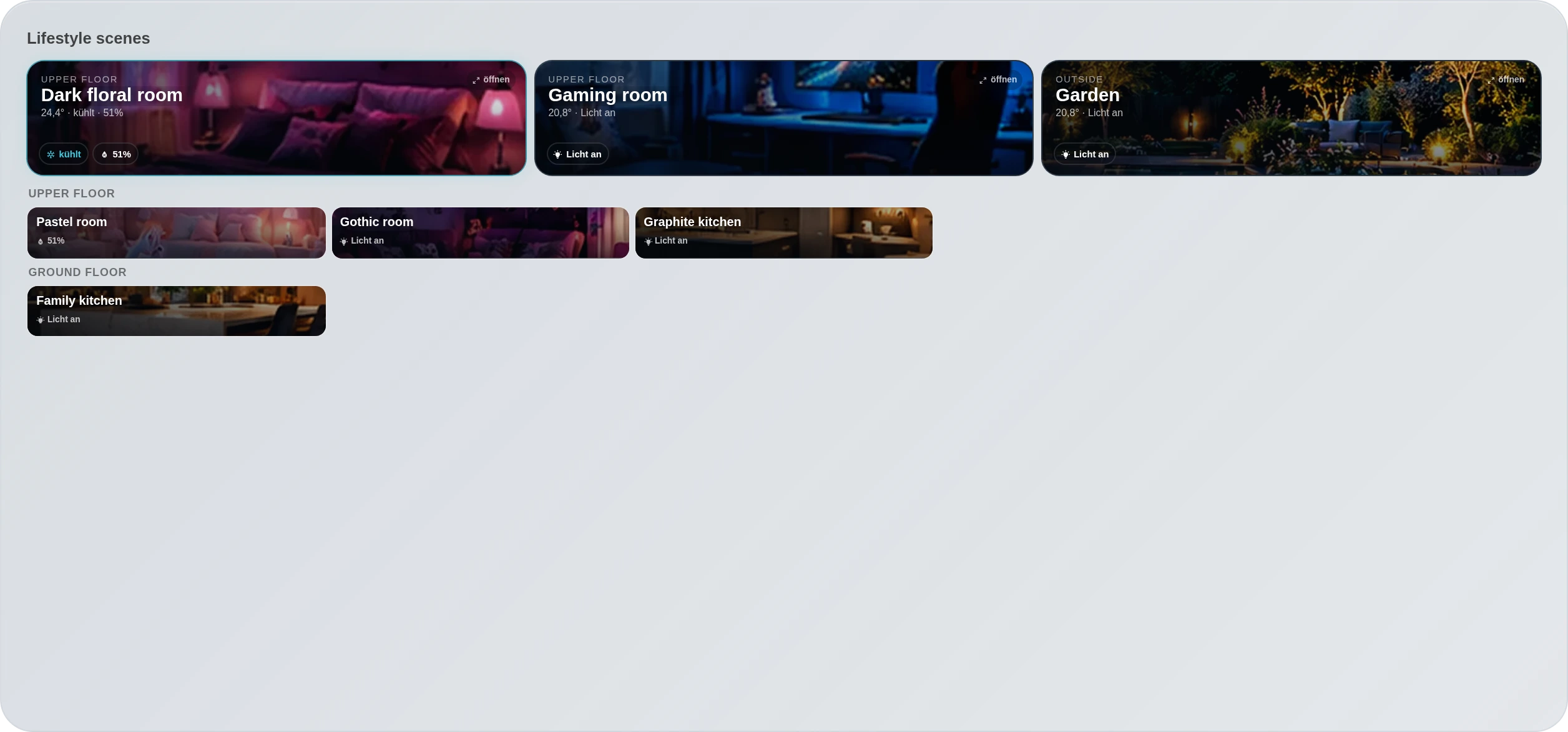
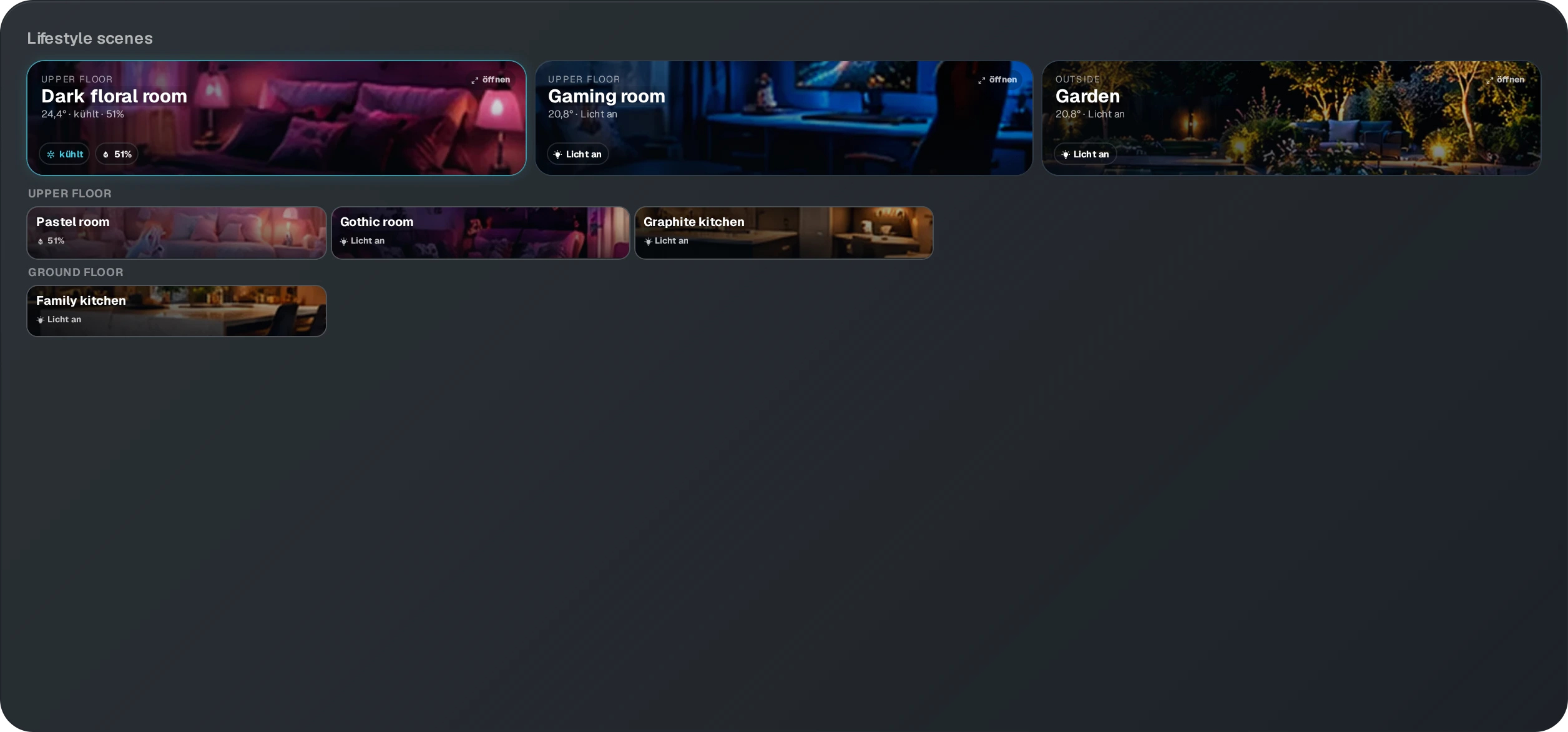
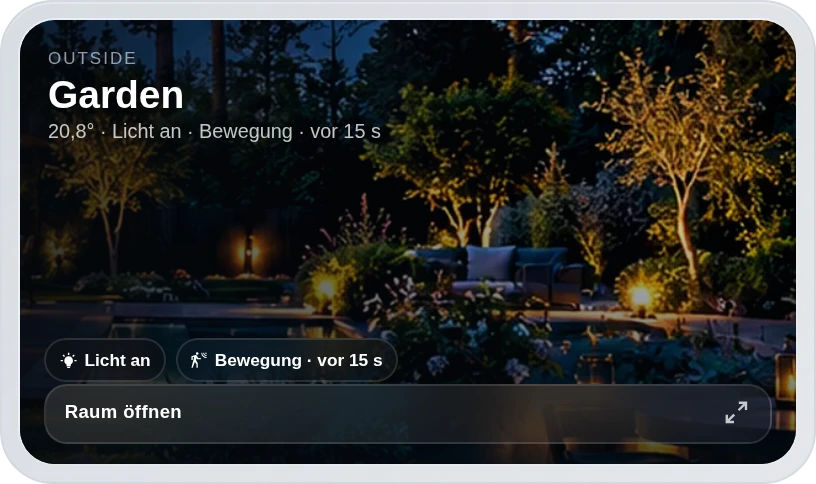
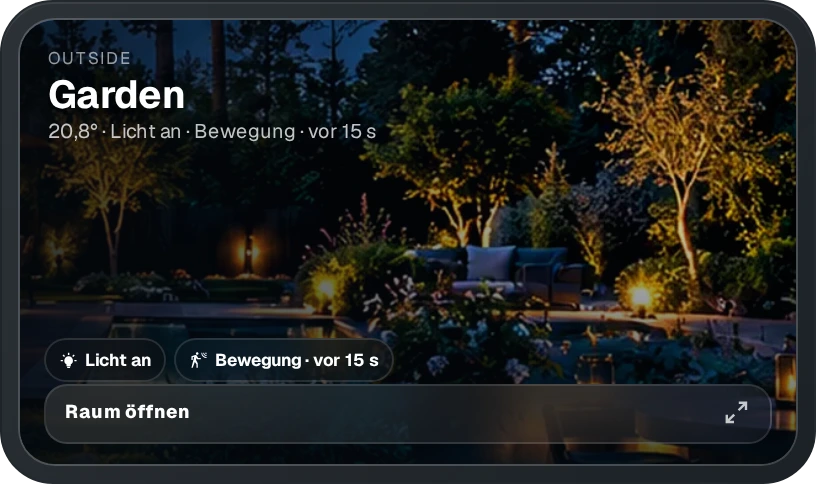
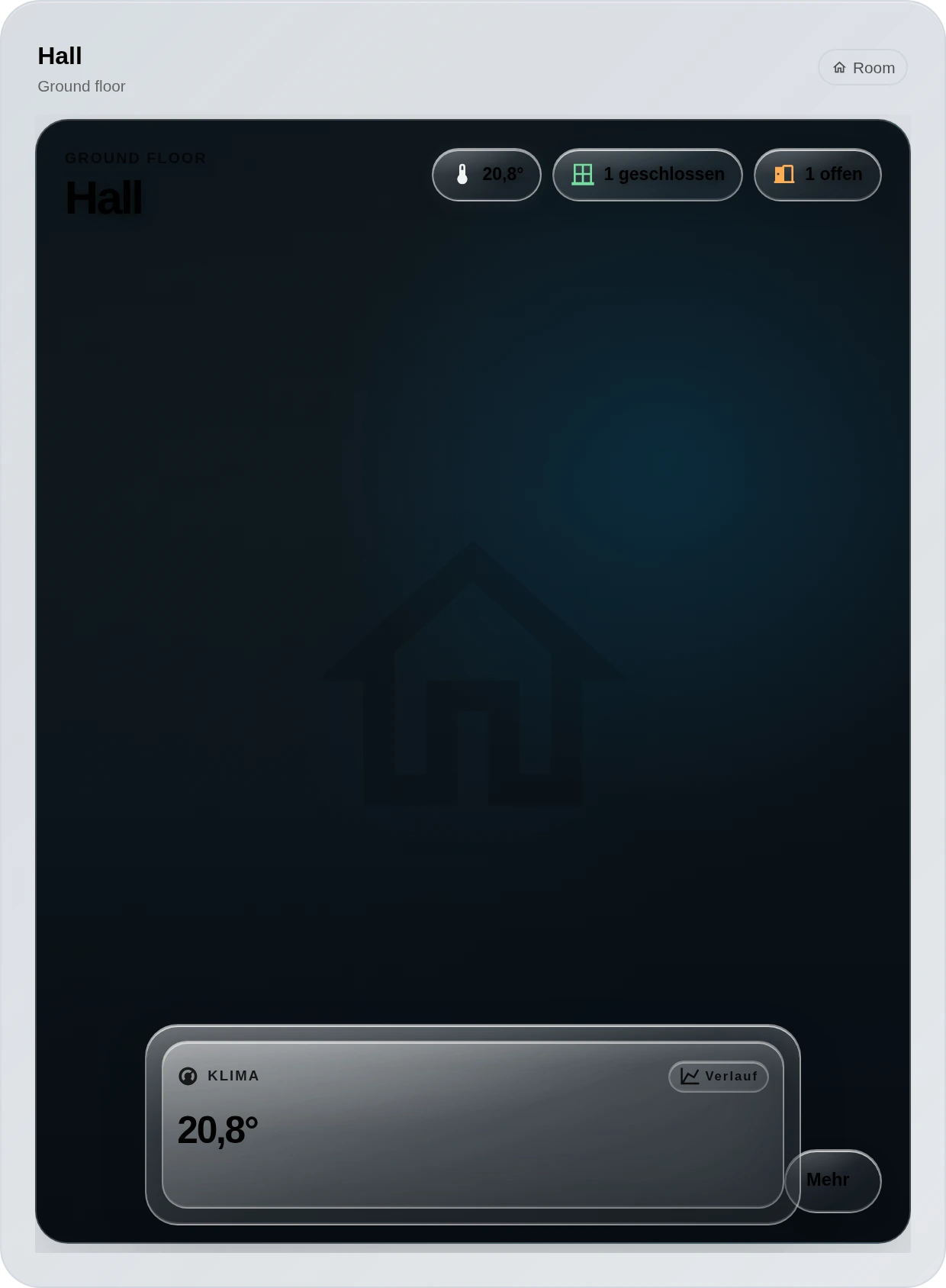
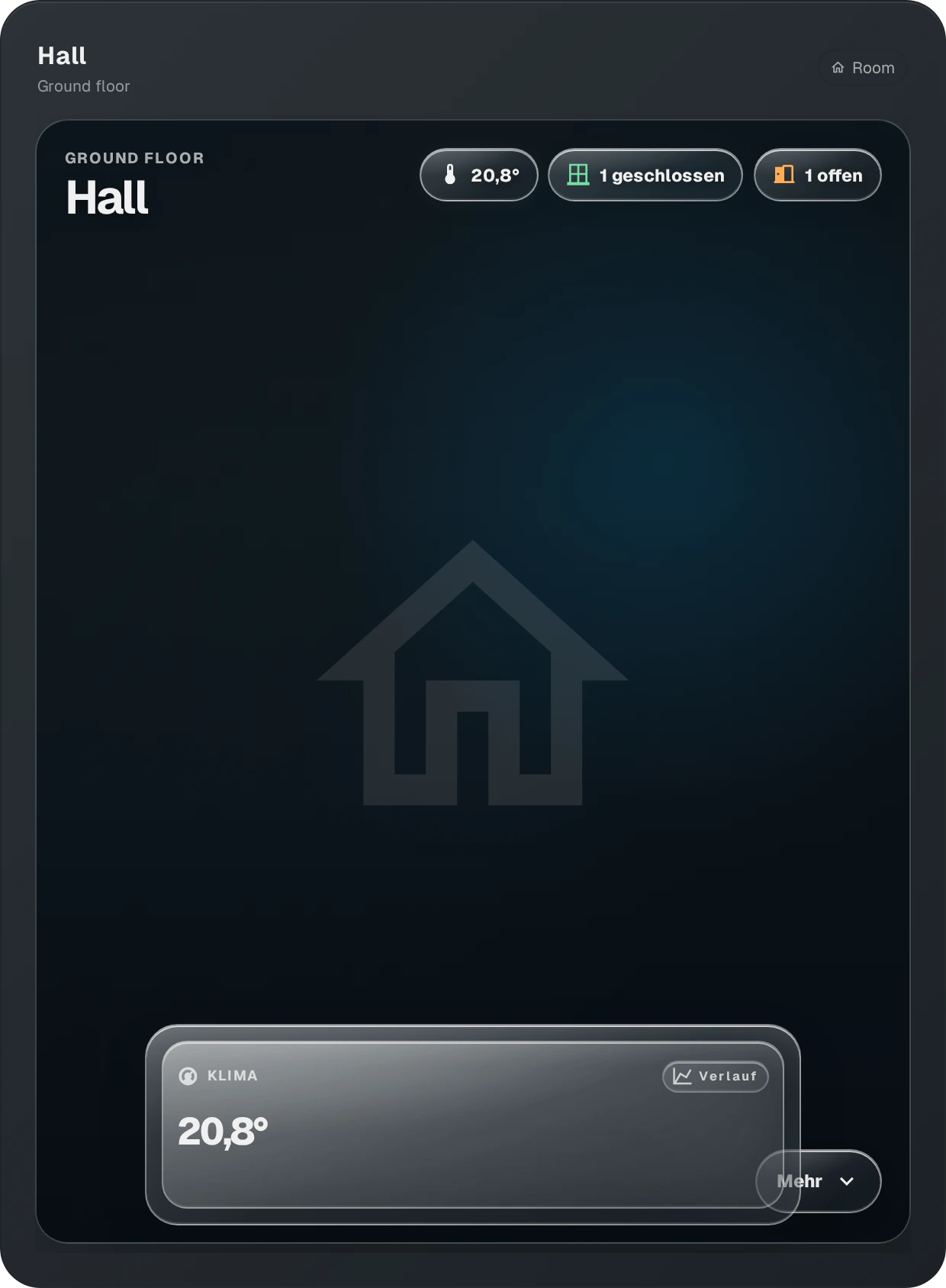
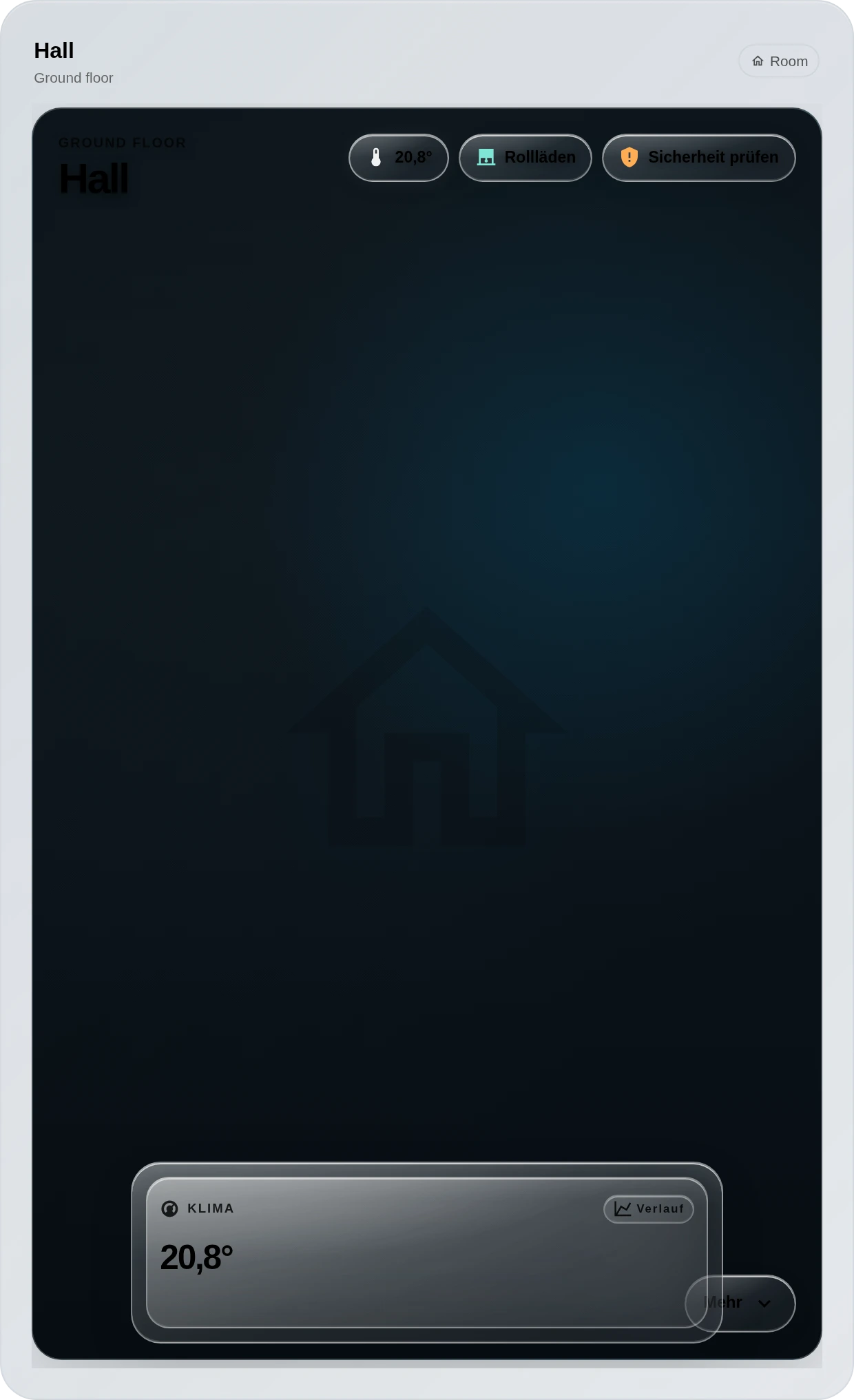
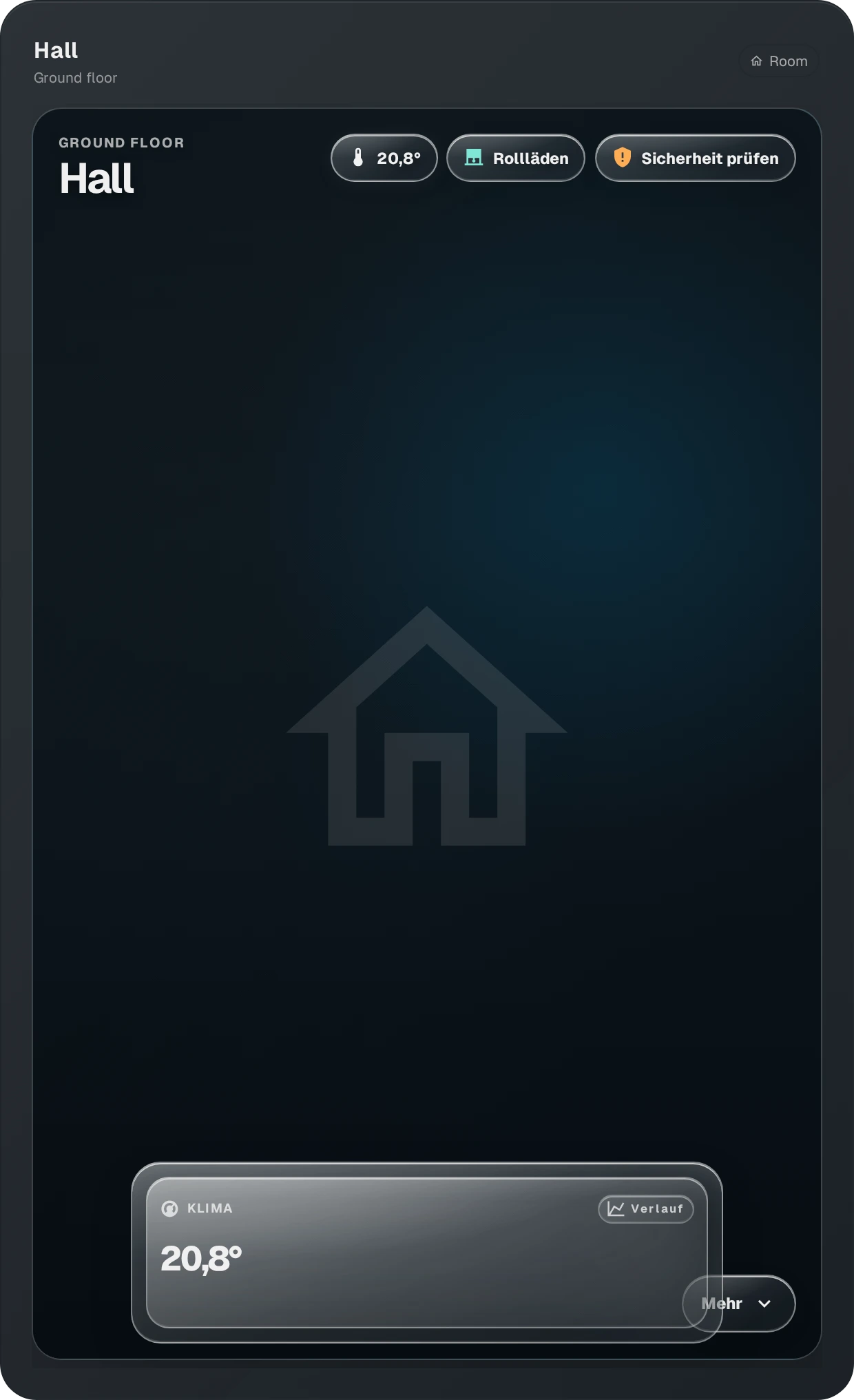
◆ ONE ROOM MODEL, FOUR SURFACES · Overview can use the classic dense floor grid or a scene-first Bento that promotes up to three room identities while keeping every other room visible; Room view can render Room Detail directly or an image-first Scene Launcher into the same modal. ◆ ROOMS VNEXT · Every Auto or themed room opens into an immersive scene stage with only truthful mapped data above the fold: current room temperature, humidity comfort, HVAC activity, window/door summary, bathroom fan/after-run state and actually active mapped devices. Explicit Scene=None remains the classic utility escape hatch. ◆ IMMERSIVE CONTROLS · In Auto/themed rooms, Light, Climate, TV/media and every optional module can stay open independently at the same time. Active modules dock as compact frosted-glass cards along the lower scene edge, with Light + Climate + TV sharing one clean desktop row before responsive wrapping. Header chips hide or restore only their own module; no duplicate controls are stacked below the artwork. More reveals optional fan, devices, windows, doors, covers, motion and safety shortcuts, while explicit Scene=None keeps the classic configurable stacked detail layout. ◆ OVERVIEW · Live room temperature, HVAC state, humidity, lights, motion, doors/windows, appliances, pumps, media and safety without permanent status noise. ◆ STATUS RULES · Supported pills can appear when Active, Inactive or Always, so a window may vanish when closed or deliberately confirm “closed”. ◆ THERMAL GLOW · Heating and cooling follow real climate.hvac_action; configurable warm/cool glow respects Reduced Motion. ◆ ARTWORK · Uploaded GlassHome images win; otherwise built-in demo-safe scenes cover bedroom, living, fireplace, office, three bath treatments, four family/kids moods, two kitchen identities and garden. Auto can resolve obvious room semantics without mutating stored configs. ◆ SAFETY / COVERS · Smoke, water-leak and gas-class sensors stay quiet when healthy unless configured otherwise; confirmed alerts surface automatically. Explicitly mapped covers expose open/stop/close and position controls. ◆ LAYOUT · Global/per-room pill sizing and responsive density adapt inside the selected GlassHome tile. ◆ SETUP · Fresh Overview and Room views explain how to add the first room instead of rendering an empty card.
Preview
Install this widget
Open the widget browser inside GlassHome, search for this widget, and hit install. No account, no config files.
@mega/mega-room-overviewDon't have GlassHome yet?Install it in 30 seconds.
Permissions & access
What the current version can access on your dashboard.
Capabilities
Details
- Latest version
- v0.4.12
- Bundle size
- 738.1 KB
- Min size
- 3×3 tiles
- Max size
- 12×24 tiles
- Built with SDK
- v1.12.0
- Releases
- 34
- Release cadence
- ~<1d
- First released
- Sep 2, 2026
Version history
Build your own widget
Widgets are real code (SolidJS + CSS). One command publishes to the registry for everyone.