




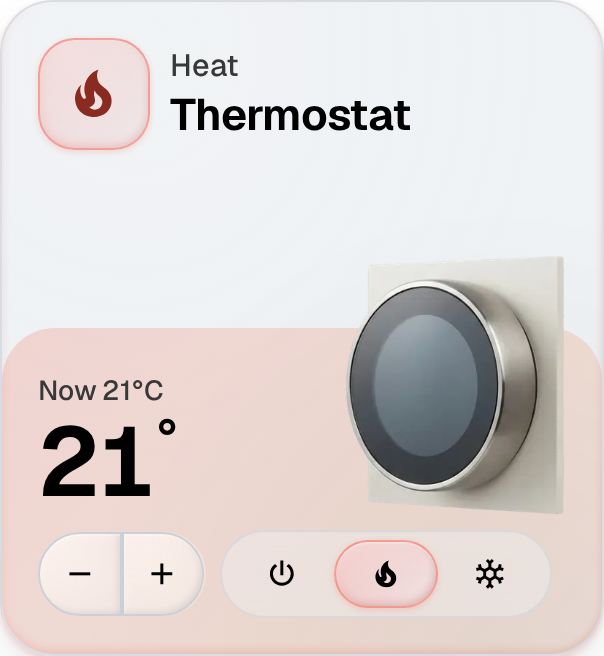
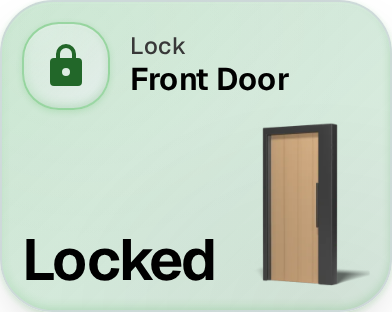
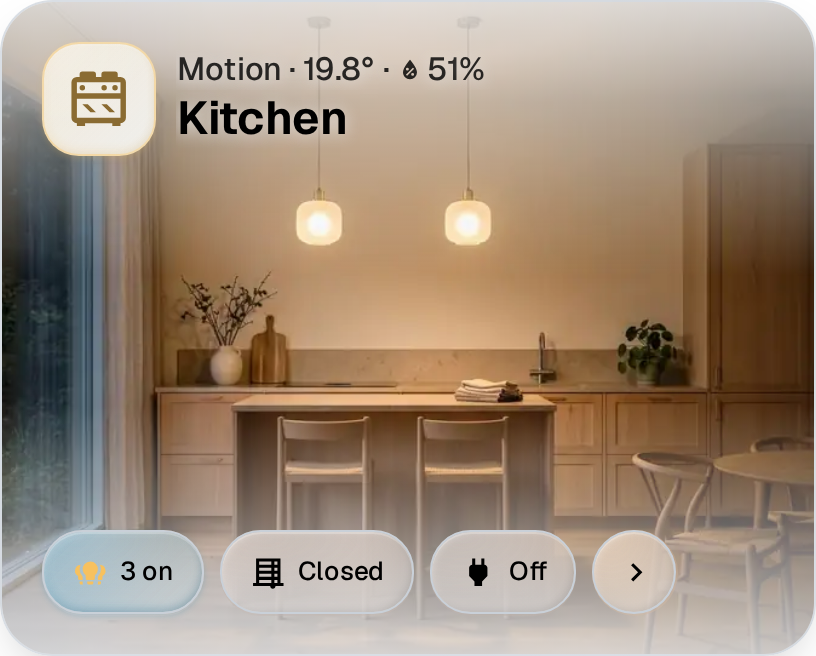
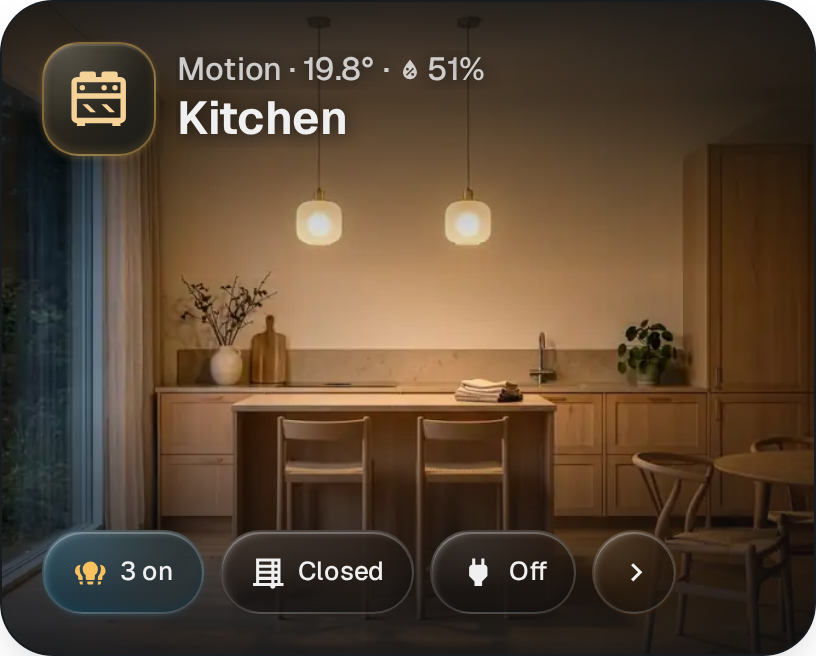
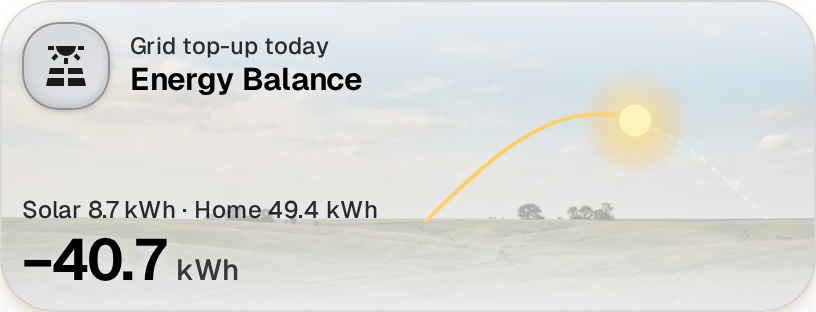
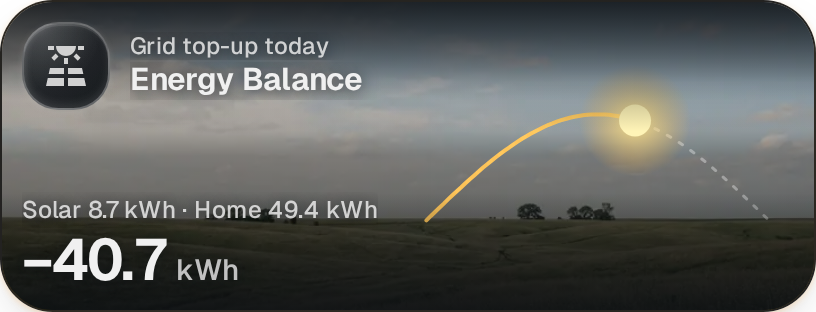
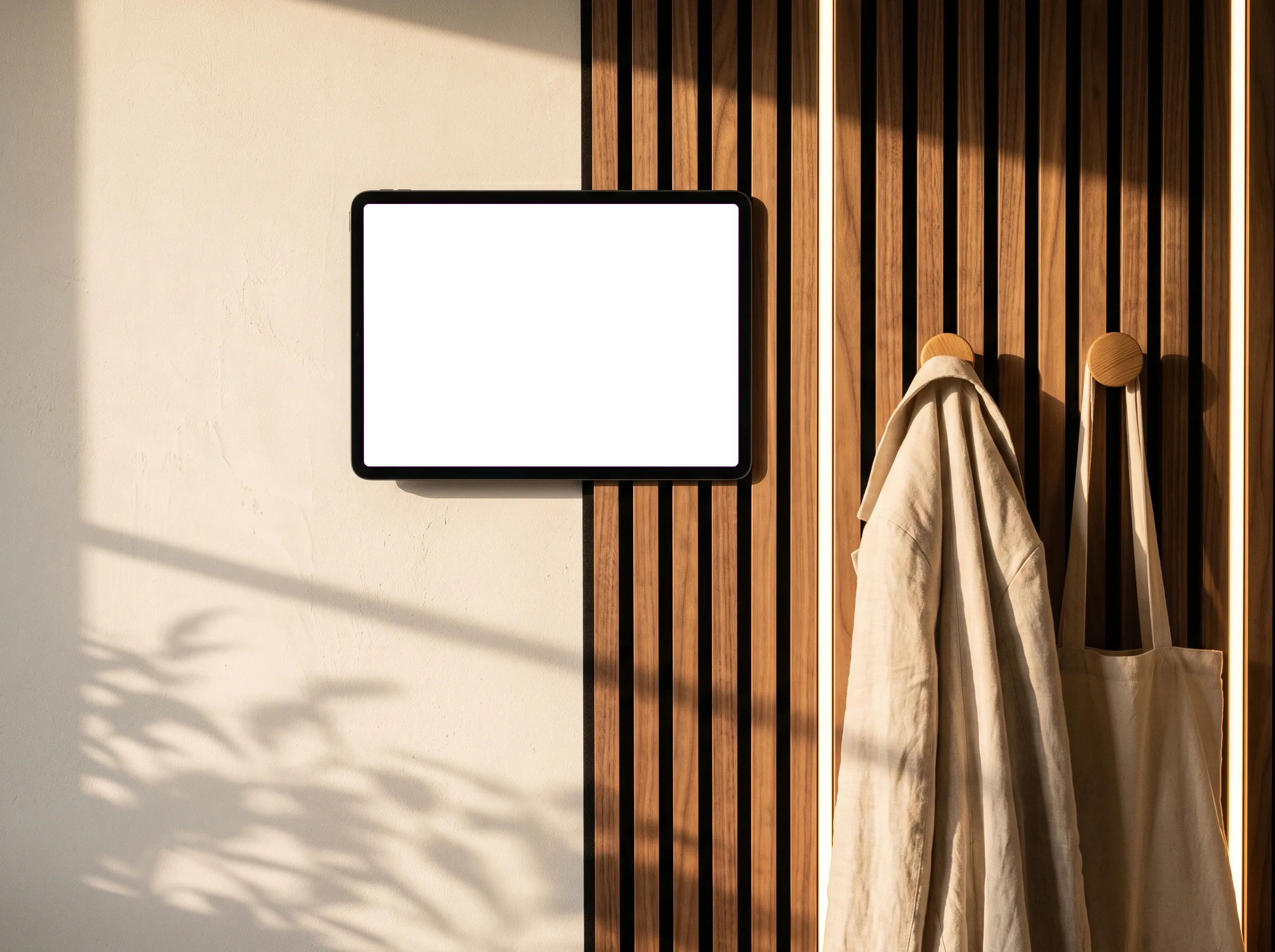
Finally, a beautiful dashboard.
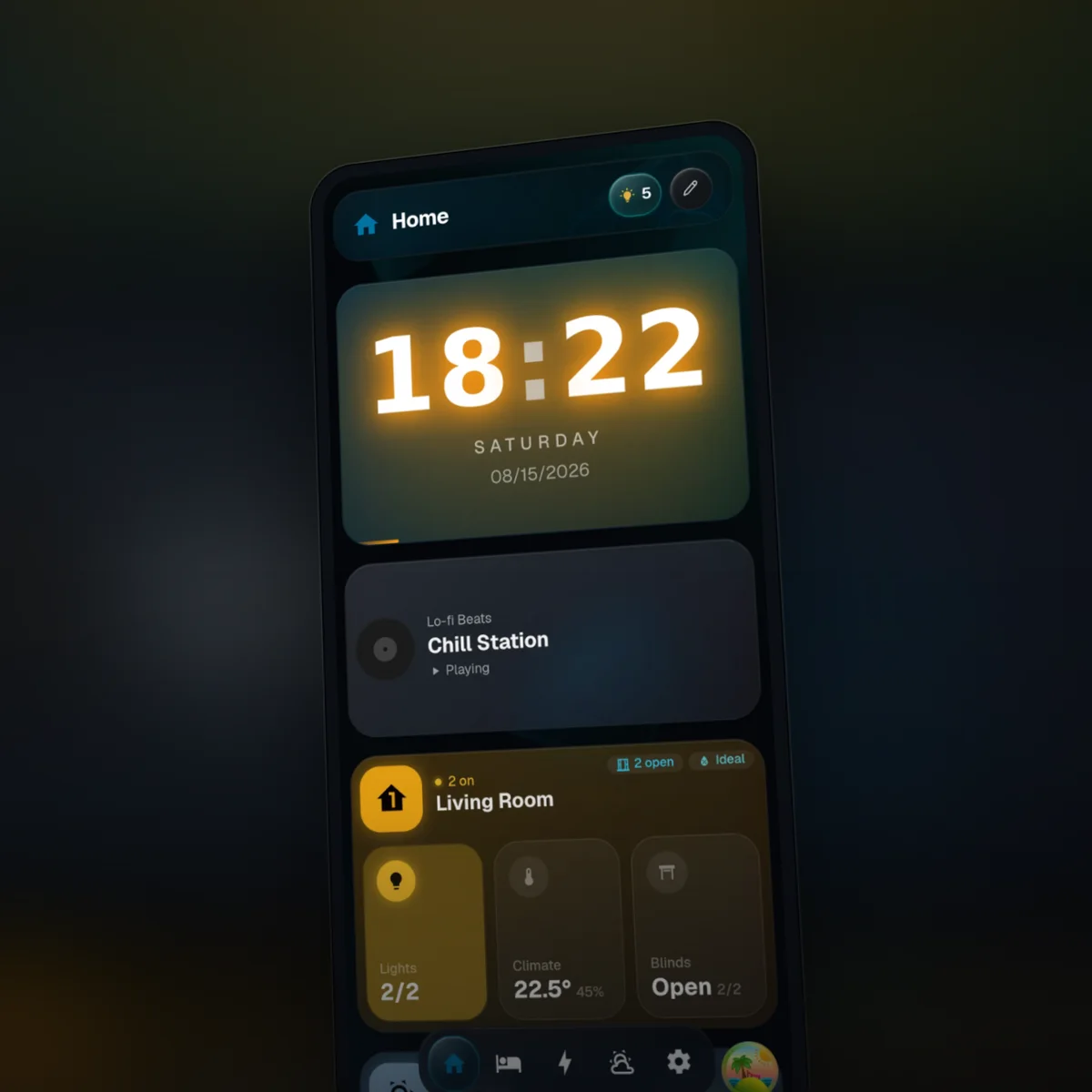
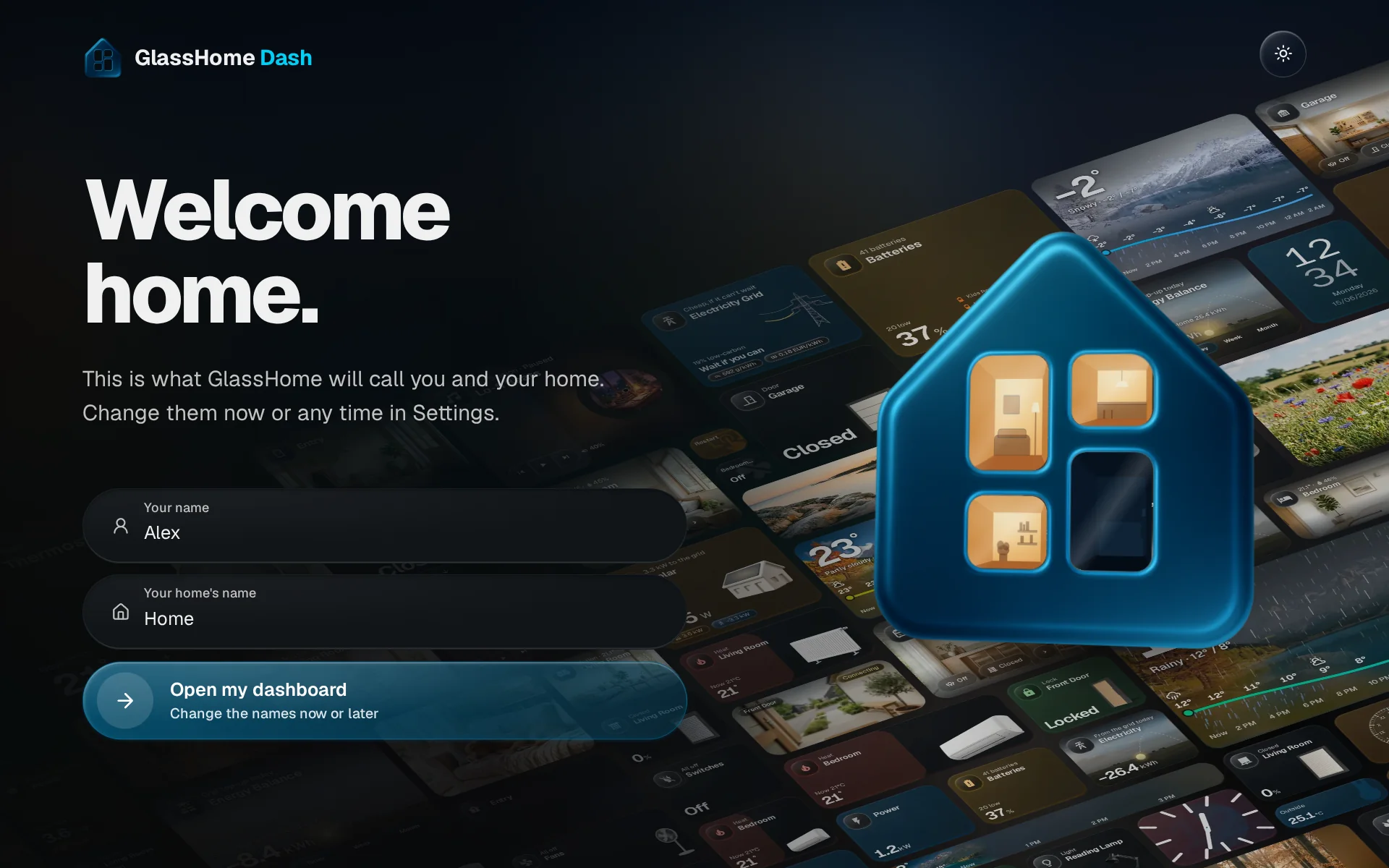
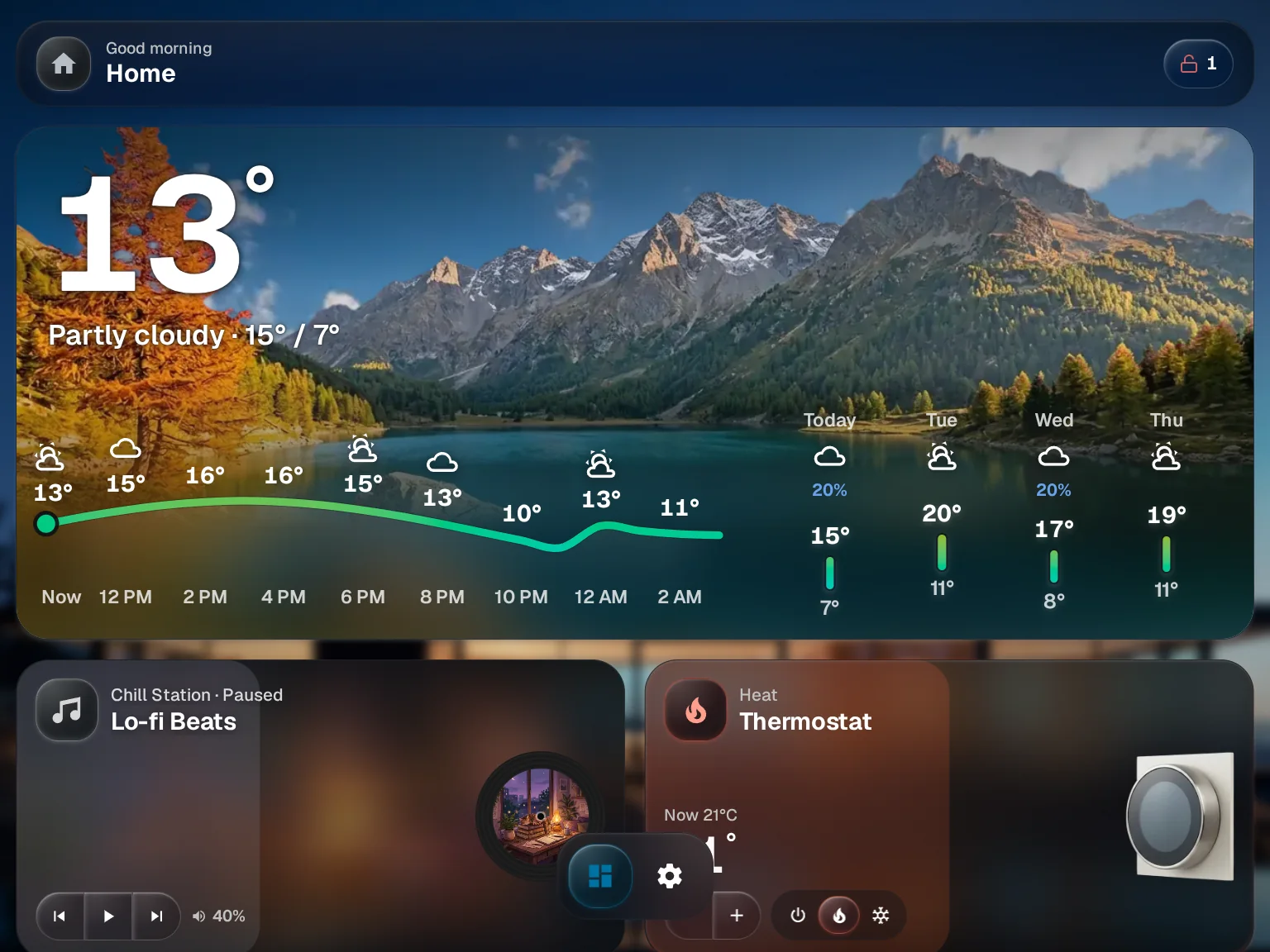
Your lights, heating, music and front door, on the kitchen tablet and every phone in the house. Set it up once, and your family stops asking you how it works.
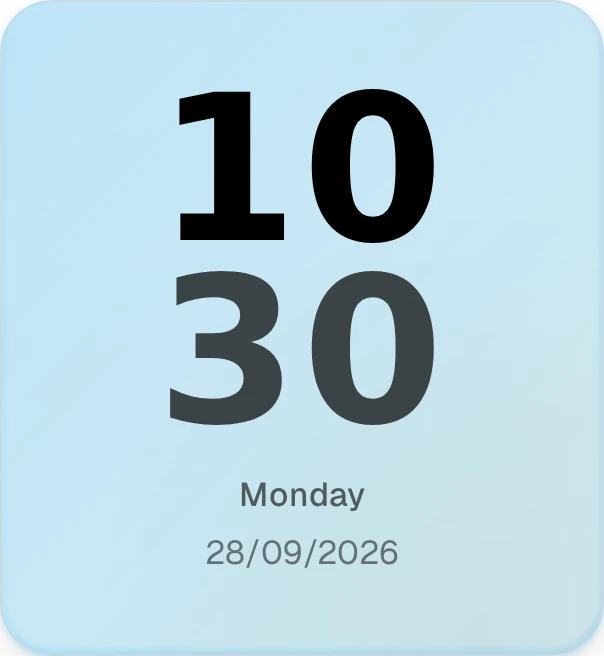
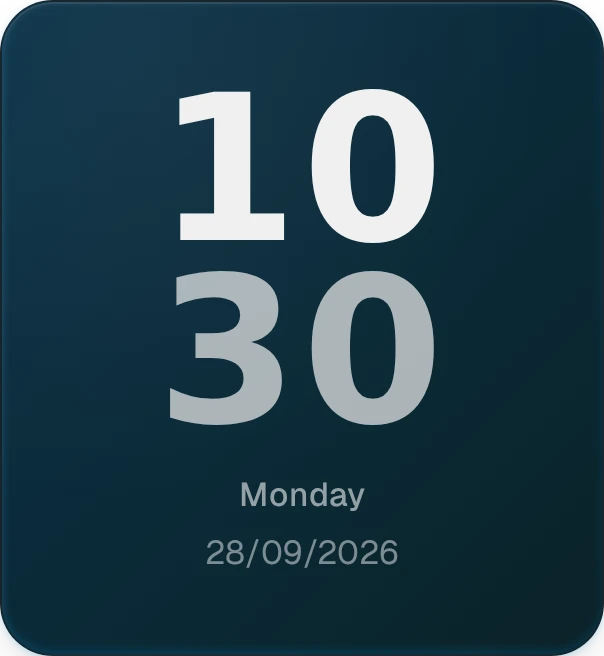
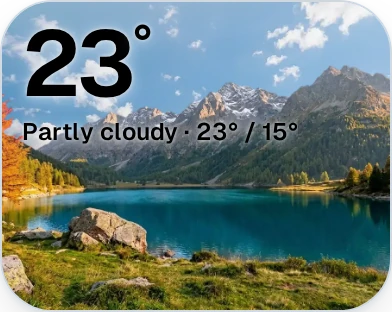
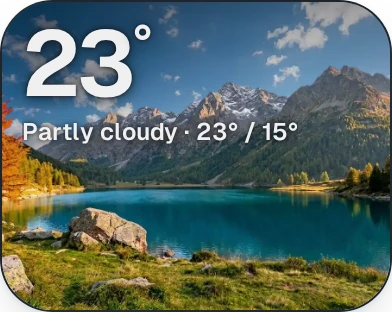
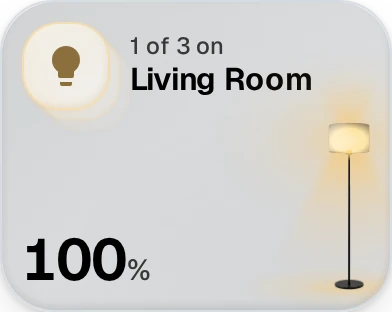
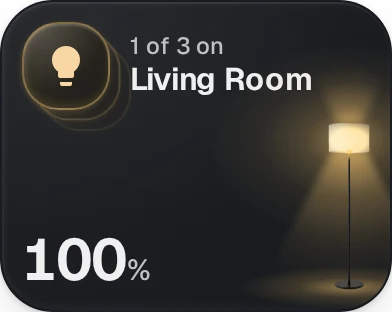
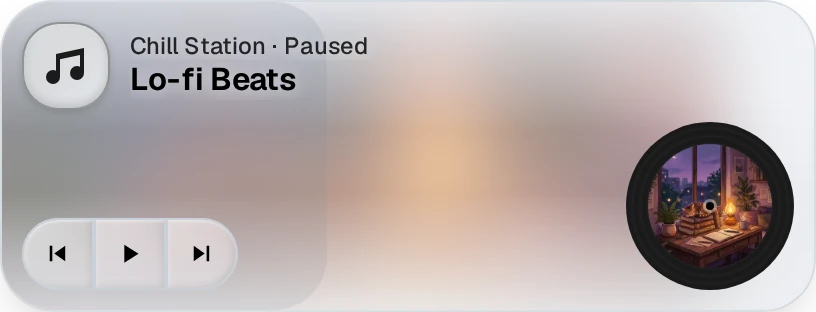
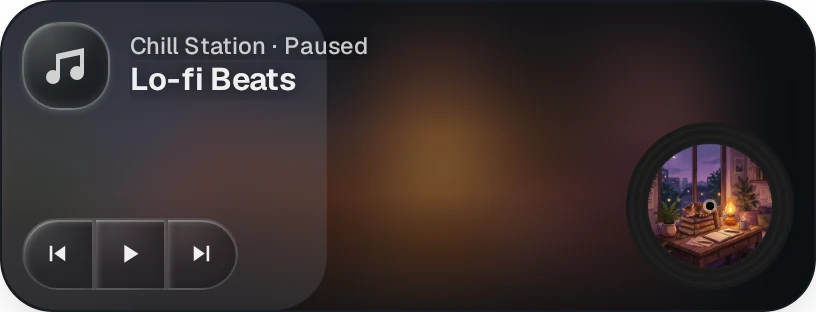
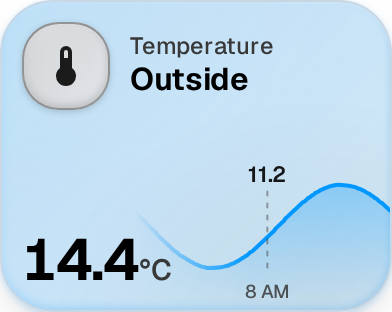
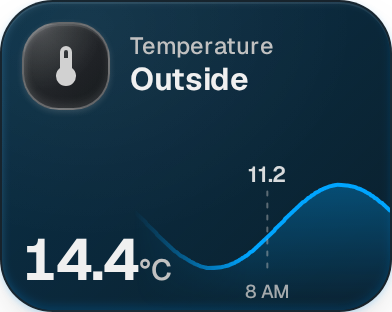
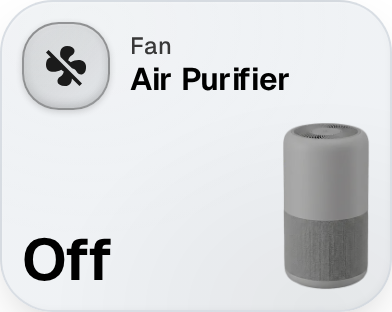
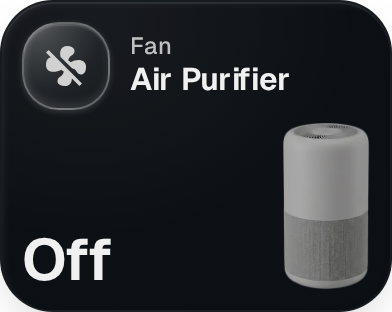
Build it from widgets.
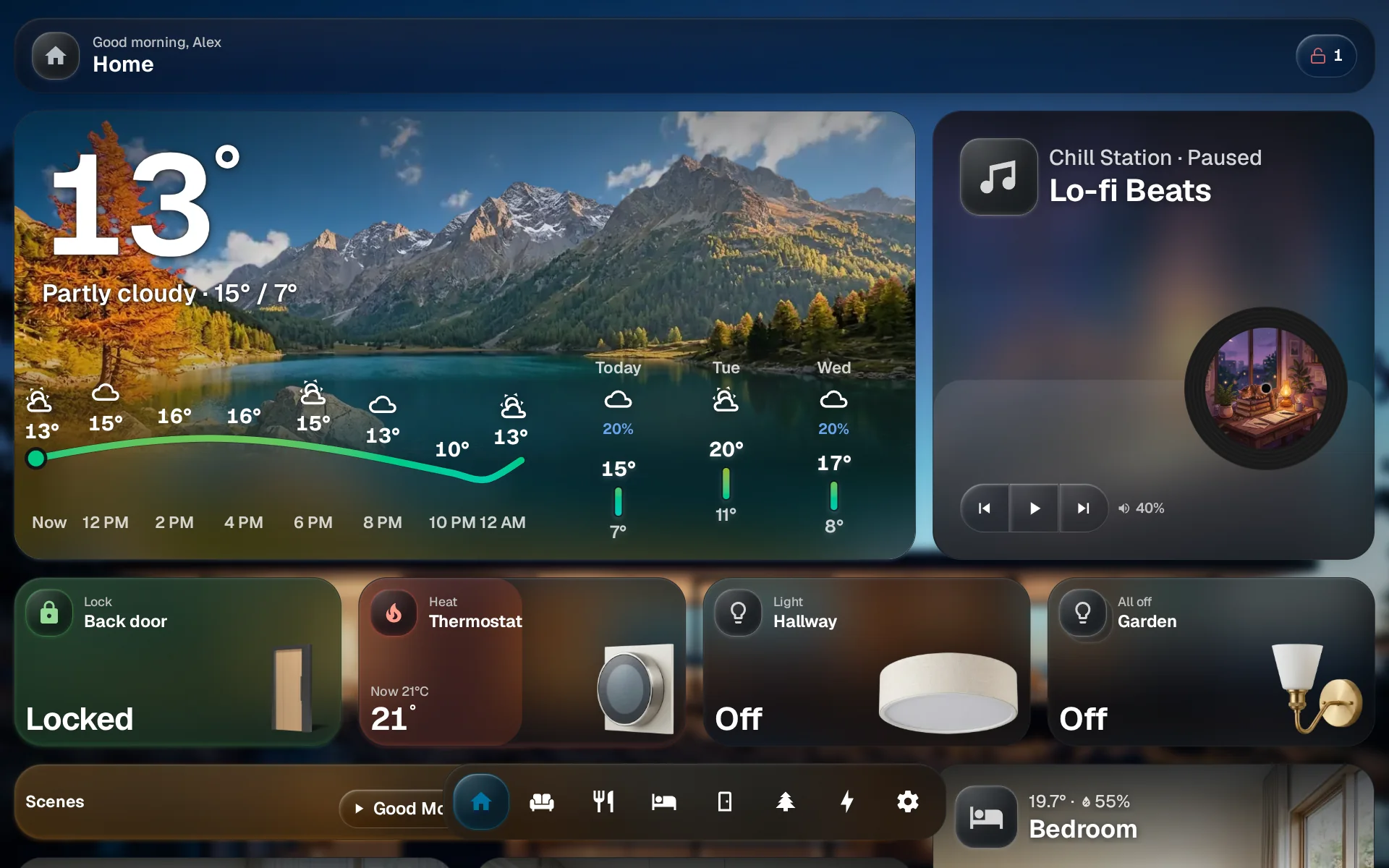
Hang a tablet by the front door.
Whoever leaves last turns off every light in the house with one tap, and sees if someone left the garage open.
A dashboard for everyone in the house.
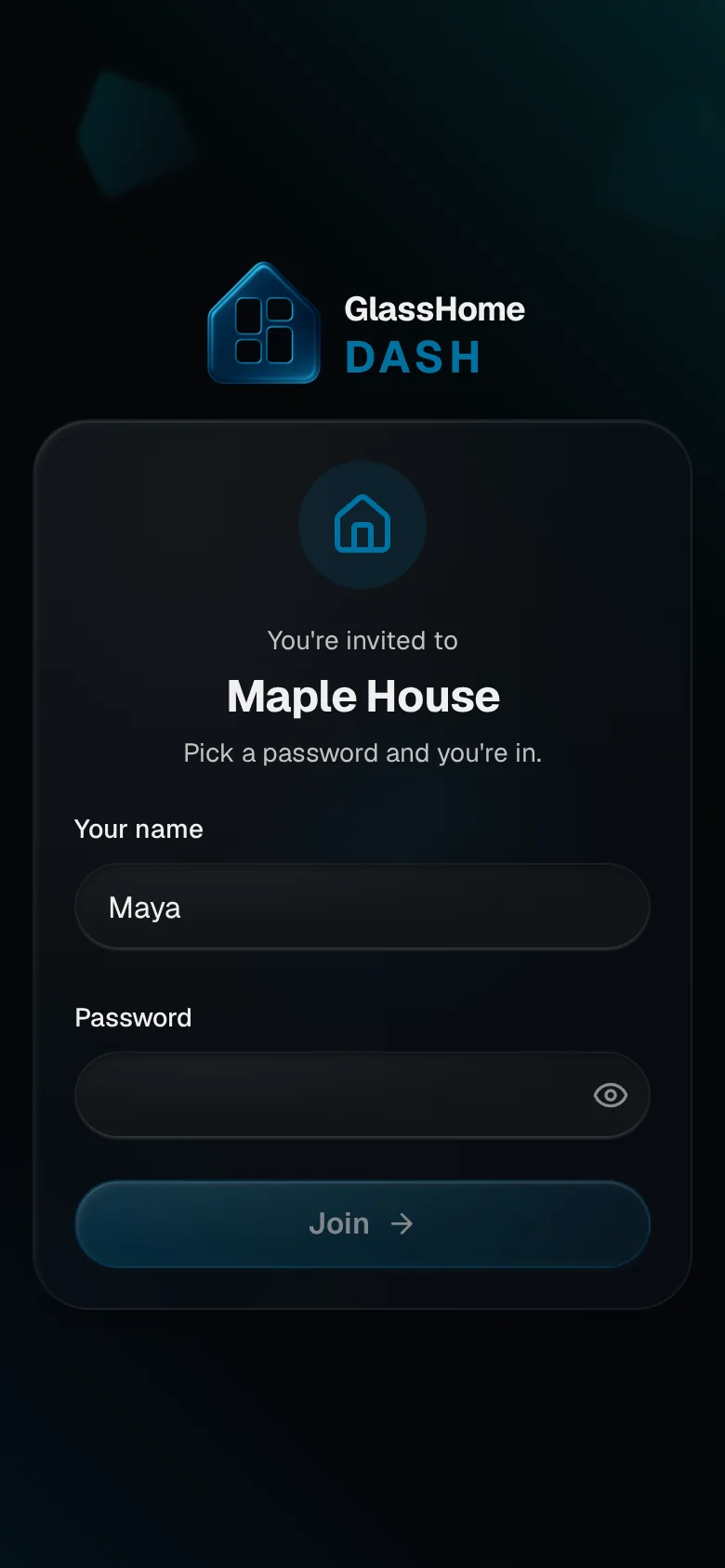
Invite your family with a link, pair the kitchen tablet with a six-digit code, and decide who gets to touch the heating. Every step in the video is recorded in the real app.
“The killer app that Home Assistant has so needed: GlassHome. A perfect, modern dashboard app that beautifully shows off your HA instance. Dead simple to set up yet easy to customize. And... extremely high wife acceptance factor!”
komtx on the GlassHome Discord
Read it on DiscordNine looks. Or your own.
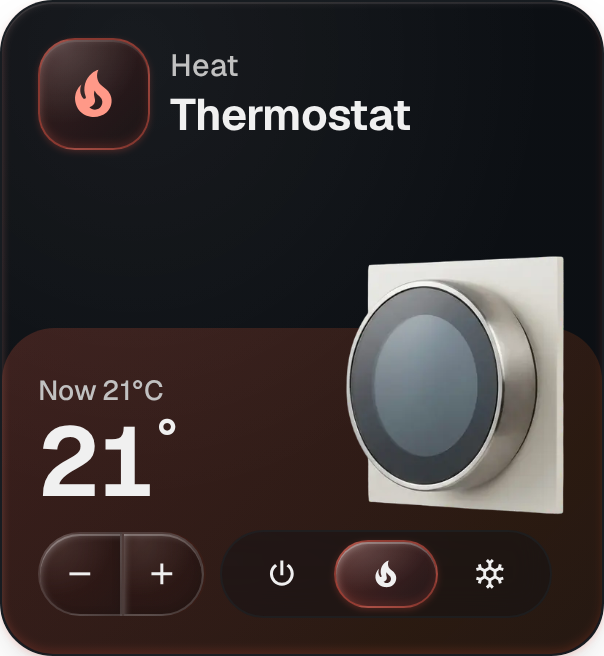
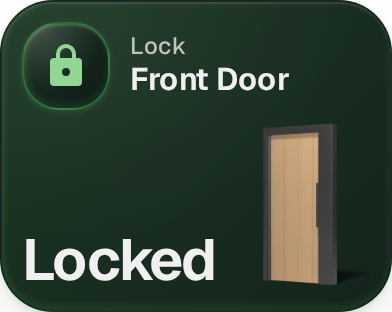
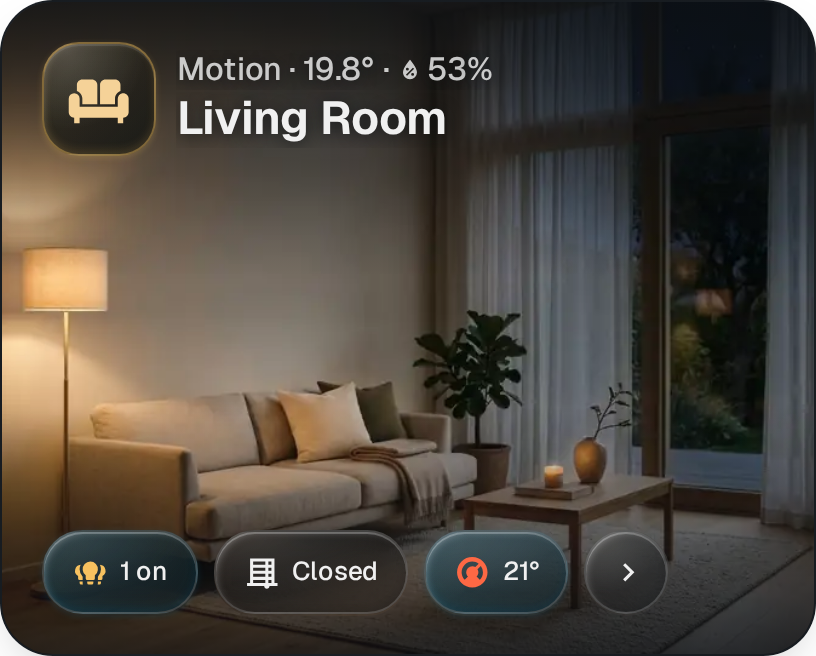
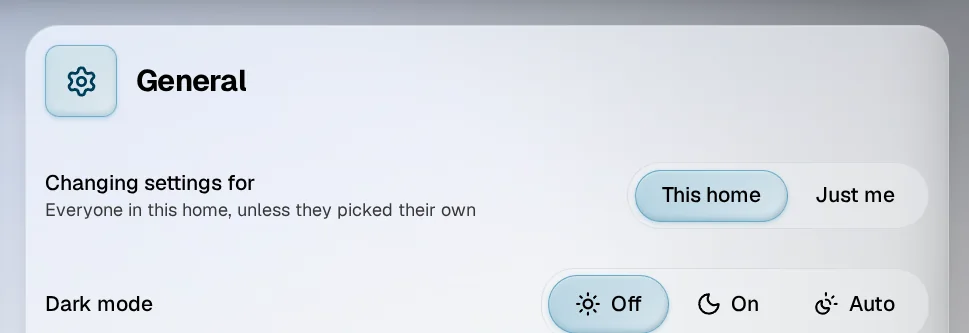
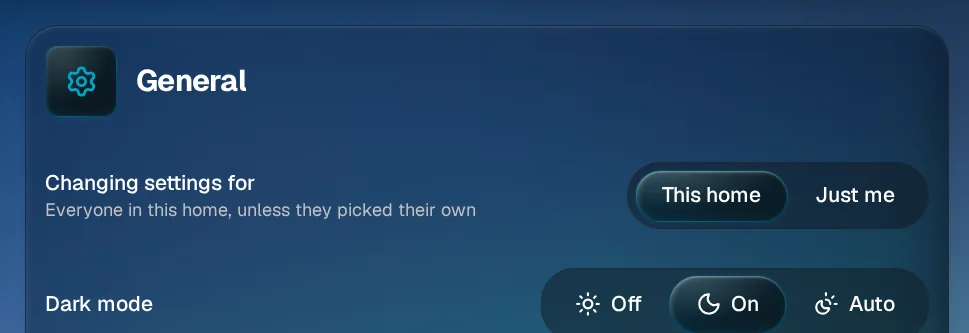
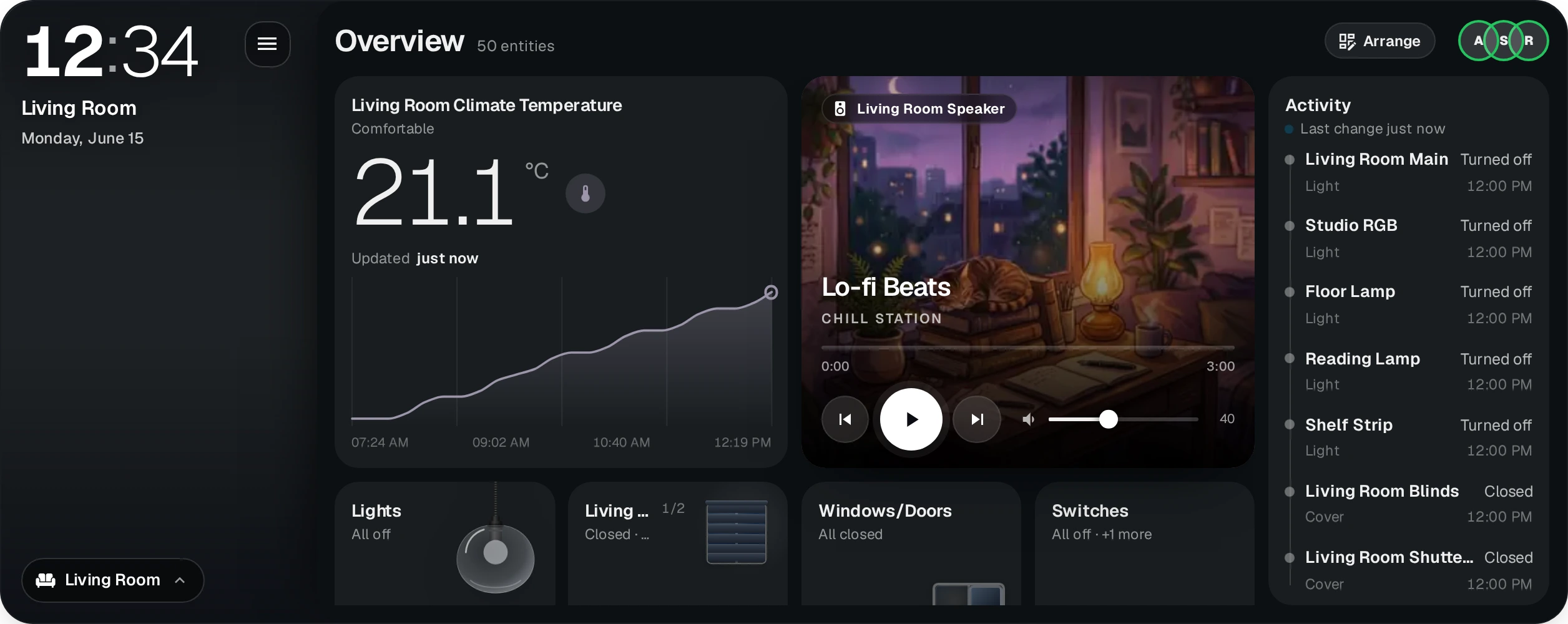
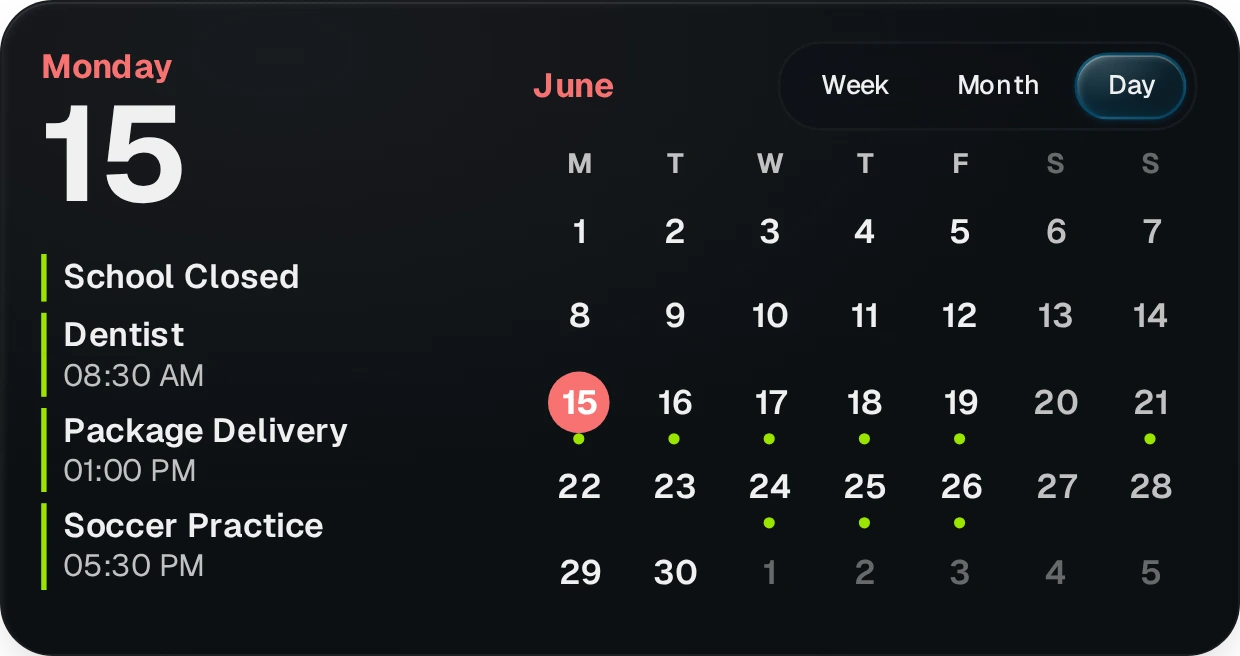
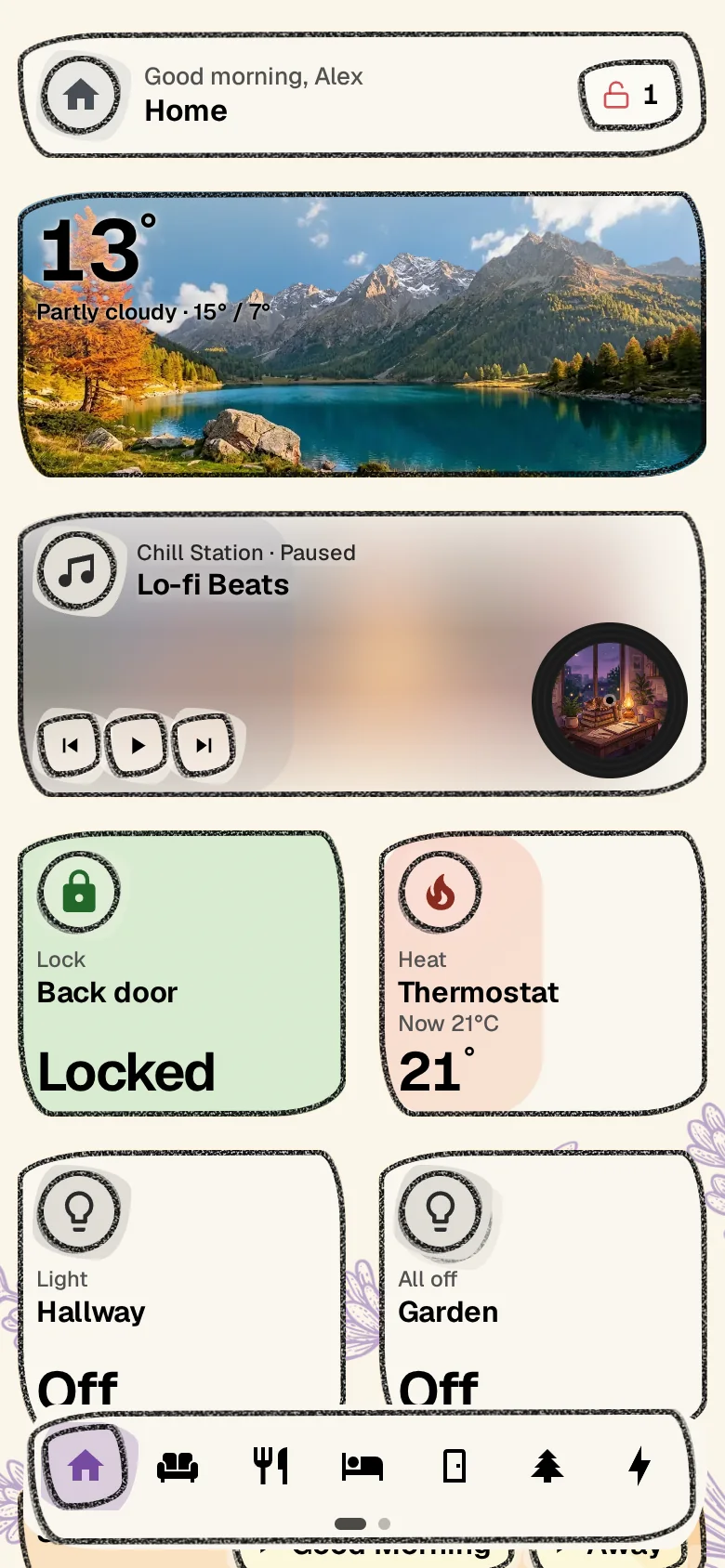
Every theme has a light and a dark version. Tap a colour below to try one on this page.
Build your own theme with PRO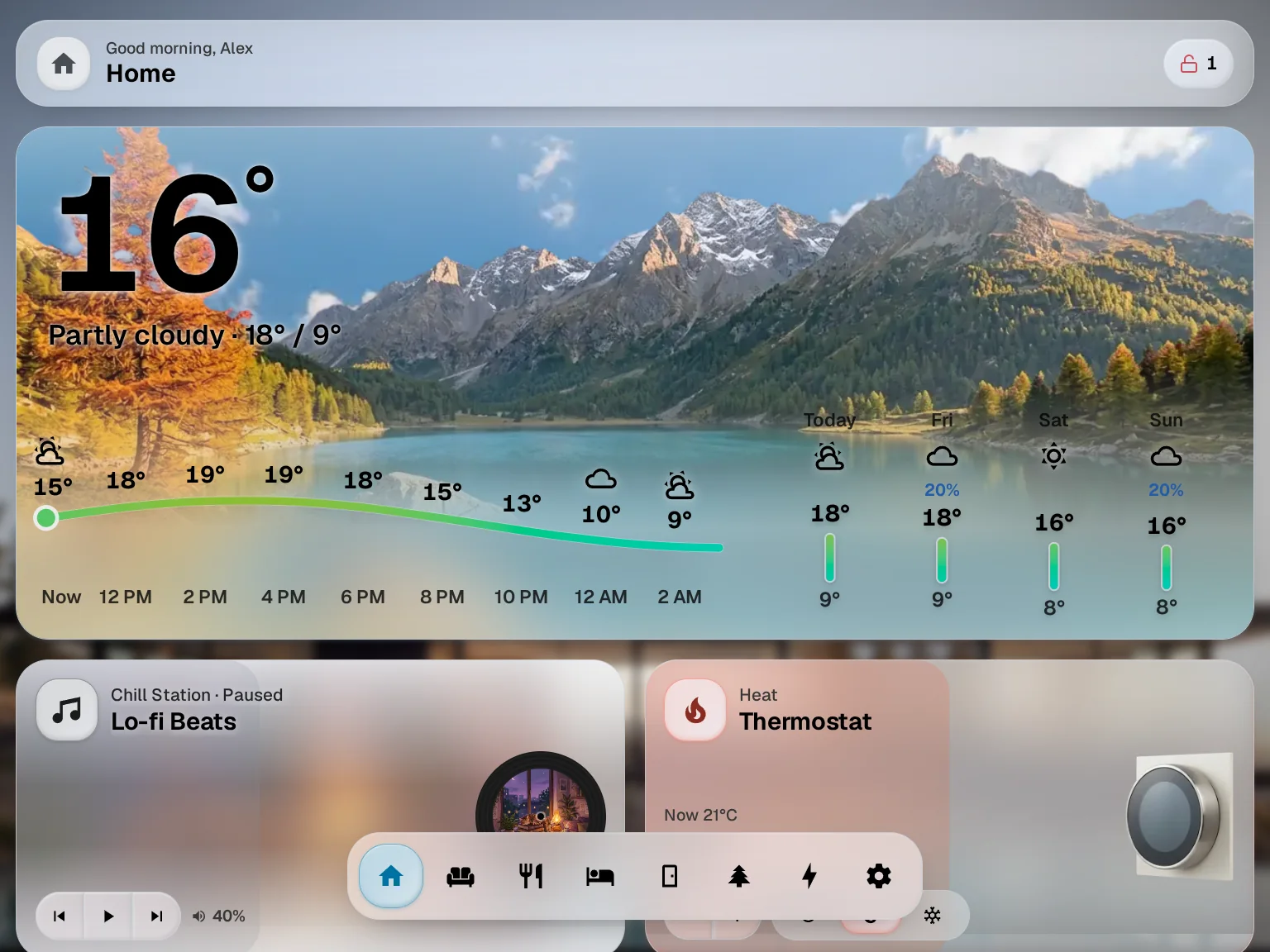
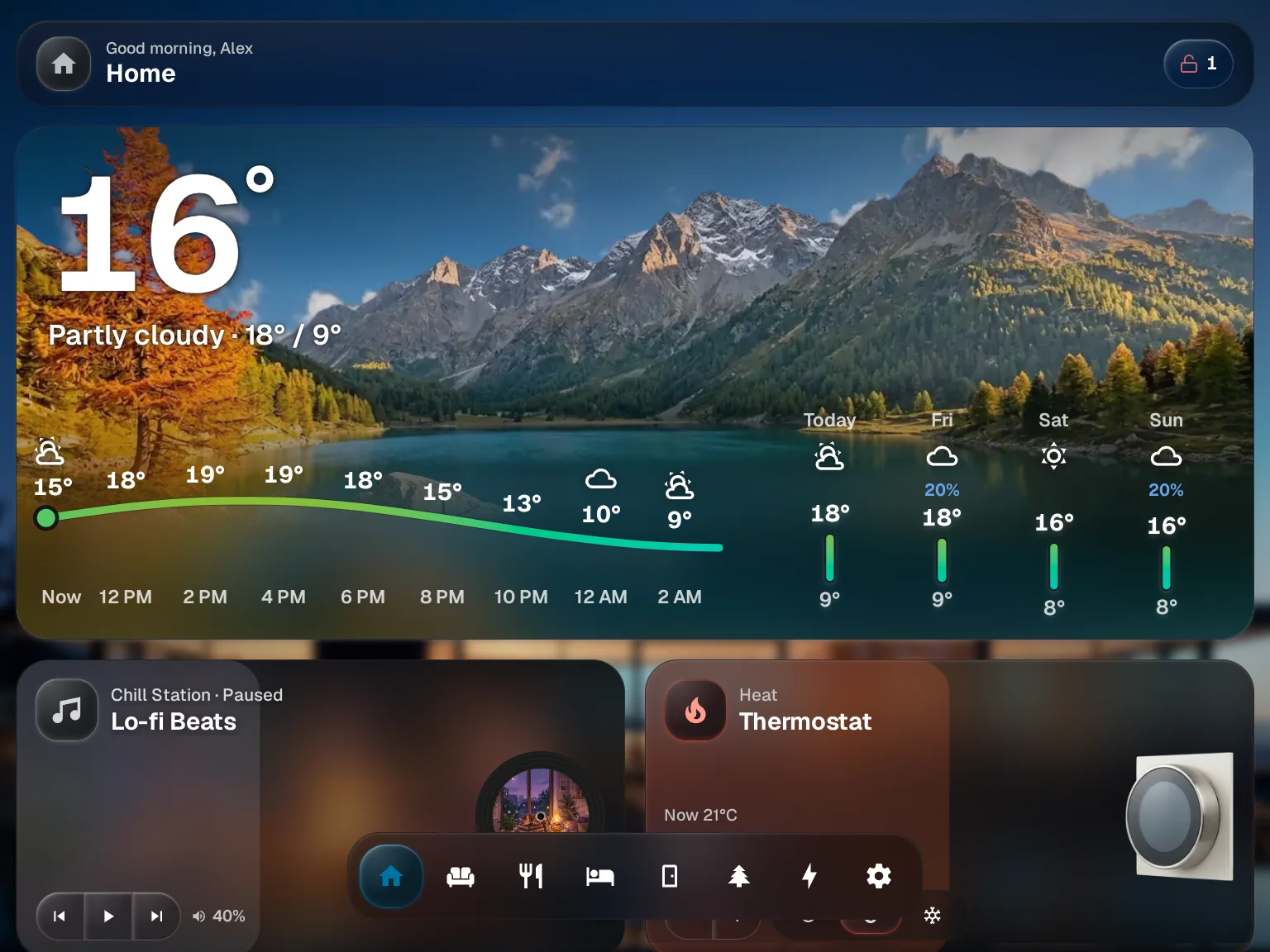
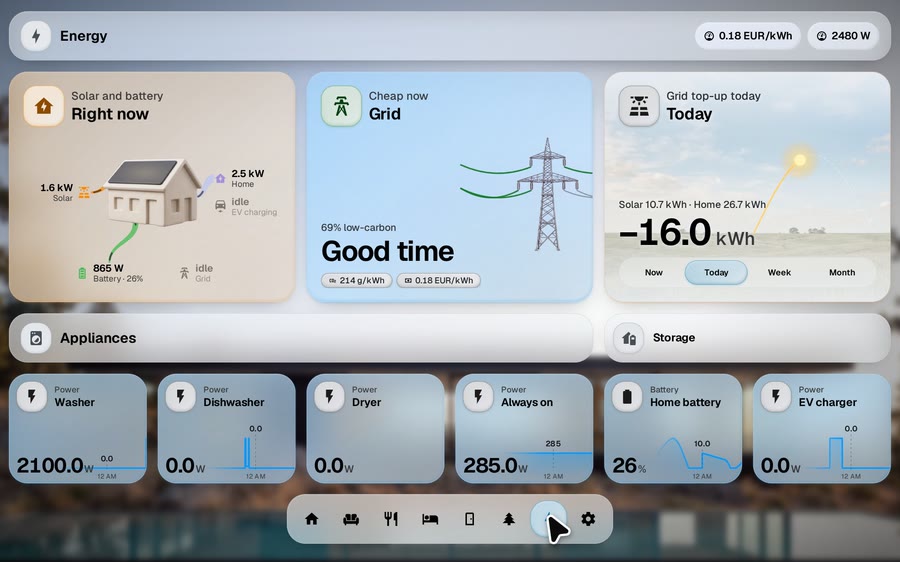
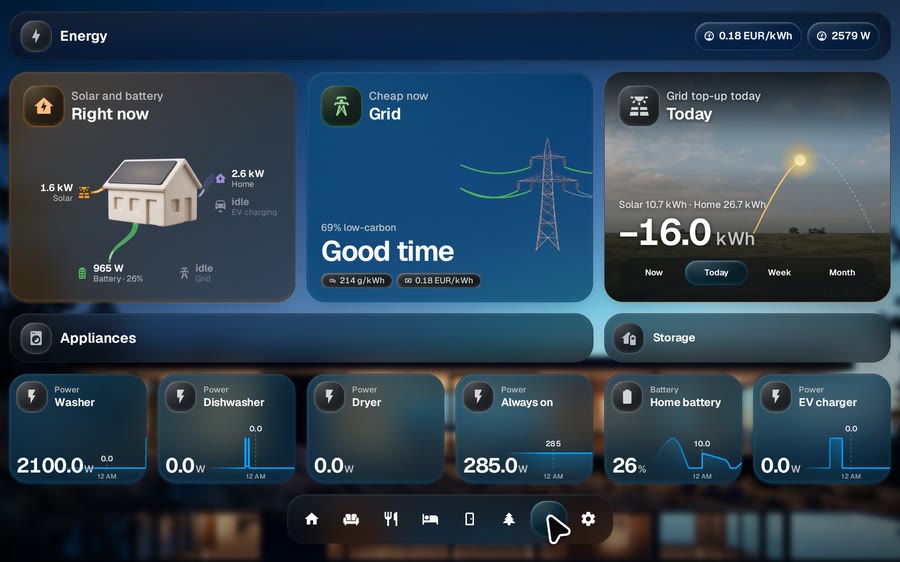
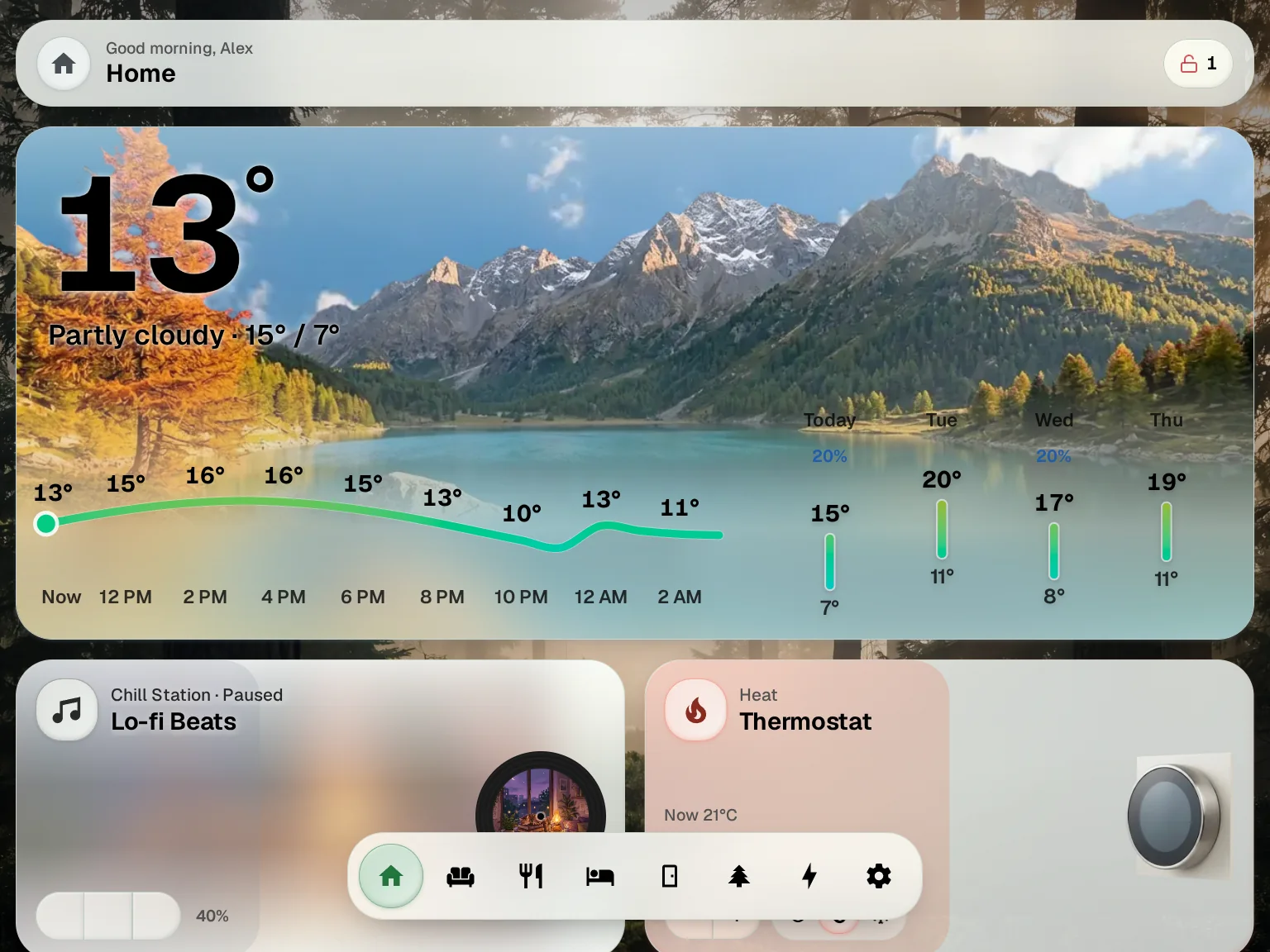
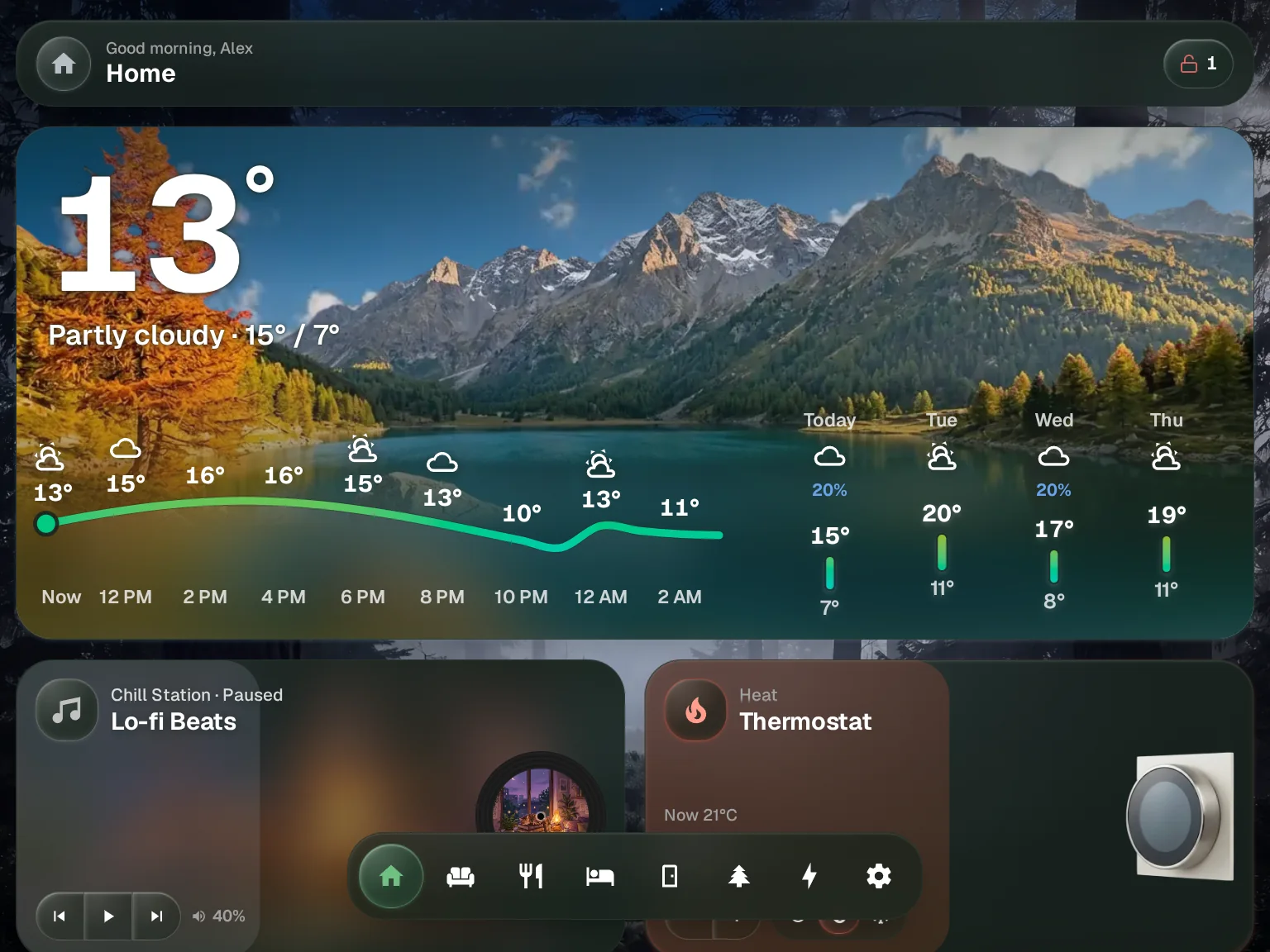
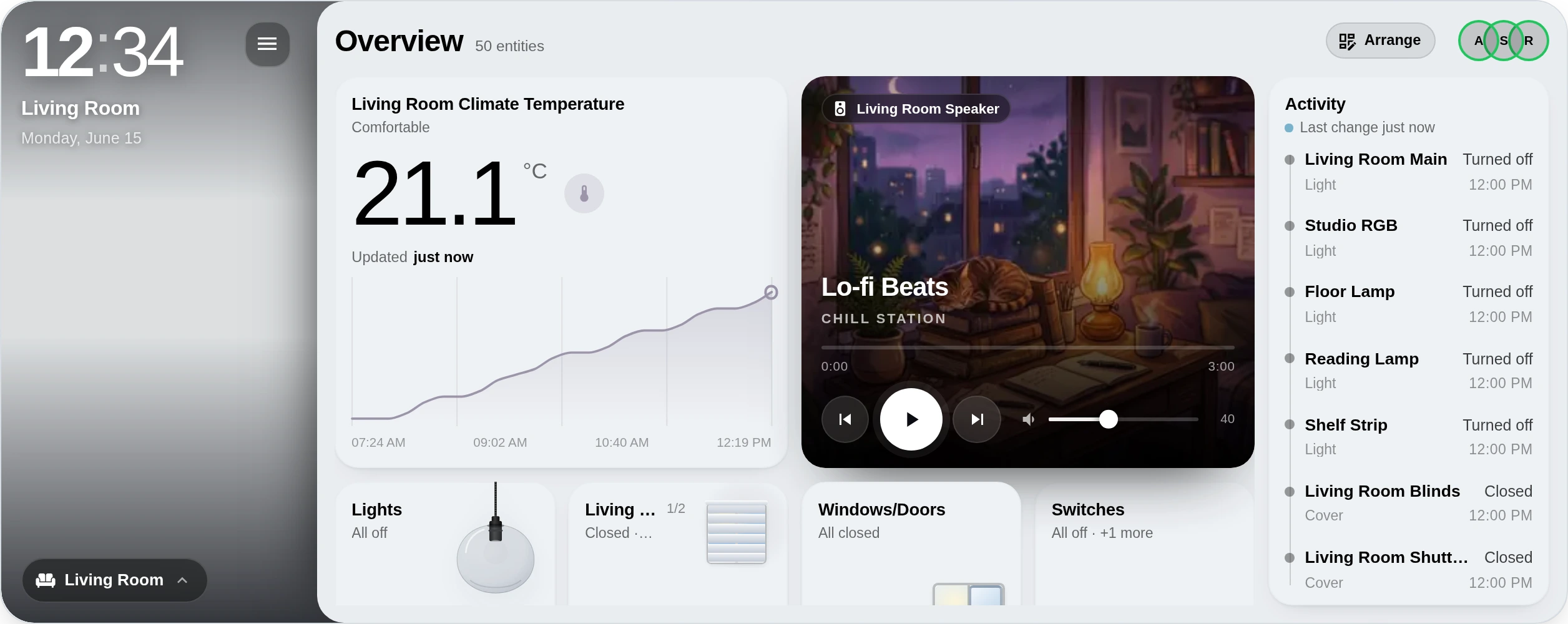
Put everything where you want it.
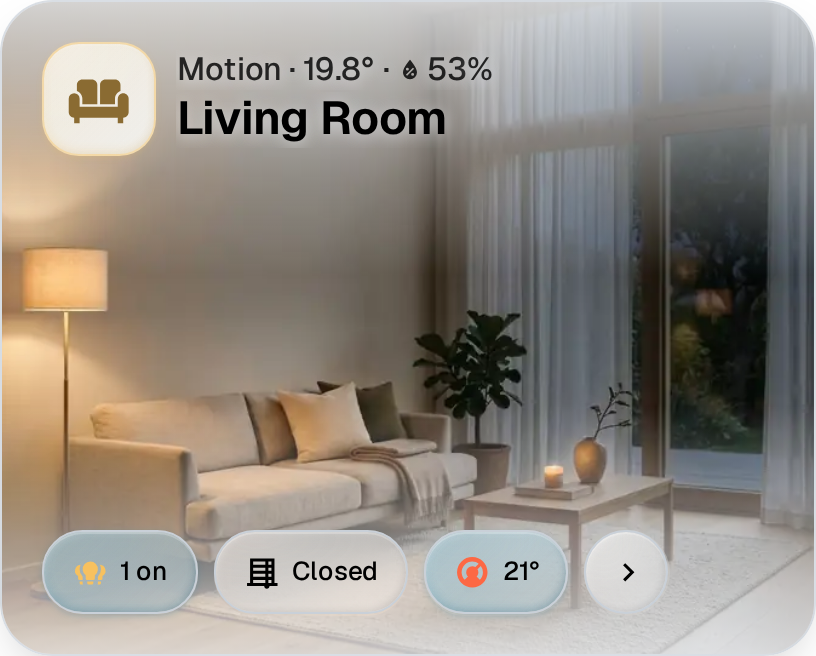
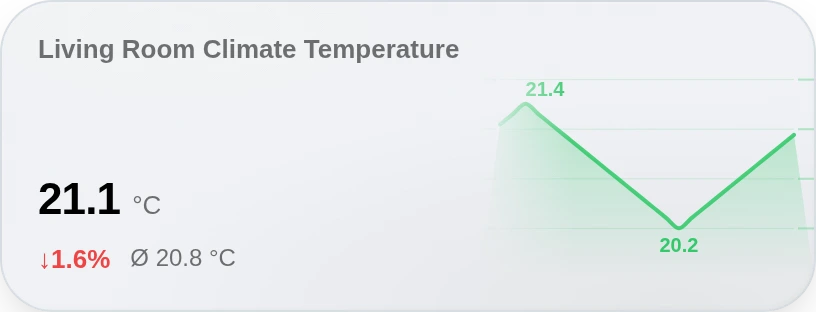
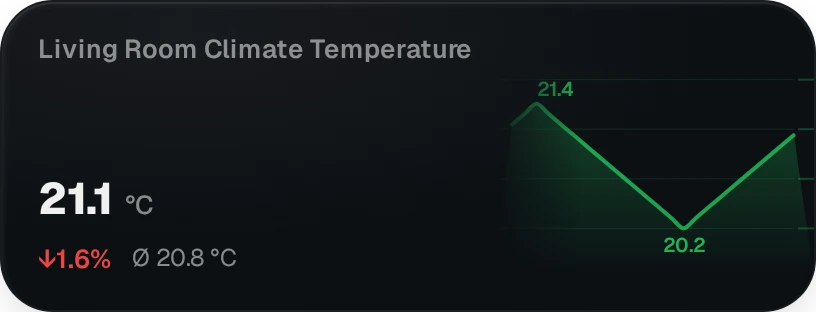
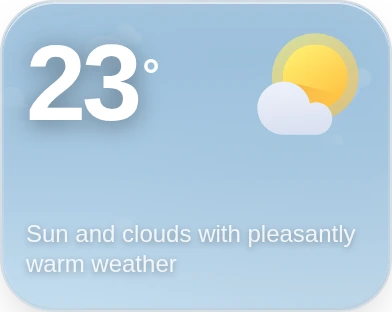
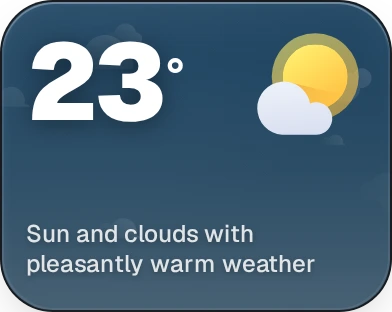
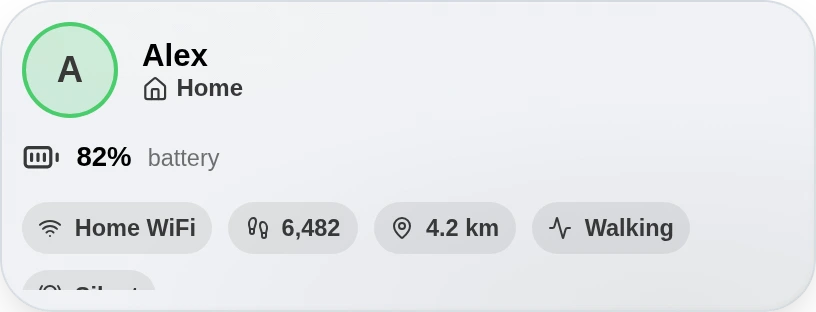
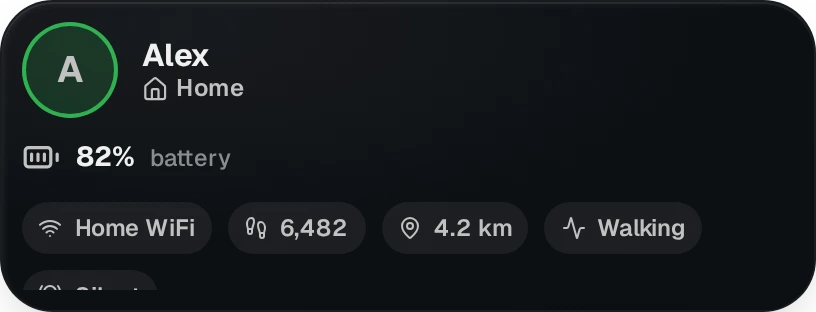
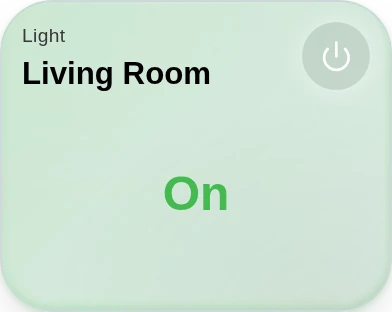
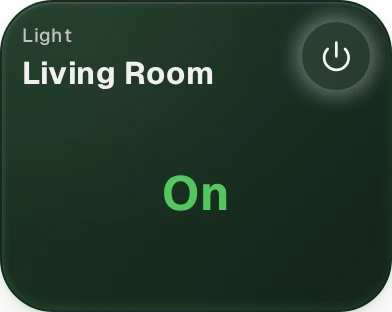
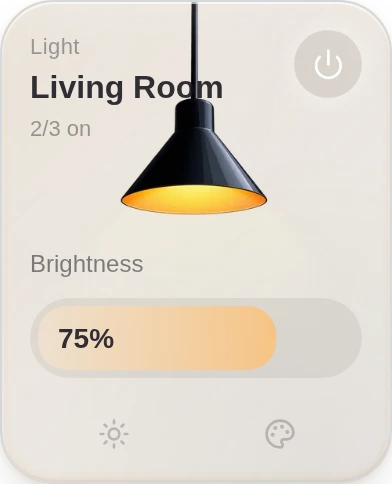
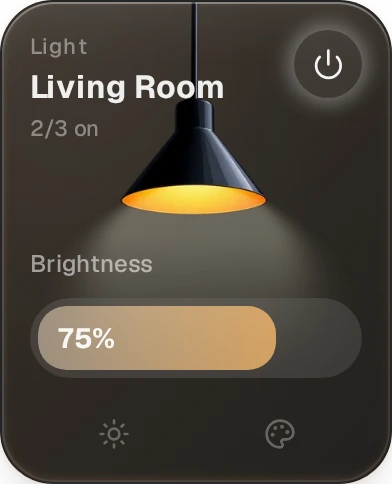
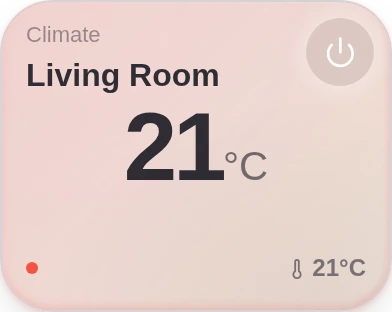
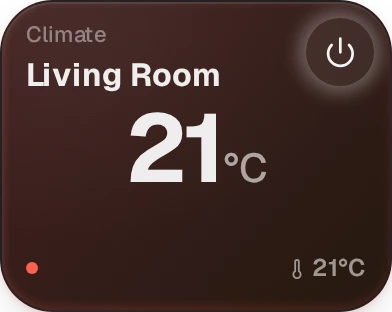
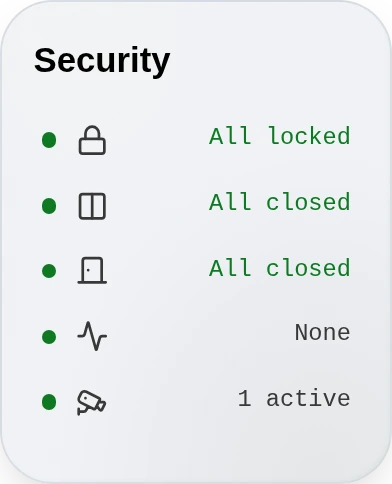
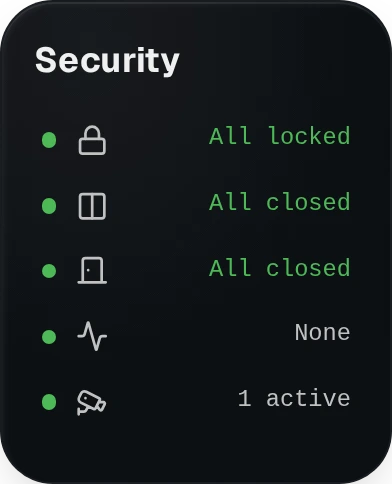
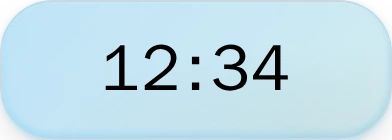
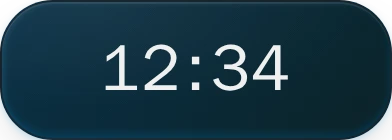
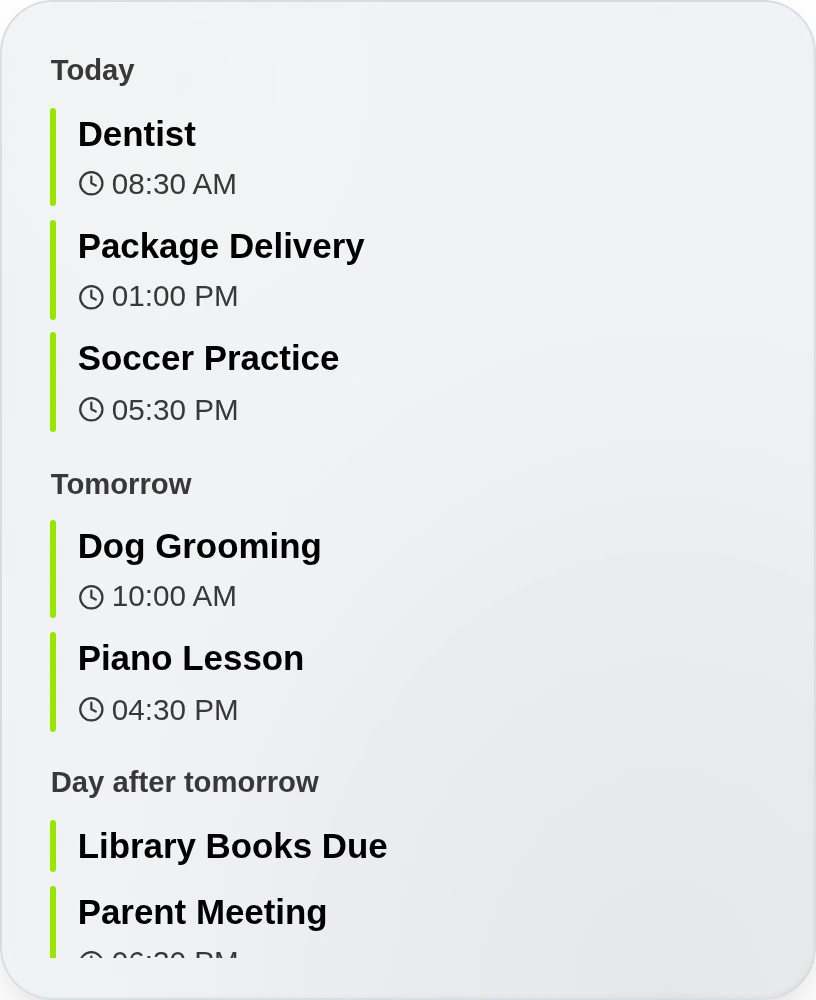
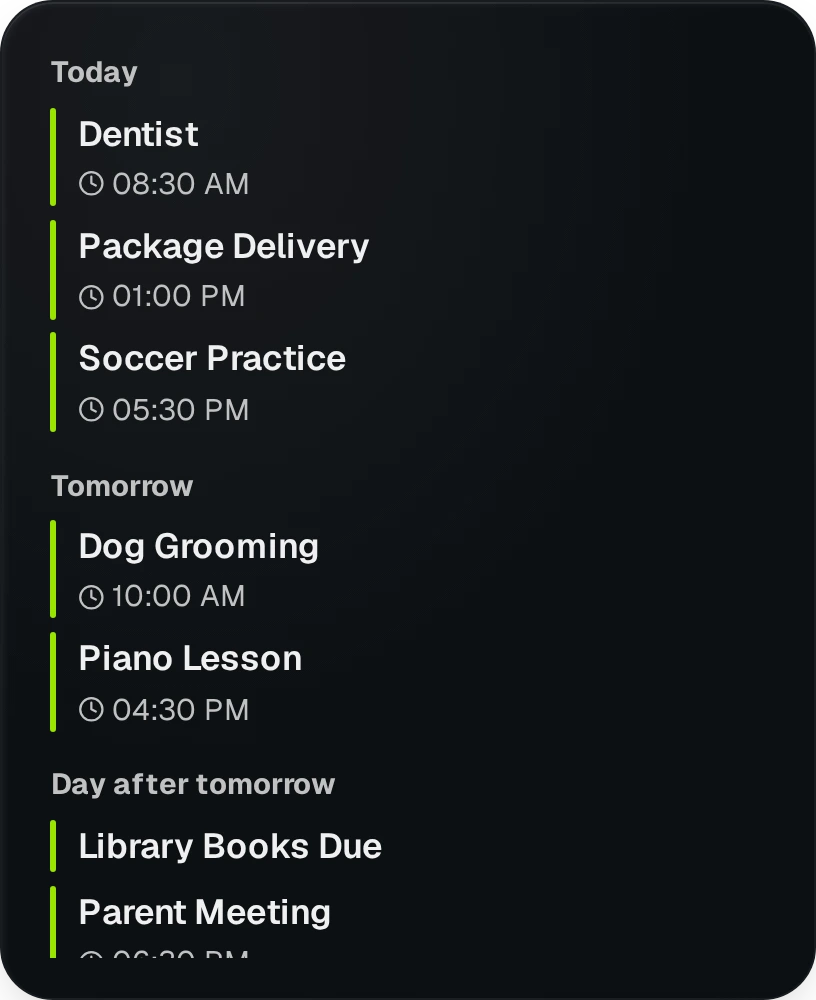
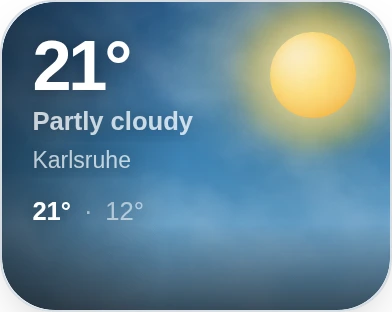
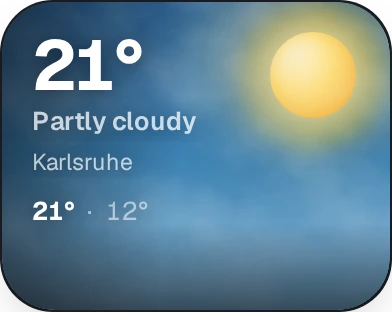
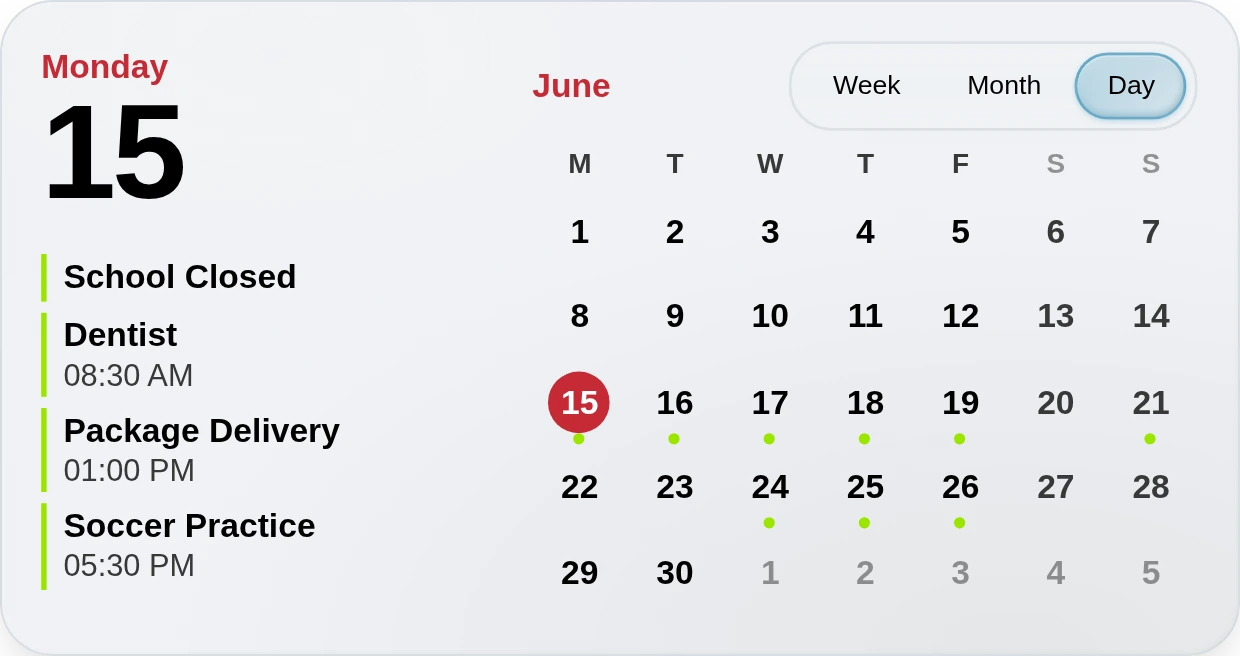
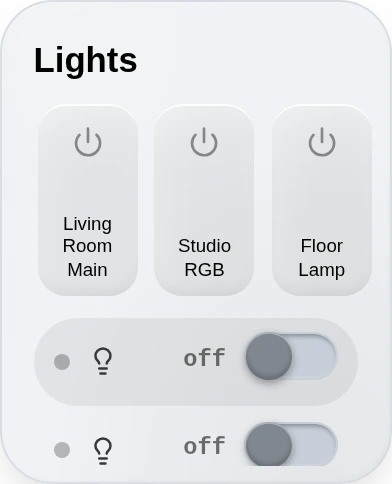
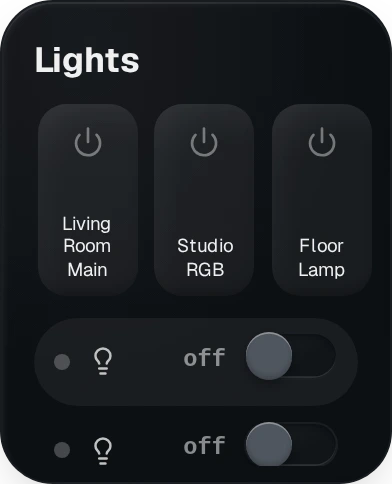
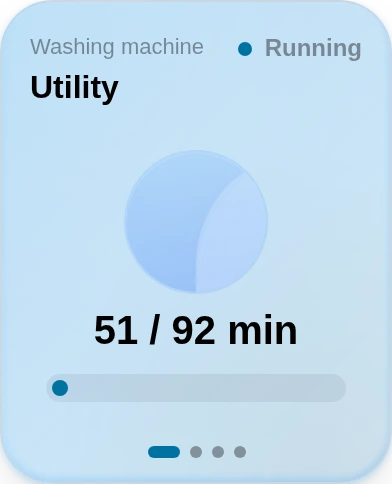
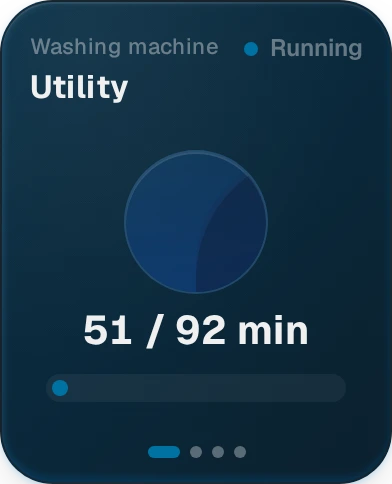
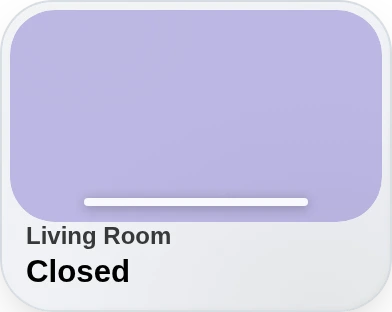
Everything on the dashboard is a widget: the clock, the weather, the living room lights. You add them from a list and set them up on the screen itself.
249widgets to pick from,
ours and the community's





Built with the people who live with it.
Most of GlassHome started as a message on Discord: a bug, a wish, a screenshot of someone's kitchen tablet. Here are a few, unedited. Click one to read it where it was posted.
4.8k
Widget downloads
15
Published widgets
58
Releases shipped
∞
Lines of YAML replaced
Hi, I'm Ihsen.
GlassHome started as one tablet in my office, for the lights. Then I wanted it in every room, my wife started using it, and it ended up on all our phones. That's when I had to make it good.
There's no company behind this to blame, so here's what I promise:
- outlastingYour home outlives my project.
- honestyNo tricks, only tradeoffs I'll explain.
- humilityWhen I break something, I say so.
- togetherI brought the vision. We made it a community.
- purposeMoney buys time to build.
Take it apart and build on it.
 1.4
1.4Make it yours
Everyone picks their own look
 1.5Beta
Mobile app
Your dashboard as an app on your phone
 1.6Planned
Your language
GlassHome in French and Spanish
Two minutes to install.
Home Assistant Add-on (v1.4.5)
Add the GlassHome repository to Home Assistant, install GlassHome from the Add-on Store, start it, then open http://<ha-ip>:3123. Installation guide.
Umbrel
GlassHome in the Umbrel App Store.
Docker (v1.4.5)
docker run -d \
  --name glasshome-dash \
  -p 3123:3123 \
  -v glasshome_data:/data \
  --restart unless-stopped \
  ghcr.io/glasshome/dash:latest
Then open http://<host>:3123. Docker guide.
Connect Home Assistant
GlassHome finds it on its own. You sign in once and your dashboard opens. Setup guide.
Home Assistant Add-on (v1.4.5)
Add the GlassHome repository to Home Assistant, install GlassHome from the Add-on Store, start it, then open http://<ha-ip>:3123. Installation guide.
Umbrel
GlassHome in the Umbrel App Store.
Docker (v1.4.5)
docker run -d \
  --name glasshome-dash \
  -p 3123:3123 \
  -v glasshome_data:/data \
  --restart unless-stopped \
ghcr.io/glasshome/dash:latestThen open http://<host>:3123. Docker guide.
Connect Home Assistant
GlassHome finds it on its own. You sign in once and your dashboard opens. Setup guide.
Want more? Add PRO.
Optional. Free stays free.
Pay once.
Yours forever.
- Everything in Free
- Community widgets from the Hub
- Save your own themes and materials from the creator studio
- Share themes, materials and dashboards, and use ones other homes shared
- Reach your dashboard away from home
- Special Discord role
- A PRO card with your name on it, purely for showing off
What do you want to do?
Questions you might have
Because I read the Discord
Still have questions?
Ask in the server. I read everything and usually answer within the day.
Setup & Compatibility
Is GlassHome standalone or an addon?
Standalone. GlassHome is its own app that talks to Home Assistant, not a dashboard inside it. The Home Assistant addon is one easy way to install it, Docker is another, and either way it opens at its own address on port 3123.
Do I need HAOS to use GlassHome?
No. HAOS users can install it as an addon, but anyone can run it via docker-compose or the container directly.
Does it replace Home Assistant?
No. Home Assistant keeps doing the work in the background. GlassHome is the part your family will look at. You can keep using both.
Can I still access my default HA dashboard?
Yes. GlassHome runs separately on its own port. Use whichever you prefer, or switch between them.
Can I use GlassHome inside Home Assistant?
No. GlassHome is a separate app, so it never shows up in the Home Assistant sidebar or the Home Assistant app, and ingress will never be supported: the way GlassHome and its widgets are built cannot run inside Home Assistant. Open it in a browser at http://<ha-ip>:3123 and bookmark it on each screen.
Can I access my dashboard away from home?
Two ways. A VPN (WireGuard, Tailscale) so your device joins the home network and reaches GlassHome like it's local, or your own address behind a reverse proxy or tunnel, declared in Settings. Setup steps for both: glasshome.app/docs/dash/remote-access.
Does my Nabu Casa subscription give me GlassHome remote access?
No. Nabu Casa only reaches Home Assistant itself, and GlassHome is a separate app beside it. To use GlassHome away from home, set up remote access for it yourself: a VPN like Tailscale or WireGuard, or your own address. Setup steps: glasshome.app/docs/dash/remote-access.
Can I get early builds before they ship?
Yes. Docker users swap the image tag from latest to beta; Home Assistant addon users switch to the Edge channel. Both track the same early builds. Beta has rough edges, so keep the kitchen tablet on stable, or your family finds them first. The Docker docs cover the exact steps.
Privacy & Data
Is my data sent to external servers?
No. GlassHome talks straight to your Home Assistant, inside your home. Your lights, doors and sensors never leave your network.
Where are my dashboards saved?
In a local SQLite database inside the GlassHome container volume. They persist across restarts and can be backed up by snapshotting the volume.
Pricing & Licensing
Is GlassHome open source?
The dashboard app is proprietary, but the ecosystem around it is open source: the widget SDK, CLI, UI library, and the official widget collection. All of that is on GitHub, and most features start as a request on Discord.
Everything else
Can I customize each widget?
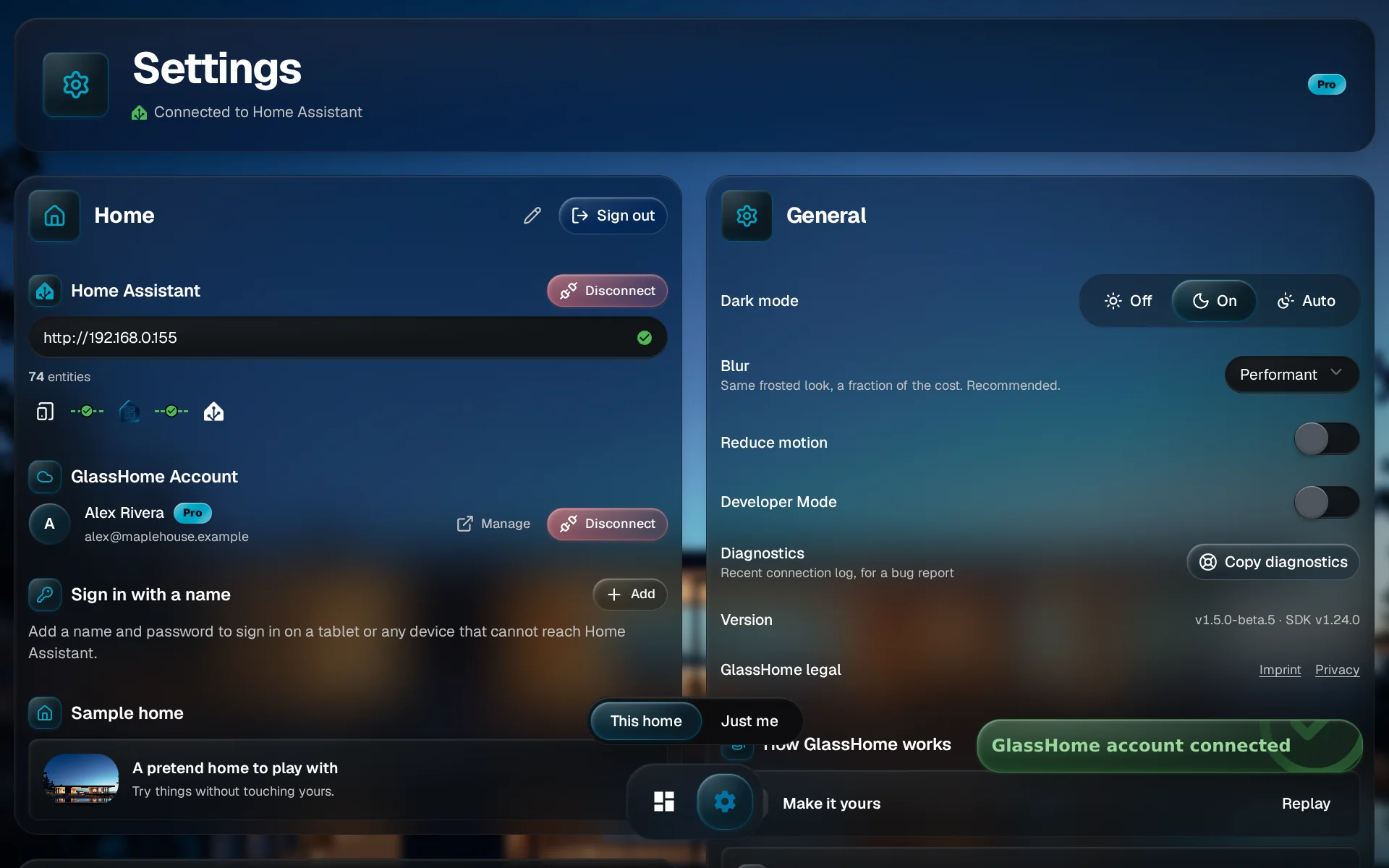
Yes. Each widget has its own settings: which lights or sensors it shows, its size, and how it looks.
How do I report bugs?
Post it in #bug-reports on Discord, or open a GitHub issue. A screenshot helps more than a long description.
Still have questions?
Ask in the server. I read everything and usually answer within the day.
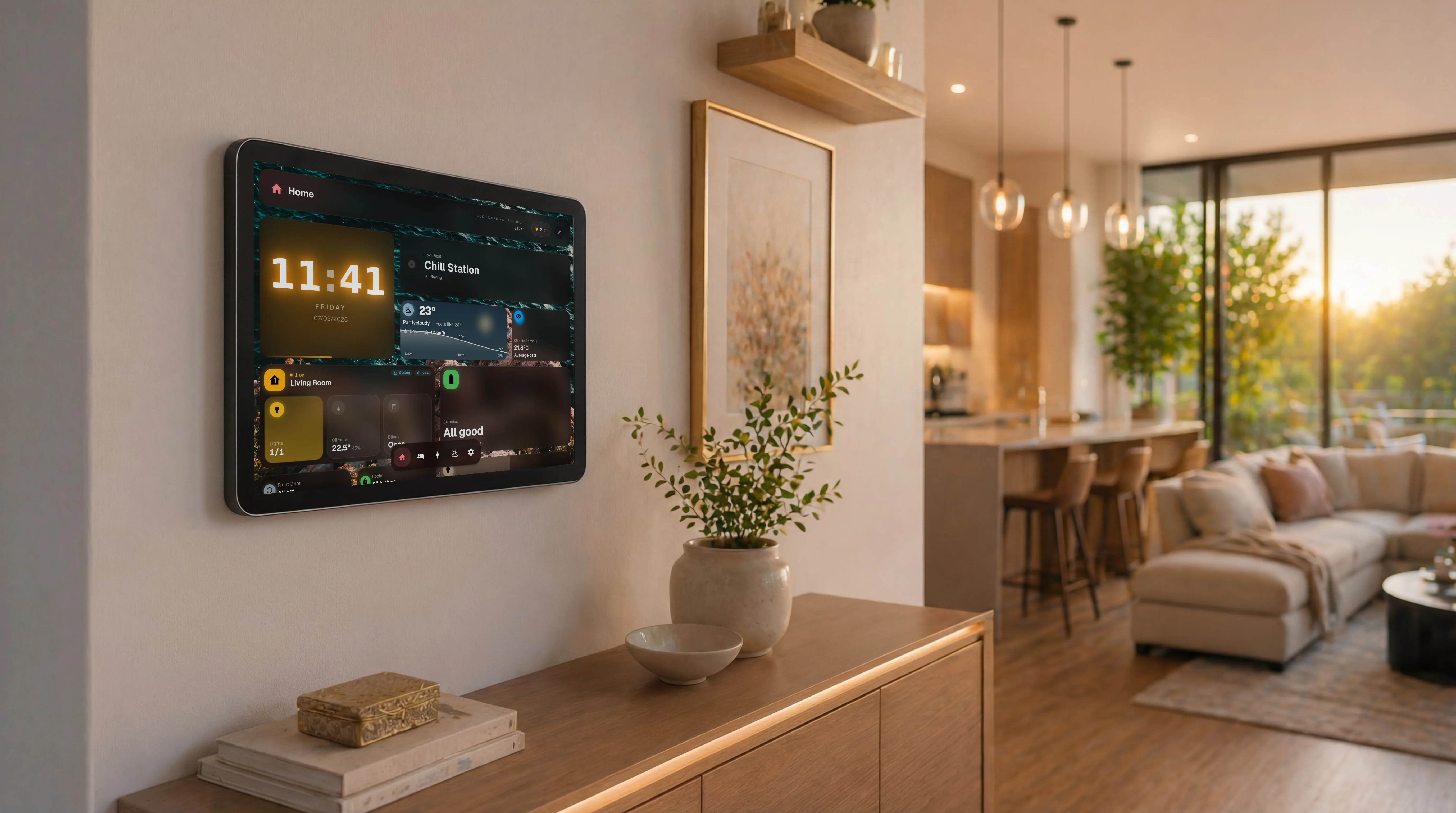
Two minutes from now, this is on your wall.