Dash Documentation
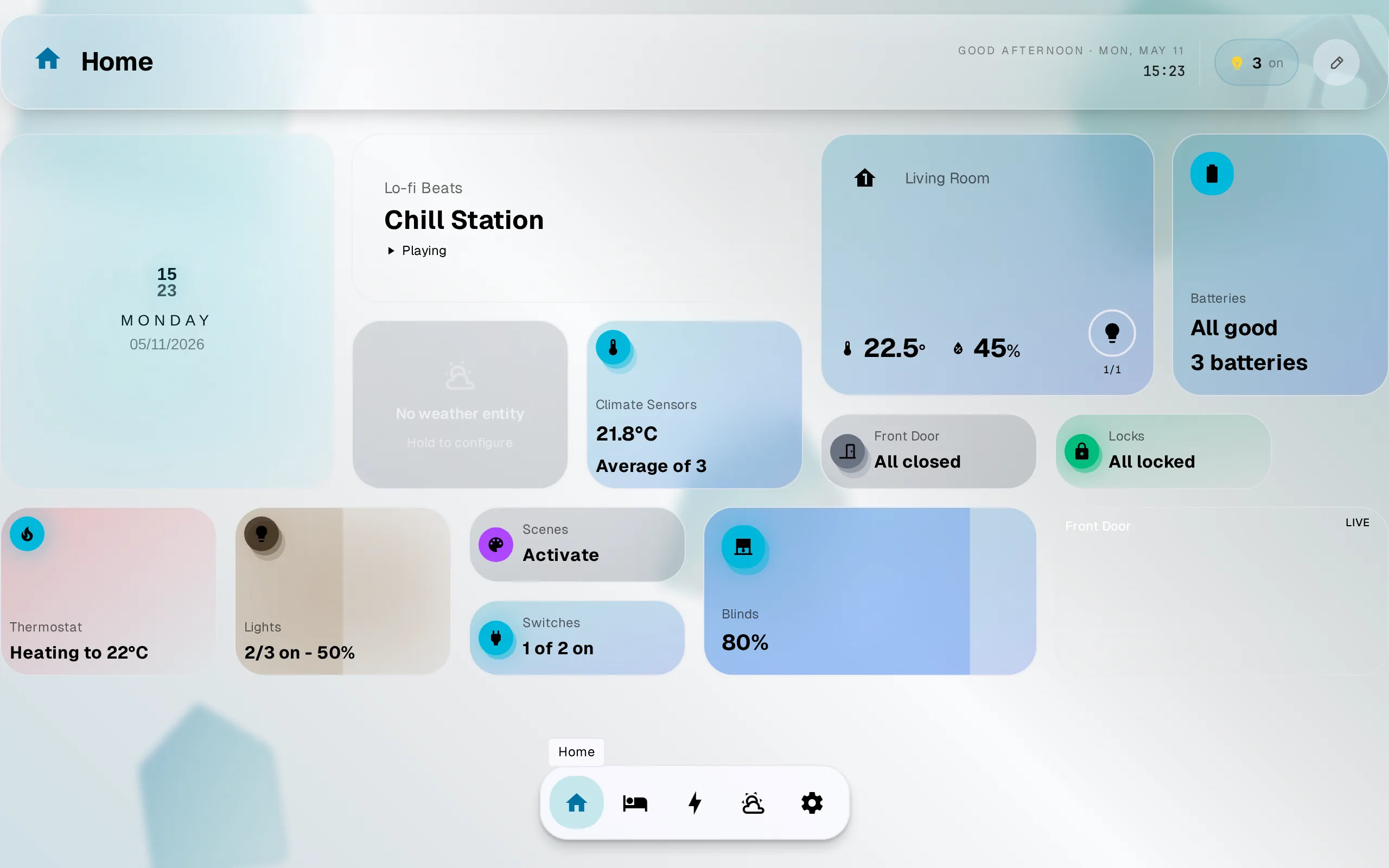
A modern dashboard for Home Assistant. Connects directly to your HA instance over WebSocket. No cloud relay, no telemetry, no YAML required.
Start here
Quickstart
Install, connect, and add your first widget in 5 minutes.
Concepts
Hub, dashboard, addon, widget. The mental model in one page.
Installation
Pick a deployment method: HA addon, Docker, or container.
Want to build widgets? That’s its own docs space: Widget Dev.
Common tasks
- Connect to Home Assistant: OAuth flow, the demo home, URL gotchas.
- Edit a dashboard: add, move, resize, remove. Desktop and touch gestures.
- Access from anywhere: VPN or your own address.
- Theme it: 9 presets, or make your own in the creator studio, light and dark.
- Something broke: look up by error message or symptom.
Dash 1.3+
Give people and screens their own access: rooms, controls, dashboards, invite links, shared tablets.
How it fits together
- Home Assistant does the work. HA keeps running your automations, integrations, and devices. GlassHome is the screen in front of it.
- Dash runs on your hardware. Your Hub account is for publishing widgets and holding your license.
- Everything is set up in the app. You configure it in the UI, with no YAML and no restart to apply changes.
Need help?
Join the Discord for live support, or file a bug report.