
Find and share
Bring in a theme, a material or a dashboard that someone else made, and share your own back with other homes. Everything you find lives in one browser.
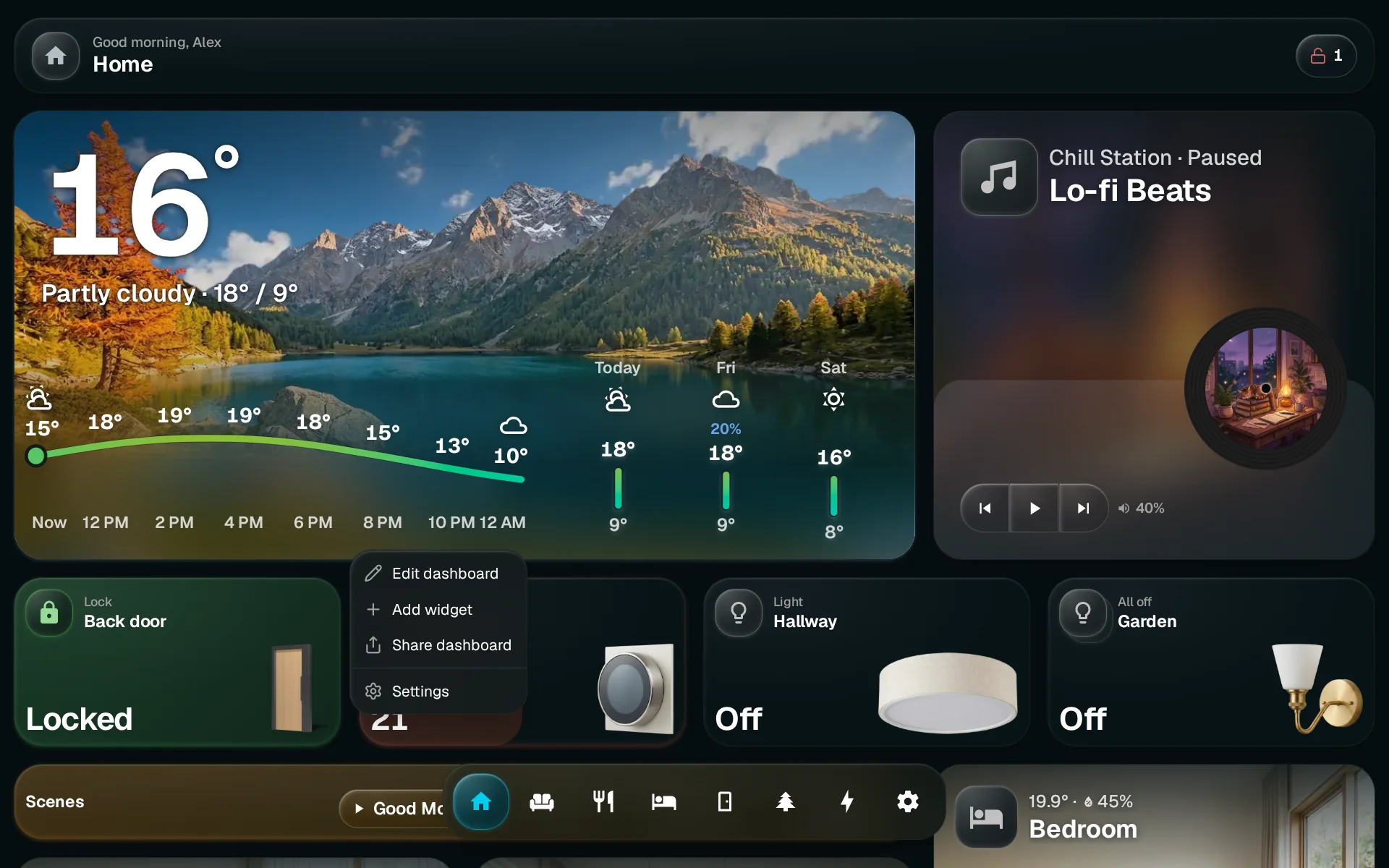
Open the browser
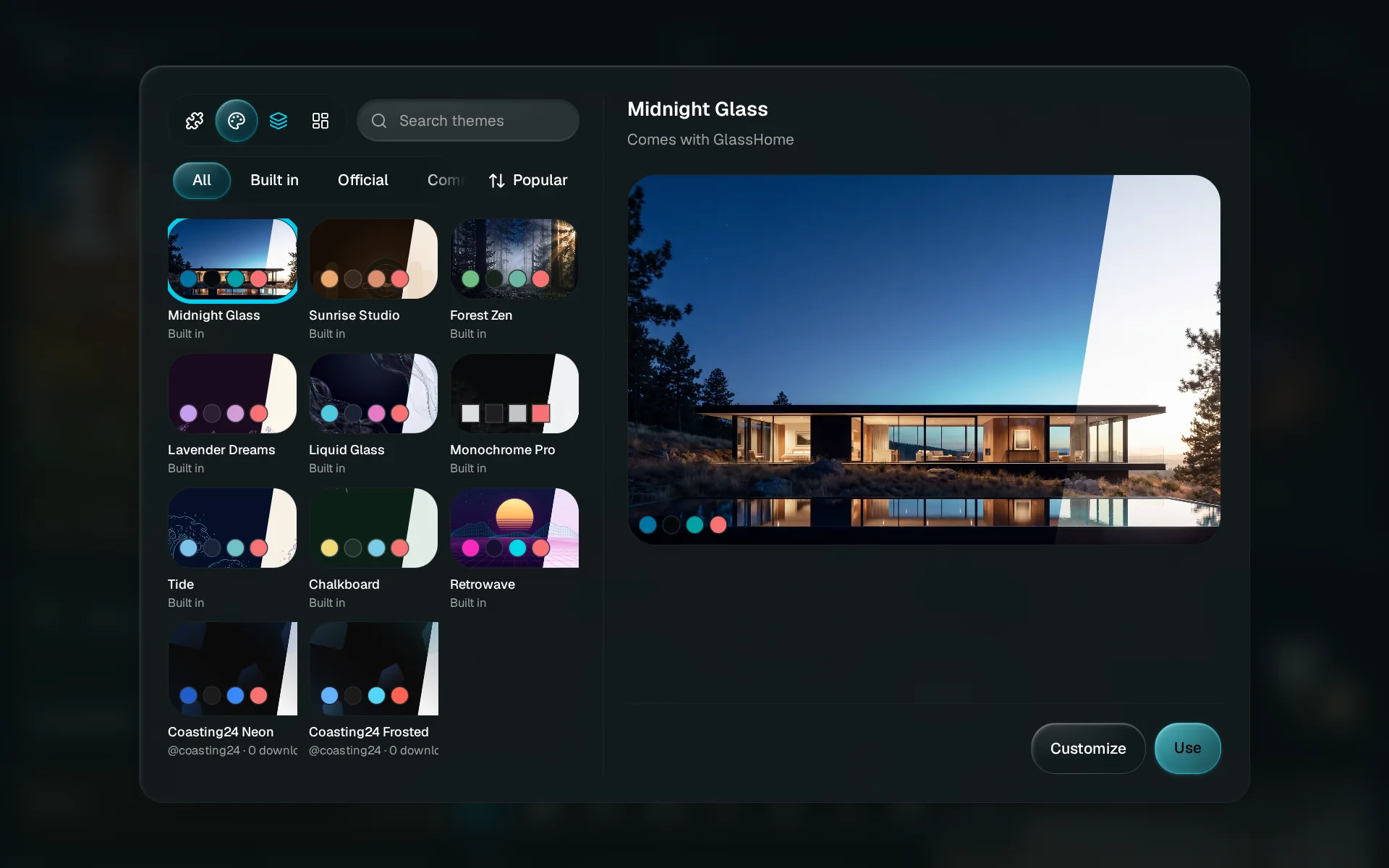
Tap Add widget on a dashboard, or go to Settings and choose Browse under Theme or Dashboards. The browser has four tabs: Widgets, Themes, Dashboards and Materials. The Dashboards tab only shows to people who can edit dashboards.
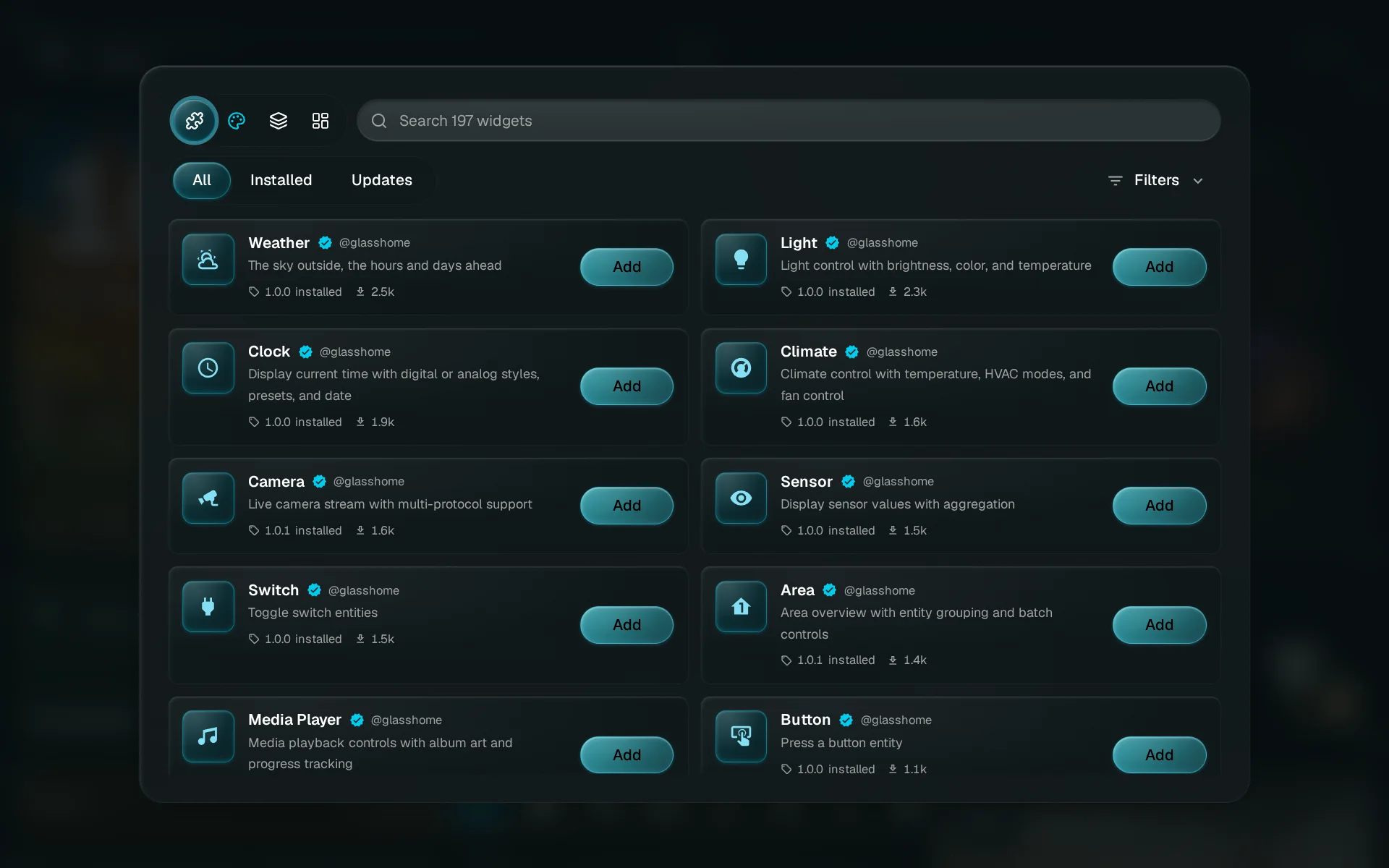
Open the Themes tab
Tap the palette to browse themes. The other tabs work the same way.
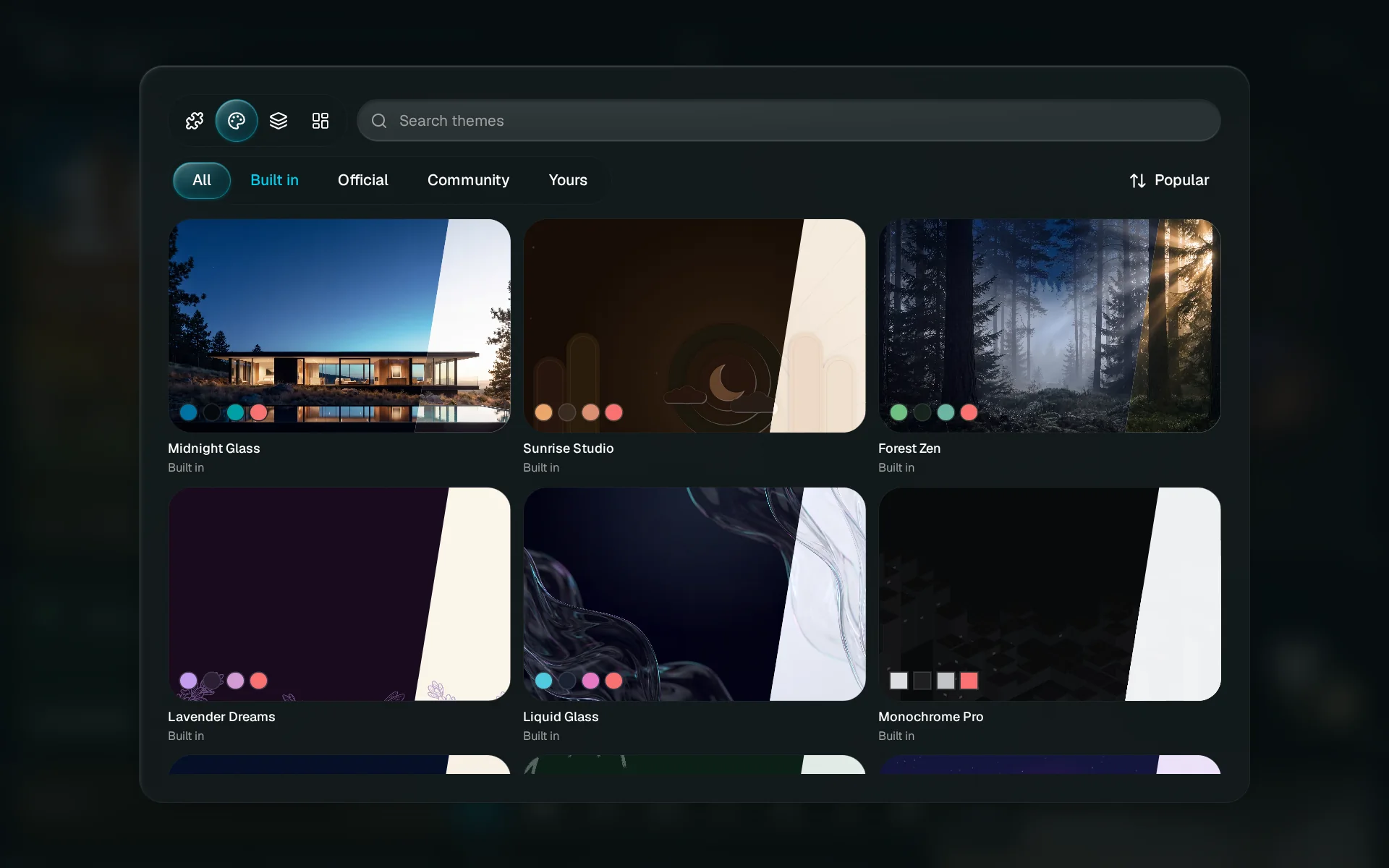
Find something
Search, or use the chips: Built in ships with GlassHome, Official is made by us, Community is made by other homes, and Yours lists what you shared. Popular and Newest change the order. Keep scrolling for more.
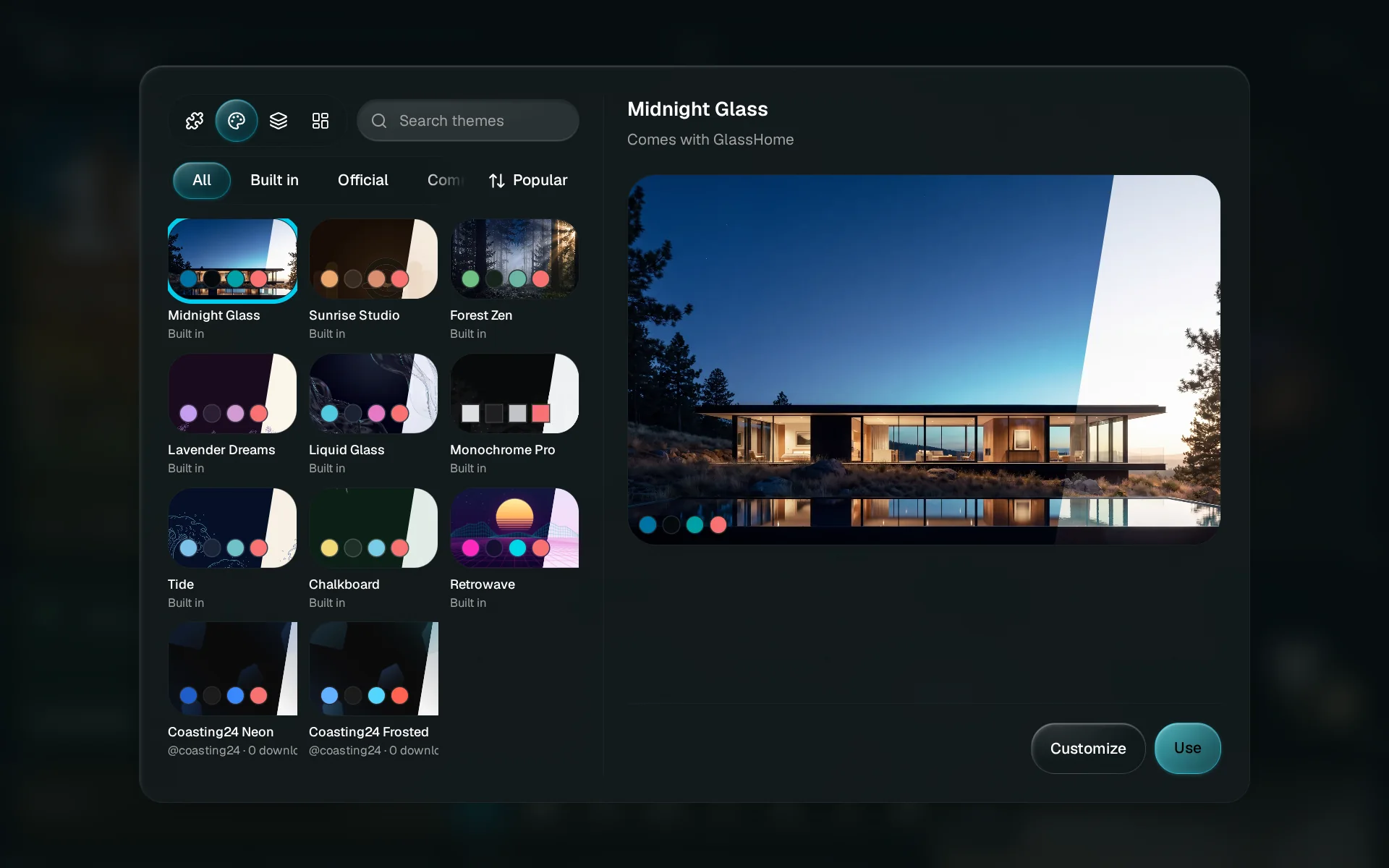
Try it on
A built-in theme has Use, which wears it straight away, and Customize, which opens a copy in the creator studio. A shared theme or material has Try on my dashboard: the studio opens with it, and saving keeps it. A shared dashboard has Add to my home, which makes a new dashboard with an empty spot for each widget. You pick your own devices for each one.
Look at materials
The Materials tab works the same way: find a material, look at it, and try it on.
Share your own theme
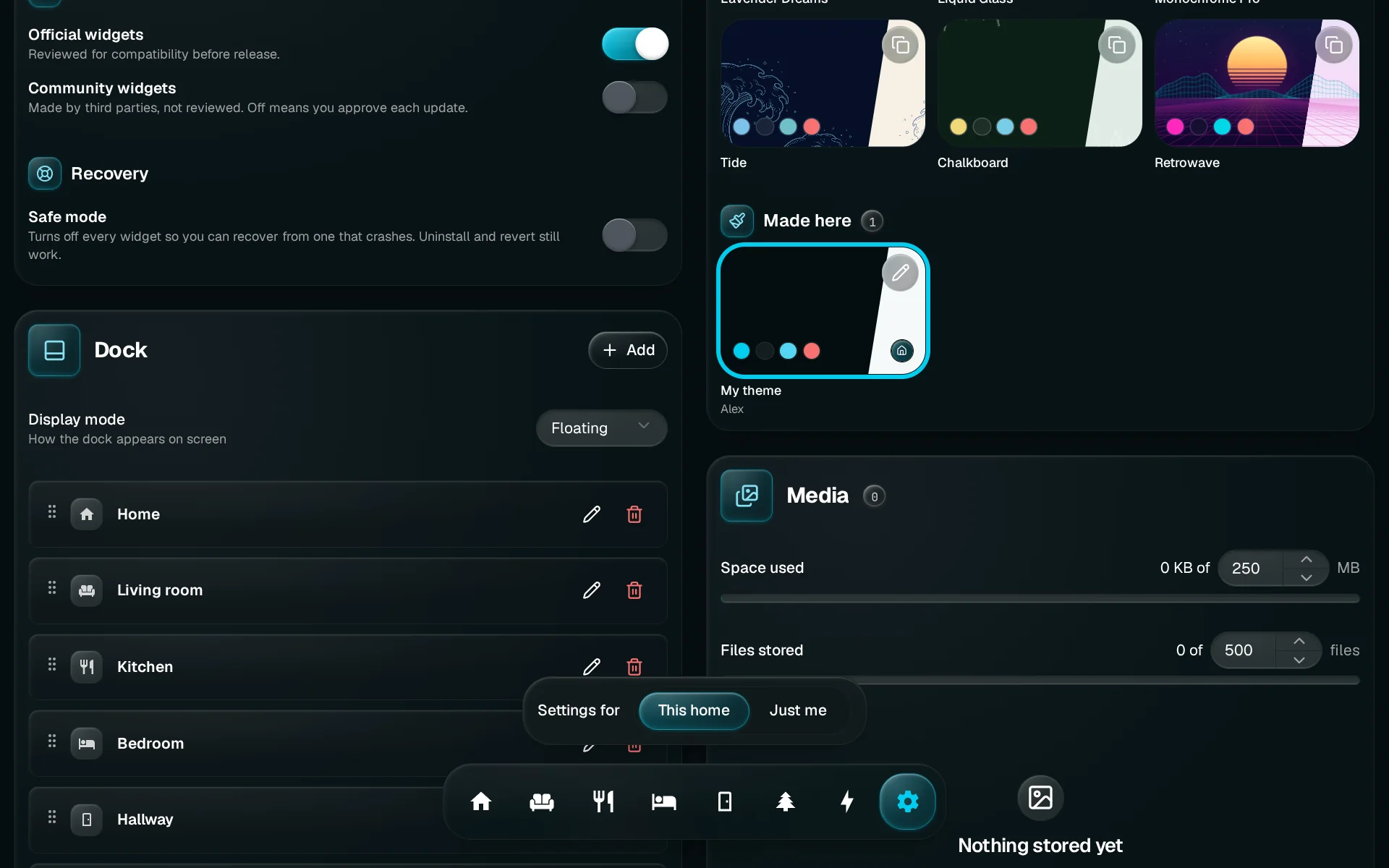
Open the menu on the theme’s name at the top of the creator studio and choose Share with other homes. You can also right-click, or long-press, the theme in Settings > Theme and choose the same.
Choose Share with other homes
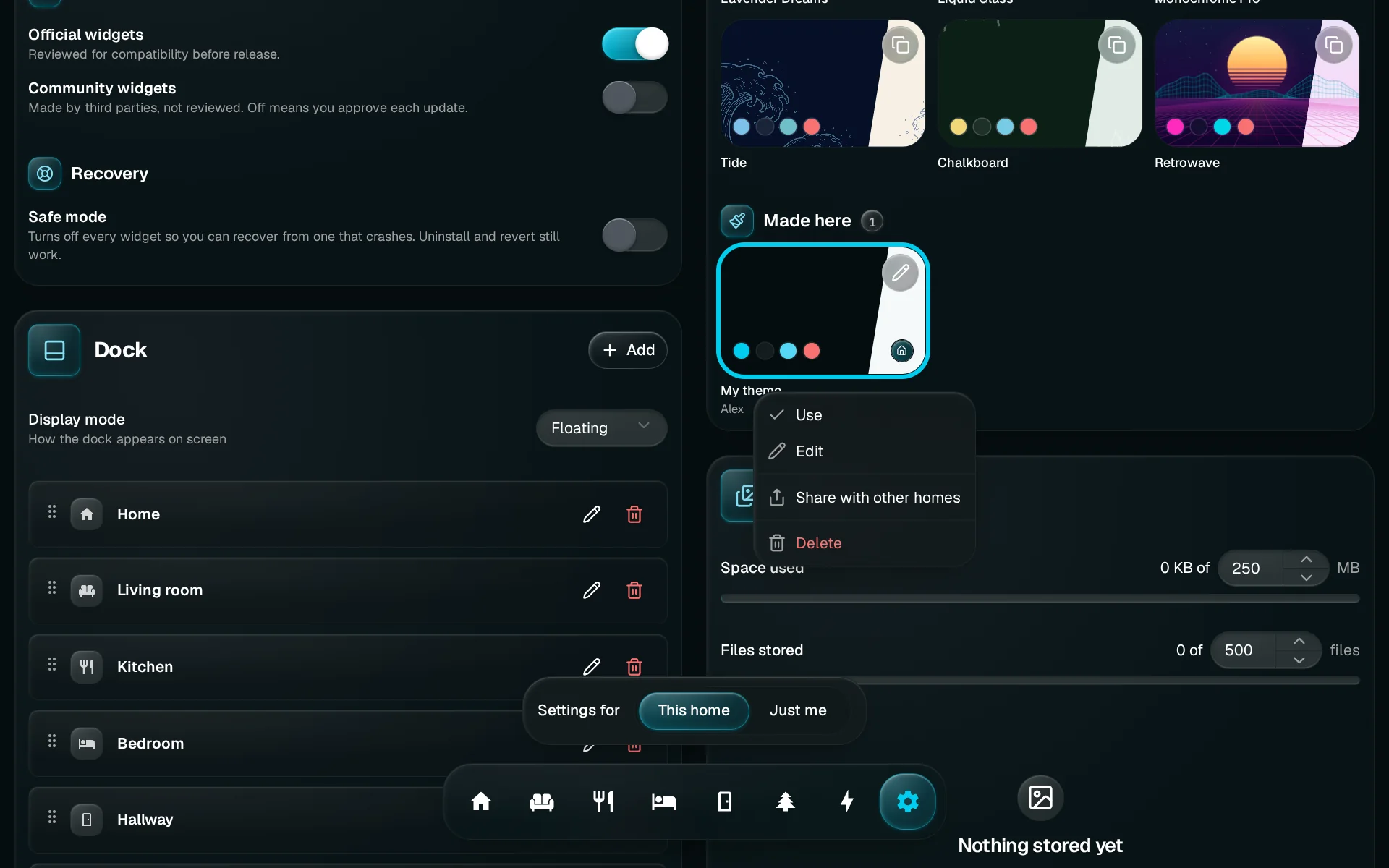
Right-click, or long-press, the theme and choose Share with other homes. The menu also has Use, Edit and Delete.
See what goes out
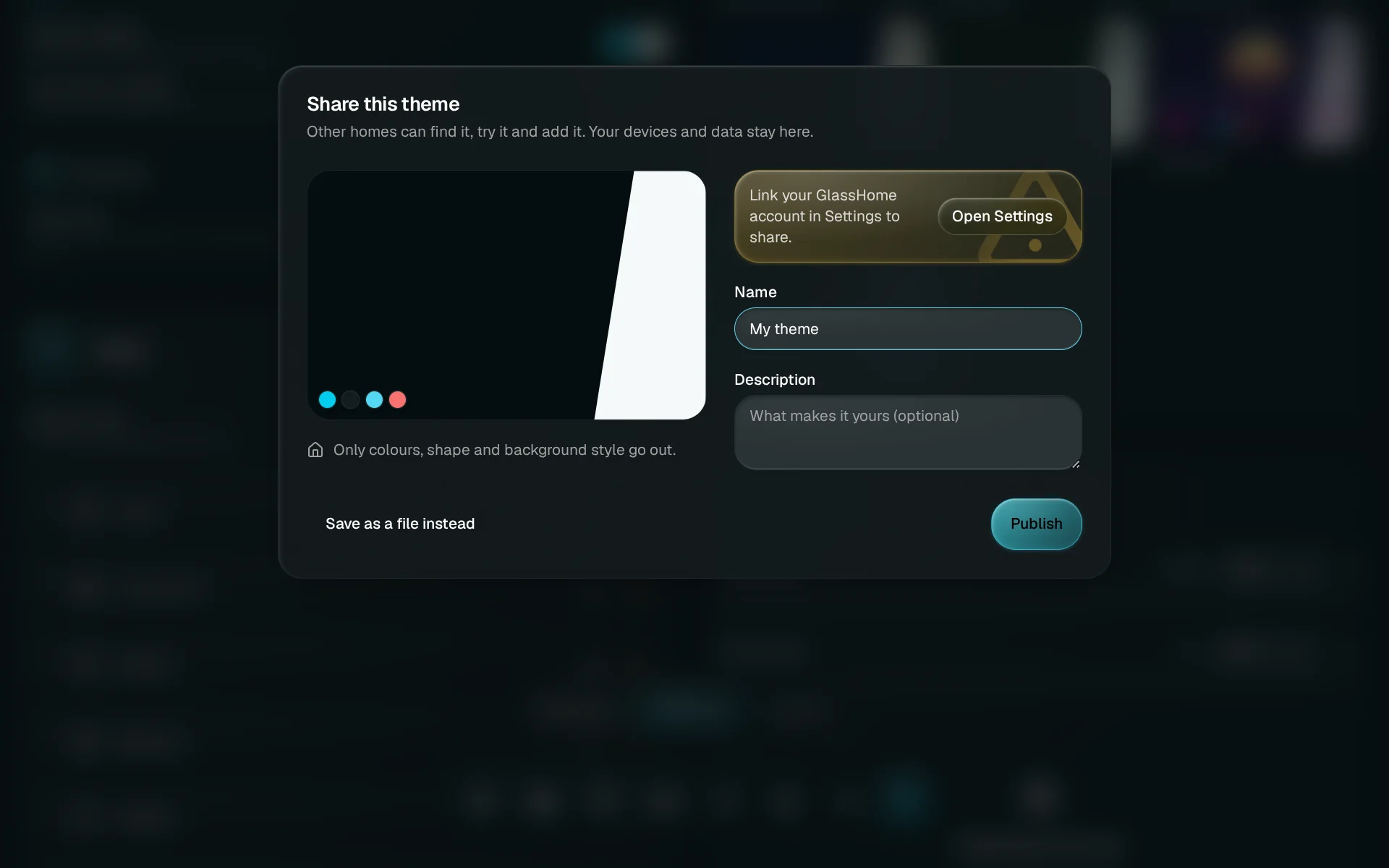
Each share dialog shows exactly what goes out and what stays in your home. Sharing needs a linked GlassHome account, and the dialog says so with a button to Open Settings. Your devices, rooms, home name, anything you typed into a widget, photos and location stay home.
More ways to find and share
- Send one home from glasshome.app. Every shared theme, material and dashboard has its own page on glasshome.app. Sign in there and press Send to my home. The next time you open the browser, it waits at the top of its tab, marked Sent from glasshome.app. A send you never use goes away after 30 days.
- Share your own material. In the creator studio’s Material tab, open the menu beside Fine-tune and choose Share with other homes. Pick up to three things other homes may tune, like the glow or the accent.
- Share your own dashboard. Right-click or long-press the dashboard and choose Share dashboard, or use the share button on its row in Settings > Dashboards.
- Take it down. Open the menu on the shared item in Settings > Theme or Settings > Dashboards and choose Take down. Nobody new can find it after that; homes that already added it keep their copy.
If something looks off
Sharing something again updates the copy you shared before. Homes that already added it keep the copy they have, and everyone who finds it from then on gets the new one.
You are done when
The item is in your home, where you would look for it: themes under Settings > Theme, dashboards under Settings > Dashboards. For what travels when you share, see Sharing.