
Choose what someone controls
Everyone in your home can have a different set of keys. You change them on one card, and their screen picks up the change within about a second, even mid-use.
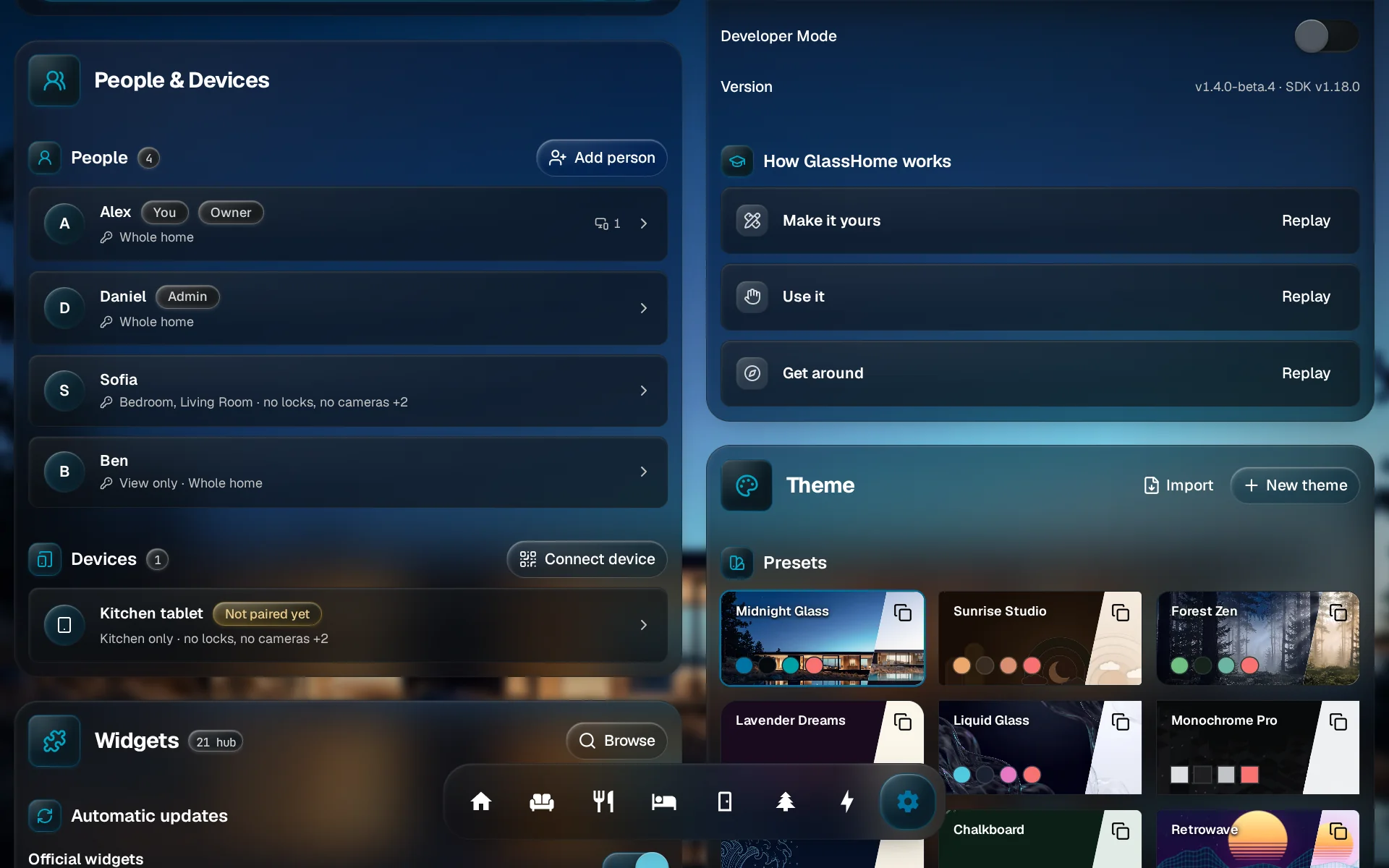
Open their card
In Settings, under People & Devices, tap the person. Their row already sums up what they can reach.
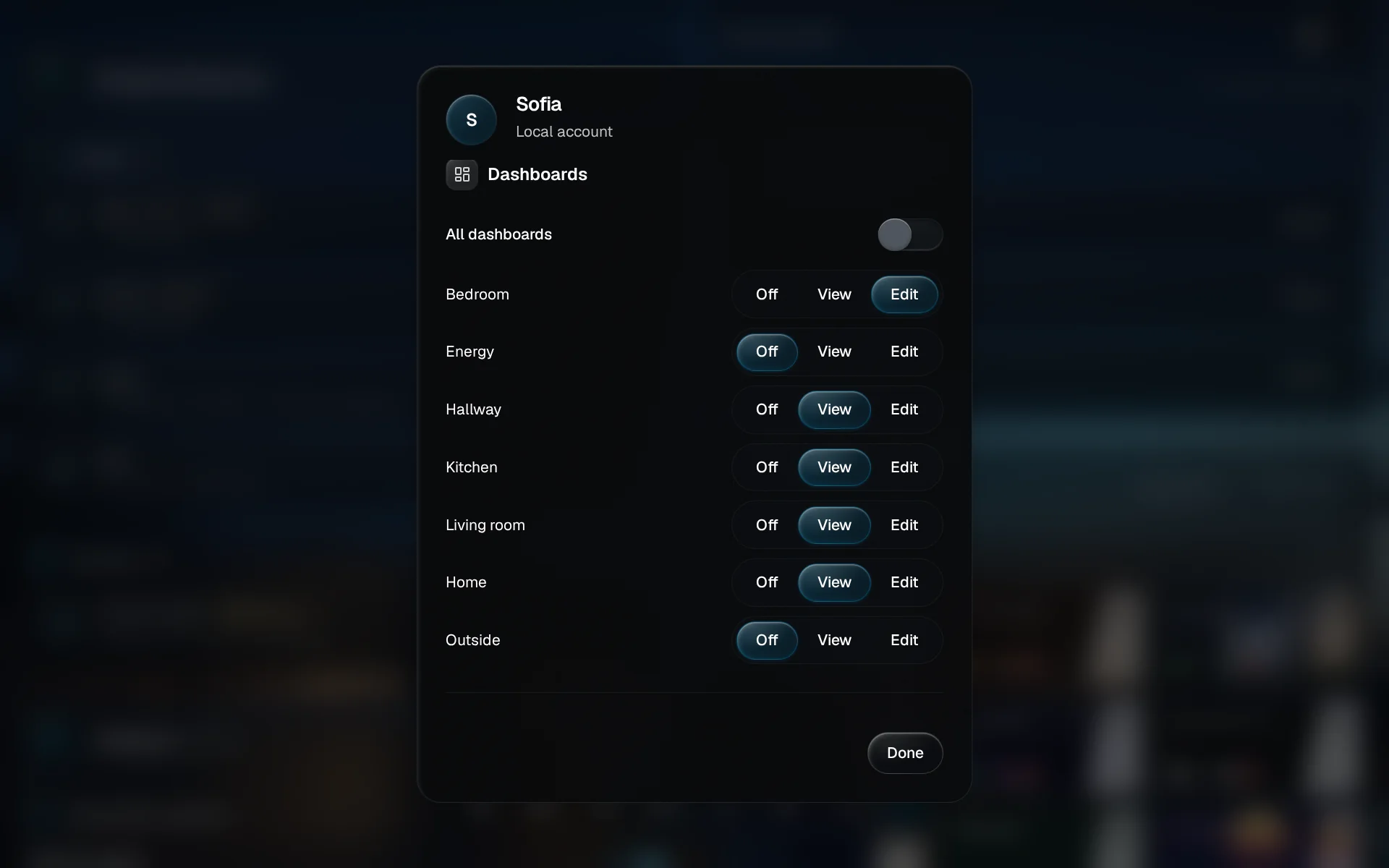
Pick their dashboards
Leave All dashboards on, or switch it off and choose which dashboards they see, and whether they can edit them.
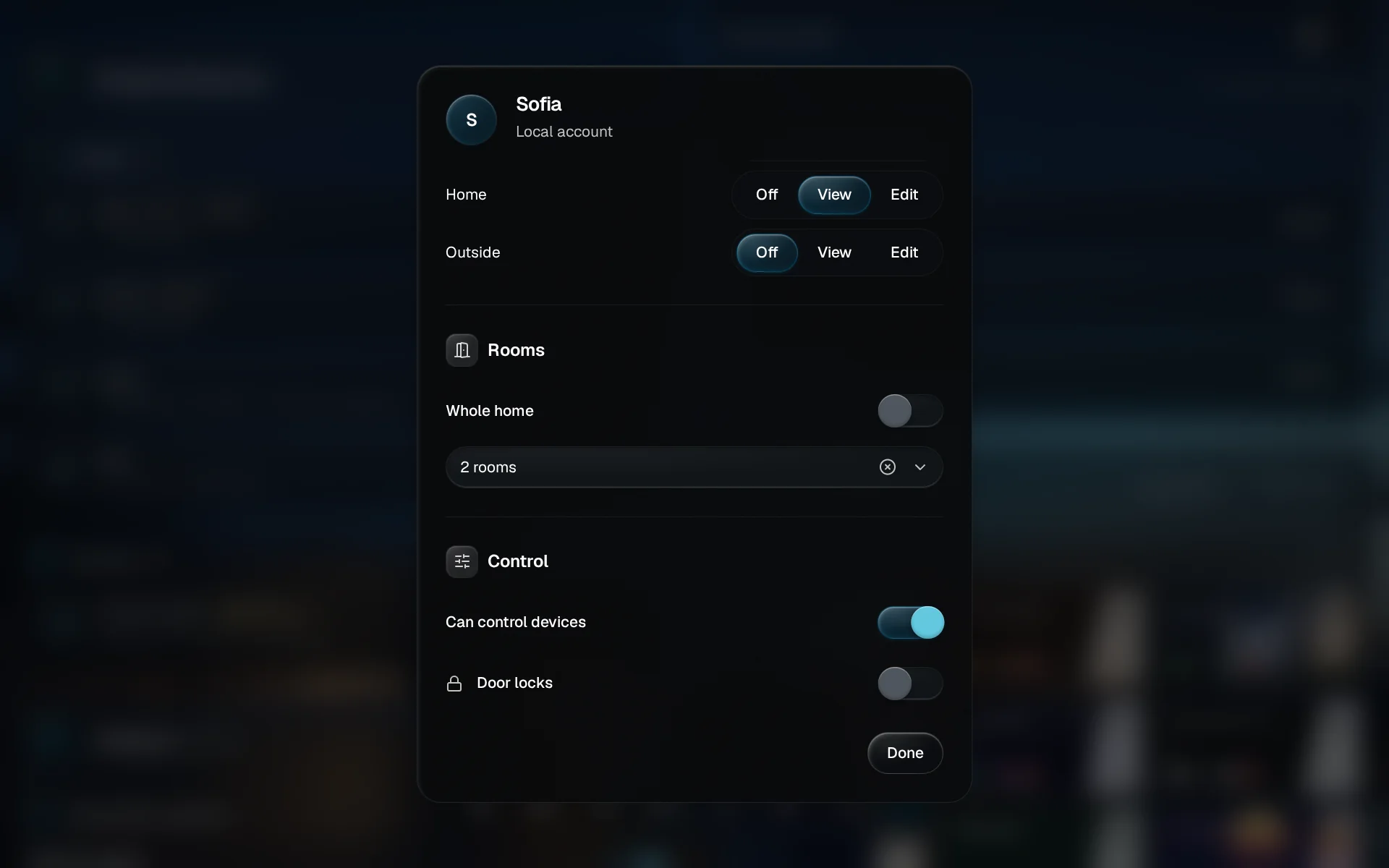
Pick their rooms
Turn off Whole home and pick rooms. Devices in the other rooms do not exist for them.
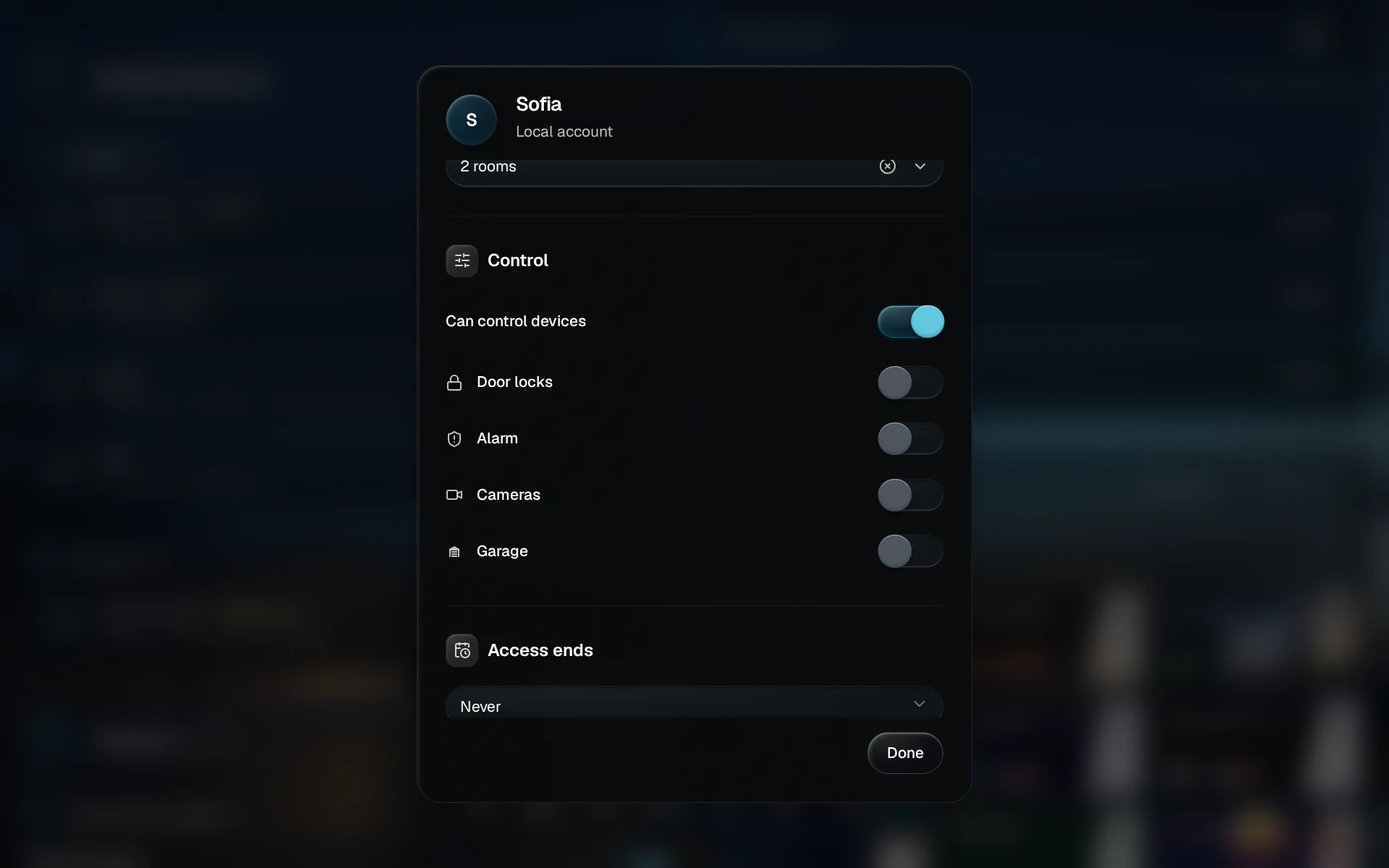
Decide what they can switch
Can control devices lets them switch things; off means look only. Door locks, alarm, cameras and garage each have their own switch. Visiting for a week? Set Access ends.
You are done when
Their row in People & Devices lists the rooms and what is off limits, and their screen has already caught up. Tap Done to close the card. What each switch means, and the limits worth knowing, are in People & access.