
Widgets
A widget is one piece of your dashboard, bound to one or more things in Home Assistant, like a light, a sensor or a door lock. GlassHome ships 21 official widgets, and community widgets are installed from Hub.
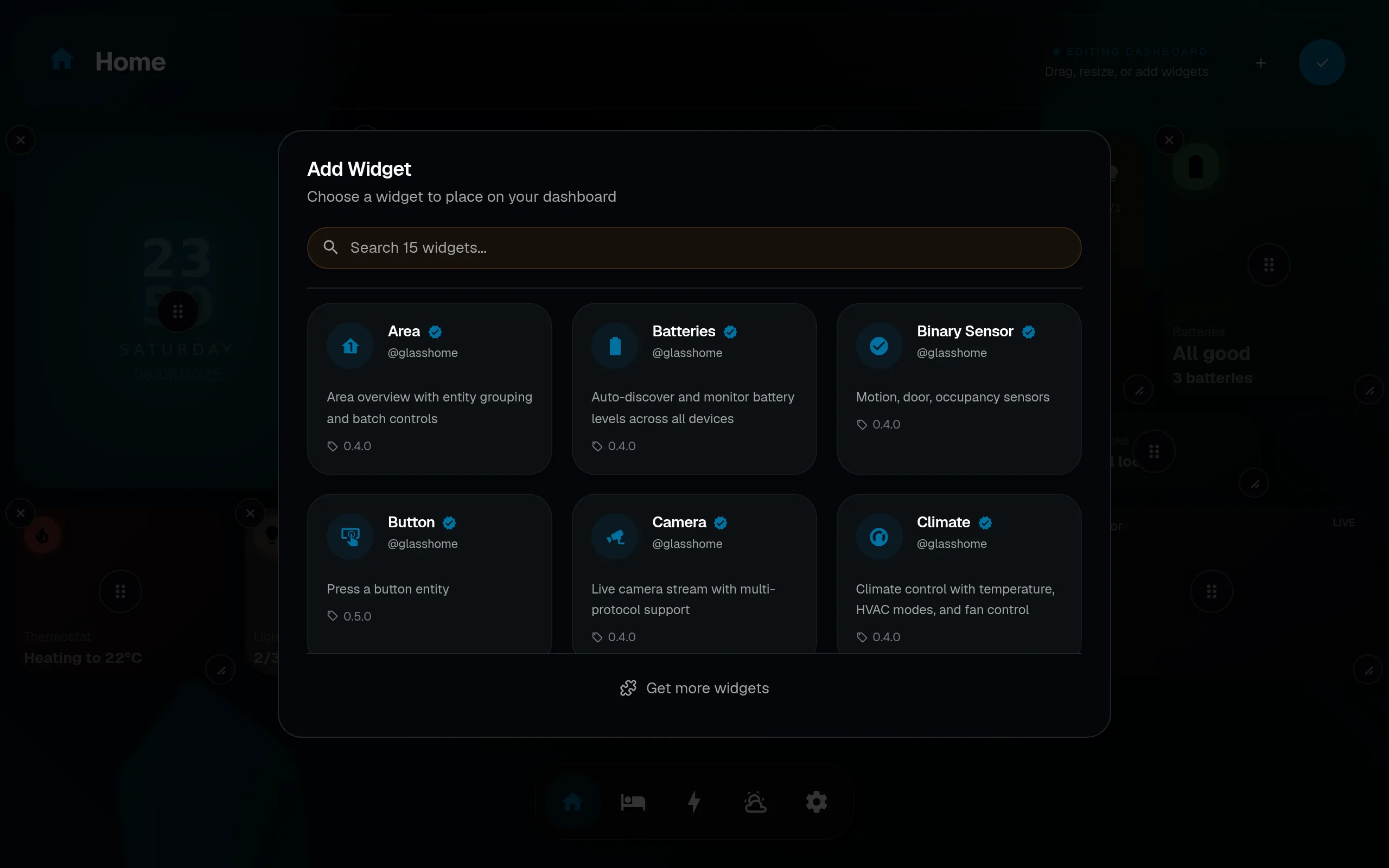
Adding a widget
Adding widgets is part of edit mode. See Editing for the full step-by-step and gesture reference.
Configuring a widget
Open edit mode and press and hold any widget. The config dialog opens with fields auto-generated from the widget’s schema: bound entity, display options, size, color, and more. Changes save instantly, no apply button.
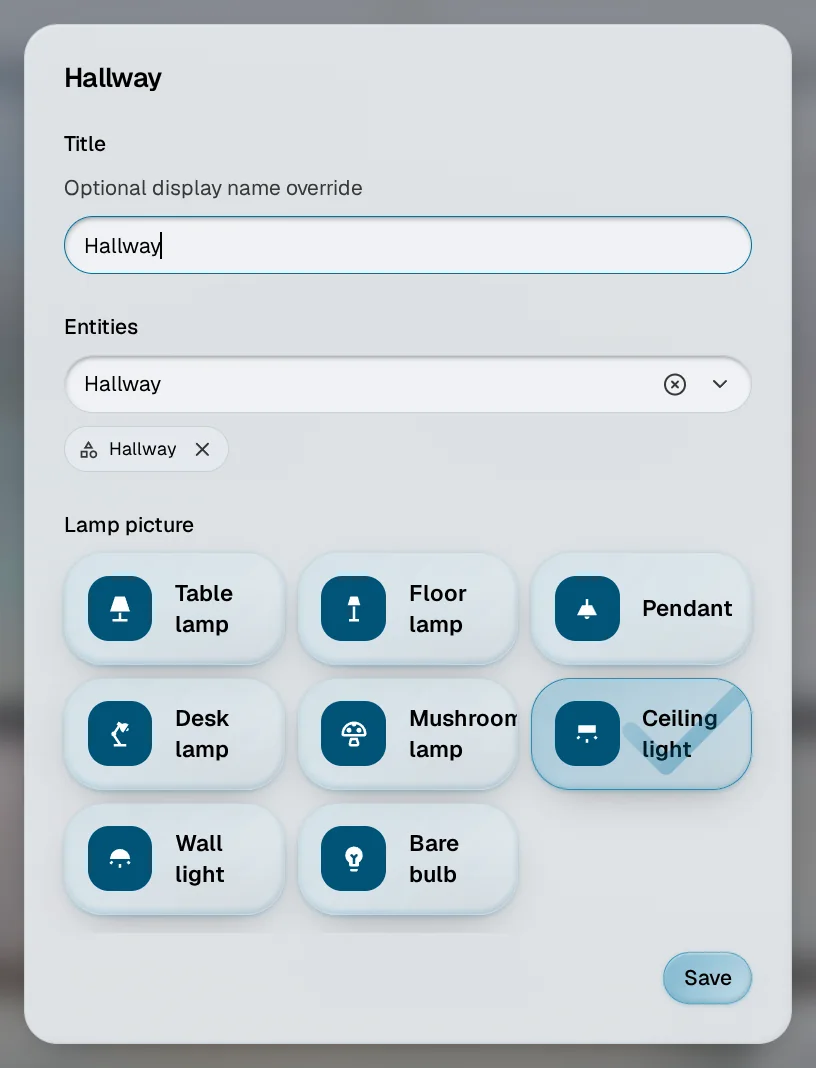
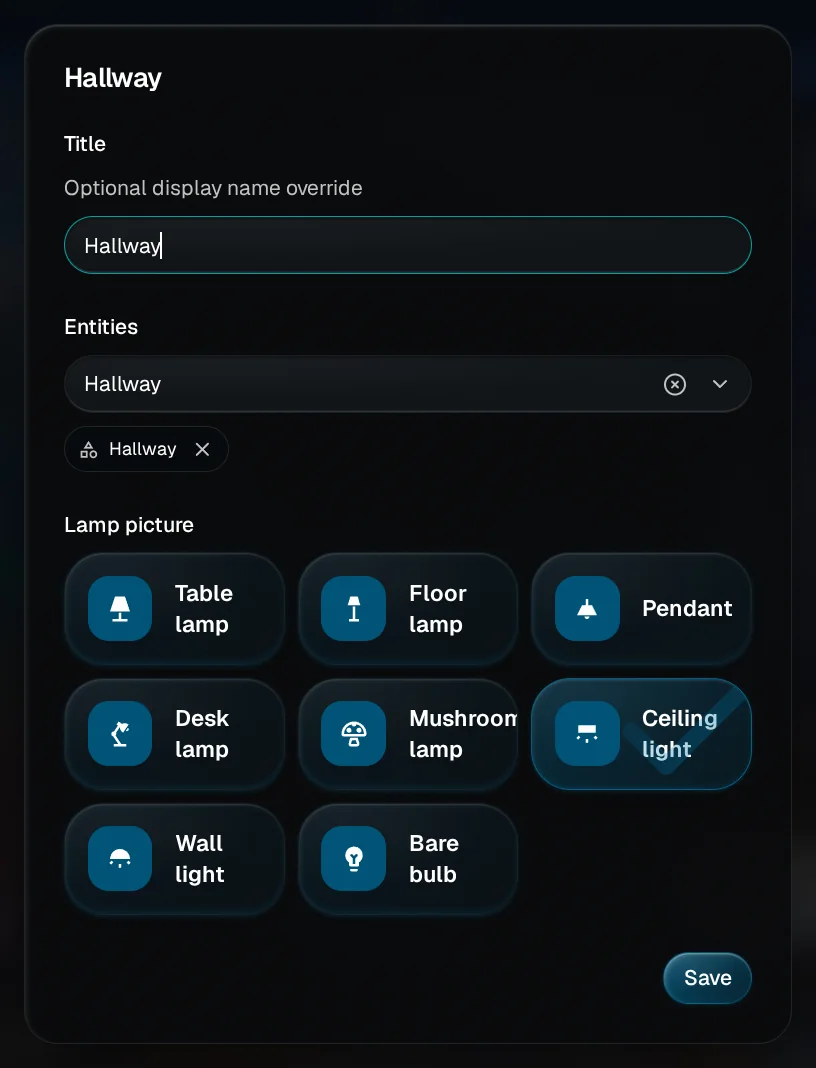
Outside edit mode, holding a widget opens its sheet, see Holding a widget. For the complete gesture reference, see Editing.
The official widgets
All official @glasshome widgets are included in Dash and available to every user for free.
| Widget | What it does |
|---|---|
| Area | An area’s things in one place, with controls for all of them at once. |
| Batteries | Battery levels across your devices, found automatically. |
| Binary Sensor | Motion, door and occupancy sensors. |
| Button | Press a button in Home Assistant. |
| Camera | A live camera picture, with several ways to stream it. |
| Climate | Temperature, heating and cooling modes, and fan control. |
| Clock | The time as a digital or analog clock, with presets and the date. |
| Cover | Open, close and set covers, blinds and shutters. |
| Electricity Grid | Whether now is a good time to use power, with the grid’s carbon intensity and price. |
| Energy Balance | How much of today’s power came from your solar panels, and how much from the grid. |
| Energy Flow | Live power moving between solar, the grid, a battery, the home and an EV. |
| Fan | Speed, presets, oscillation and direction. |
| Header | Your dashboard’s name, with chips for what is on, a thing to watch, or a scene to run. |
| Light | Brightness, color and white temperature. |
| Lock | Lock and unlock, with a security indicator. |
| Media Player | Playback controls, album art and progress. |
| Picture Frame | Your own photos, one at a time or as a slideshow. |
| Scene | Run a scene with one tap. |
| Sensor | A sensor’s value, with aggregation. |
| Switch | Turn a switch on and off. |
| Weather | The sky outside, and the hours and days ahead. |
Sizes
Most widgets grow to 8 by 8 grid squares. Picture frames reach 12 by 12, cameras 12 by 10, and weather 12 by 8. The header is one row high and up to 16 squares wide.
What some widgets show
- Sensor history. A sensor can draw its last day as a line.
- Pictures from Home Assistant. A camera can show the still picture Home Assistant keeps for it, like a doorbell’s last snapshot, and refresh it on a timer you set.
- Groups. A light group says how many lamps are on, and one tap sets them all. A group of locks never unlocks all at once: one tap locks whatever is open, and unlocking happens one lock at a time.
Your own pictures
Some widgets ask for a picture: a picture frame, or a scene with your own artwork. Tap the image field in the widget’s settings, pick one you already uploaded, or upload a new one from your phone or computer.
The gallery belongs to the whole household. Everyone in the home sees every uploaded image and can delete any of them, so the picture your partner uploaded is one you can pick, and the one you uploaded is one they can remove. Each picture says whether it is in use, and how many widgets would lose their picture if it went.
A household gets 250MB and 500 images in total. Uploads are converted to WebP, so most photos land far smaller than they started. When you hit either ceiling the upload is refused and the picker says so; delete something you are not using and try again.
A deleted image can linger in caches
Images are served with a one-year cache, which is what keeps your dashboard instant. A browser that already loaded a picture can keep showing it for up to a year after you delete it, and anyone who saved the link keeps it until the image is gone from the server. Deleting means “stop using this.” It does not make the picture disappear everywhere.
Community widgets
Pro required
Installing community widgets requires a Pro license. Official @glasshome widgets are free for everyone.
Browse and install community widgets from the browser. Tap Add widget while you are editing, and it opens on the Widgets tab, next to Themes, Dashboards and Materials. You can also browse the registry at glasshome.app/#widgets.
- Filters at the top narrow the list by status, like Installed or Updates, and by kind, like Lights or Media. A kind appears only when your home has something it works with.
- Open a widget to see its page. The page lists what the widget can read or control. A widget that shows only its own content says so.
- Official widgets are verified by GlassHome and install without a prompt.
- Community widgets ask for consent before install (third-party code).
The bundle is downloaded once from Hub’s CDN, then cached and served locally.
Build your own
Custom widgets are SolidJS components with a Zod config schema. Dash auto-generates the edit form from the schema, so you do not write any settings UI.
Start with Getting Started.