
Report a problem
One tap collects the recent connection log from your server and this device, so you do not have to dig through logs. Paste it into Discord with a sentence about what went wrong.
Copy the diagnostics
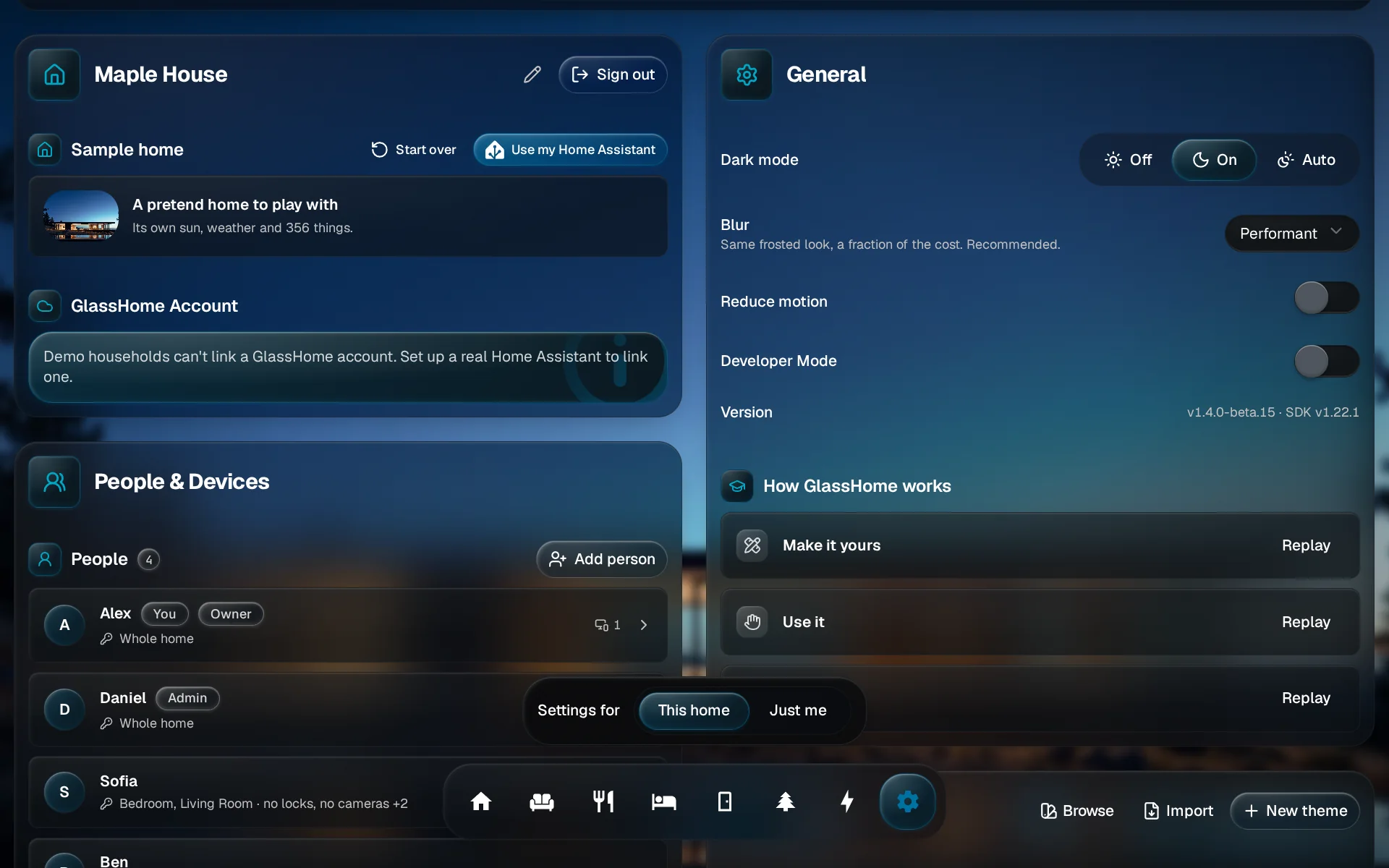
Open General
Open Settings and tap General.
Find the row called Diagnostics and tap Copy diagnostics. The button says Collecting… for a moment.
On a phone or tablet, the share sheet opens with a text file called glasshome-diagnostics.txt. Pick Discord, or save it. On a computer, the report goes to your clipboard and GlassHome says Diagnostics copied.
Post it in Discord
- Open the GlassHome Discord and go to #bug-reports.
- Write what happened, what you did just before, and what you expected instead.
- Paste the diagnostics under your note, or attach the file.
- Add your GlassHome version. It is under Version in Settings > General, just above Diagnostics.
Tip
A screenshot helps more than a paragraph. If the problem is on the tablet, take a photo of its screen. The full list of what to include is in Bug reports.
You are done when
Your report is in the channel with the logs attached. If it turns out to be a question or a wish, someone will point you the right way.