edge, beta, release candidate, rc, test version, experimental, app store, Home Assistant
Install a test version
GlassHome Dashboard (Edge) carries test versions of GlassHome: betas and release candidates of the next version. You see new features first, and you help find what breaks before everyone else gets it.
Test versions break
Features come and go, and dashboards may need redoing. Keep the stable app for your daily dashboard.
Find the test version
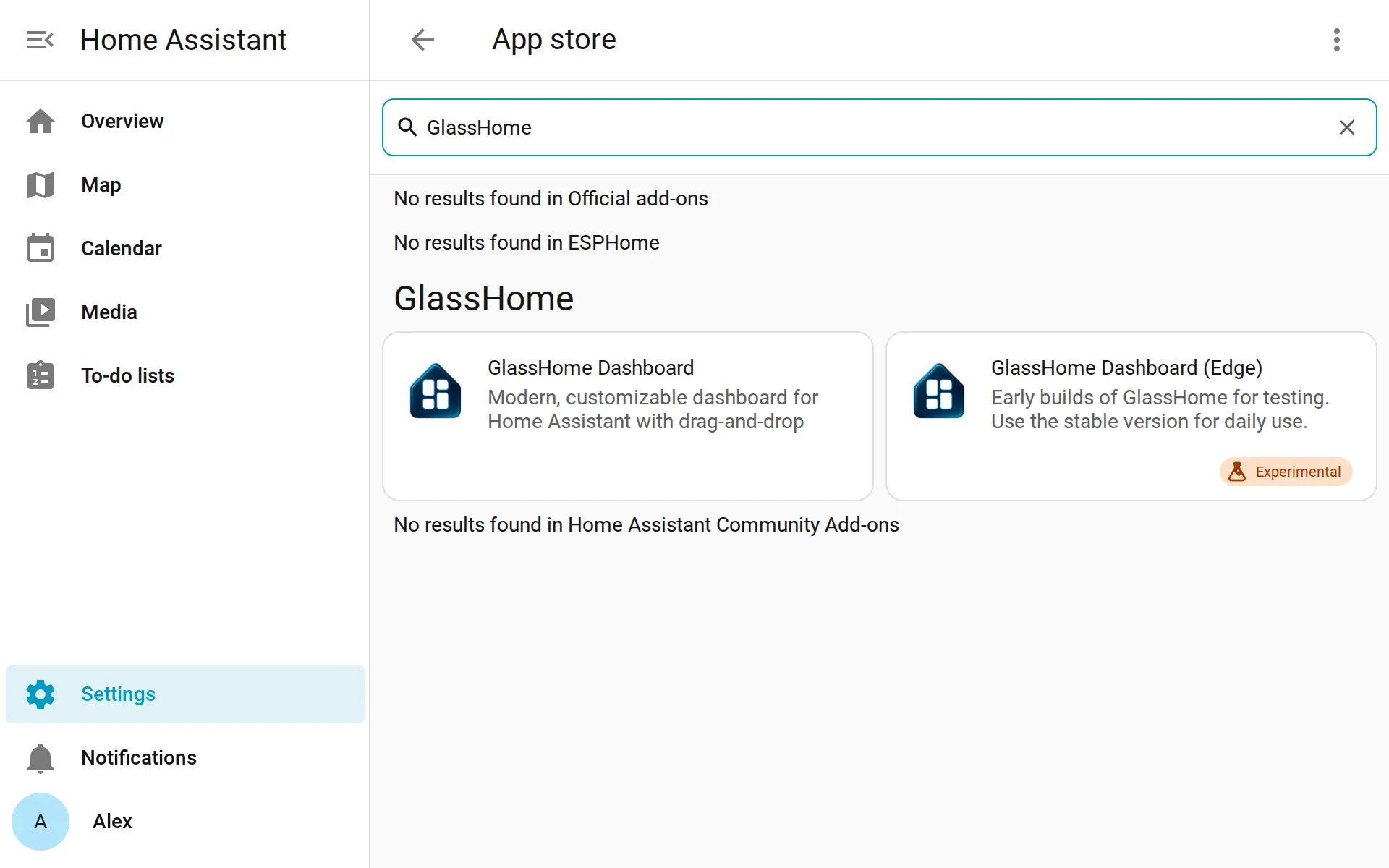
In Home Assistant, open Settings, then Apps, then Install app. Type GlassHome in the search field and tap GlassHome Dashboard (Edge), the card marked Experimental.
Install
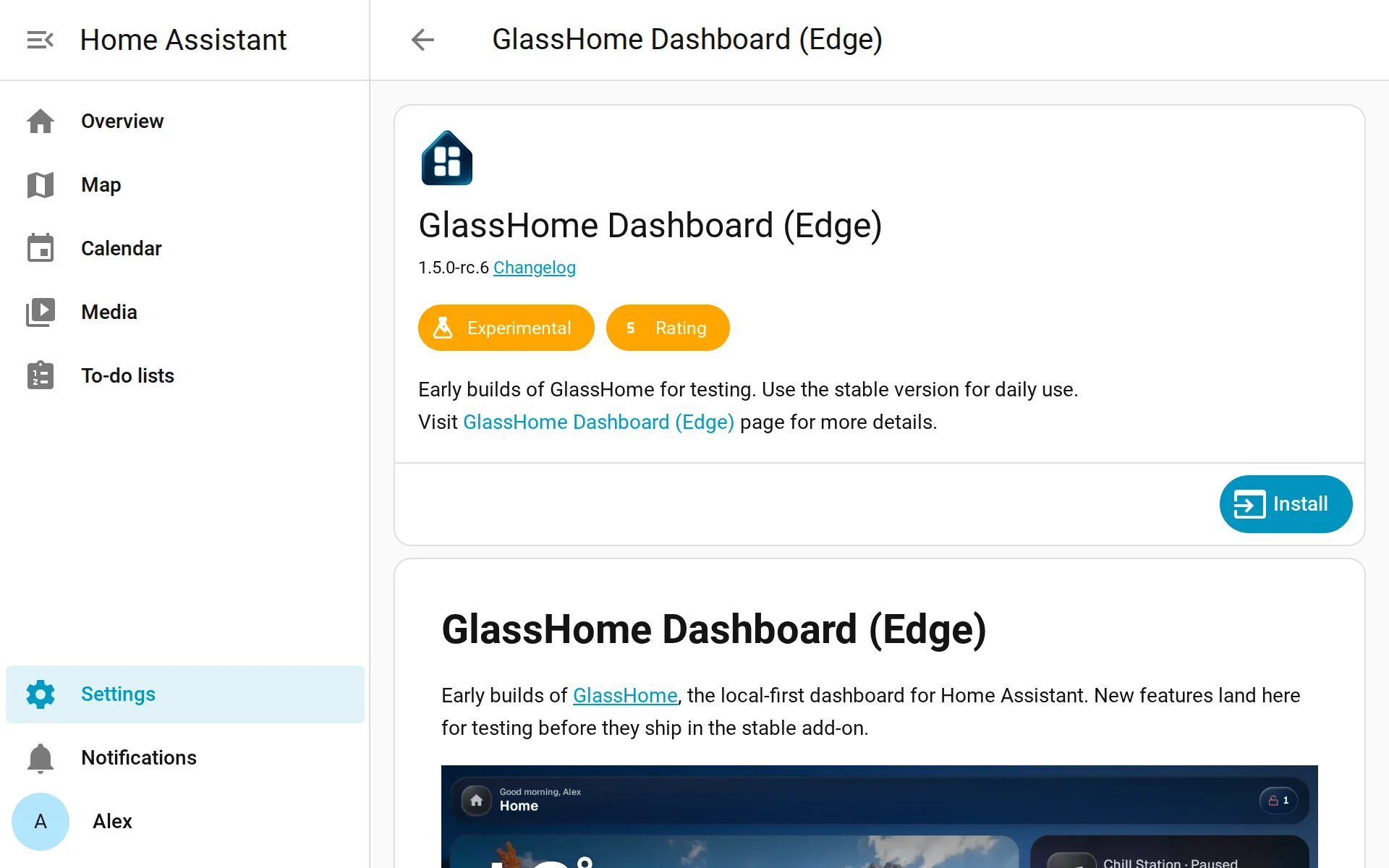
Tap Install. The page shows the test version you get, for example 1.5.0-rc.6.
Start
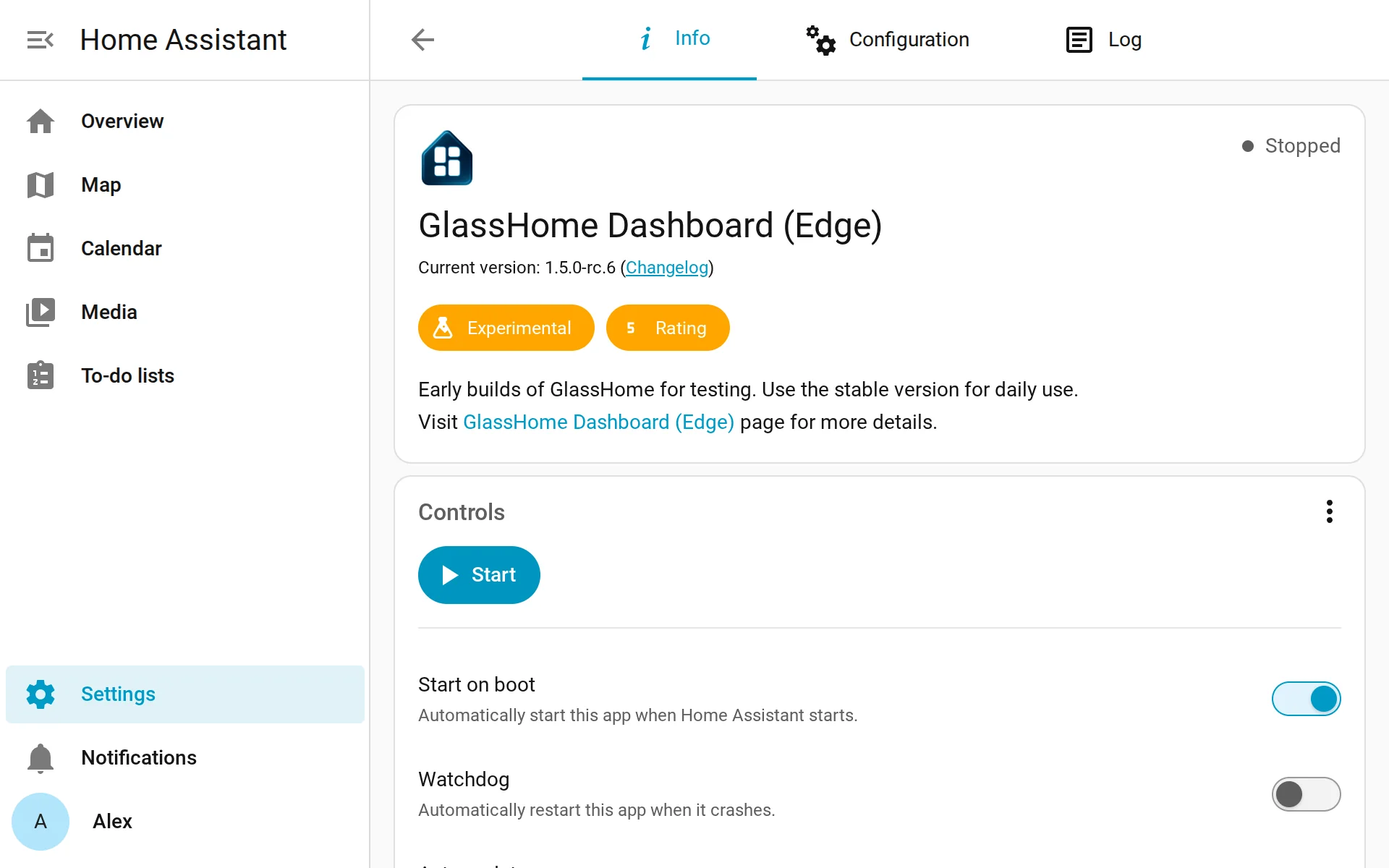
Once it is installed, tap Start.
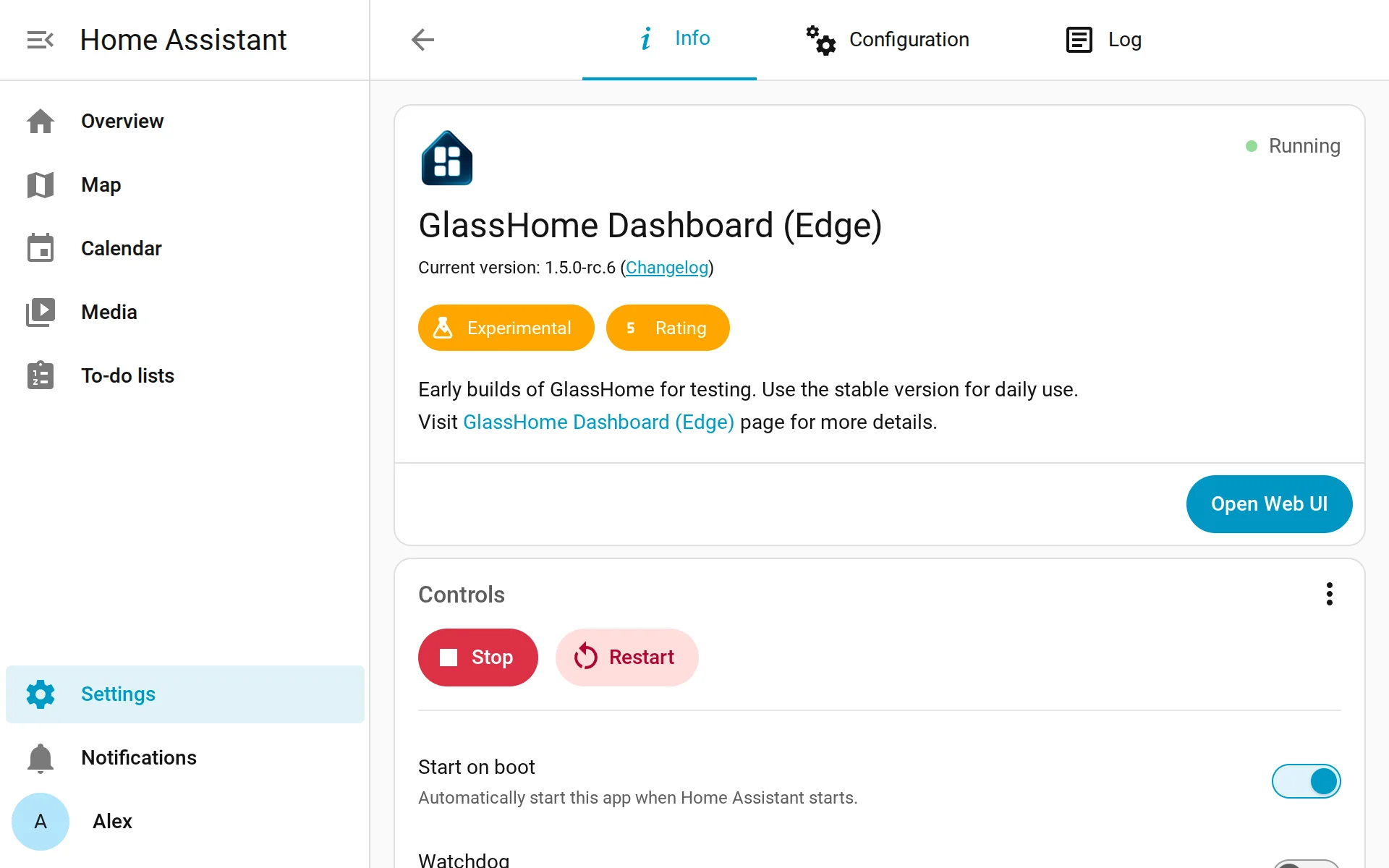
Open the test version
When the app says Running, tap Open Web UI. The test version opens in a new tab at port 3124, for example http://homeassistant.local:3124. The stable app keeps port 3123, so both can run side by side.
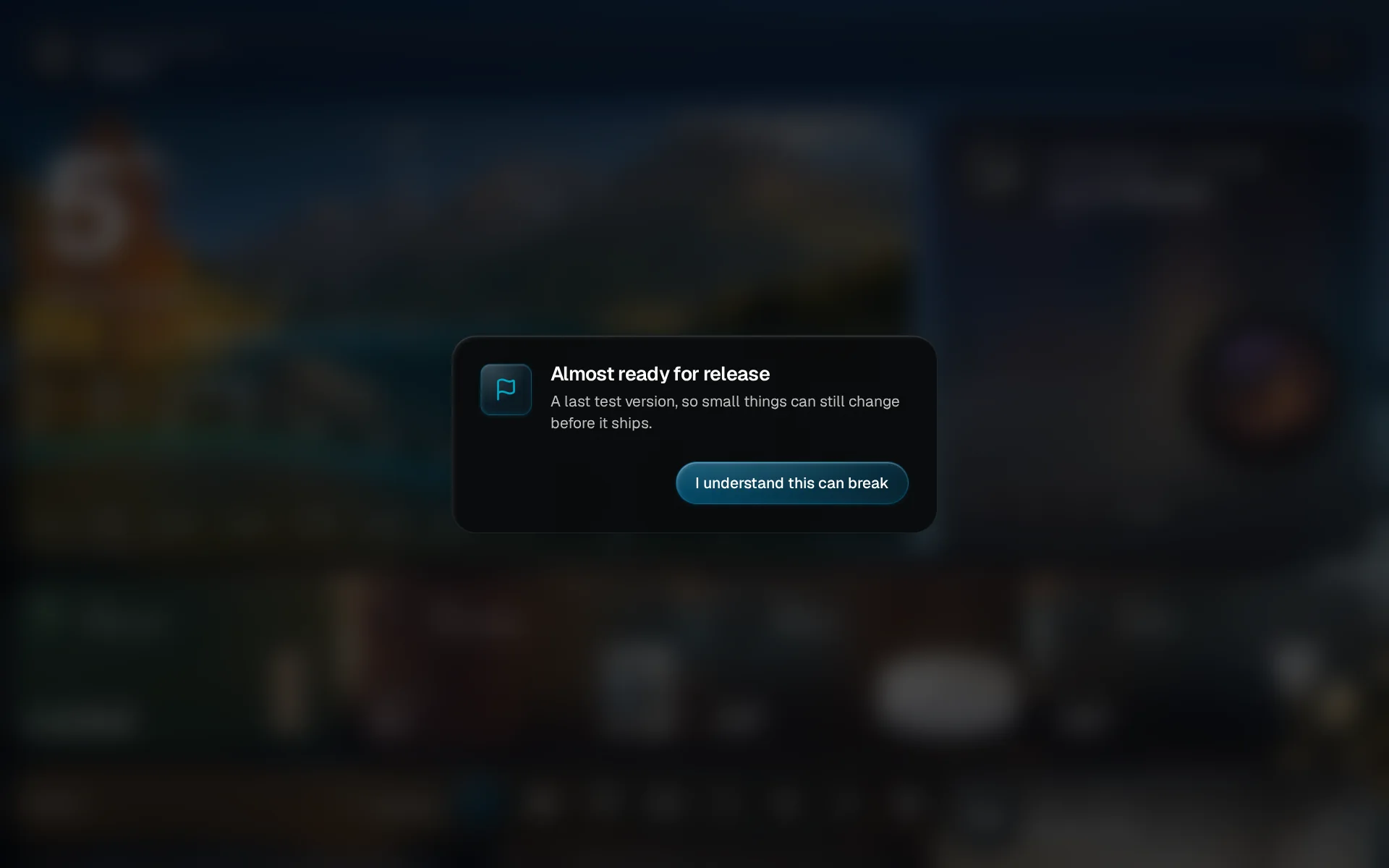
Say you understand
GlassHome asks once whether you know this is a test version. A beta says This is a beta, a release candidate says Almost ready for release. Tap I understand this can break. It asks again at the first beta and the first release candidate of each new feature release, such as 1.6.
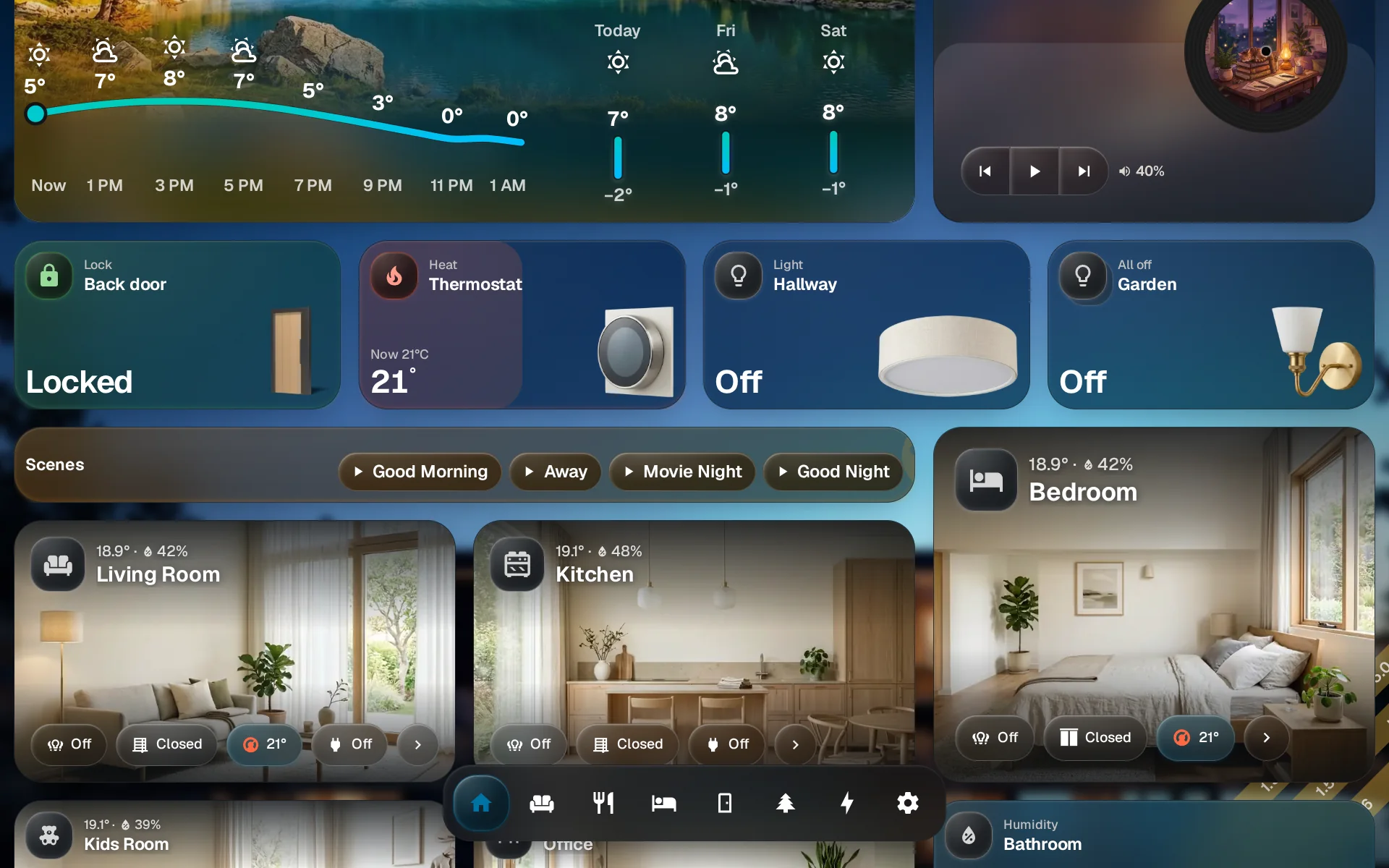
Spot the ribbon
Yellow stripes in the bottom right corner, behind your widgets, show the version you are on and whether it is a beta or a release candidate (rc). If they get in the way, turn off the ribbon in Settings > General.
Go back to stable
- In Home Assistant, open Settings, then Apps, then GlassHome Dashboard (Edge).
- Tap Stop, then Uninstall.
- Install GlassHome Dashboard from the same App store, as in Install on Home Assistant.
- On a phone or tablet with the GlassHome app, hold the app’s icon, tap Change server and type the stable address on port
3123.
Dashboards and settings from the test version do not carry over to the stable app.
You are done when
You are on the test version. Found something broken? Report a problem and say which version the ribbon shows.